Support
Support is handled by email: the homepage asks visitors to contact the team at murtazash123@gmail.com to request web app access. No help centre or documentation is published.
AI email filtering that shows only what matters.

Pingg is an email summarization tool. Ping is an AI email filtering web app that learns what matters to you and surfaces only relevant messages from a connected Gmail account. It offers one click setup and adapts over time. Access is currently requested by email, and pricing is not published.
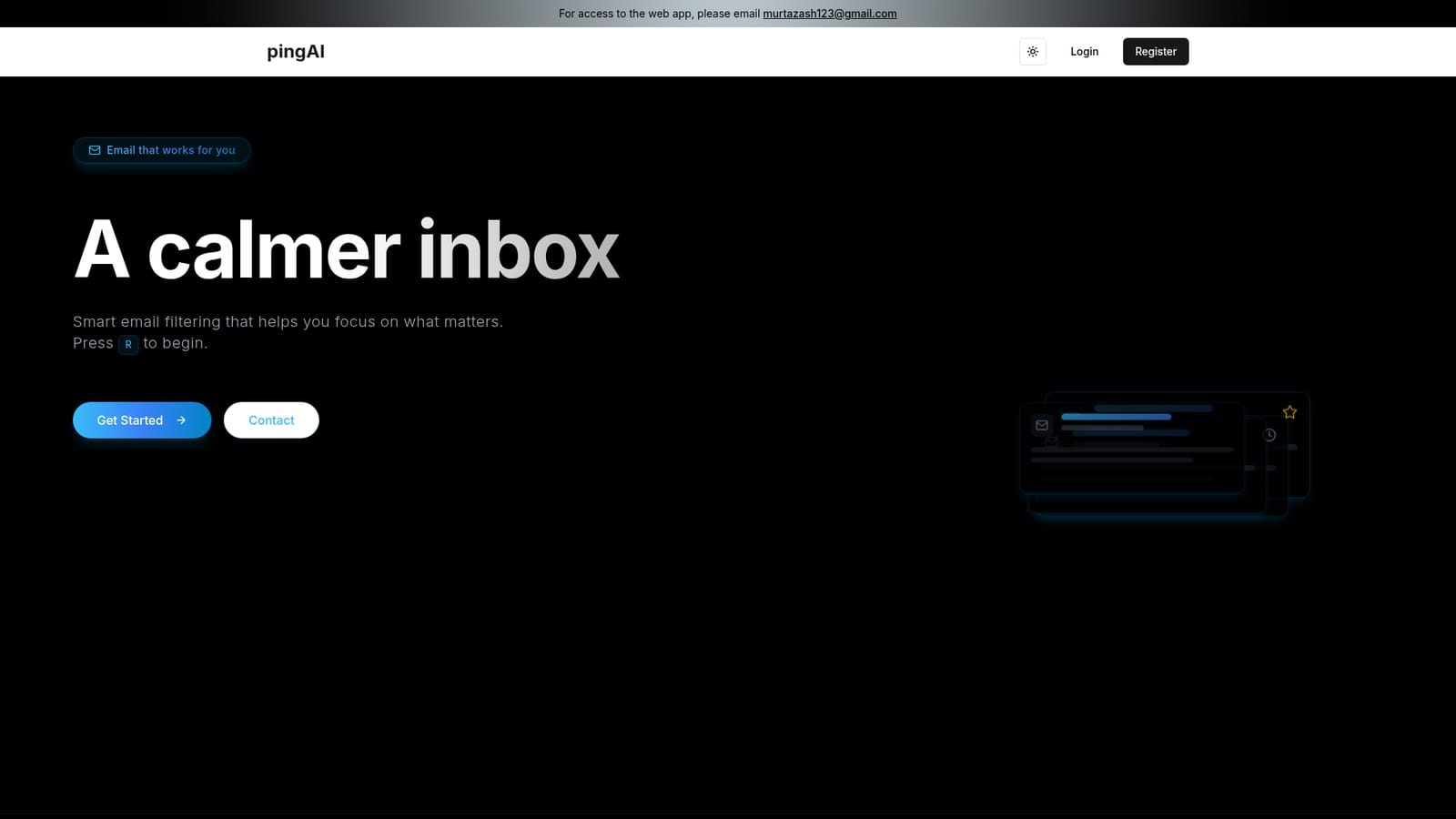
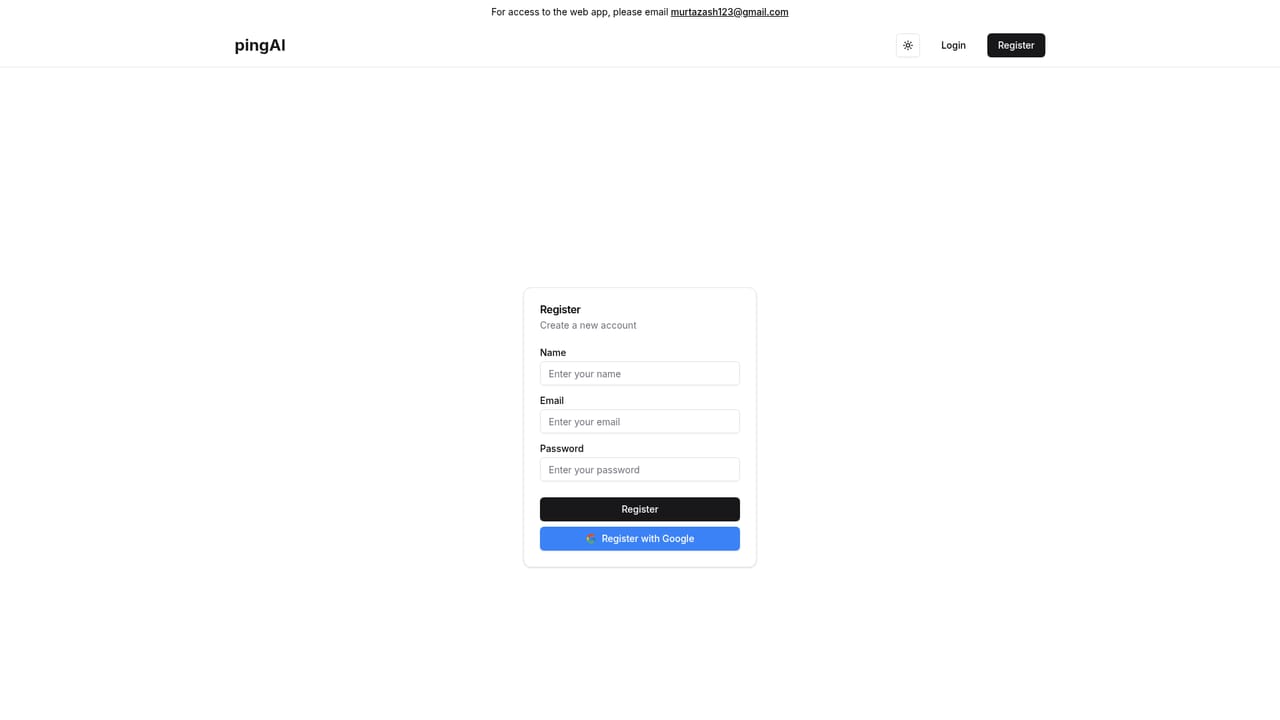
Ping is a web app that filters your inbox using AI trained on your personal knowledge base. Its homepage frames the product as "a calmer inbox": instead of sorting every incoming message, it decides which emails are worth your attention and hides the rest. The pitch is aimed at people who lose time triaging a crowded Gmail account and want fewer distractions rather than another dashboard to maintain. The workflow is deliberately short. You create an account, connect your Gmail account, and the AI starts classifying new mail against what it has learned about your priorities. Over time it adapts to your preferences, so the filter should need less correction as it goes. The site advertises one click setup, 24/7 smart filtering and a claimed 2x faster inbox processing, and it presents the whole experience as keyboard friendly (a single key press is enough to get started). In practice Ping sits closer to an email triage layer than to a full email client. It does not replace Gmail; it decides what surfaces from it. That puts it in the same conversation as AI inbox assistants and rule based filters, but its emphasis is on a learned knowledge base rather than static rules. Access is currently gated: the homepage asks visitors to email the team for web app access, so expect to request an invite before you can connect an account. Pricing, plan tiers and support channels are not published on the homepage, and the only listed integration is Gmail. Teams evaluating it should treat it as an early stage productivity tool and check access terms directly.
Support is handled by email: the homepage asks visitors to contact the team at murtazash123@gmail.com to request web app access. No help centre or documentation is published.
Gmail is the only account connection named on the homepage. No other integrations are listed.
Ping advertises smart filtering that automatically identifies which emails matter to you, a quick setup that connects your Gmail account and lets the AI do the work, and continuous learning that adapts to your preferences over time. The homepage also claims 2x faster inbox processing, 90% less email stress and 24/7 smart filtering.
 AI Angels400+ customizable AI girlfriends for NSFW chat, voice calls, and roleplay
 Candy AIExperience the future of companionship with AI friends who chat, role-play, and connect with you on a human level.
 ourdream.aiA vast AI roleplay platform with millions of characters for chat, images, video and voiceAI Angels400+ customizable AI girlfriends for NSFW chat, voice calls, and roleplayCandy AIExperience the future of companionship with AI friends who chat, role-play, and connect with you on a human level.ourdream.aiA vast AI roleplay platform with millions of characters for chat, images, video and voice


