Free trial
Signup includes $25 in usage credit with no payment card required. The credit is consumed at standard usage rates until it runs out.
Learn moreAI assistants that read, write and act on your email

QexAI is an email summarization tool. QexAI runs AI assistants with their own email addresses. You write their role in plain English, they read incoming mail, reply, copy others, follow up later or stay silent, and you pay prepaid usage credit on top of a monthly plan.
QexAI builds email-capable AI assistants that operate their own mailboxes. You describe a role in plain English, the assistant checks its inbox every few minutes, reads each message, and decides whether to reply, copy colleagues, schedule a later follow up, or do nothing at all. The underlying model is a variant of OpenAI's GPT-4, chosen for careful instruction following rather than raw speed. Setup requires no code: the product's own examples show support agents, sales reps, compliance reviewers and IT desks written entirely as natural language briefs. The practical uses line up with routine email work that eats staff hours. A tier one support assistant can answer from an FAQ block pasted into its instructions and forward the rest to a human address. A lead qualification assistant can reply to contact form submissions, ask follow up questions and drop a booking link when someone looks like a fit. Other published examples cover cold outreach personalised by visiting each prospect's website, review requests timed a week after order confirmations, policy checks on copied messages, and a debt collection clerk. PDF attachments can be opened and cited, and assistants can browse the web before answering. The feature set is aimed at control as much as automation. Lock lists restrict an assistant to named senders so unknown addresses cannot burn usage credit. Assistants can copy several parties on a reply or stay silent when a message needs no action. Billing is prepaid: emails are processed until credit runs out, reminders arrive before it does, and the company states that message contents are not retained after processing. That matters to teams whose mail carries customer data. QexAI sits beside general chat assistants and email marketing platforms rather than replacing either. It is for small businesses, support and sales teams, and operations staff who want a person shaped role handled by email without hiring for it. Anyone expecting a visual workflow builder or CRM sync should look elsewhere: the whole interface here is a mailbox plus written instructions.
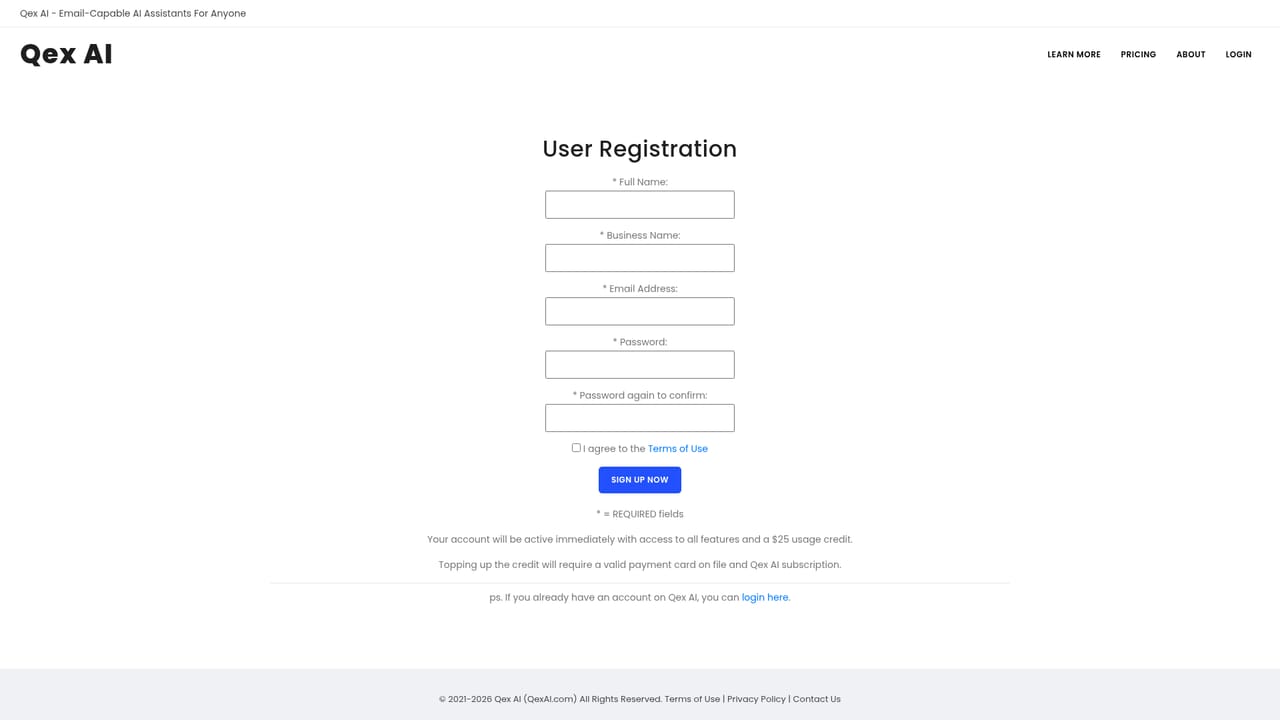
Signup includes $25 in usage credit with no payment card required. The credit is consumed at standard usage rates until it runs out.
Learn moreThe monthly plan is listed at $79 per month on sale (regularly $99), including unlimited assistants and unlimited emails plus $50 usage credit each billing cycle. Usage is charged at roughly $0.05 per 1,000 characters of email text, prepaid through credit top ups. Enterprise pricing is custom.
Learn moreSupport is reachable through the contact page. Enterprise plans add priority setup, onboarding and support.
Learn moreAssistants hold their own mailboxes and follow plain English instructions on incoming email. They can reply, copy multiple parties, delay responses, stay silent when nothing is needed, read PDF attachments, browse the web, and enforce lock lists that limit which senders they serve. Long context windows support detailed briefs.
 AI Angels400+ customizable AI girlfriends for NSFW chat, voice calls, and roleplay
 Candy AIExperience the future of companionship with AI friends who chat, role-play, and connect with you on a human level.
 ourdream.aiA vast AI roleplay platform with millions of characters for chat, images, video and voiceAI Angels400+ customizable AI girlfriends for NSFW chat, voice calls, and roleplayCandy AIExperience the future of companionship with AI friends who chat, role-play, and connect with you on a human level.ourdream.aiA vast AI roleplay platform with millions of characters for chat, images, video and voice


