Free trial
The free plan is the trial route: 20,000 AI words per month, 10 paper questions and 2 hours of transcription, with no card required. Paid plans carry a 30-day money back guarantee.
Learn moreA citation-first AI workspace for academic writing, reading and analysis

Avidnote is an EU-hosted research workspace that combines AI writing, paper reading with cited answers, data analysis and interview transcription. Papers sit beside your notes so every generated claim can be checked against the source passage. A free plan covers 20,000 AI words per month.
Avidnote is a browser-based research workspace built around a single idea: AI output should be traceable back to your own sources. Papers and documents sit beside the editor, and when the assistant drafts a passage or answers a question, it attaches citations that open the PDF at the exact passage the claim came from. That arrangement is aimed squarely at academic writers who cannot afford unverifiable generated text in a literature review or discussion section. The product spans four connected jobs. In reading mode you upload a paper, ask it questions, request summaries or explanations of dense passages, and save notes without switching windows. In writing mode you describe your study or paste existing text, and template-driven functions handle drafting, rewriting and literature reviews. There is a data analysis module for quantitative work, where you feed in your data and look for correlations and potential findings, plus an interview transcription tool that produces speaker labels and timestamps and supports numerous languages. Coding and analysis of qualitative interviews round out the qualitative side. It is pitched at researchers in academia and enterprise, and the site names Princeton, Cornell, Kent, Harvard, MIT and Oxford as places where it is in use. Compared with general chatbots, the emphasis is on structure: projects, tags, workbooks, reference management, paper discovery and PDF or Word export are built in rather than bolted on. Compared with reference managers, it adds a generative layer on top of the library. The trade-off is that the strongest model tiers and the larger transcription and storage allowances sit behind paid plans, and the free plan caps paper questions at ten per month. Hosting is in the EU with GDPR compliance stated, and the site says your data is not used to train AI models. A free tier with 20,000 AI words per month and no card required is the intended entry point.
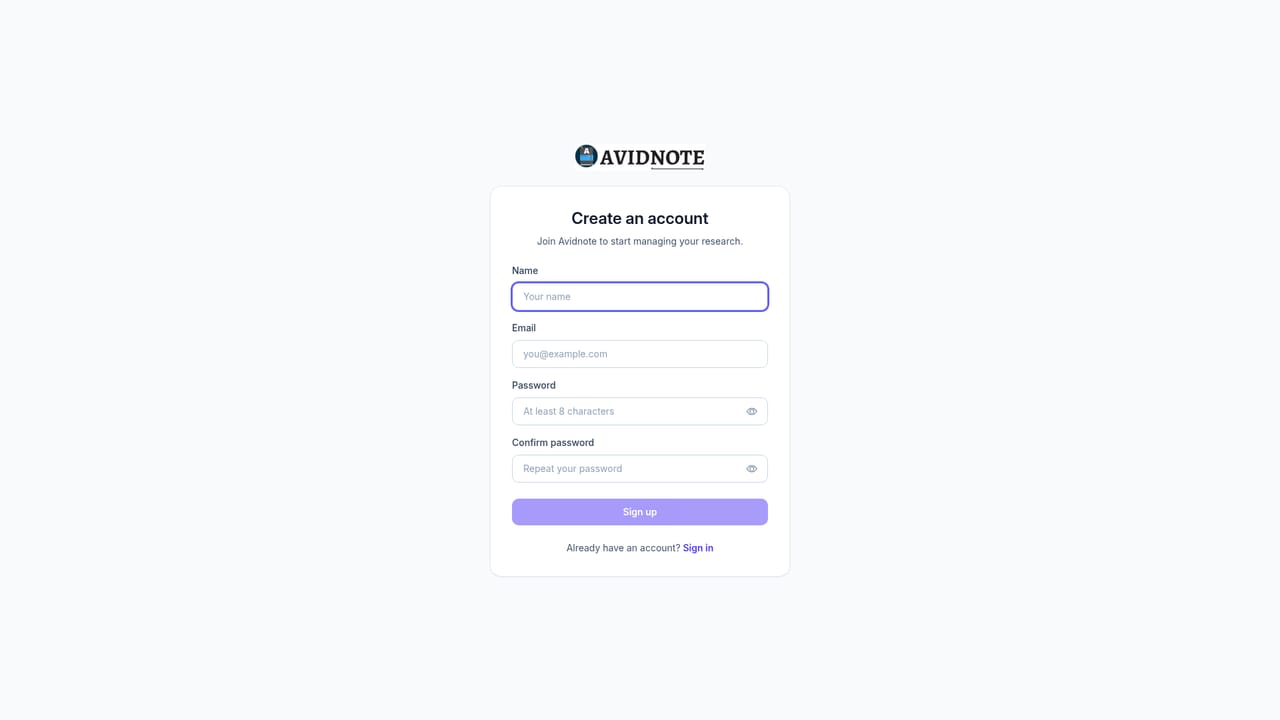
The free plan is the trial route: 20,000 AI words per month, 10 paper questions and 2 hours of transcription, with no card required. Paid plans carry a 30-day money back guarantee.
Learn moreFour tiers billed monthly. Free: 20,000 AI words, 300 MB storage, 2 hours transcription, 10 paper questions. Professional $19: 200,000 words, 5 GB, 10 hours. Premium $59: 2 million words, 20 GB, 100 hours and the most advanced AI model. Ultimate $99: unlimited credits, 200 GB, 300 hours. Group and student discounts available.
Learn moreBasic support on the free plan, premium support from Professional upward, and a contact route for group demos and enterprise enquiries. Full 30-day money back guarantee on paid plans.
Learn moreAI writing with researcher-specific templates for literature reviews and discussion sections; paper reading with citation-linked answers, summaries and proofreading; quantitative data analysis for correlations and findings; automatic interview transcription with speaker labels and timestamps in numerous languages; qualitative coding; project, tag, workbook and reference management; paper discovery; PDF and Word export.
 AI Angels400+ customizable AI girlfriends for NSFW chat, voice calls, and roleplay
 Candy AIExperience the future of companionship with AI friends who chat, role-play, and connect with you on a human level.
 ourdream.aiA vast AI roleplay platform with millions of characters for chat, images, video and voiceAI Angels400+ customizable AI girlfriends for NSFW chat, voice calls, and roleplayCandy AIExperience the future of companionship with AI friends who chat, role-play, and connect with you on a human level.ourdream.aiA vast AI roleplay platform with millions of characters for chat, images, video and voice


