Support
A 24/7 support assistant named Cortex answers questions on the support page, alongside the site's login and subscription prompts.
Learn moreTwenty-one research-grade AI tools for critical discourse analysis
Own Discourse Analyzer? Verify ownership to get a dofollow link

Discourse Analyzer is an academic research tool. A web workspace with 21 AI tools for discourse analysis, spanning critical discourse analysis, corpus methods, pragmatics, narrative and visual analysis. Offers a simple single-text chat and a multi-source project mode, with private chats that save automatically.
Discourse Analyzer is a web-based research workspace that applies AI to the systematic study of language in use. Rather than one general-purpose chat window, it packages 21 distinct analytical methods, each mapped to an established tradition: critical discourse analysis, systemic functional linguistics, conversation analysis, corpus linguistics, pragmatics, narrative studies, genre analysis, cognitive approaches and visual semiotics among them. A researcher attaches a text, picks a method, and receives a structured breakdown instead of a blank page. Sample outputs on the site show the style of return: theme tracking that shows how emphasis shifts across a speech, collocation lists that reveal which adjectives cluster around a keyword, or an account of where narrative authority is transferred. The product splits work into two modes. Simple mode is a focused chat for a single question against a single text, with every conversation saved to history automatically. Advanced mode turns the same engine into a project workspace where multiple sources can sit side by side, including uploaded documents, web pages and YouTube material, with research notes kept beside the analysis and deeper models run across the whole set at once. The tool is aimed at postgraduate researchers, linguists, media and communication scholars, and analysts in policy or communications roles who need defensible qualitative reading at speed. It is not a corpus statistics package and it does not replace close reading; it is closer to a method-aware assistant that drafts the first pass a researcher then verifies. Privacy is stated plainly: no training on user chats, and sessions save as you go. Sign-in is via Google. Among alternatives, general chatbots answer discourse questions without method discipline, while traditional corpus software handles counts but not interpretation. Discourse Analyzer sits between the two, trading statistical depth for interpretive scaffolding.
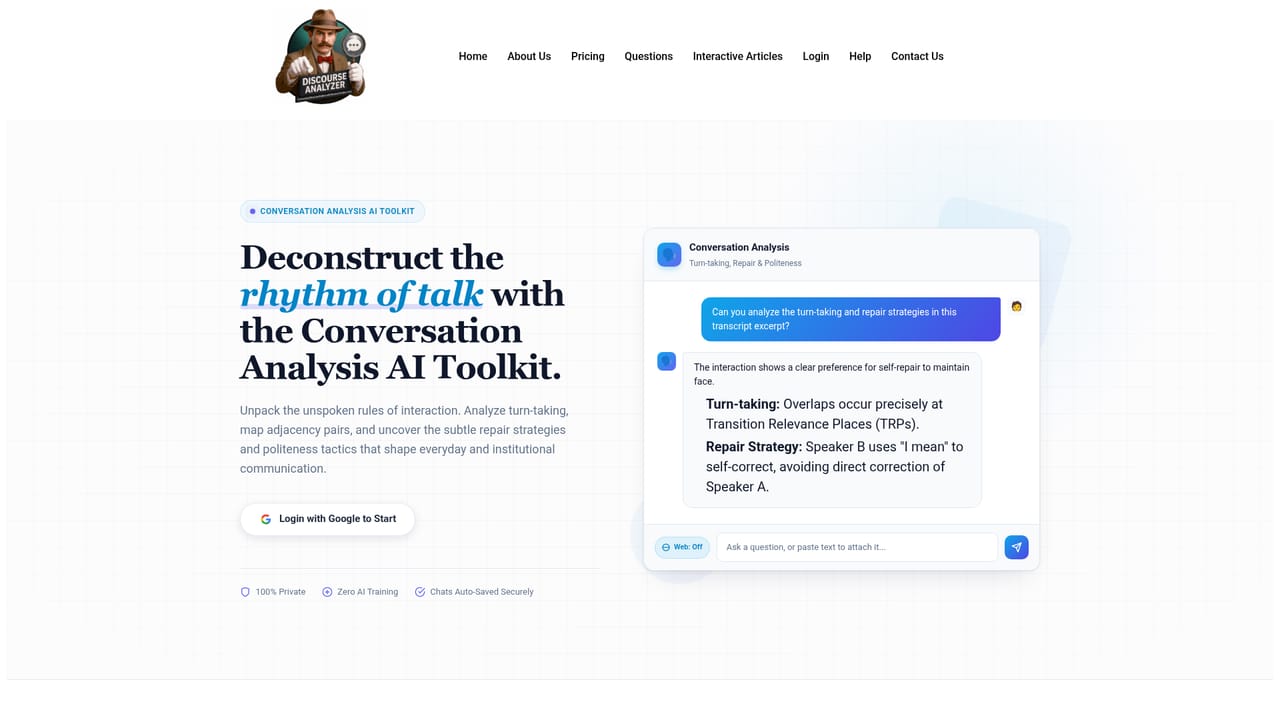
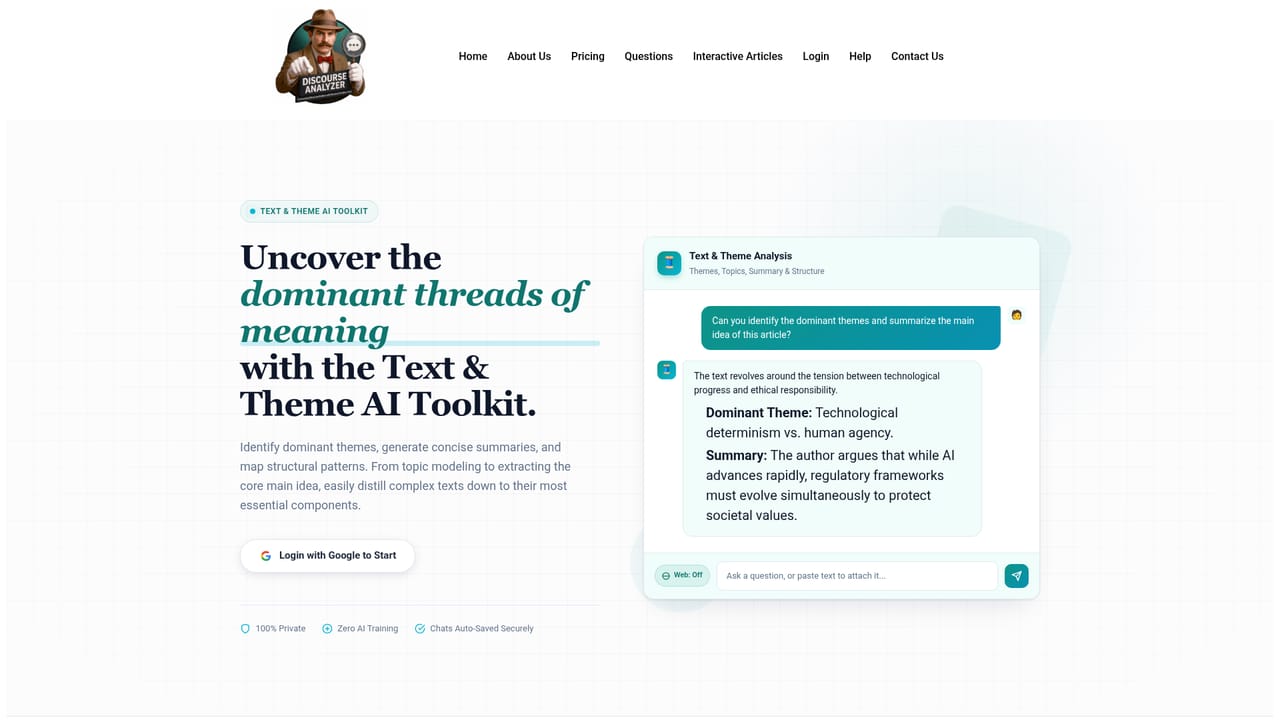
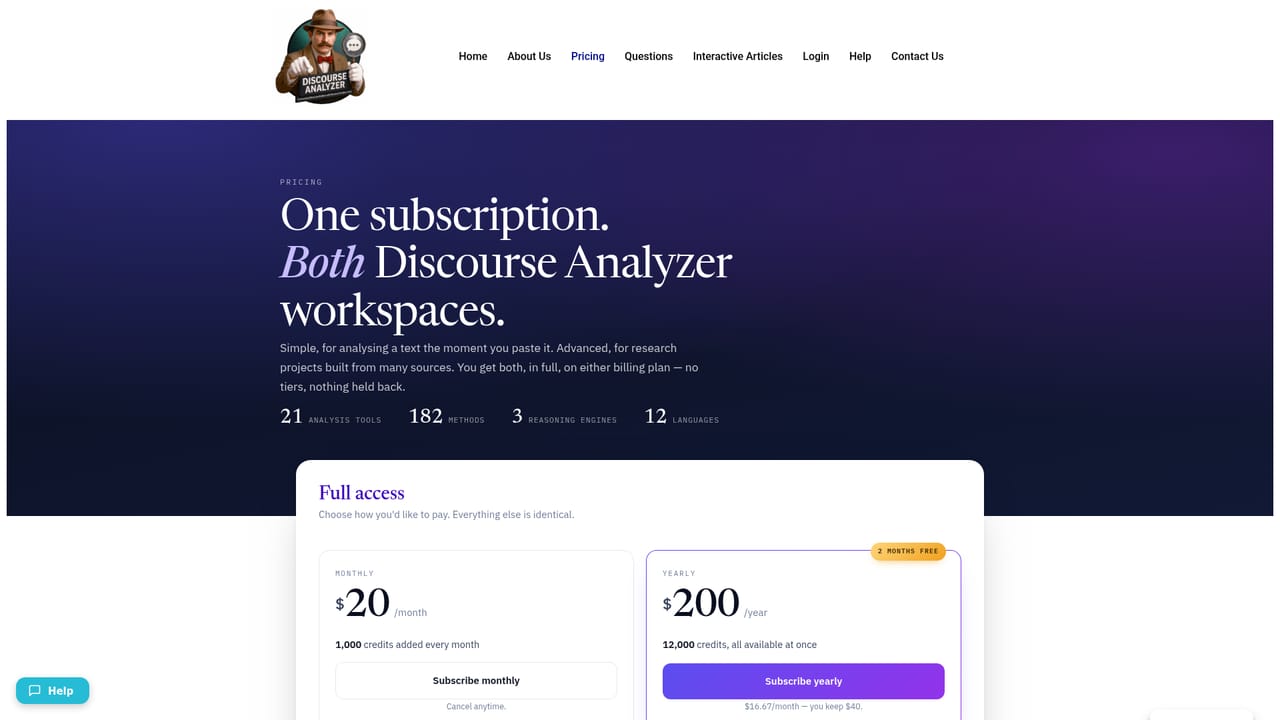
A 24/7 support assistant named Cortex answers questions on the support page, alongside the site's login and subscription prompts.
Learn moreAdvanced projects can pull in uploaded documents, web pages and YouTube sources. No third-party app integrations or API are described on the homepage.
Twenty-one method-specific tools cover text and theme, context and audience, sentiment and emotion, text evaluation, rhetoric and argument, entity, social change, corpus, linguistic, intertextuality, frameworks, genre, cognitive, critical, narrative, conversation, identity, pragmatics, metaphor and visual analysis. Simple mode handles single-text chats and Advanced mode runs multi-source projects with notes and deeper models; all chats save automatically.
Learn more AI Angels400+ customizable AI girlfriends for NSFW chat, voice calls, and roleplay
 Candy AIExperience the future of companionship with AI friends who chat, role-play, and connect with you on a human level.
 ourdream.aiA vast AI roleplay platform with millions of characters for chat, images, video and voiceAI Angels400+ customizable AI girlfriends for NSFW chat, voice calls, and roleplayCandy AIExperience the future of companionship with AI friends who chat, role-play, and connect with you on a human level.ourdream.aiA vast AI roleplay platform with millions of characters for chat, images, video and voice


