Free trial
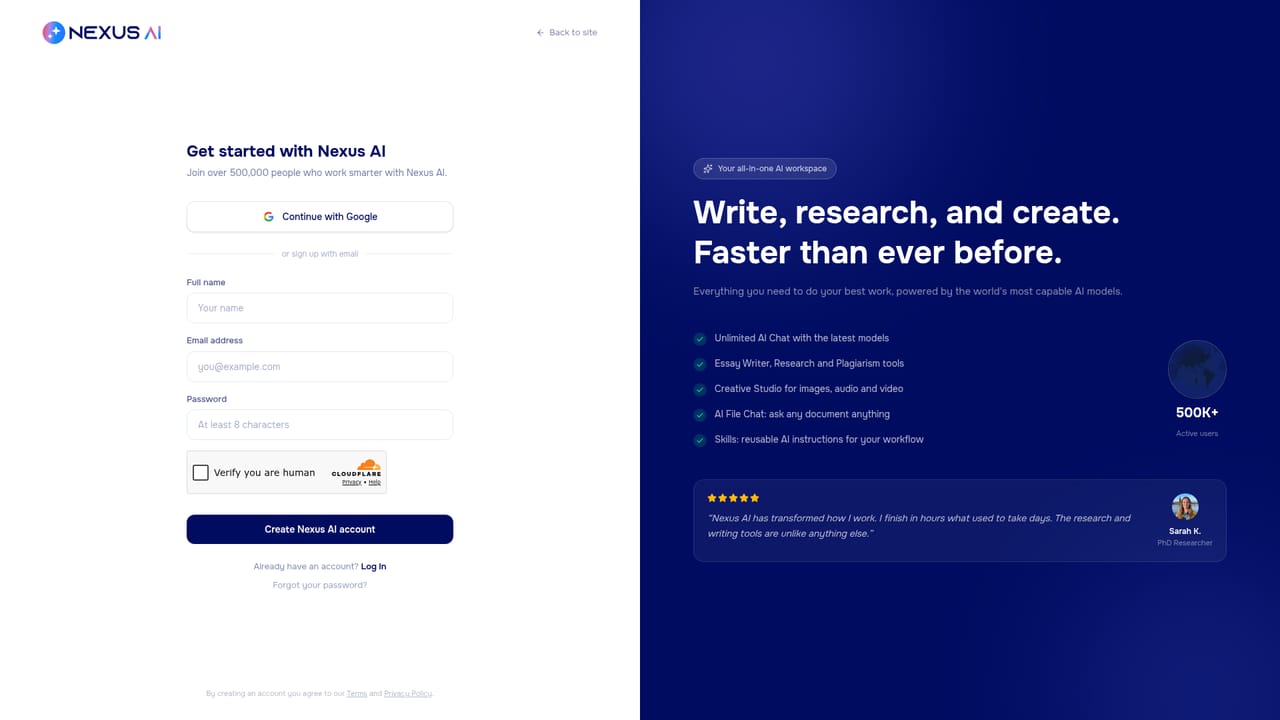
A free plan is available with no credit card required, but it caps daily chat usage, file uploads and context, and only previews the academic and creative modules.
Learn moreAll-in-one AI workspace for writing, research, decks and images

Nexus AI is an academic research tool. Nexus AI bundles chat, academic writing with citations and plagiarism checks, image and video generation, presentation building and exportable Artifacts into one platform. Free tier is thin; Premium and Ultimate unlock research mode, creative credits and advanced models.
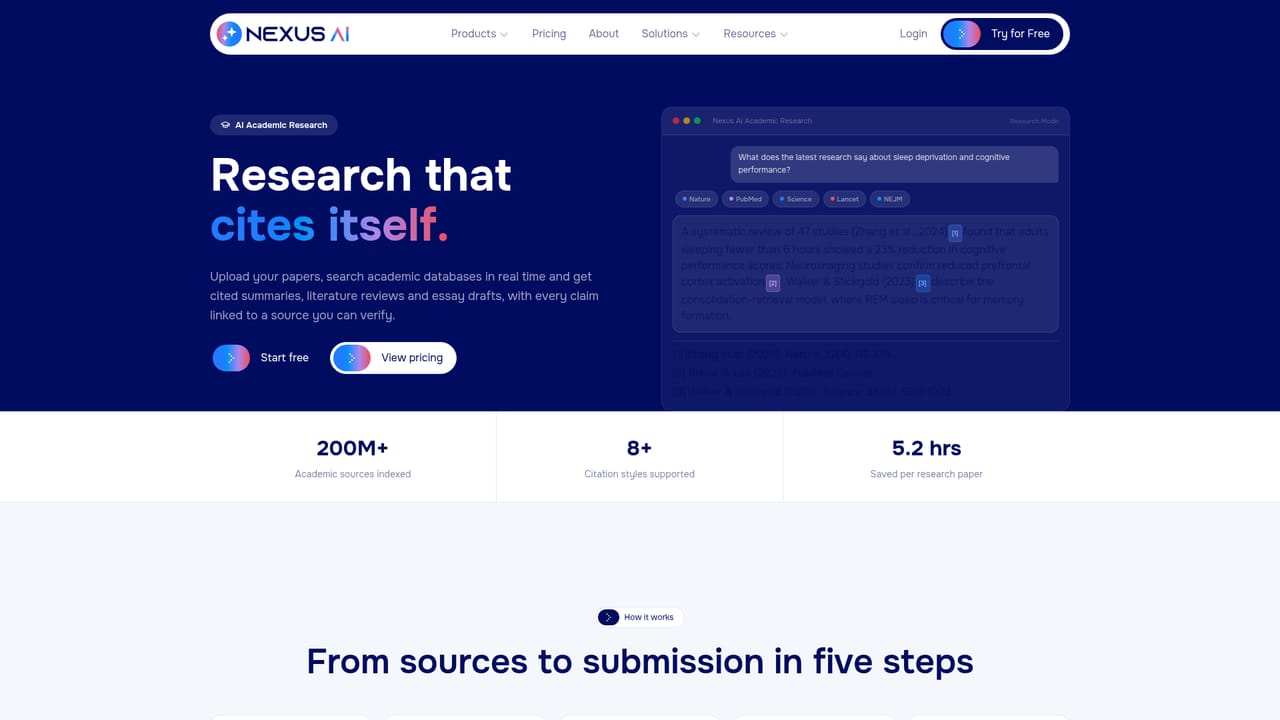
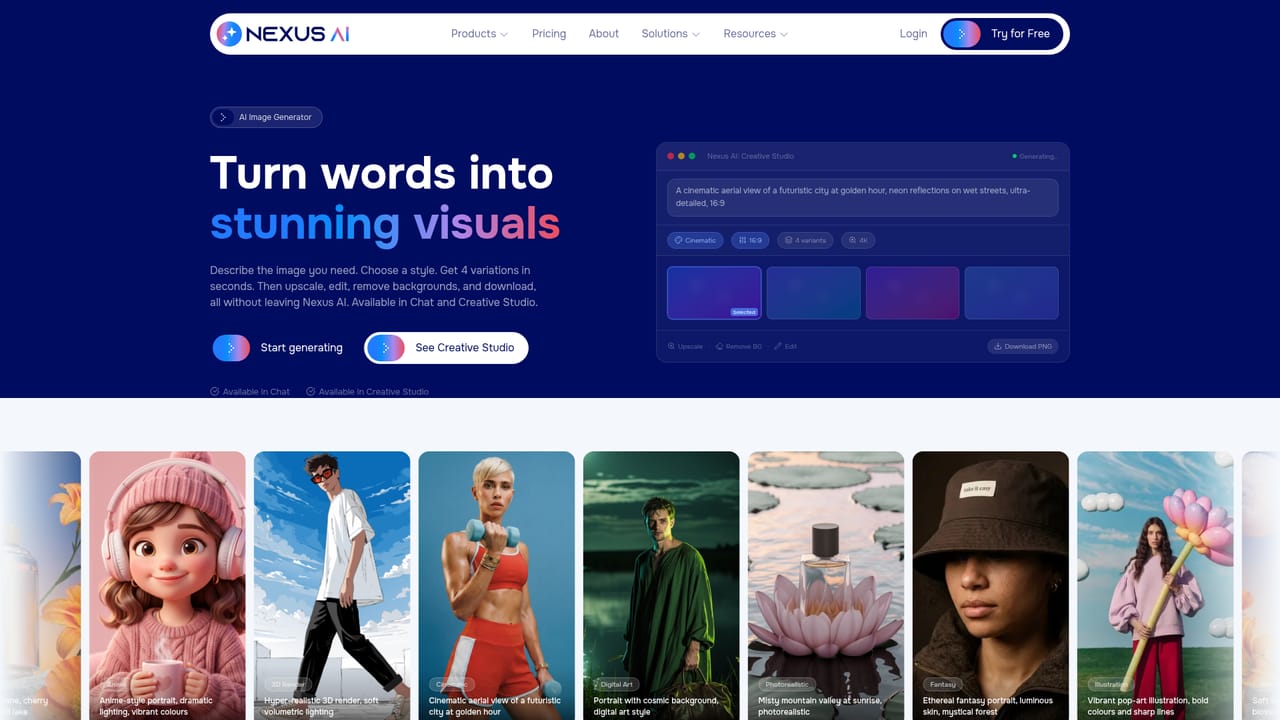
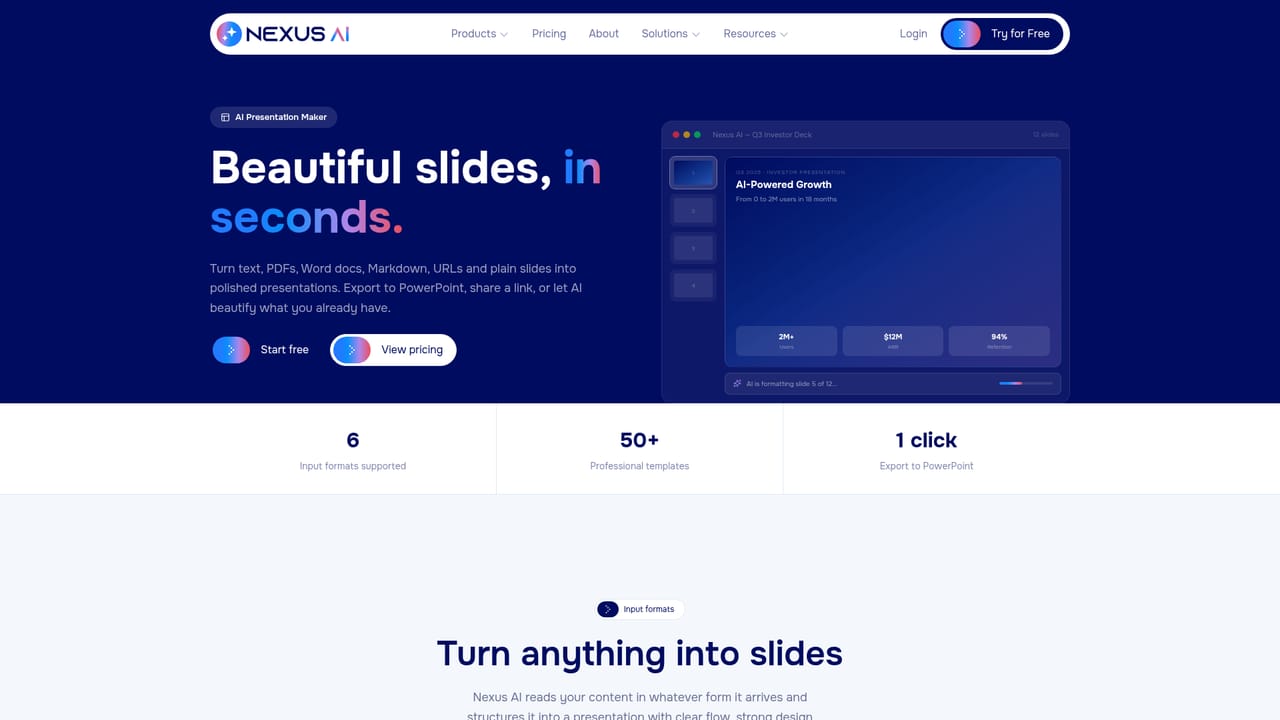
Nexus AI is a multi-purpose AI workspace that pushes a chat request past a plain text reply and into a finished deliverable. A single prompt can become a formatted document, a presentation deck, a generated image, a video with voiceover and captions, or a working report with charts. The product positions itself around the idea that most assistants stop at conversation, while this one carries the work through to something you can export or submit. The core of the experience is the chat interface combined with Artifacts, an editable canvas where drafts live as living documents rather than disposable messages. Inside an Artifact you get a word processor style toolbar, headings, citations, and a word count, plus direct export to DOCX, PDF or HTML. A student example on the site shows a psychology term paper drafted into five sections with 18 cited sources, APA 7 formatting and a plagiarism readout, then expanded section by section on request. The tool splits into named modules. Academic covers essay writing, citation formatting and a plagiarism checker that scans online sources. Creative Studio handles image and audio generation. A presentation maker turns a prompt or an uploaded document into slides and exports to PowerPoint. A video generator goes from script to finished clip. There is also code generation and review, meeting notes that transcribe calls and pull out action items, and a deployable chatbot add-on. Audiences are clearly segmented: students who need research and citation support, creators storyboarding campaigns, professionals who upload documents before meetings, and teams that want shared folders with central billing. Anyone already using a general assistant plus separate tools for slides, images and transcription is the obvious candidate. Pricing runs on three tiers, and the free plan exists but is deliberately narrow.
A free plan is available with no credit card required, but it caps daily chat usage, file uploads and context, and only previews the academic and creative modules.
Learn moreThree tiers. Free at $0 with limited chat, 3 folders, 2 file uploads and previews of Academic and Creative Studio. Premium at $16/month (annual) adds unlimited chat, Research Mode, full Academic, image and audio generation, voice mode, code and exports. Ultimate at $80/month adds supercharged research, advanced models, AI video, unlimited Canvas and priority support.
Learn moreCommunity support on the free plan, standard support on Premium, and priority processing and support on Ultimate. A contact page and on site chatbot are available.
Learn moreMeeting notes sync to Google Meet, Zoom and Teams. The chatbot add-on trains on your own content, embeds on any website and supports lead capture and CRM handoff.
Learn moreChat with Artifacts for editable documents and clean DOCX, PDF or HTML export; academic writing with real citations and a plagiarism checker; image, audio and video generation; a presentation maker with PowerPoint export; code generation and review; meeting notes with transcripts and action items; team folders and collaboration.
Learn more AI Angels400+ customizable AI girlfriends for NSFW chat, voice calls, and roleplay
 Candy AIExperience the future of companionship with AI friends who chat, role-play, and connect with you on a human level.
 ourdream.aiA vast AI roleplay platform with millions of characters for chat, images, video and voiceAI Angels400+ customizable AI girlfriends for NSFW chat, voice calls, and roleplayCandy AIExperience the future of companionship with AI friends who chat, role-play, and connect with you on a human level.ourdream.aiA vast AI roleplay platform with millions of characters for chat, images, video and voice


