Free trial
Free credits are offered at sign-up so the try-on can be tested before any payment. No trial length or credit amount is stated.
Learn moreTry 40 beard styles on your own photo in seconds.
Own Beardstyle AI? Verify ownership to get a dofollow link
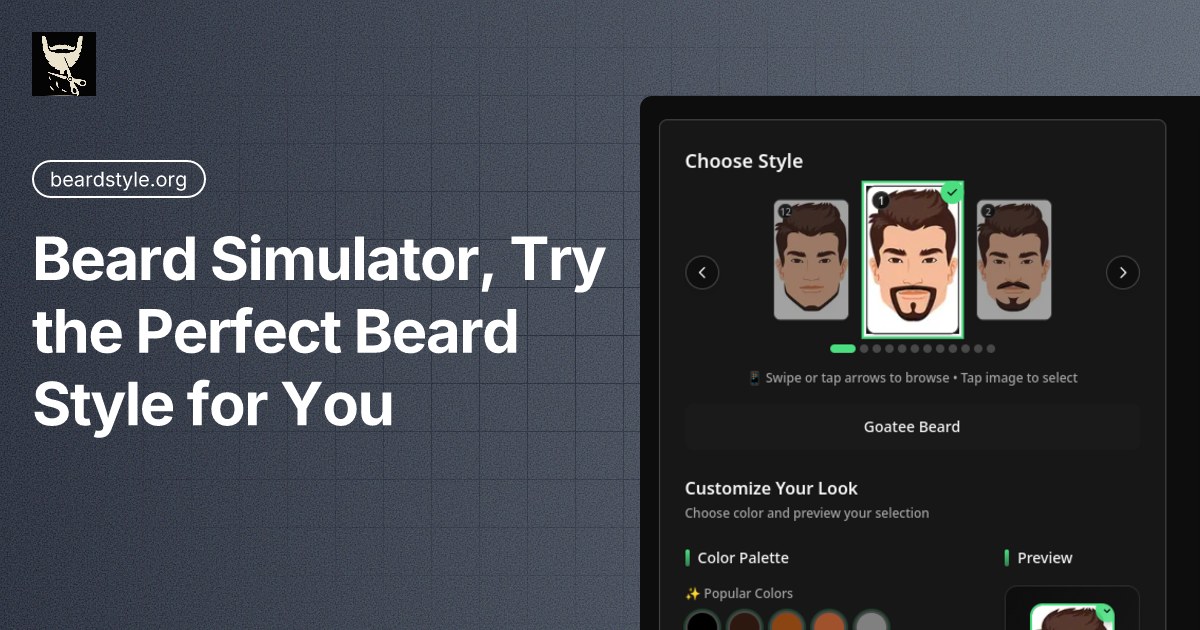
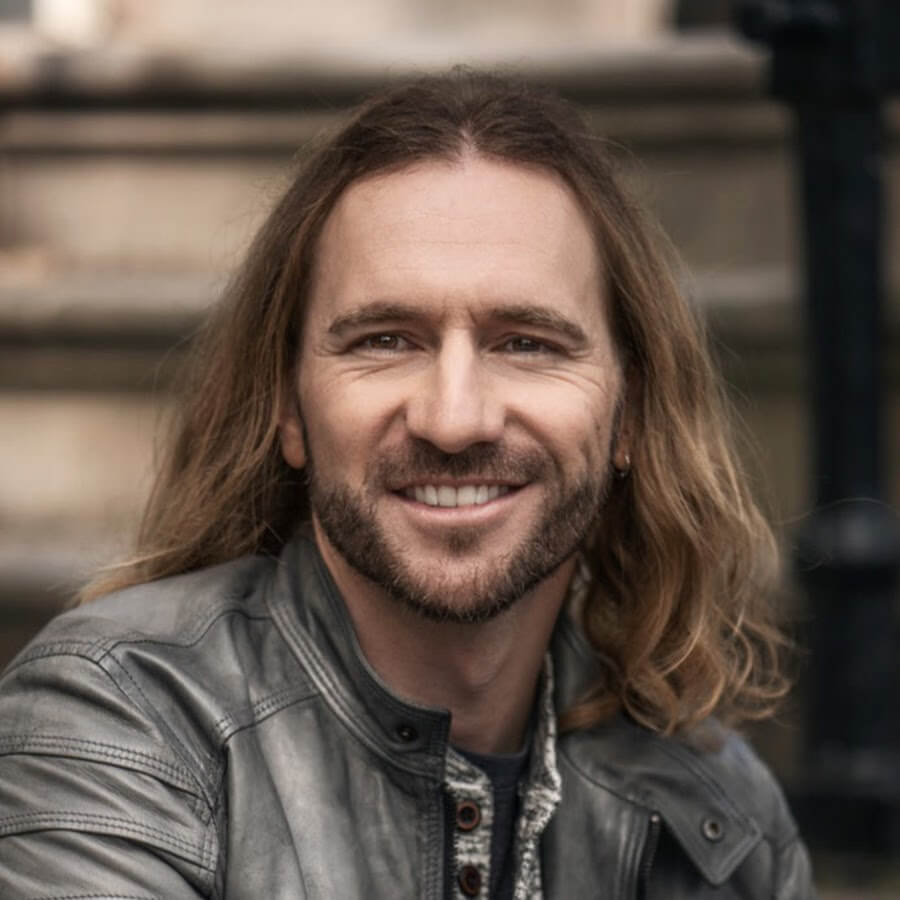
Beardstyle AI is an edit pictures tool. Beardstyle AI applies around 40 named beard styles to a single uploaded photo and returns a realistic preview in seconds, with automatic color matching to your own hair. It suits anyone deciding on a new look, refreshing a profile picture or experimenting for fun, and needs no editing skill.
Beardstyle AI is a browser based virtual beard try-on tool. A single front-facing photo is enough to preview dozens of facial hair styles without growing anything out and without touching an image editor. The site advertises free credits at sign-up, so the first few looks can be tested before any commitment. The workflow is deliberately short. You upload a clear, front-facing photo in good lighting, browse a gallery of roughly 40 named styles, and pick one. The model places the beard on your face and returns the result in seconds. Styles range from light stubble and the long stubble variant through classic shapes like the goatee, Van Dyke, Balbo, Anchor, Circle Beard and Chevron, to statement looks such as the Bandholz, Garibaldi, French Fork, Fu Manchu, Hulihee, Ducktail, Dali, Zappa and Walrus. Two pencil variants, a lampshade, a toothbrush and a soul patch cover the oddities. The site says each beard is colored to match your own hair, which is what separates a usable preview from an obvious filter, and that new styles are added regularly. Use cases are mostly personal. People considering a change can test a shape before a barber appointment. Profile photos for LinkedIn, Instagram or dating apps can be refreshed with a sharper beard line. Cosplay, costume events and creative reveals are mentioned as legitimate uses, and the tool positions itself as playful as much as practical. A companion blog guide covers growth time and upkeep for 40 beard styles, which is useful for judging whether a look is realistic to maintain. Among alternatives, Beardstyle AI is narrower than general portrait retouching tools, which is the point: no sliders, no manual masking, no layer work. The trade-off is that it only changes facial hair, so it will not reshape a haircut, jawline or skin tone. Anyone wanting a broader grooming preview should also look at hairstyle try-on tools and full photo retouchers, while anyone undecided between two beard shapes will find the gallery comparison faster here.
Free credits are offered at sign-up so the try-on can be tested before any payment. No trial length or credit amount is stated.
Learn moreThe homepage advertises free credits to start and mentions free credits as part of the try-on flow, but no paid tiers, credit prices or subscription terms are published on the page. Cost per image cannot be confirmed from the available content.
Learn moreUpload one front-facing photo and apply any of roughly 40 named beard styles in seconds. Automatic color matching to your own hair, no manual sliders or masking, and a download option for the final image. The gallery covers stubble, goatee variants, full beards and novelty shapes, and new styles are added regularly.
Learn more AI Angels400+ customizable AI girlfriends for NSFW chat, voice calls, and roleplay
 Candy AIExperience the future of companionship with AI friends who chat, role-play, and connect with you on a human level.
 ourdream.aiA vast AI roleplay platform with millions of characters for chat, images, video and voiceAI Angels400+ customizable AI girlfriends for NSFW chat, voice calls, and roleplayCandy AIExperience the future of companionship with AI friends who chat, role-play, and connect with you on a human level.ourdream.aiA vast AI roleplay platform with millions of characters for chat, images, video and voice

.png)