Integrations
The beehiiv MCP connects the platform to audience data for deeper analysis and strategy tuning. No other third-party integrations are described on the homepage.
Learn moreAI newsletter tools built directly into the editor

Beehiiv is a content writing tool. Beehiiv's AI tools live inside its newsletter editor, covering drafting, tone changes, shortening, translation and image generation without switching apps. Built for newsletter operators who publish on a regular schedule and want AI that respects their template and brand voice.
Beehiiv is a newsletter publishing platform, and its AI layer is designed to work inside the editor where the issue is actually written and sent, rather than in a separate chat window. The core features are an AI writing assistant that drafts from a prompt, a smart editor that shortens, simplifies or extends existing sentences, tone controls that shift a draft between sarcastic, witty, serious or somber, a spell checker and a translator that handles multiple languages without a second workflow. Image generation is also built in, producing headers, dividers and featured visuals that follow the template's fonts and layout. The product is aimed at newsletter operators who publish on a schedule and feel the cost of that schedule: solo writers, small editorial teams, and media brands running several titles. The workflow is straightforward. A writer inserts an AI block, describes what the issue should contain, sets tone and length, and gets editable copy in real time. From there the built-in tools handle rewrites, regeneration and translation, and the finished issue goes out from the same screen. Sample prompts on the site cover welcome intros, paragraph rewrites, newsletter summaries and closing calls to action. Where beehiiv differs from generic writing assistants is context. The generation respects the existing template, branding and layout, so output does not need to be reformatted after pasting. The companion beehiiv MCP extends the picture beyond writing, letting operators query audience data to adjust strategy. For publishers already on beehiiv, the AI is an incremental improvement to an existing workflow. Teams comparing it against standalone AI copywriters trade some flexibility in prompting for tighter integration with delivery, subscriber data and design. The site's own messaging is candid about the tool's limits: every generated output is editable, which implicitly acknowledges that drafts need review before sending. Anyone expecting a fully autonomous newsletter operation will not find it here.
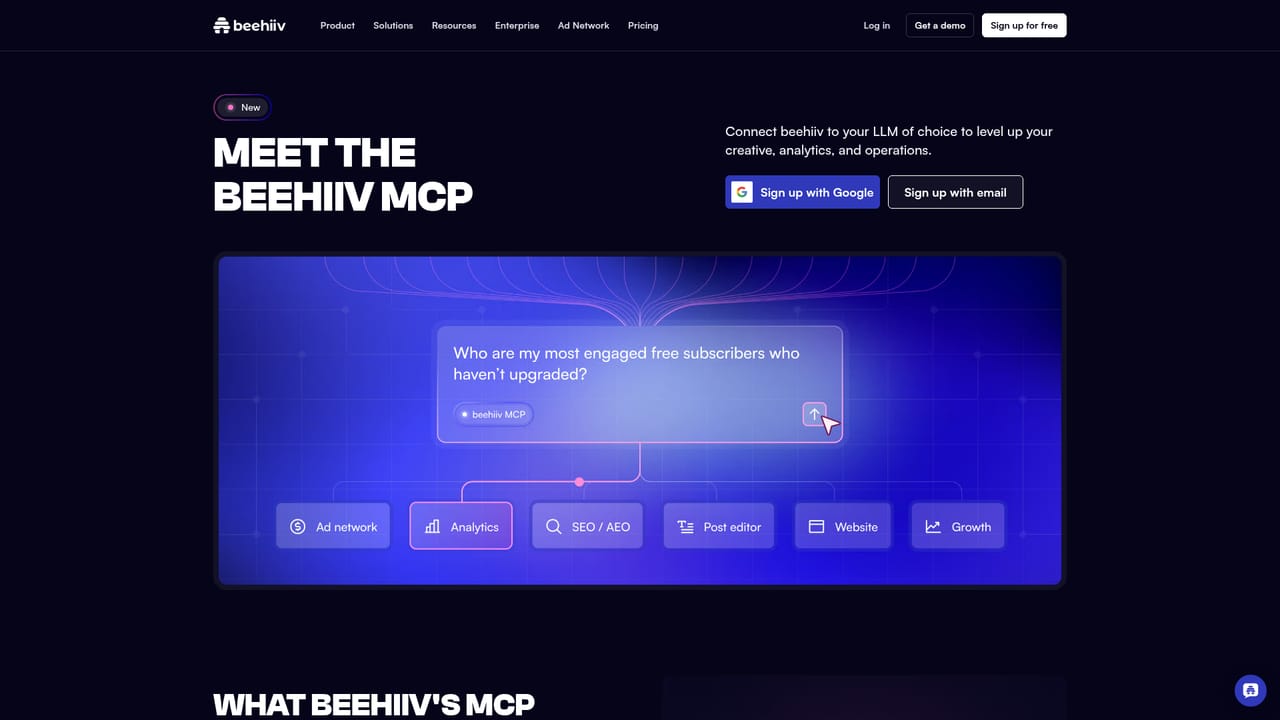
The beehiiv MCP connects the platform to audience data for deeper analysis and strategy tuning. No other third-party integrations are described on the homepage.
Learn moreAI writing assistant that drafts from a prompt, smart editor for shortening, simplifying or extending sentences, tone adjustment across styles, built-in spell check, multi-language translation, AI image generation for headers and dividers, and beehiiv MCP for deeper audience analysis. All AI content is editable and adapts to the existing template.
Learn more AI Angels400+ customizable AI girlfriends for NSFW chat, voice calls, and roleplay
 Candy AIExperience the future of companionship with AI friends who chat, role-play, and connect with you on a human level.
 ourdream.aiA vast AI roleplay platform with millions of characters for chat, images, video and voiceAI Angels400+ customizable AI girlfriends for NSFW chat, voice calls, and roleplayCandy AIExperience the future of companionship with AI friends who chat, role-play, and connect with you on a human level.ourdream.aiA vast AI roleplay platform with millions of characters for chat, images, video and voice


