Free trial
Scoring a thumbnail is labeled free on the homepage after logging in. Limits and trial terms are not stated.
Learn moreScore YouTube thumbnails for click potential, then refine with AI

BerryViral is an image improvement tool. BerryViral scores YouTube thumbnails for click-through potential, explains what to fix, and lets creators apply chosen changes with AI. It can also generate thumbnail concepts and a title from an uploaded video, with niche-specific guidance.
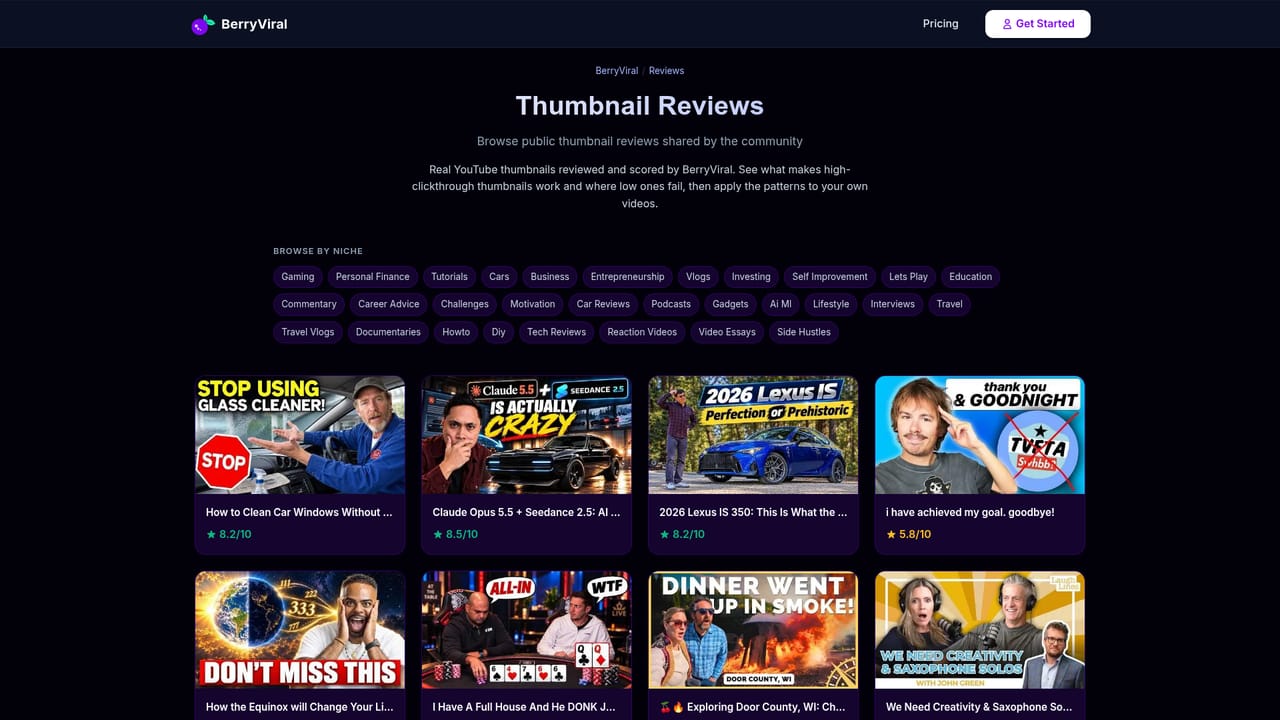
BerryViral is a web tool that rates YouTube thumbnails for their likely click-through rate and explains what to change. A creator uploads an image or pastes a YouTube URL, receives a clickability score out of 10, and reads detailed feedback on what holds the thumbnail back. The homepage shows a before and after example where an original thumbnail rated 6.2 is compared against an optimized version. The workflow splits into two paths. In the first, a creator already has a thumbnail: upload it, get the score, choose which pieces of feedback to apply, add custom refinement instructions, and download a version ready for YouTube. In the second, a creator starts from a video: upload a video of any length, receive several thumbnail concepts plus a title, pick a favorite (or try them all), refine with written instructions, and download. The selective approach is a deliberate design choice. Nothing is forced onto the image, and the site specifically promises no unwanted changes such as odd-looking faces, leaving the creator in charge of each edit. BerryViral also tailors its advice by niche, with dedicated pages for gaming, tech reviews, personal finance, fitness and cooking thumbnails, on the premise that what fails in a gaming thumbnail differs from what fails in a finance one. A public reviews feed lists recent community submissions with their scores, which doubles as a way to see how real thumbnails from many channels are rated before testing one's own. The site also publishes a blog on building eye-catching thumbnails, and it claims more than 2,000 creators use it. It suits solo YouTubers, small channels and editors who want a second opinion on a thumbnail before publishing, without hiring a designer or running live A/B tests. Compared with general image editors, it focuses narrowly on diagnosing clickability and applying fixes. Compared with testing tools that measure real audience behavior after upload, its score is an AI estimate made beforehand, which makes it a fast pre-publish check rather than a measurement of actual performance.
Scoring a thumbnail is labeled free on the homepage after logging in. Limits and trial terms are not stated.
Learn moreThe homepage button reads "Score My Thumbnail (Free)", indicating free scoring, but no plan tiers or prices are listed.
Learn moreThumbnail scoring out of 10, detailed feedback, selective AI application of fixes, custom refinement instructions, downloads ready for YouTube, video-to-thumbnail concept and title generation, niche-specific guidance, and a public reviews feed.


