Free trial
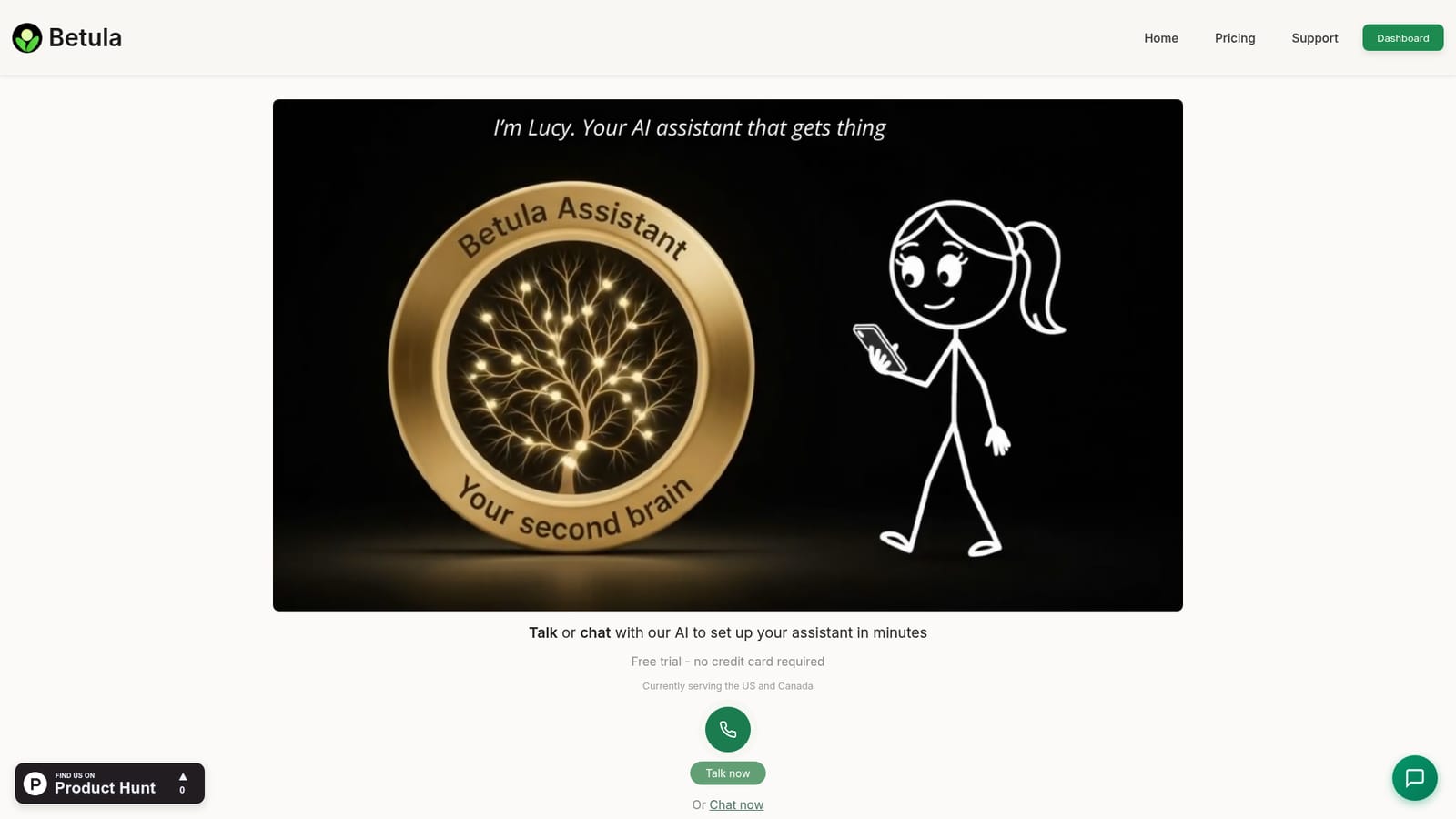
A free trial is offered with no credit card required, and the homepage indicates it can be started by calling or chatting with the agent.
Learn moreA phone-number AI assistant that answers, calls, remembers and follows up.
Own Betula Assistant? Verify ownership to get a dofollow link

Betula Assistant is an AI calls tool. Betula Assistant gives professionals and small businesses an AI agent with a dedicated phone number to answer and place calls, block spam, join meetings for notes and action items, manage reminders and follow-ups, and remember past conversations for later recall.
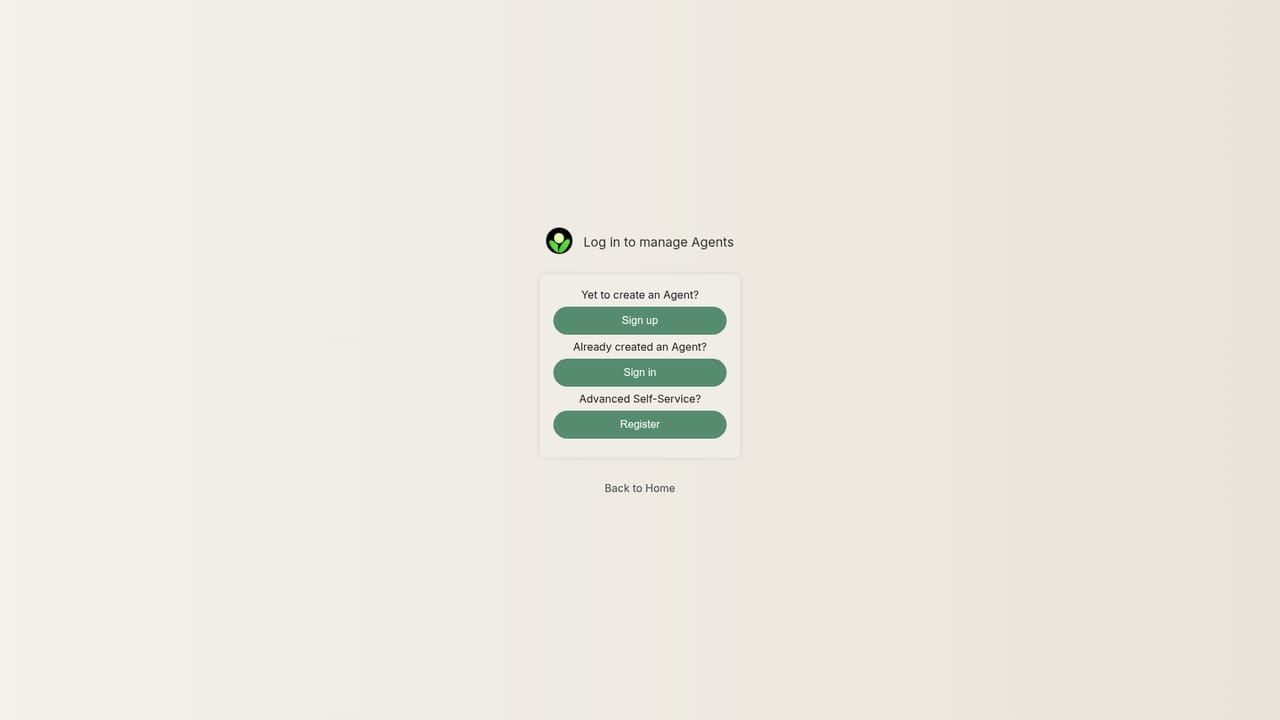
Betula Assistant is an AI agent that lives behind its own phone number. You call or text that number, and the assistant answers, places outbound calls on your behalf, and keeps a memory of everything discussed with you and with the people who reach it. For solo professionals and small business owners, the practical pitch is coverage: calls get picked up, spam gets filtered, appointments and reminders get handled, and the ones that actually need you are passed through. The product spans two connected jobs. The first is call handling and orchestration: answering inbound calls, making calls for you, coordinating schedules, and running follow-ups so a task is not left half finished. The second is memory and meeting work. The assistant can join your calls and meetings, take notes, pull out action items, and later recount what was decided. Notes, captured ideas, tasks and commitments all live in one place the assistant can draw on, which is also what powers the personalised daily briefings and background research it reports back with. Setup is deliberately low-friction. You can start by talking to the agent on the site or by chat, or by signing up through the dashboard, verifying a US phone number with a PIN, and creating the assistant to receive its contact number. If you already have a business line, you forward it to the assistant's number so existing callers keep dialling the same digits. No coding is involved. Betula sits closest to AI receptionist and voice assistant tools rather than to note takers or generic chat assistants, since the phone line is the core object rather than an add-on. The homepage names the US and Canada as the current service area, and pricing is metered by the minute with a self-set monthly spending cap, which suits low-volume users who do not want a flat seat licence. Buyers weighing it against a conventional answering service should note the trade-off: flexible consumption pricing and memory in exchange for a narrow geographic footprint and a voice-first interface.
A free trial is offered with no credit card required, and the homepage indicates it can be started by calling or chatting with the agent.
Learn moreUsage-based pricing with a $2.50 monthly service fee. Basic covers under 20 minutes per month at 36 cents per minute, Standard covers 20 to 500 minutes at 30 cents per minute, and Growth (above 500 minutes) gets lower per-minute rates through sales. Users set their own monthly spending limit, and a calculator estimates cost from budget or usage.
Learn moreSupport is reachable by calling or texting the listed number, or by chatting through the website, and the homepage says responses come back through Betula support without detailing channels or hours.
Business phone lines can be forwarded to the assistant's number, letting existing callers reach it on the number they already use. The homepage does not list other software integrations.
Answers inbound calls and blocks spam, places calls on the user's behalf, and joins calls and meetings to take notes and capture action items. Remembers conversations, tasks and commitments for later recall, stores captured ideas, manages appointments, reminders and follow-ups, runs research and reports back, and sends personalised daily updates. Setup happens by voice or chat with no coding.
 AI Angels400+ customizable AI girlfriends for NSFW chat, voice calls, and roleplay
 Candy AIExperience the future of companionship with AI friends who chat, role-play, and connect with you on a human level.
 ourdream.aiA vast AI roleplay platform with millions of characters for chat, images, video and voiceAI Angels400+ customizable AI girlfriends for NSFW chat, voice calls, and roleplayCandy AIExperience the future of companionship with AI friends who chat, role-play, and connect with you on a human level.ourdream.aiA vast AI roleplay platform with millions of characters for chat, images, video and voice