Free trial
The homepage promotes a Start for free entry point into a workspace, which suggests a free tier rather than a time-limited trial. No trial length or paid plan details are stated.
Learn moreBuild a small AI agent team that handles your business operations

Bika.ai is a lead generation tool that builds a small AI agent team that handles your business operations. Bika.ai is an AI organizer that combines chat-based AI agents, automation, databases, dashboards, forms and documents in one workspace, aimed at one-person companies and small teams.
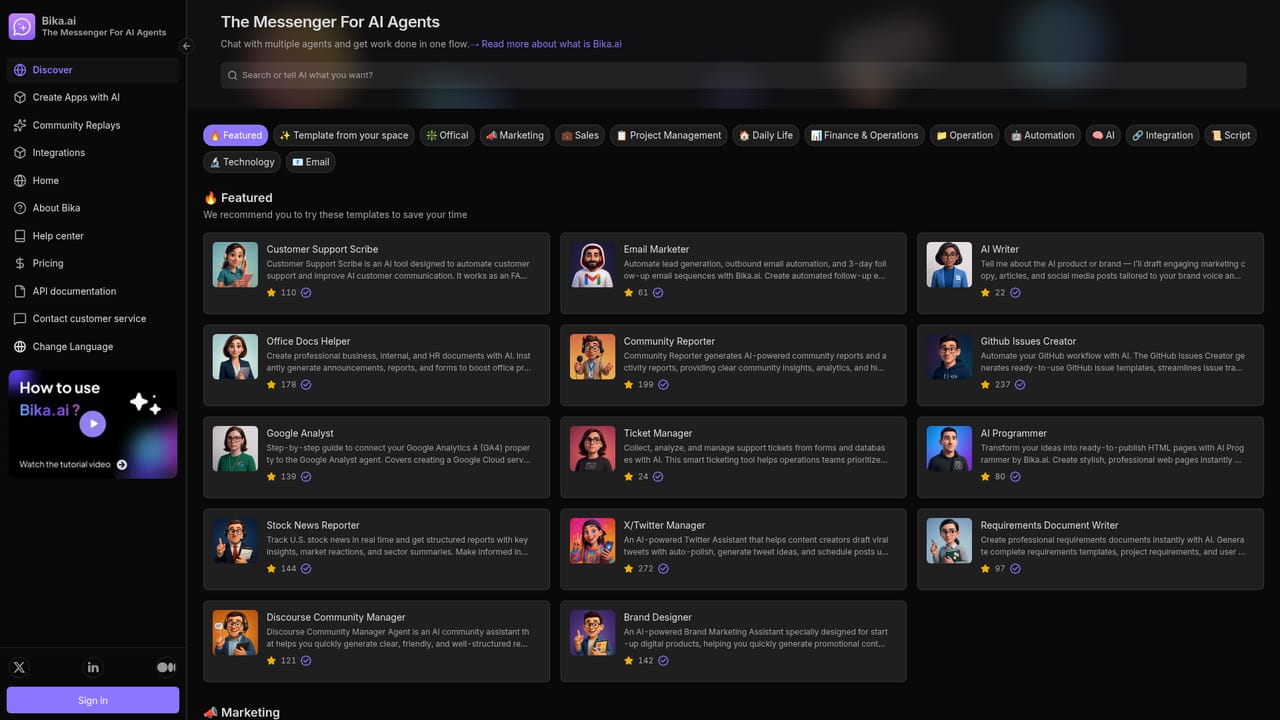
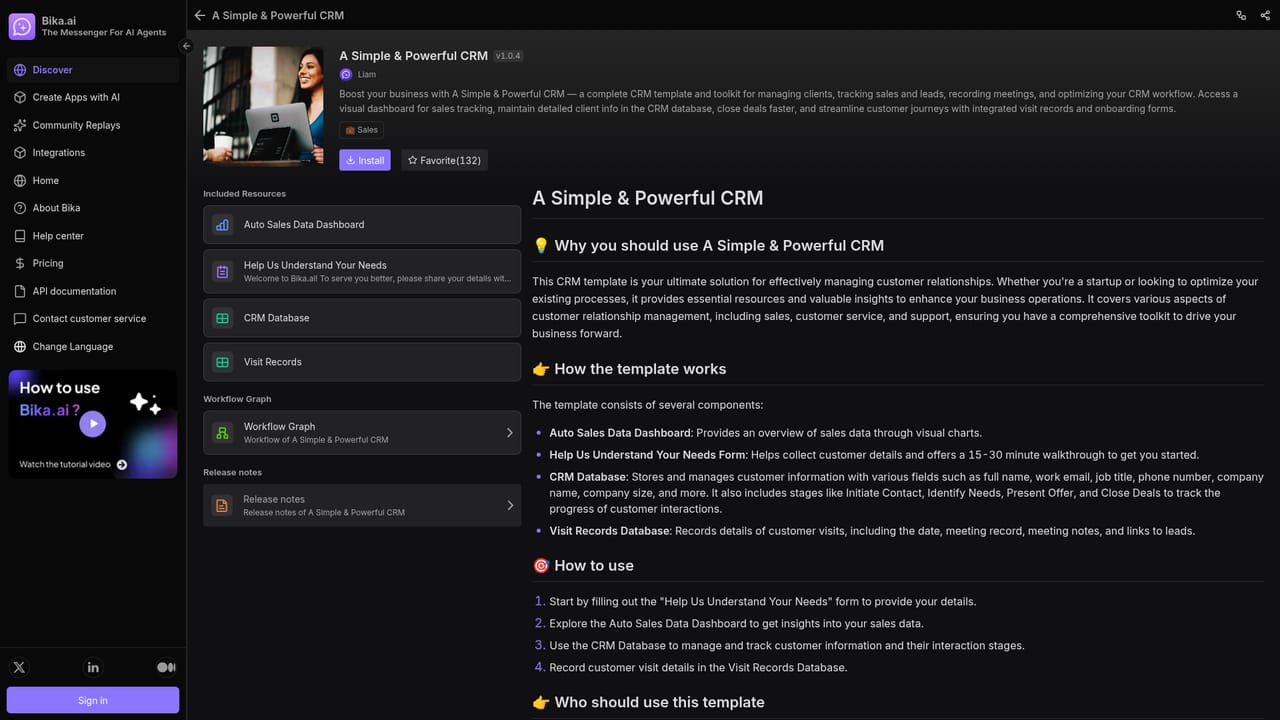
Bika.ai positions itself as an AI organizer for one-person companies and small teams. The core idea is that a solo operator should not stitch together a dozen unrelated tools: instead, agents, automations, databases, dashboards, forms and documents live in one workspace, and the agents draw on that shared data when they run. The homepage frames it as a messenger for AI agents, where you chat with several agents in a single flow and hand off work between them rather than juggling separate chat windows. In practice, the fastest way in is the template library. Each template is a ready-made bundle you clone and then customize: a simple CRM with a sales dashboard, a 14-day cold email outreach campaign, a lead notification setup that routes form submissions into a database and fires off email plus Slack alerts, an HR project tracker, a contractor time tracker, or a content marketing workflow for SEO. Agent templates work the same way, covering writing, brand design, email marketing, GitHub issue creation, requirements documents, office documents, community reports and customer support answers. Some templates call out to third-party services; the text-to-speech template, for example, sends stored scripts to an external AI platform and returns MP3 files to the record. Who it suits: founders, freelancers and small operations teams who want automation without building a stack from scratch, plus analysts who need scheduled data pulls. Financial templates fetch US stock data daily into structured tables, which points to recurring data collection as a real use case. The tradeoff is that Bika.ai is broad rather than deep: the value comes from templates and the shared database underneath them, so anyone expecting a polished single-purpose app may find the surface area large and the setup work front-loaded. It competes with no-code automation platforms and AI agent builders, but its differentiator is bundling the database, dashboards and documents into the same product as the agents.
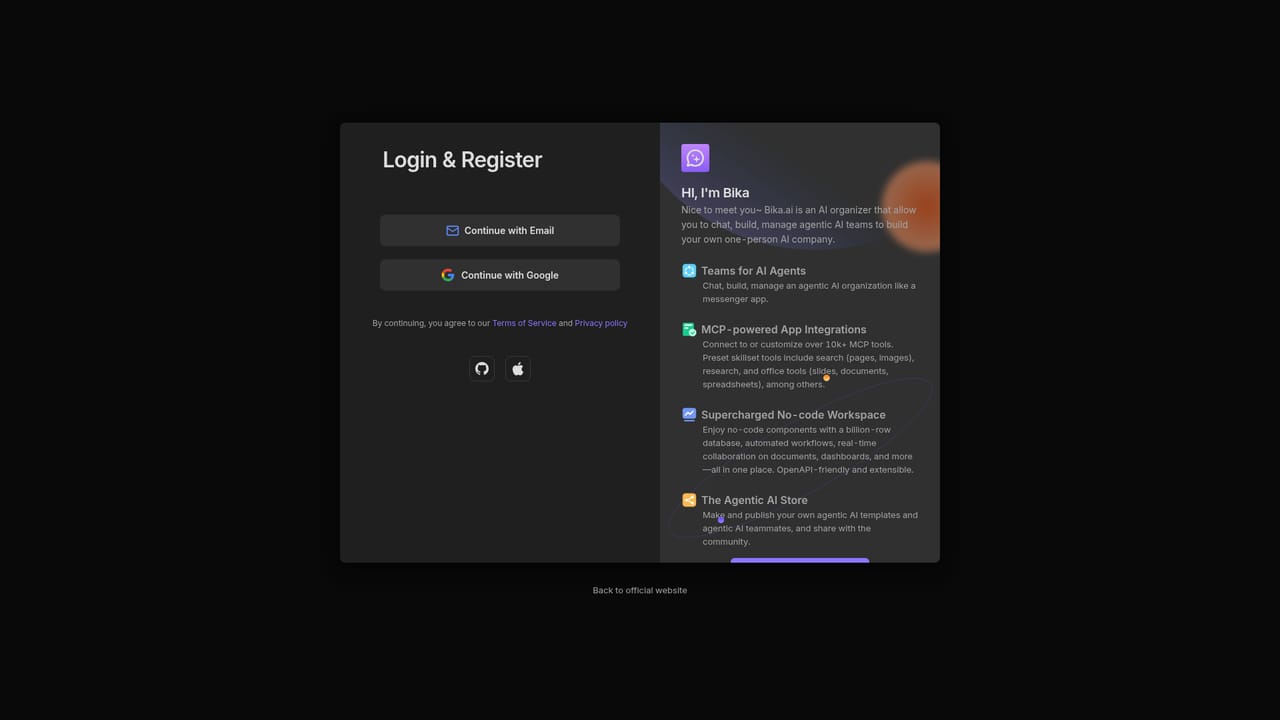
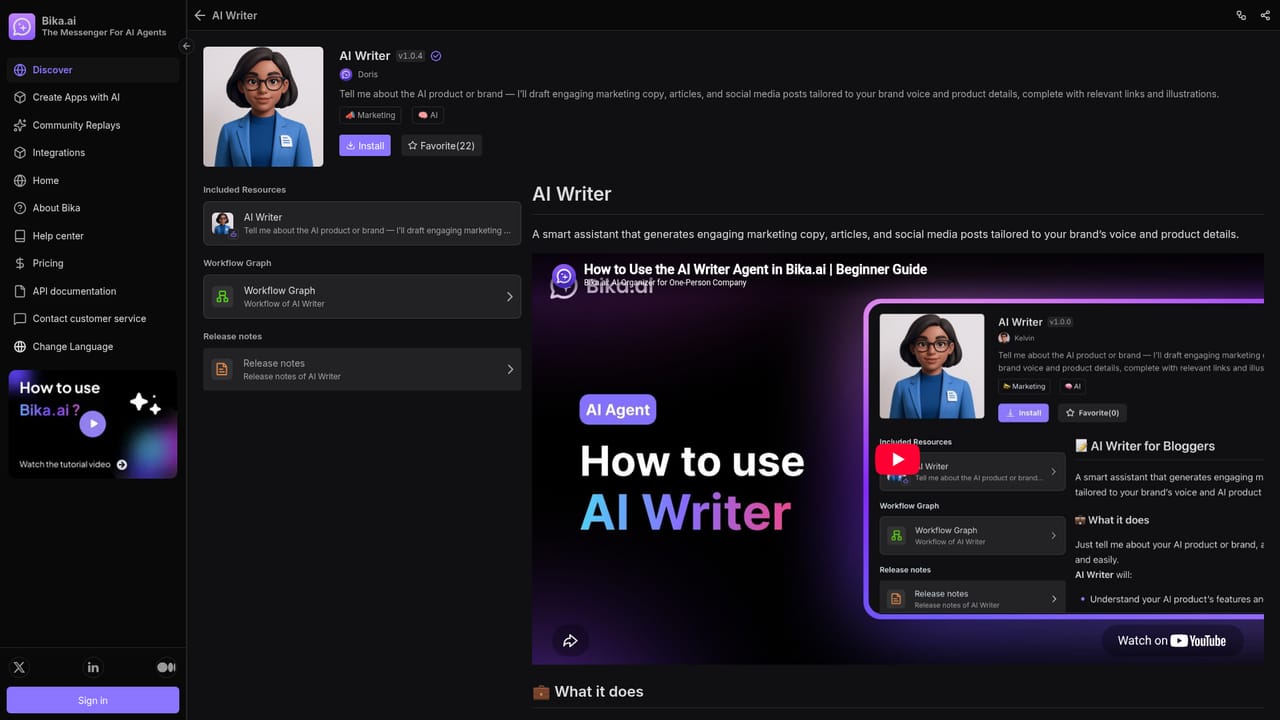
The homepage promotes a Start for free entry point into a workspace, which suggests a free tier rather than a time-limited trial. No trial length or paid plan details are stated.
Learn moreTemplates reference Slack notifications, GitHub issue creation, X/Twitter scheduling, YouTube to LinkedIn posting and calls to third-party text-to-speech and HeyGen video services.
Chat with multiple agents in one flow, clone agentic app templates, and customize them for your own use. Templates combine AI agents with automations, databases, forms, dashboards and documents, covering CRM, cold email campaigns, lead routing, HR and project tracking, SEO content marketing, scheduled stock data retrieval and drafted business documents.
Learn more AI Angels400+ customizable AI girlfriends for NSFW chat, voice calls, and roleplay
 Candy AIExperience the future of companionship with AI friends who chat, role-play, and connect with you on a human level.
 ourdream.aiA vast AI roleplay platform with millions of characters for chat, images, video and voiceAI Angels400+ customizable AI girlfriends for NSFW chat, voice calls, and roleplayCandy AIExperience the future of companionship with AI friends who chat, role-play, and connect with you on a human level.ourdream.aiA vast AI roleplay platform with millions of characters for chat, images, video and voice