BirtaVerified: Birta's team confirmed this listing with the aiwizard badge on its website

Turn agent-built drafts into commented, versioned, published sites with one link.

Beginner
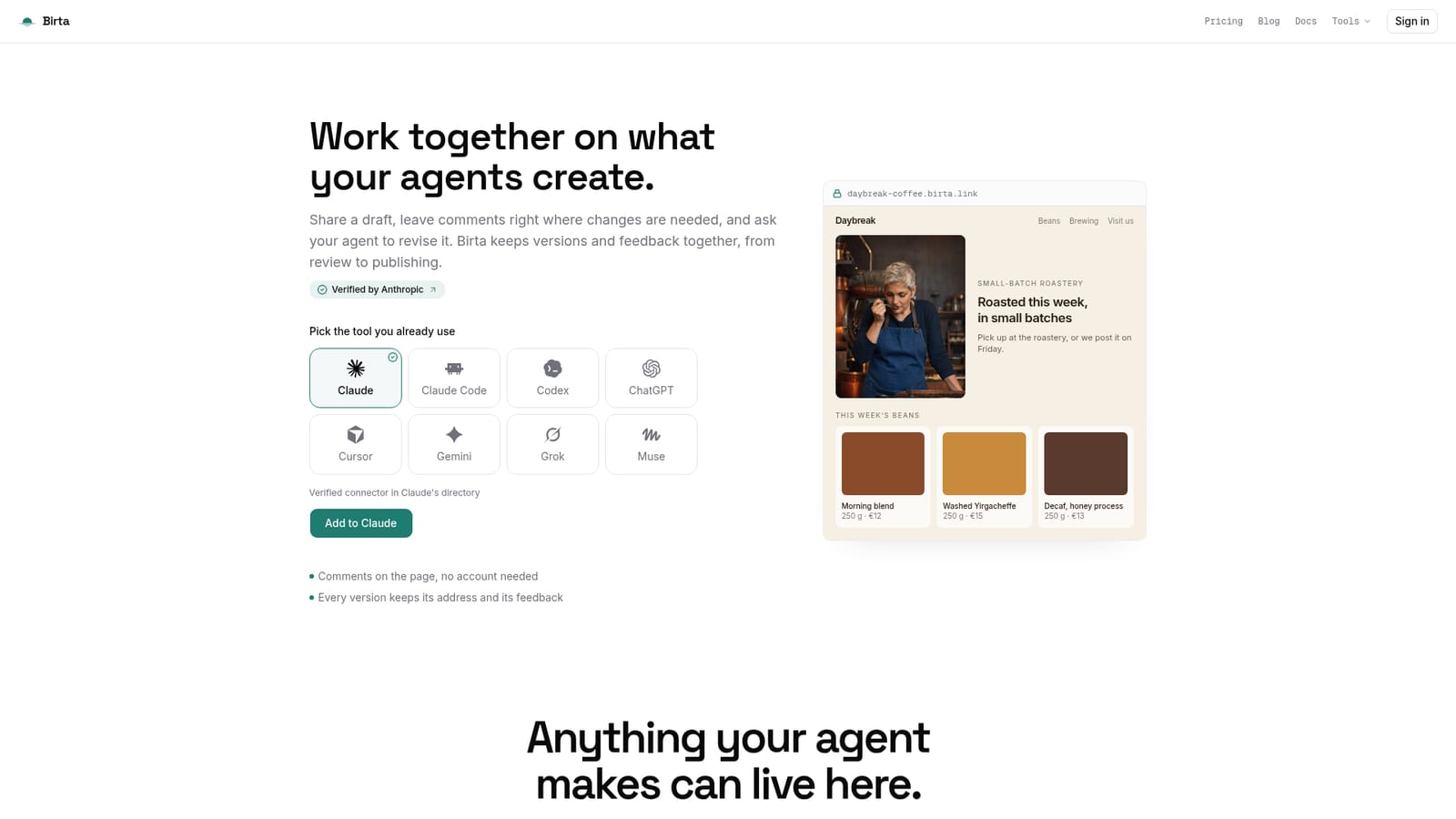
Screenshot of Birta, Turn agent-built drafts into commented, versioned, published sites with one link

What is Birta?

Birta is a productivity tool that turns agent-built drafts into commented, versioned, published sites with one link. Birta publishes AI-agent-made drafts to a shareable link, letting anyone comment directly on the page while the agent reads feedback and ships new versions, with hosting, domains, forms and analytics included.

Birta is a publishing layer that sits between an AI agent and the public web. Instead of asking a developer to deploy a page, a user connects a chat tool such as Claude, ChatGPT, Cursor, Claude Code, Codex, Gemini, Grok or Muse, and asks it for a review link once a draft is ready. Anyone who receives that link can open it in a browser, pin comments to the exact block they mean, and the agent reads those threads over the same connection it used to publish, then answers with a new version at the same address. The product covers more than marketing pages: service pages, proposals, presentations, reports, event pages, portfolios, guides, educational content, small interactive tools and quizzes are all treated the same way, each getting its own link, version history and request form. Hosting, the published address, visitor stats and a form that collects submissions into a project panel are handled by Birta rather than by the agent or the user, so nothing needs separate deployment or domain configuration. The tool fits people who already work inside an AI chat or coding assistant and need a fast way to show drafts to clients or colleagues without exporting PDFs or screenshots, and who want feedback to land on the page itself rather than scattered across chat threads. It is not aimed at building software with accounts, logged-in areas or tiered permissions: everyone added to a project holds the same full rights, and there is no built-in payment collection on a page yet. Compared with a conventional site builder, where a person assembles layout in an interface, Birta's role is to publish, version and expose feedback on whatever an agent has already produced, leaving the actual design and content work to the connected AI tool.

How do you use Birta?

  1. 1Connect the AI tool you already use
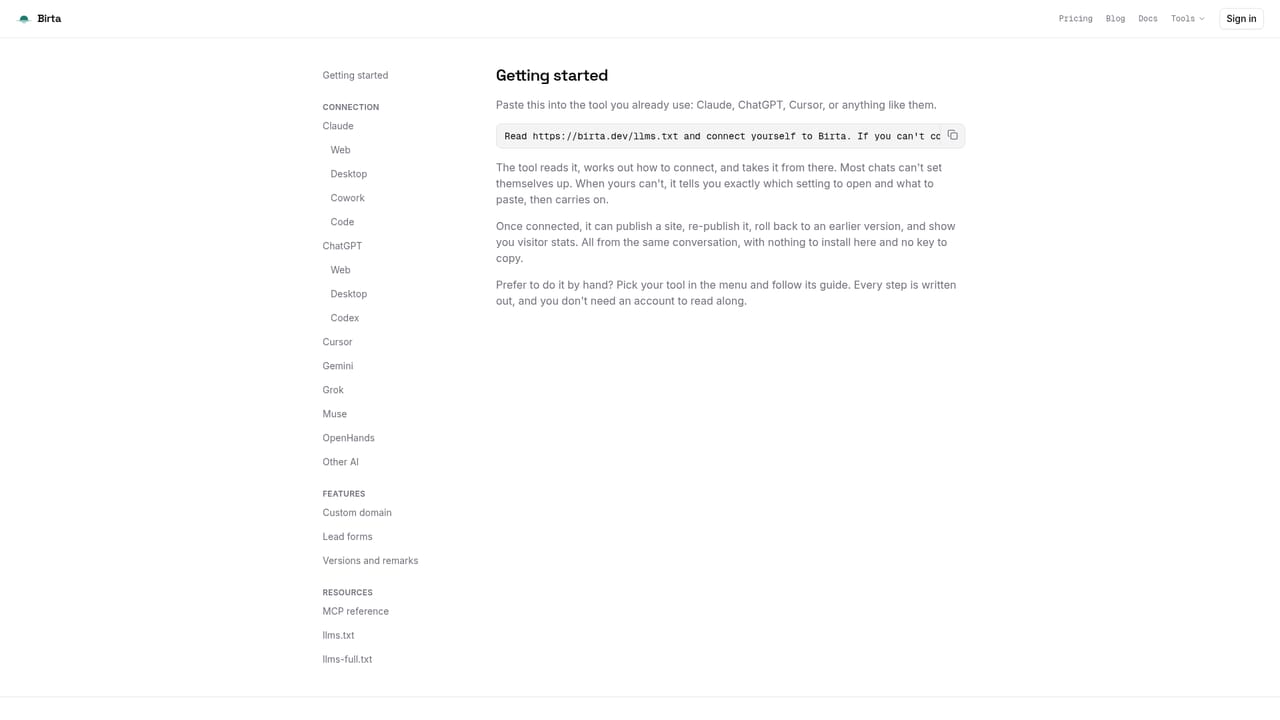
    Link Claude, ChatGPT, Cursor, Claude Code, Codex or another chat tool to Birta with one request, then confirm access in the browser.
    Birta — Connect the AI tool you already use
  2. 2Create a first draft with your agent
    Ask the connected chat or tool to build a page, deck, report or small tool, then request a review link once it is ready to show.
    Birta — Create a first draft with your agent
  3. 3Share the review link for comments
    Send the link to a colleague or client. They open it in any browser, no account needed, and pin remarks to the exact block they mean.
  4. 4Ask the agent to apply the feedback
    Tell the agent which numbered comments to fix. It reads the open threads over the same connection and publishes a new version at the same link.
  5. 5Publish and connect a custom domain
    Once satisfied, publish the site properly and point your own domain at it; the original Birta address keeps working too.
    Birta — Publish and connect a custom domain
  6. 6Monitor visits and collect requests
    Check visitor stats and read form submissions sent through the page, both available from the project panel.
    Birta — Monitor visits and collect requests

Pros and cons

Pros

  • Comments attach to exact page elements and need no account, which speeds up client and team review cyclesAI
  • Agents apply feedback directly and publish new versions at the same address, avoiding file and screenshot back-and-forthAI
  • Covers many output types beyond websites, including proposals, reports, portfolios and small interactive toolsAI
  • Version history, rollback and visitor stats are included without separate hosting or domain setupAI
  • Free tier covers publishing, a custom domain, forms and version history with no costAI

Cons

  • No tiered permissions: everyone added to a project gets the same full editing rights, which rules out client-facing access controlAI
  • No built-in payment collection on published pages, so commerce still needs an external payment linkAI
  • Free plan caps collaborators, projects, storage per version and agent token usage fairly tightlyAI
  • Not suited for building software with user accounts or logged-in areasAI
  • Relies on a connected AI agent to actually produce and improve content, so output quality depends on that toolAI

How much does Birta cost?

Pricing

Free plan ($0/month) covers publishing, a custom domain, forms, comments and version history for up to 3 collaborators and 20 projects. Team ($12/month) raises limits to 30 collaborators and 200 projects, adds shared project context and removes Birta branding. Enterprise offers custom pricing with self-hosting, custom integrations and audit logs.

Learn more

Support

Documentation, a glossary, guides and an FAQ section cover common questions; Enterprise plans include dedicated support for setup and ongoing work.

Learn more

Integrations

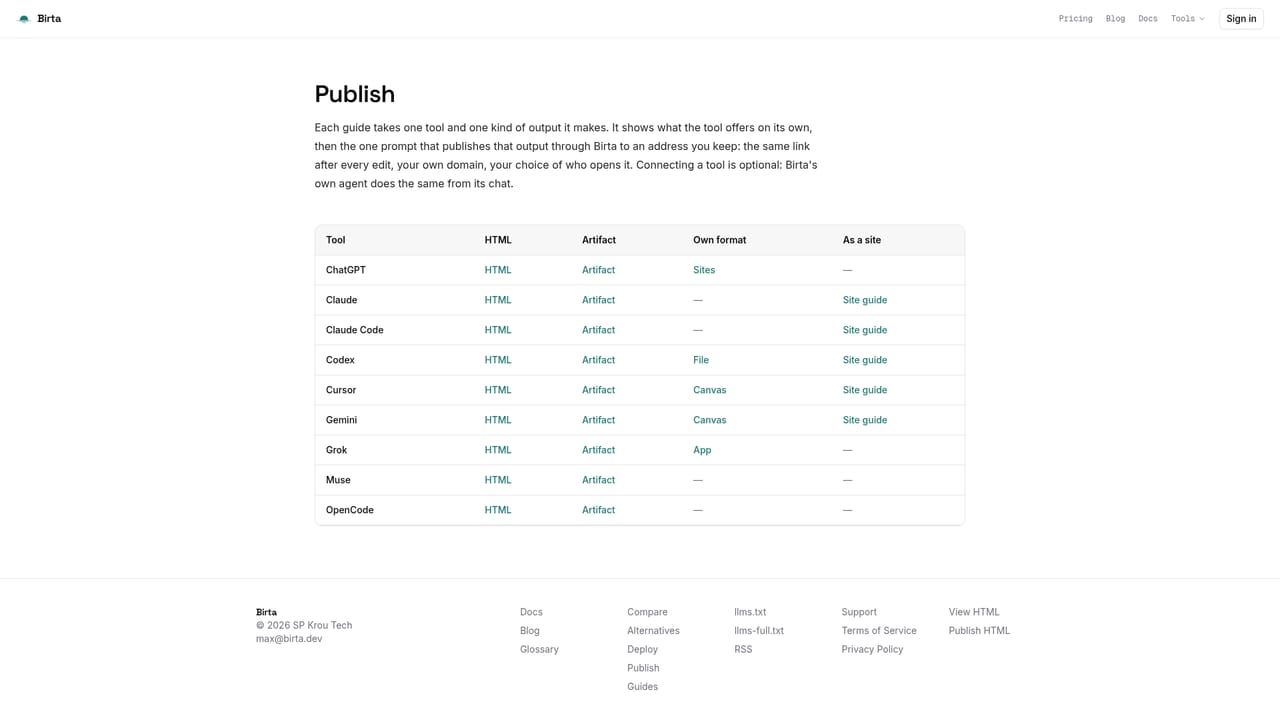
Connects with Claude, Claude Code, ChatGPT, Codex, Cursor, Gemini, Grok and Muse, with step-by-step guides for each; other chat tools can connect via a generic request flow.

Features

Publishing and hosting for pages, proposals, decks, reports and interactive tools; page-level commenting with no account required; agent-applied revisions tied to version history; custom domains; visitor analytics; and on-page request forms that feed submissions into a project panel.

Frequently asked questions about Birta

  • How much does Birta cost?
    Free plan ($0/month) covers publishing, a custom domain, forms, comments and version history for up to 3 collaborators and 20 projects. Team ($12/month) raises limits to 30 collaborators and 200 projects, adds shared project context and removes Birta branding. Enterprise offers custom pricing with self-hosting, custom integrations and audit logs.
  • How do you use Birta?
    The walkthrough on this page covers 6 steps: 1. Connect the AI tool you already use 2. Create a first draft with your agent 3. Share the review link for comments 4. Ask the agent to apply the feedback 5. Publish and connect a custom domain 6. Monitor visits and collect requests.
  • What platforms does Birta support?
    Birta is available on Web App.
  • What does Birta integrate with?
    Connects with Claude, Claude Code, ChatGPT, Codex, Cursor, Gemini, Grok and Muse, with step-by-step guides for each; other chat tools can connect via a generic request flow.
  • What are the limitations of Birta?
    No tiered permissions: everyone added to a project gets the same full editing rights, which rules out client-facing access control. No built-in payment collection on published pages, so commerce still needs an external payment link. Free plan caps collaborators, projects, storage per version and agent token usage fairly tightly.

Status

StatusActive
Views0
Outbound clicks0
Added10/21/2026

Platforms

Web App

Pricing

FreeFreemiumSubscription