Pricing
The tool is listed among Codersera's free tools for developers and teams; no paid tiers, upgrades, or costs are mentioned on the site for this specific tool.
Learn moreA free task manager for organizing AI agent workflows, from Codersera's tool suite
Own AI Agent Task Manager? Verify ownership to get a dofollow link

AI Agent Task Manager is a coding tool. A free, lightweight task organizer for AI agent workflows, offered as part of Codersera's suite of developer tools alongside its vetted remote developer hiring marketplace.
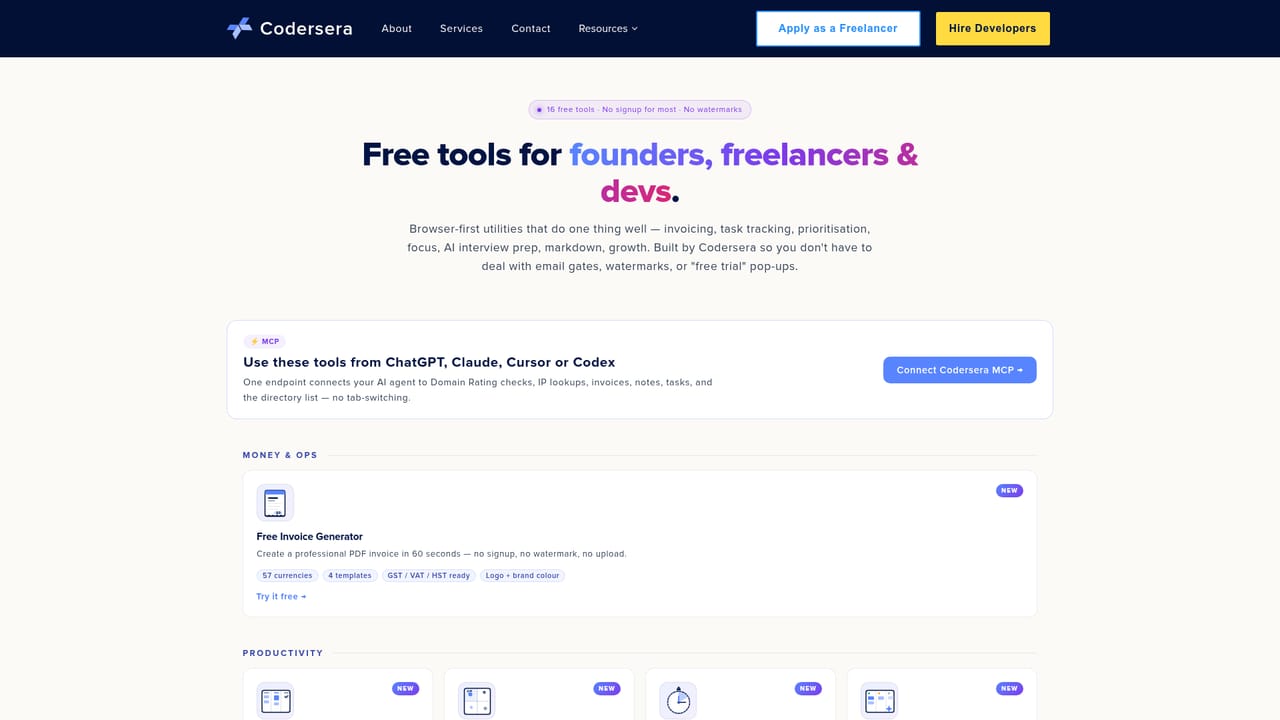
AI Agent Task Manager is listed as one of the free utilities on Codersera's tools page, a resource hub the company runs alongside its core business of placing vetted remote developers with engineering teams. The tool is positioned for organizing and tracking tasks tied to AI coding agents and automated workflows, sitting next to other single purpose utilities such as a Kanban and list based Task Tracker, an Impact-Effort Matrix, and a Focus Timer. The homepage does not provide a feature walkthrough, screenshots, or a dedicated product page for this specific tool, so its exact interface and capabilities are not described in detail. What is clear is its intended audience: developers and engineering teams running AI agents as part of coding, QA, or operational workflows who need a simple way to log, prioritize, and check the status of agent assigned tasks without adopting a heavier project management platform. In practice, based on its placement alongside Codersera's other tracker style tools, it likely follows a familiar task list or board format rather than introducing a novel interaction model. Teams evaluating it should expect a lightweight, single purpose utility rather than a full agent orchestration or monitoring system with workflow automation, alerts, or multi agent coordination built in. Within the broader Codersera ecosystem, the tool functions as a free add on that complements the company's main offering of vetted developer staffing, its blog and guides on AI coding agents, and a handful of other narrow utilities like an invoice generator, a domain rating checker, and an AI resume builder. For teams comparing dedicated AI agent management platforms, this entry reads as a simple organizational aid rather than a competitor to specialized agent orchestration software.
The tool is listed among Codersera's free tools for developers and teams; no paid tiers, upgrades, or costs are mentioned on the site for this specific tool.
Learn moreGeneral support for Codersera's site and tools runs through its contact page; no dedicated support channel specific to this tool is listed.
Learn moreDescribed only by name and category as a free task management tool for AI agent workflows within Codersera's tools section; the homepage does not detail specific screens, task formats, or capabilities beyond its listing.
Learn more


