Free trial
A free trial is available for companies to evaluate the solution before adopting. The homepage confirms the trial but does not state its length or any usage limits.
Learn moreAsk your SQL database a question and get a trustworthy answer

BlazeSQL is a question answering tool. An AI data analyst for SQL databases and warehouses. Connect a schema, ask questions in plain language, and BlazeSQL writes the queries, learns your terminology, builds dashboards and can deliver answers through Slack, Teams, Claude or ChatGPT.
BlazeSQL is an AI data analyst that connects to a SQL database or warehouse and answers plain-language questions by writing and running queries against it. The product is built around a self-learning layer: it extracts your schema, column relationships, comments and categorical values on connect, then keeps improving from feedback and tracks its own accuracy so teams can see how much to trust a given answer. Technical staff can start querying immediately without manual configuration, and non-technical staff can be onboarded once that accuracy baseline is established. A knowledge base lets administrators add descriptions for schemas, tables and columns, plus example queries and company terminology. The tool ships with two modes, one aimed at technical users and one for non-technical users, and the interface is a chat rather than a SQL editor. Answers can be pinned to drag-and-drop dashboards, and BlazeSQL also performs web research, generates PDF reports and builds interactive reports from a single request. Proactive weekly updates suggest insights tied to a user's role. Because the assistant is exposed through a Claude database connector, a ChatGPT plugin, Slack and Microsoft Teams, much of the value lands inside tools a team already lives in, which is the main differentiator against standalone BI chat products. Security is handled differently by deployment. In the desktop app, query results stay local between the database and the machine, and offline mode keeps everything on-device. The AI sees table and column names, not row data. No models are trained on customer data. There is no on-premise option, since the vendor states the AI workload is too compute-heavy for that. The API supports query generation, data retrieval, question answering, and user and database management for white-labeling or embedding. Databases are capped at 300 tables per connection to keep performance reasonable. Larger schemas have to be split across multiple connections with different table selections, and the relevant database is picked inside the chat. Support covers Snowflake, BigQuery, SQL Server, PostgreSQL, MySQL, MariaDB, Oracle, Redshift, Databricks, Amazon Athena, ClickHouse and SAP SQL Anywhere.
A free trial is available for companies to evaluate the solution before adopting. The homepage confirms the trial but does not state its length or any usage limits.
Learn moreBlazeSQL is a paid product with no permanently free tier. A free trial is offered so companies can test it before adopting. The homepage does not list plan prices or tiers; it only states that each member gets unlimited chatbot access and that multi-user use requires a Team subscription.
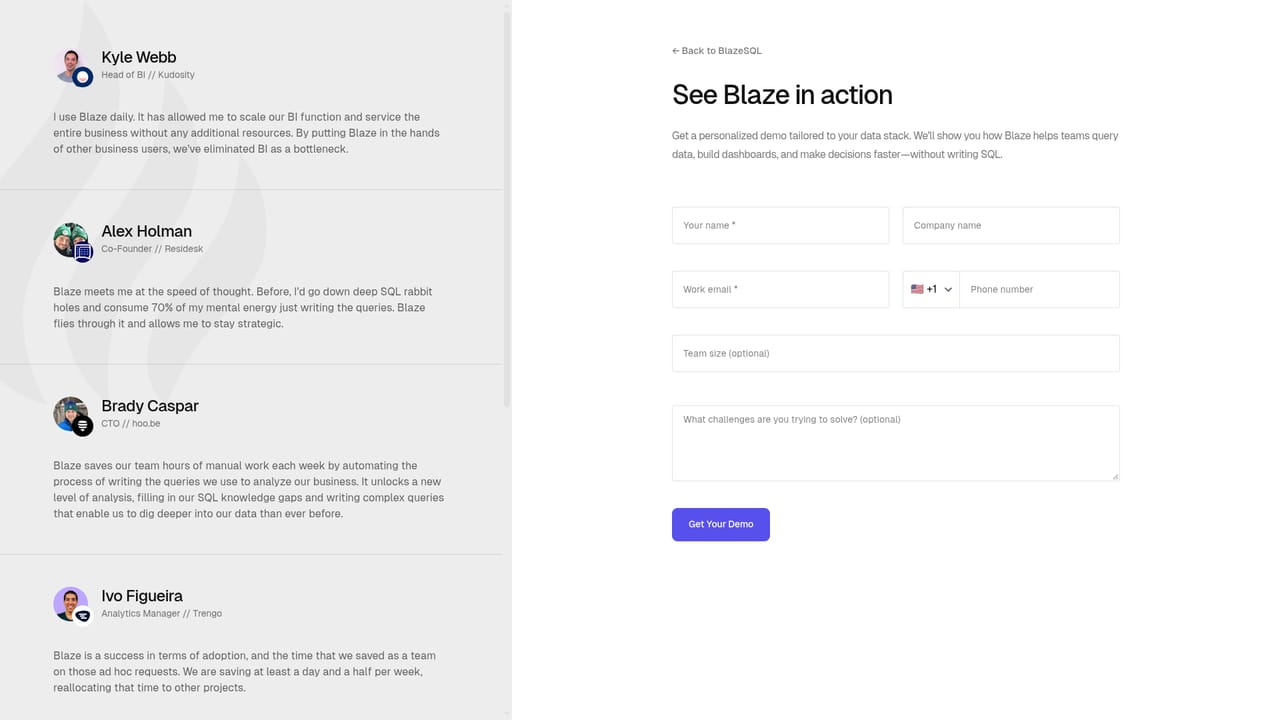
Learn moreSupport details are not described on the homepage. A demo request page is available for sales and onboarding conversations, and the FAQ section on the homepage answers common setup and security questions.
Learn moreAnswers can be delivered through Slack, Microsoft Teams, the Claude database connector and a ChatGPT plugin. Supported data sources include Snowflake, BigQuery, SQL Server, PostgreSQL, MySQL, MariaDB, Oracle, Redshift, Databricks, Amazon Athena, ClickHouse and SAP SQL Anywhere.
Learn moreCovers automatic schema extraction, a knowledge base for terminology and example queries, technical and non-technical chat modes, self-measured accuracy, drag-and-drop dashboards, proactive weekly insight suggestions, web research, PDF and interactive report generation, an offline desktop mode, and APIs for query generation and white-labeling.
 AI Angels400+ customizable AI girlfriends for NSFW chat, voice calls, and roleplay
 Candy AIExperience the future of companionship with AI friends who chat, role-play, and connect with you on a human level.
 ourdream.aiA vast AI roleplay platform with millions of characters for chat, images, video and voiceAI Angels400+ customizable AI girlfriends for NSFW chat, voice calls, and roleplayCandy AIExperience the future of companionship with AI friends who chat, role-play, and connect with you on a human level.ourdream.aiA vast AI roleplay platform with millions of characters for chat, images, video and voice


