Support
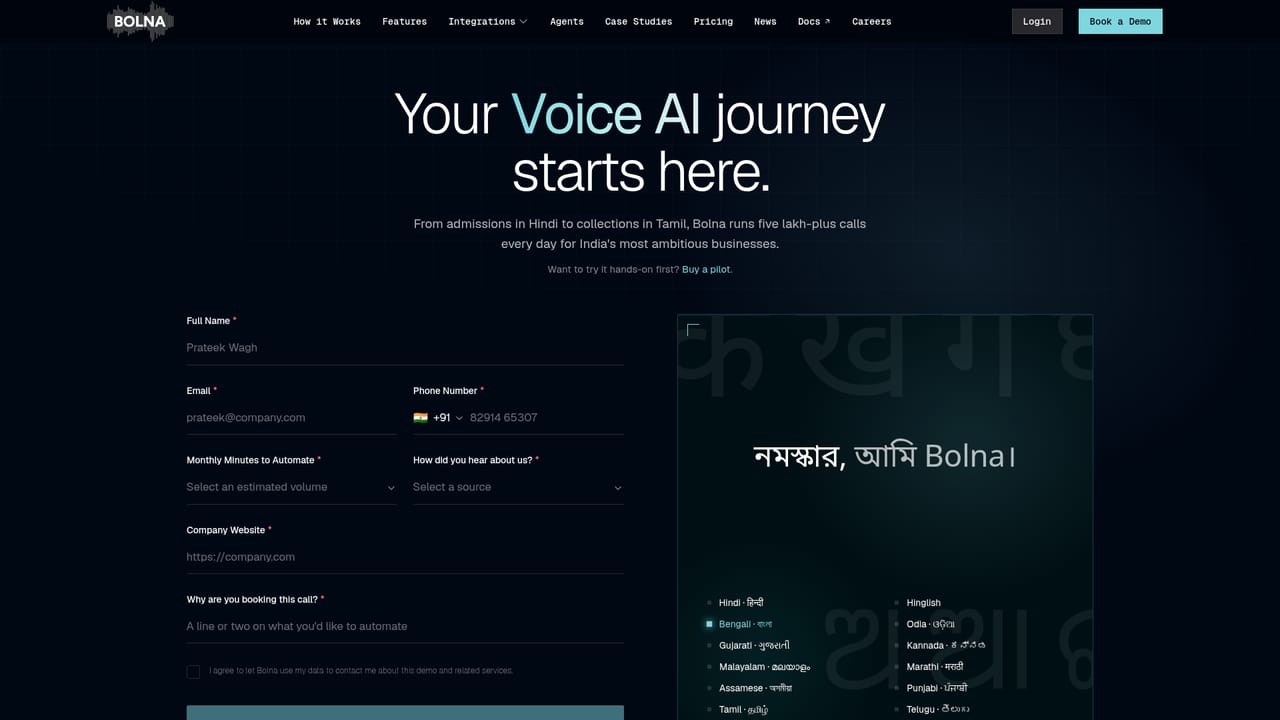
Support is available via a contact phone number for an AI agent that assists with getting started, and through demo booking for personalized sessions. Documentation is provided for developers.
Learn moreVoice AI agents for Indian languages, built to make real calls.

Bolna builds voice AI agents for Indian languages, automating support, sales, and recruitment calls with a no-code playground and developer API. It offers bulk calling, human handoff, and integrations with popular workflow tools.
Bolna is a voice AI platform focused on the Indian market, offering conversational agents that handle inbound and outbound calls in more than ten vernacular languages, including Hindi, Hinglish, Tamil, and Telugu. The service is designed for businesses that need to automate phone interactions at volume, such as customer support, lead qualification, reminders, and announcements. According to the homepage, over 1,000 companies use Bolna to power their voice AI stack. The platform provides a no-code playground where users can sign in, pick a pre-built template or build an agent from scratch, and trigger calls with a click. For developers, Bolna exposes an API that can be called from Python, JavaScript, or cURL, enabling programmatic control over call campaigns and agent behavior. Features include bulk calling at scale, custom API triggers during live conversations, human-in-the-loop transfer, and workflow integration with tools like n8n, Make.com, and Zapier. Agents are built to handle interruptions and reply with sub-300ms latency. Bolna connects to over 20 ASR, LLM, and TTS models, allowing model switching per call. In practice, Bolna fits into call operations that require multilingual support and cost efficiency. Example agents include a reminders agent for EMIs and collections, a customer support agent for FAQs and triage, a lead qualification agent that asks qualifying questions, and an announcements agent for feature updates. The platform emphasizes data privacy with India or USA data residency options and offers enterprise plans with forward-deployed service. Compared to general voice AI tools, Bolna differentiates through its focus on Indian languages and accents, making it a strong fit for companies operating in that market. However, it may be less suitable for teams that do not need Indian language support or that require extensive customization beyond the provided templates and API.
Support is available via a contact phone number for an AI agent that assists with getting started, and through demo booking for personalized sessions. Documentation is provided for developers.
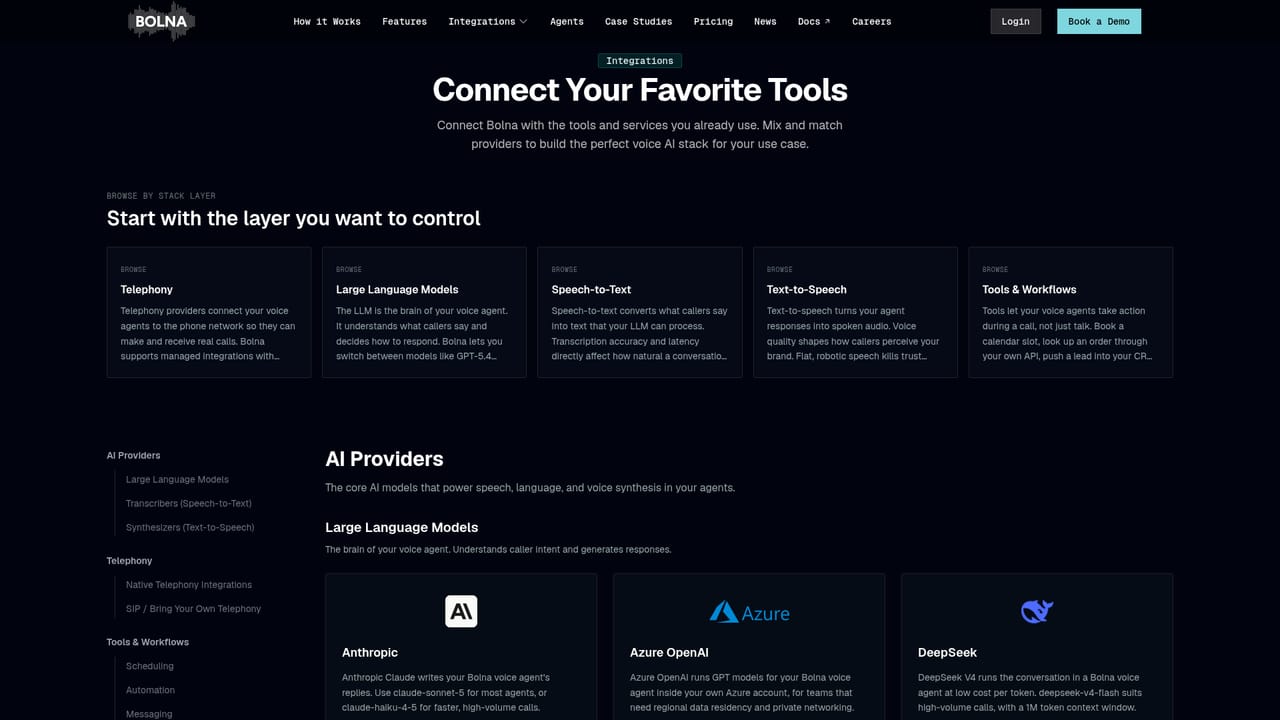
Learn moreBolna integrates with popular tools like n8n, Make.com, and Zapier for workflow automation, and connects to leading AI models such as OpenAI, Deepgram, ElevenLabs, and Plivo for speech and telephony.
Learn moreBolna offers bulk calling at scale, custom API triggers during live calls, human-in-the-loop transfer, and workflow integration with n8n, Make.com, and Zapier. Agents converse in 10+ languages, handle interruptions with sub-300ms latency, and connect to 20+ ASR, LLM, and TTS models. Enterprise plans include data residency options and forward-deployed service.
 AI Angels400+ customizable AI girlfriends for NSFW chat, voice calls, and roleplay
 Candy AIExperience the future of companionship with AI friends who chat, role-play, and connect with you on a human level.
 ourdream.aiA vast AI roleplay platform with millions of characters for chat, images, video and voiceAI Angels400+ customizable AI girlfriends for NSFW chat, voice calls, and roleplayCandy AIExperience the future of companionship with AI friends who chat, role-play, and connect with you on a human level.ourdream.aiA vast AI roleplay platform with millions of characters for chat, images, video and voice


