Free trial
No trial is needed for individuals: the desktop app is free with no account and no time limit, and it works on a free model out of the box.
Learn moreDesktop AI assistant that masks secrets before cloud models see them
Own Bolt by Sparcle? Verify ownership to get a dofollow link

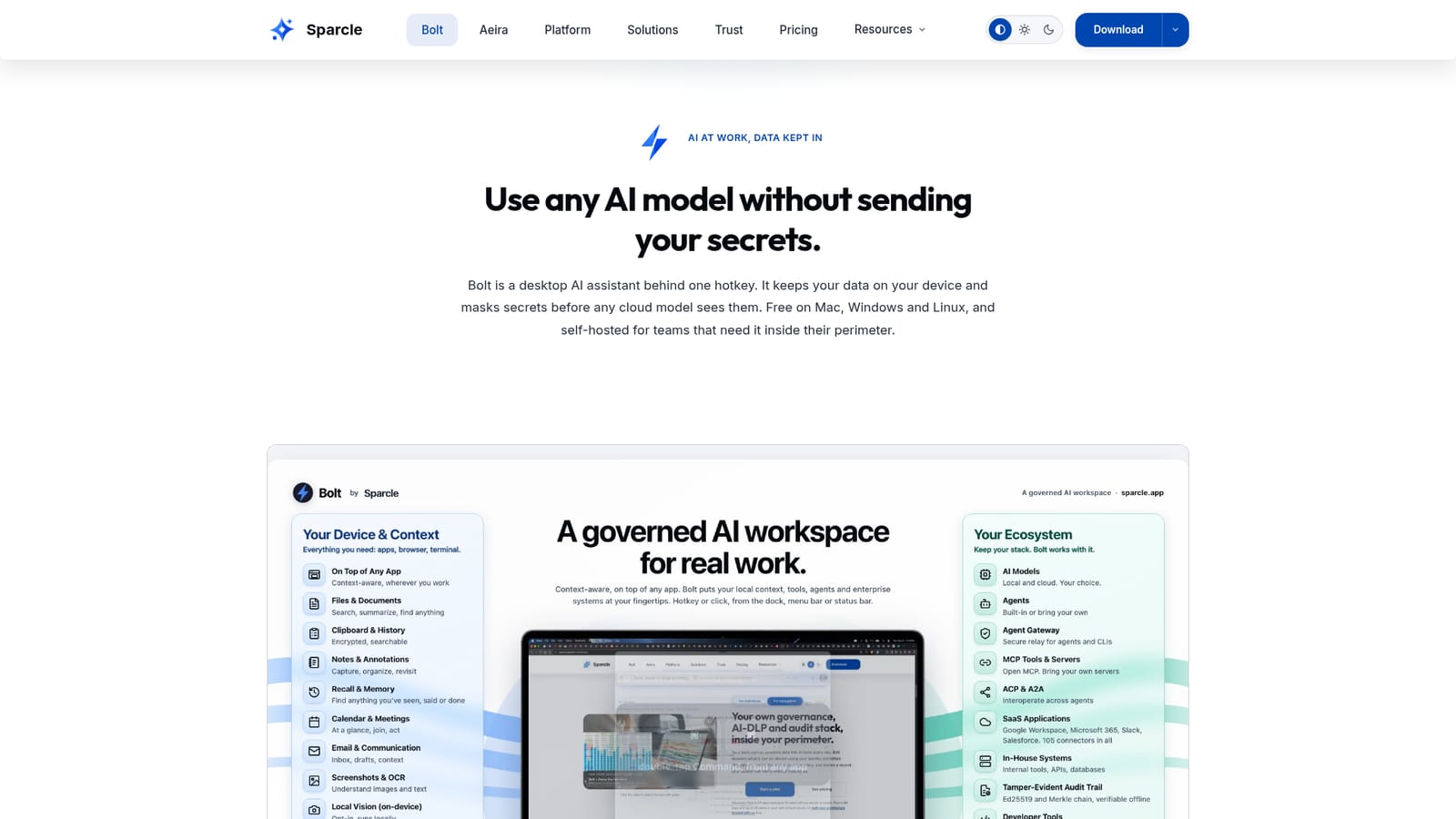
Bolt by Sparcle is a life assistance tool. Bolt is a hotkey-driven desktop AI assistant that keeps data on the device and masks secrets before cloud models see them. Free for individuals on Mac, Windows and Linux, with self-hosted tiers for teams.
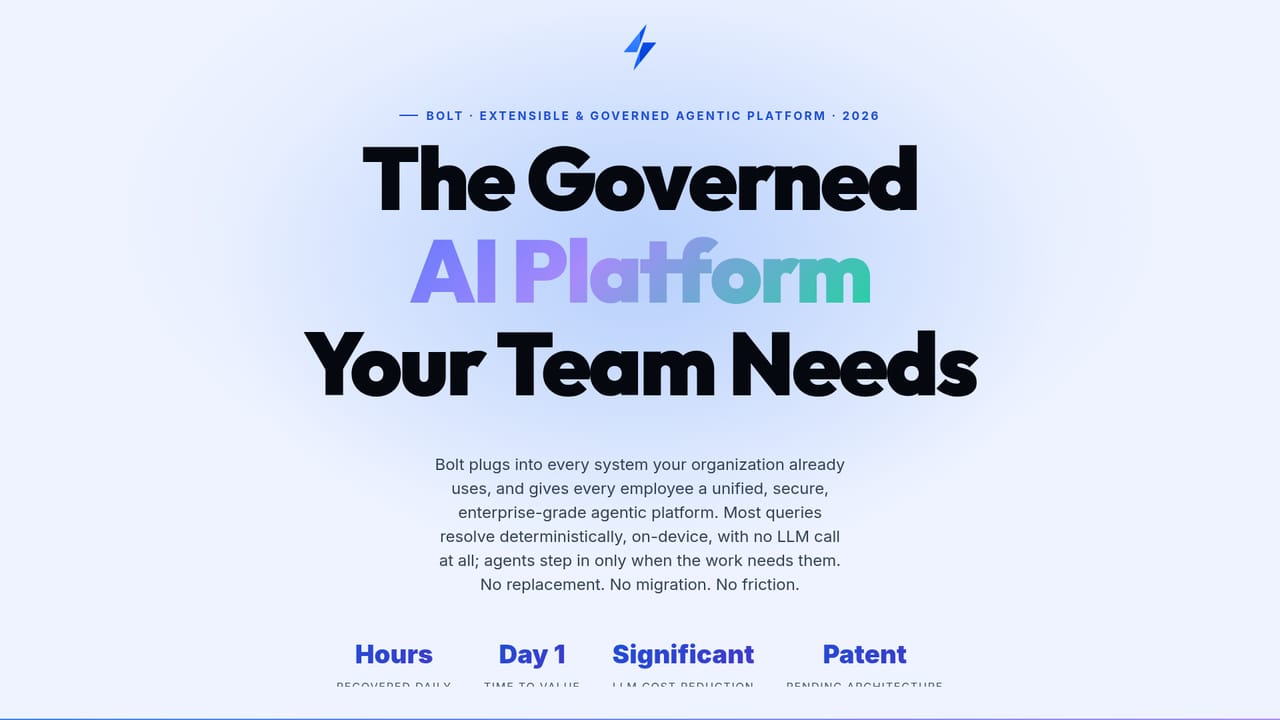
Bolt by Sparcle is a desktop AI assistant opened with a single hotkey. Its central idea is that data stays on the user's device, and sensitive values are masked before any prompt reaches a cloud model. That makes it relevant to people who want frontier models for daily work but cannot paste credentials, customer records or internal documents into a chat window. In practice, Bolt works as a launcher. A user types or pastes a value, and the app recognizes its shape on the device, flags what looks sensitive and proposes a next move such as decoding, converting, validating or pulling related details from connected systems. Built-in formats include JWTs, base64 and hex, timestamps, UUIDs, IBANs, file types, and medical and geo codes, and custom formats can be taught through a manifest. Routine steps like decoding a token or running a lookup execute deterministically, so no model tokens are spent. Beyond the launcher, Bolt drafts email replies, prepares meeting invites, stages task updates in tools such as Jira or Linear, and includes a sandboxed desktop agent that can browse local files, run terminal commands and open applications. A phone-to-desktop bridge and multi-machine routing extend this to remote use. Actions that leave the machine wait for the user's confirmation. For organizations, Bolt is self-hosted rather than offered as a cloud service: Docker Compose for staging, Kubernetes for production, on AWS, Azure, GCP, on-prem or air-gapped. Models are brought by the customer through their own keys (OpenAI, Anthropic, Bedrock, Vertex, Ollama, NVIDIA NIM or a fine-tuned model), so there is no per-token markup. Integrations are built on the Model Context Protocol, with identity handled through SAML, OIDC or JWT, and audit logging at each layer. Within the field, Bolt sits between consumer desktop assistants and enterprise AI gateways. Individuals get a free download, while teams buy tiered, annual, self-hosted contracts with seat minimums. Deeper architecture details are shared only under NDA, which limits independent evaluation.
No trial is needed for individuals: the desktop app is free with no account and no time limit, and it works on a free model out of the box.
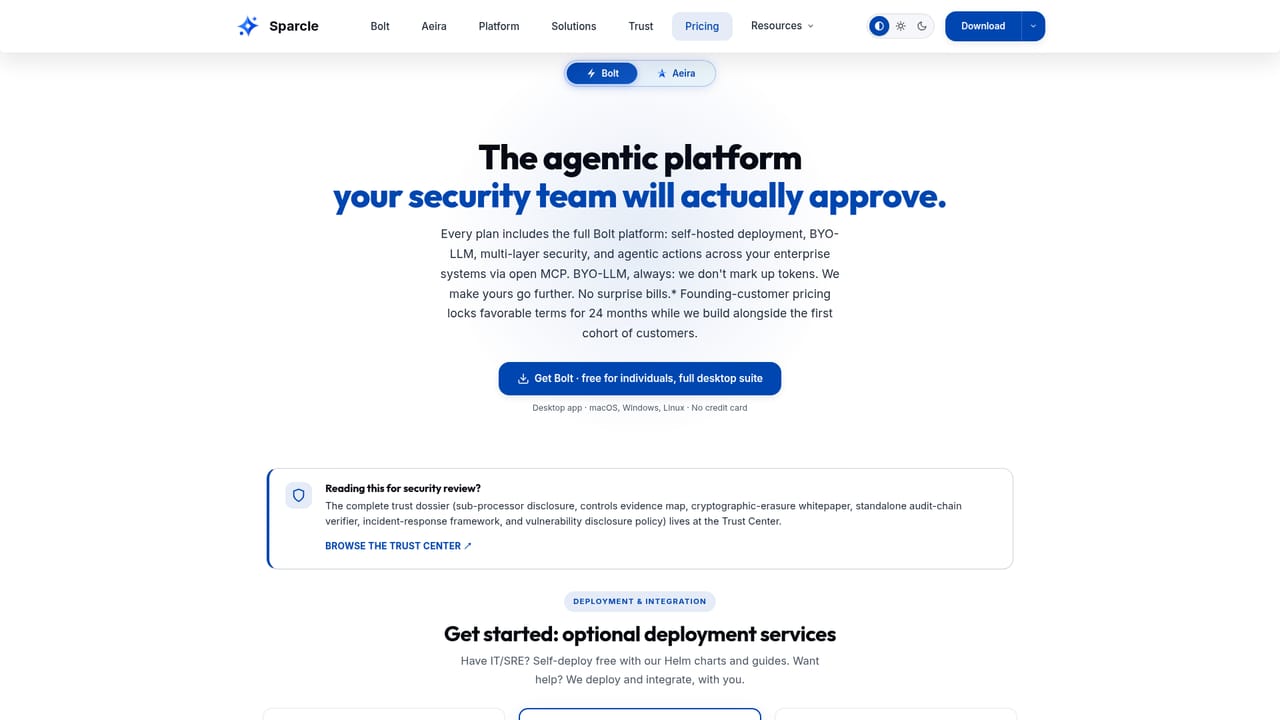
Learn moreFree to download for individuals, with no account and no time limit. Team tiers (Authorize, Backbone, Certify) need annual contracts with minimums of 10, 25 and 50 seats. A Founding Customer Program offers 25% off for 24 months to the first 50 customers.
Learn moreContact requests are answered within one business day. Founding customers get direct founder access and weekly office hours. Architecture reviews are scheduled through the contact form.
Built on the Model Context Protocol with 105 in-house connectors and roughly 350 more via Airbyte. Includes Jira, Confluence, Salesforce, GitHub, Notion and Zendesk, with Slack, Drive and M365 after admin setup. Supports SAML, OIDC, JWT, SSO and SCIM.
On-device secret masking and PII detection, a one-hotkey launcher that recognizes sensitive values, email, calendar and task automation with confirmation, a sandboxed desktop agent, phone-to-desktop bridge, multi-machine routing, audit logging and a YAML manifest for governed extensions.
Learn more


