Free trial
The homepage invites visitors to get started for free, which suggests a no cost entry point for testing the generator. No trial length, credit allowance or feature restrictions are stated.
Learn moreTurn a plot outline into a full draft and cover art in one flow
Own BookAIWriter.com? Verify ownership to get a dofollow link
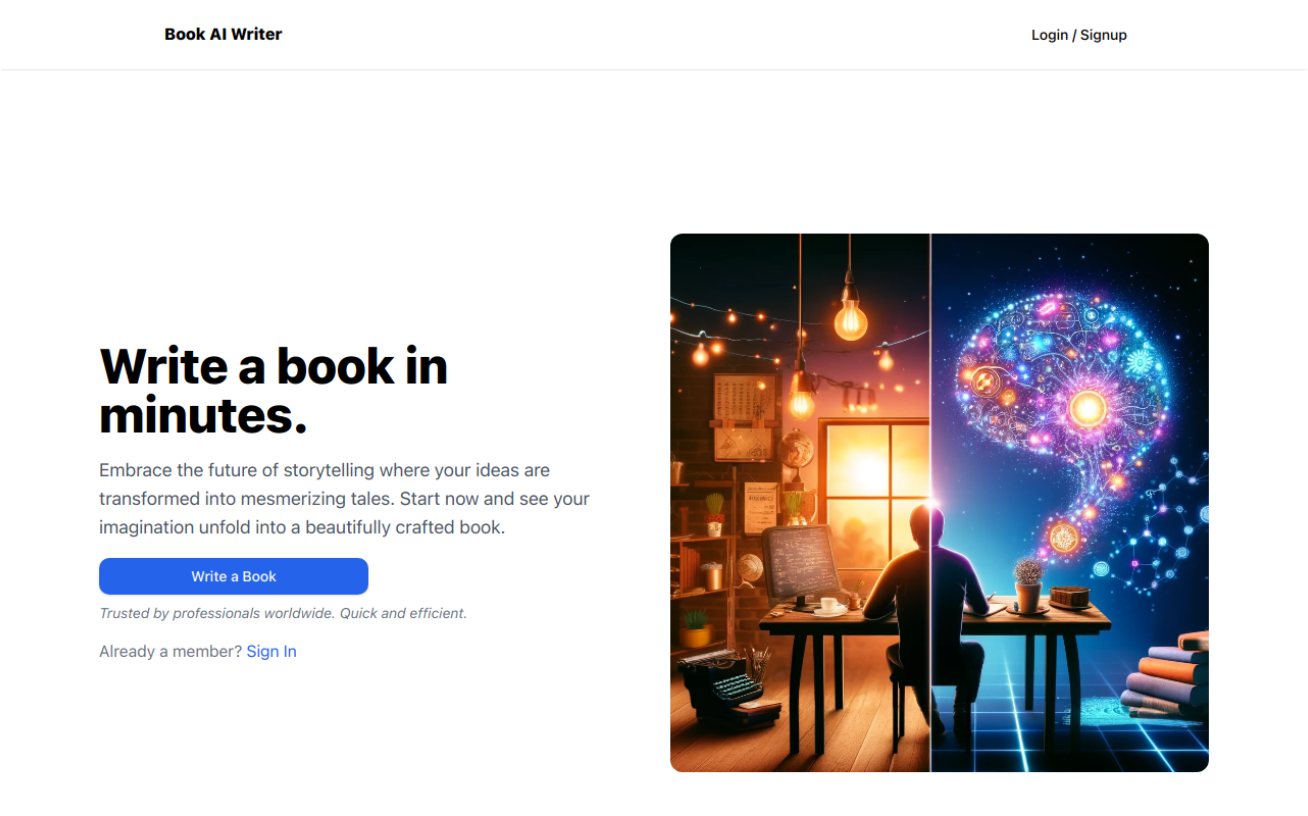
BookAIWriter.com is an AI book generator tool that turns a plot outline into a full draft and cover art in one flow. A browser based book generator that takes a plot outline, character arcs, style and chapter count, then drafts chapters and designs cover art.
BookAIWriter is a browser based writing tool built around a single promise: hand it a story blueprint and it returns finished chapters plus cover art. The workflow is structured rather than conversational. You start by defining the plot, the character arcs, the prose style and the number of chapters, and the system uses that outline as the guide for generating each chapter in turn. The marketing frames the output as a complete book ready to share, though in practice the useful role is a fast first draft that a human author rewrites and polishes. The product leans on the idea that the model reads and mirrors your writing style and description. The homepage shows sample openings across genres (a murder thriller, a lunar science fiction scene, a first contact story, a museum set detective piece) to demonstrate tonal range from a short prompt. It also advertises one line feedback: describe a change and the AI performs the edit across the manuscript without you highlighting passages manually. Cover generation sits alongside the text pipeline, aimed at authors who want a matching visual without hiring a designer for an early draft. Who it suits: indie authors testing whether a premise holds up, self publishers who need volume quickly, and hobby writers who want momentum instead of a blank page. It is less suited to literary fiction that depends on a distinctive voice, or to nonfiction that requires verified facts, since the tool generates narrative rather than researched content. Against alternatives, BookAIWriter competes with general chat assistants and with dedicated novel outlining suites. Its edge is the guided chapter by chapter pipeline and bundled cover art in one place. Its weakness is transparency: the homepage is light on output length controls, export options, and revision tooling, so buyers should test a short project before committing a long manuscript to it.
The homepage invites visitors to get started for free, which suggests a no cost entry point for testing the generator. No trial length, credit allowance or feature restrictions are stated.
Learn moreCore features are an outline builder (plot, character arcs, style, chapter count), automated chapter drafting guided by that outline, one line feedback that triggers edits across the manuscript, and AI generated cover art. Sample openings across thriller, sci-fi and mystery genres illustrate the tonal range the tool claims to handle.
 AI Angels400+ customizable AI girlfriends for NSFW chat, voice calls, and roleplay
 Candy AIExperience the future of companionship with AI friends who chat, role-play, and connect with you on a human level.
 ourdream.aiA vast AI roleplay platform with millions of characters for chat, images, video and voiceAI Angels400+ customizable AI girlfriends for NSFW chat, voice calls, and roleplayCandy AIExperience the future of companionship with AI friends who chat, role-play, and connect with you on a human level.ourdream.aiA vast AI roleplay platform with millions of characters for chat, images, video and voice


