Free trial
A 21-day free trial is offered, with a start link on the pricing page and a demo booking option for evaluating the app first.
Learn moreAI search, filters and merchandising built for Shopify stores
Own Boost Commerce? Verify ownership to get a dofollow link

Boost Commerce is an aesthetic discovery tool. Shopify app suite for AI search, dynamic filters, product recommendations, predictive bundles, pre-orders and visual merchandising, with built-in A/B testing and analytics on search and filter behavior.
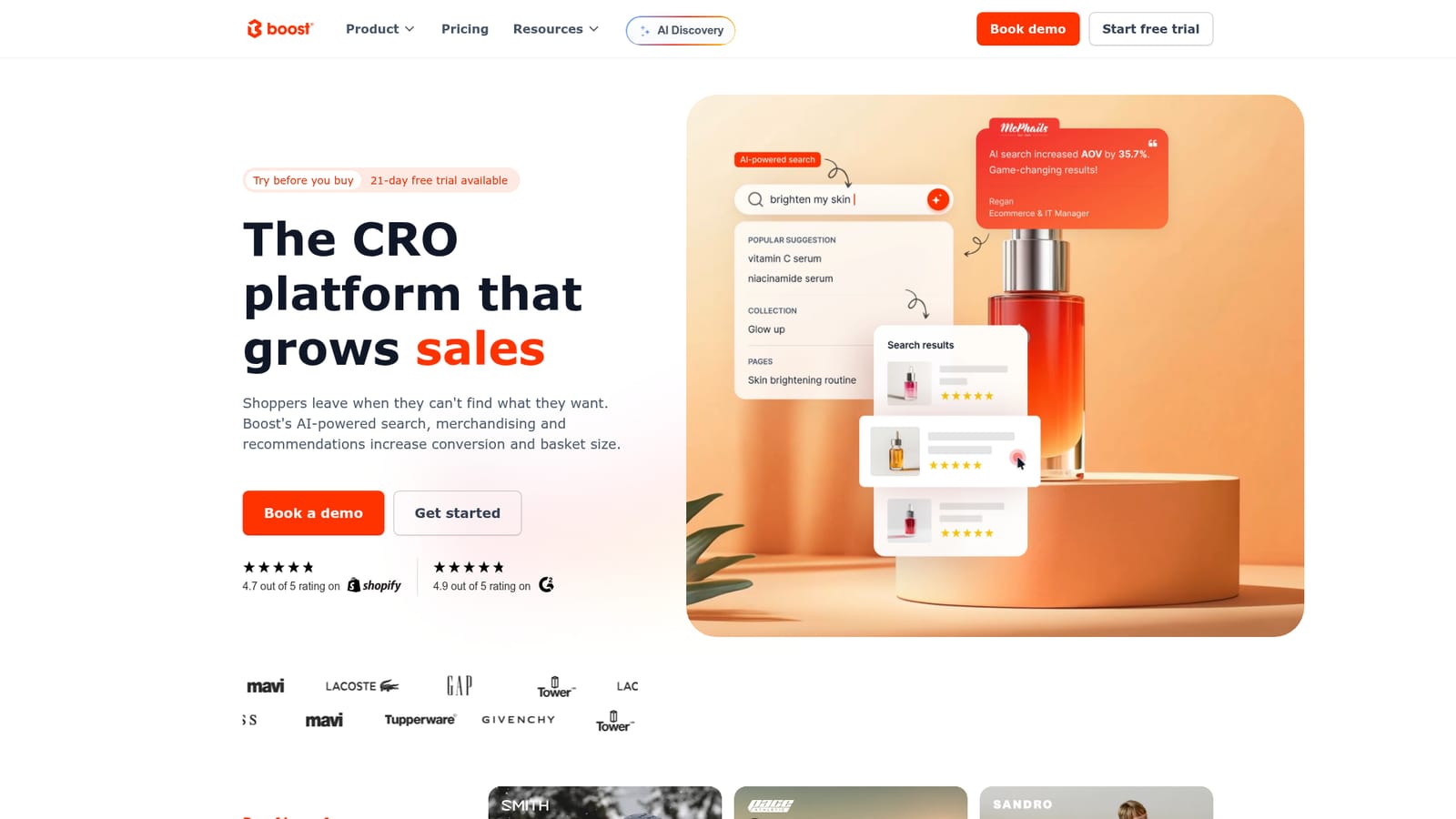
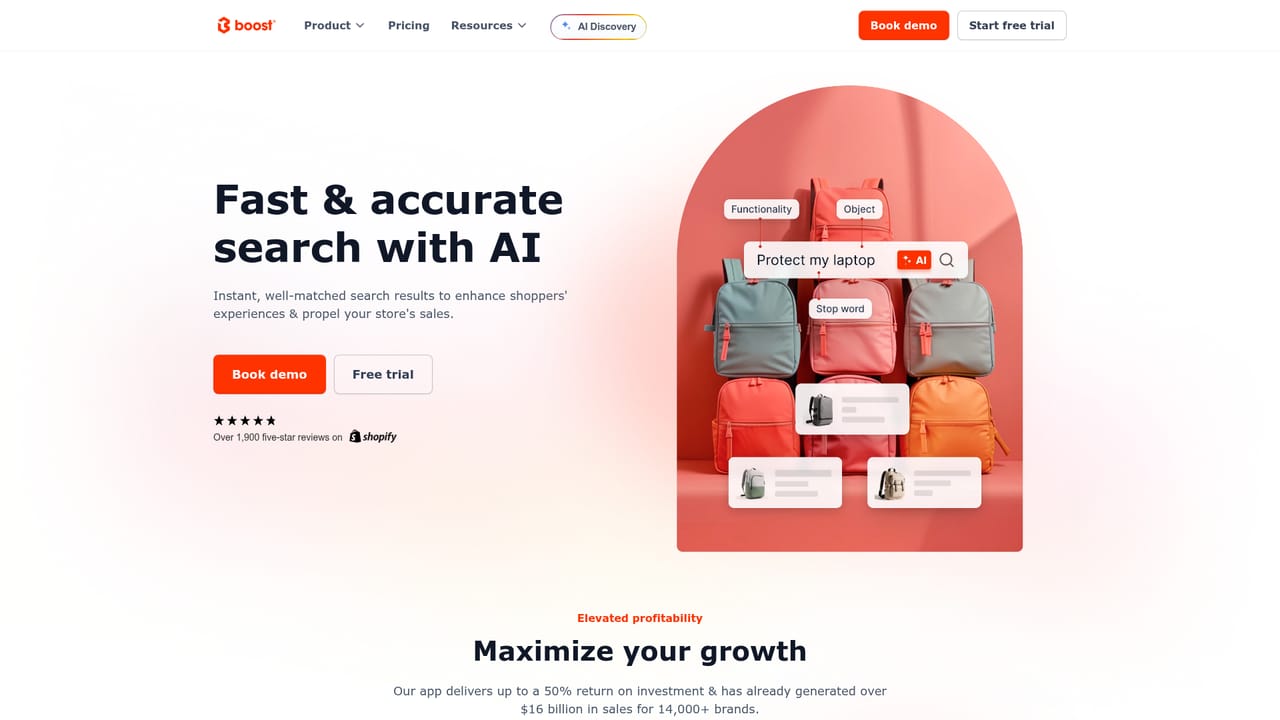
Boost Commerce is a Shopify app suite that rebuilds product discovery for online stores. Its centerpiece, Boost AI Search & Filter, replaces the default storefront search with intent-driven results that tolerate typos and interpret vague queries, then layers dynamic filters on top. Around that core sit product recommendations, predictive bundles, pre-orders, visual merchandising, personalization and an analytics layer that reports on search terms, filter usage, recommendation widget performance and the revenue the app attributes to itself. The homepage positions the product as a way to consolidate a scattered discovery stack into one tool built for Shopify from the ground up, with multi-store, multi-currency and multi-language support for cross-border selling. The audience is Shopify merchants whose catalogs have outgrown native search: stores where shoppers hit zero-result pages, where merchandisers manually reshuffle bestsellers and promos, and where simple filter changes still generate developer tickets. Boost targets that operational drag by giving merchandisers a visual layer with A/B testing, so placement and ranking decisions can be measured rather than guessed. AI-driven ranking learns from searches, clicks and purchases, and bundles can be assembled by hand or suggested automatically inside search results and other high-traffic store areas. In practice, setup syncs the Shopify catalog in real time without development work, and the app is pitched as launching in weeks rather than months. Once live, the analytics view answers concrete questions: which search terms returned nothing, which filters shoppers actually use, and how recommendation widgets are performing. Boost publishes case studies citing outcomes such as a $80k annual stack saving at Smith Optics, a 2.6x average order value lift at Sandro, and conversion gains at Pretty Moment and Wines Direct. Among alternatives, Boost competes with standalone search and merchandising apps plus general site search services. Its argument is depth inside one ecosystem: search, filters, recommendations, bundles, pre-orders and analytics share one catalog sync and one interface. Merchants on platforms other than Shopify, or stores wanting only a lightweight search box, will find the scope heavier than needed. The homepage claims adoption by more than 14,000 Shopify brands.
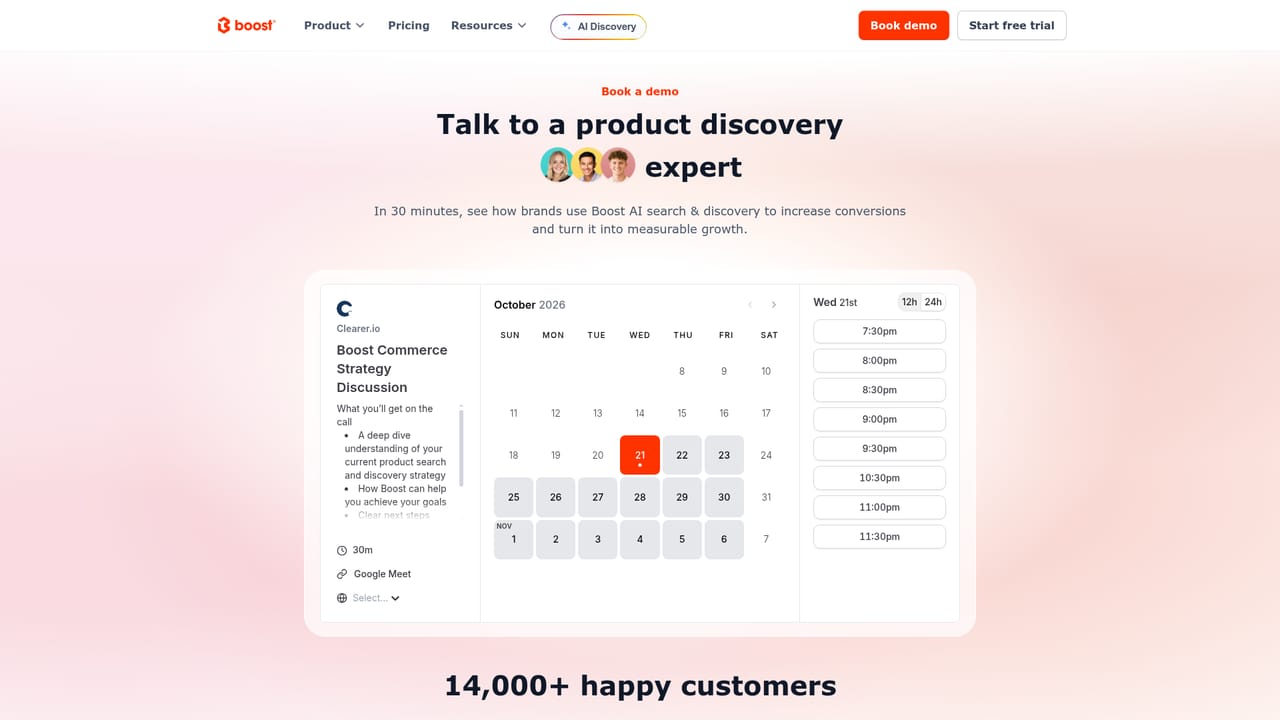
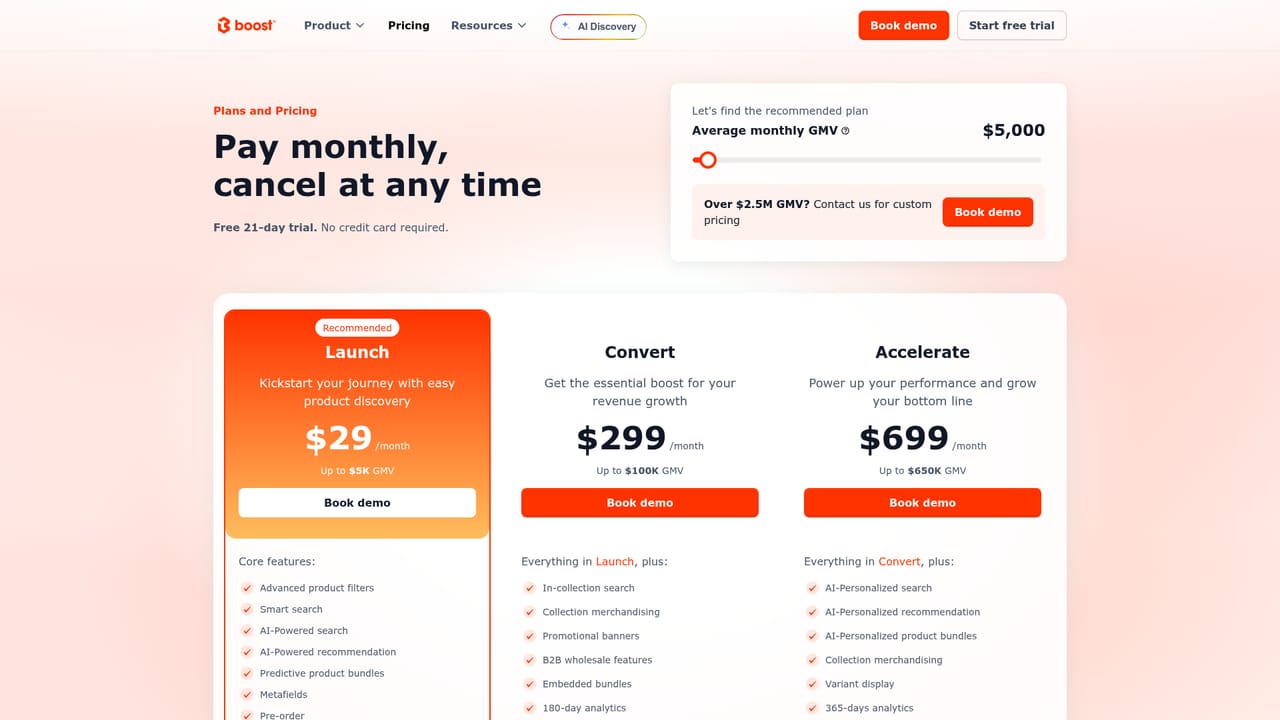
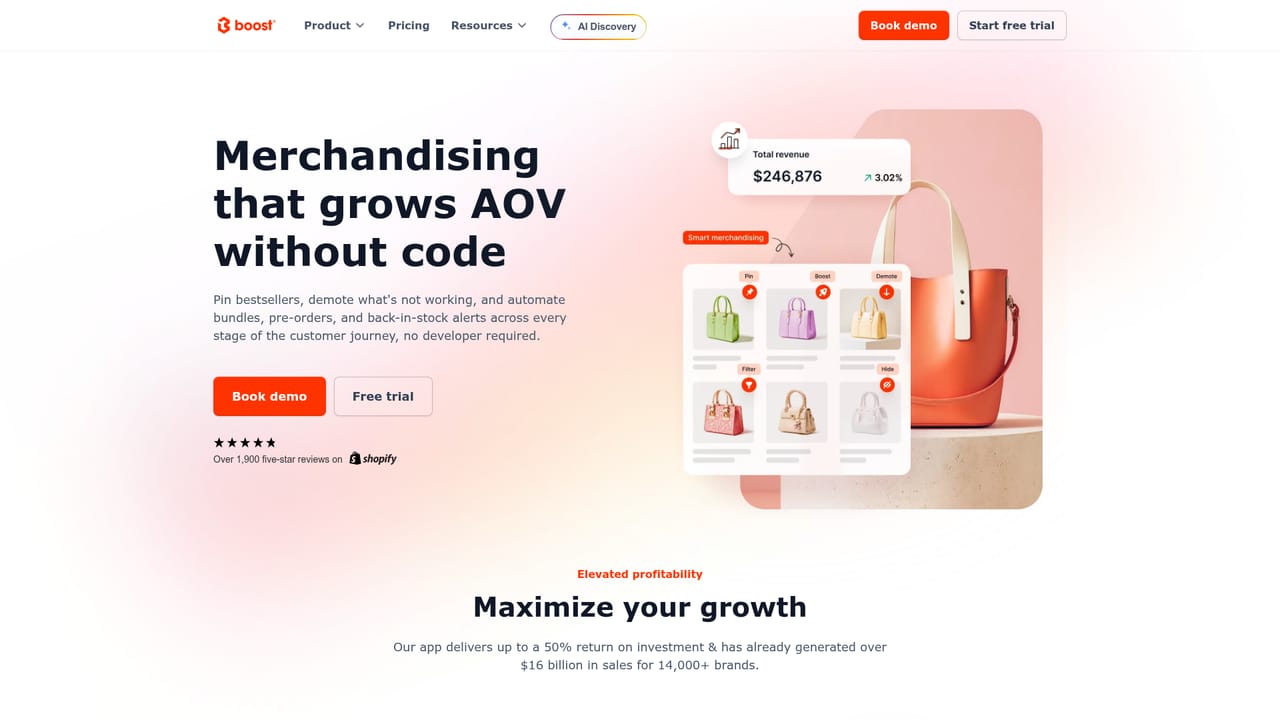
A 21-day free trial is offered, with a start link on the pricing page and a demo booking option for evaluating the app first.
Learn moreBuilt specifically for Shopify, syncing the product catalog in real time and supporting multi-store, multi-currency and multi-language setups. The homepage names no third party integrations.
Core modules cover AI search with typo tolerance and intent matching, dynamic product filters built from product options and metaobjects, recommendations, AI or manually curated predictive bundles, and pre-orders. Supporting layers include visual merchandising with A/B testing, real-time personalization, multi-store, multi-currency and multi-language selling, and analytics on search trends, filter usage and widget revenue.
Learn more AI Angels400+ customizable AI girlfriends for NSFW chat, voice calls, and roleplay
 Candy AIExperience the future of companionship with AI friends who chat, role-play, and connect with you on a human level.
 ourdream.aiA vast AI roleplay platform with millions of characters for chat, images, video and voiceAI Angels400+ customizable AI girlfriends for NSFW chat, voice calls, and roleplayCandy AIExperience the future of companionship with AI friends who chat, role-play, and connect with you on a human level.ourdream.aiA vast AI roleplay platform with millions of characters for chat, images, video and voice


