Pricing
Pricing is split between creator plans and team plans, with credits, flexible generation volume and no seat restrictions on team tiers. Exact figures are not listed on the homepage, so check the pricing page for current rates.
Learn moreStock library plus AI editing and generation in one workspace

Shutterstock is an aesthetic discovery tool. Shutterstock pairs a large human-made stock library (images, video, music, editorial, sound effects) with an AI workspace for editing assets and generating new visuals across several model providers. Licensing, indemnification and team admin controls make it a commercial option rather than a hobby generator.
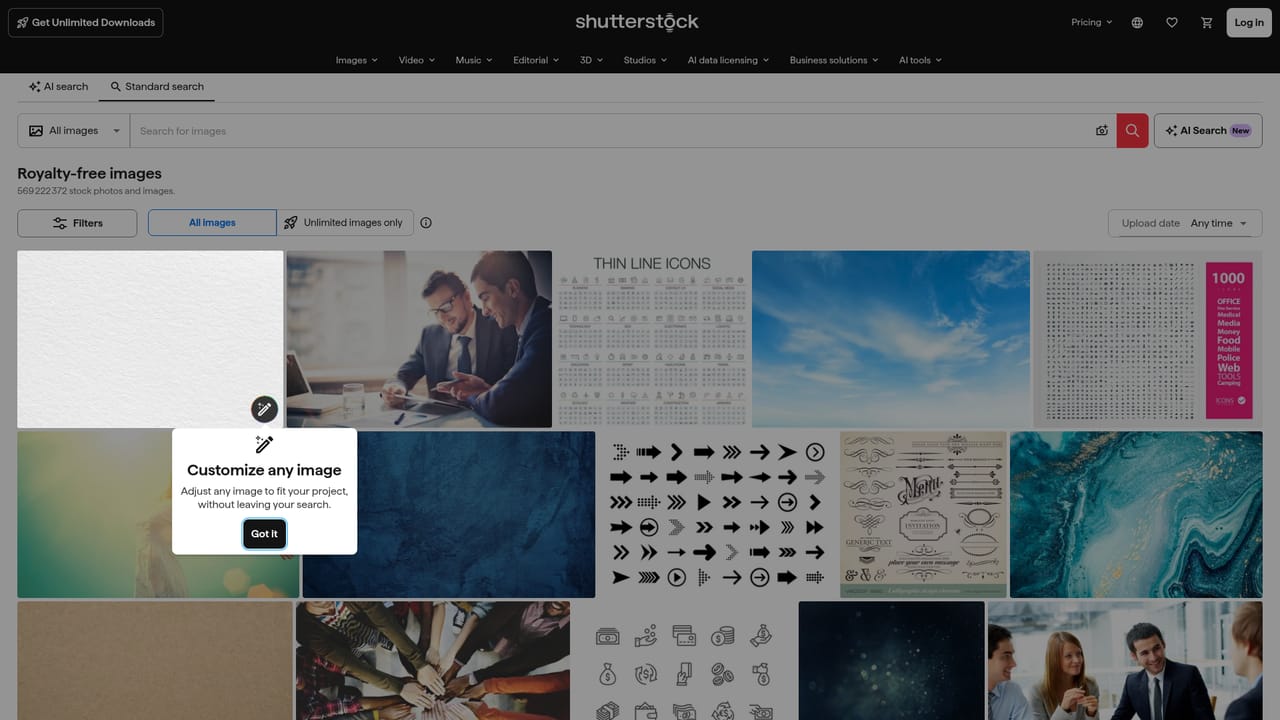
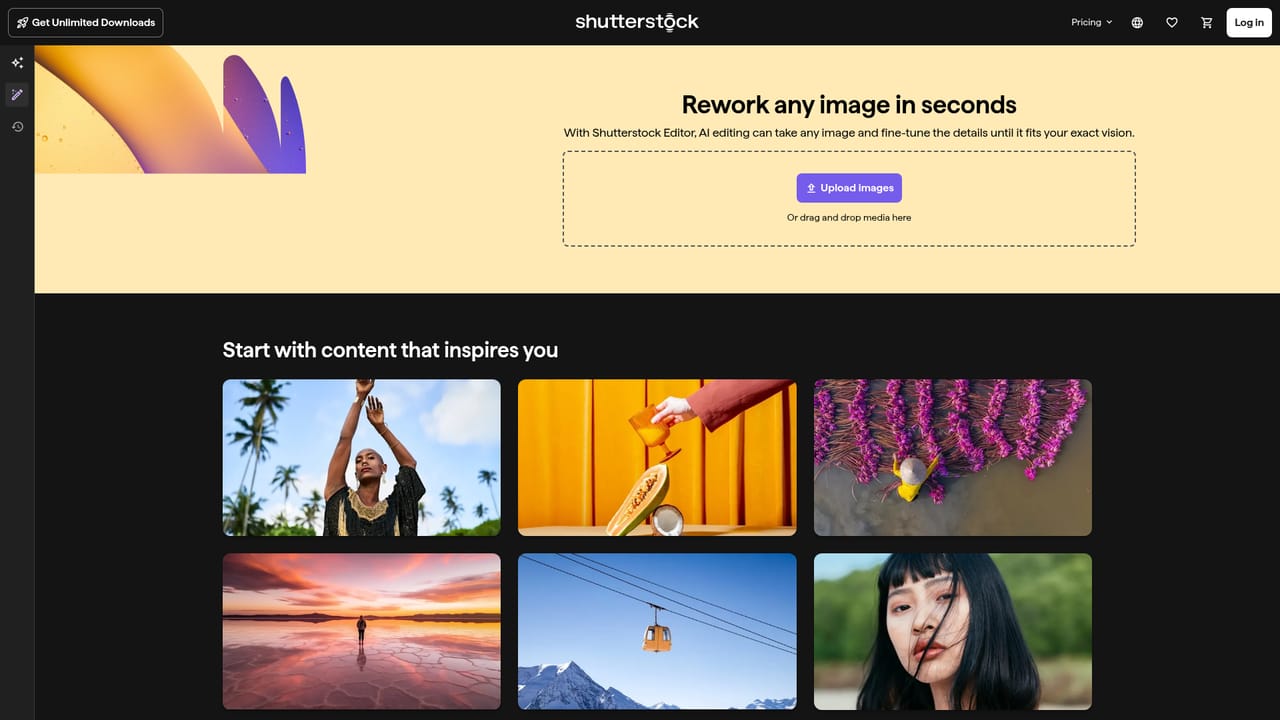
Shutterstock is a stock content marketplace with an AI layer built on top of it. The core library holds human-made images, video clips, music, editorial photography and sound effects from a global contributor community. On top of that sits a generative workspace where you can produce new visuals or rework an existing asset, so a project does not have to begin with an empty canvas. The pitch is a single pipeline: find a premium asset, customize it, or generate something fresh, then license it for commercial use. The AI side brings several outside model providers together in one interface, including Google, OpenAI and Runway, alongside Shutterstock's own model. A Model Match feature selects a model for you based on the project rather than making you compare engines manually. The editing environment at the generate and edit page is where assets get changed, and the same workspace supports going from an initial idea to a commercial-ready file. That combination, a licensed stock catalog and a multi-model generator inside one account, is the main distinction from pure text-to-image tools that have no asset library behind them. The tool suits designers, marketers, video editors, publishers and social teams who need visuals that clear legal review, not just quick throwaway renders. Contributors sit on the other side of the marketplace and can submit work for income through the submit portal. Agency and in-house teams get controls that matter at scale: legal indemnification covering AI-generated content used commercially, admin oversight of GenAI access, flexible credits, parallel generations, and no seat restrictions. The site also states that private content is never used for training and data is not sold. Against standalone generators, Shutterstock trades some experimentation freedom for licensing certainty and a deep human-made catalog. Against classic stock sites, it adds generation and editing without leaving the platform. The trade-off is a credit-based commercial model rather than a free creative playground, so light users should weigh subscription cost against how often they actually need licensable output.

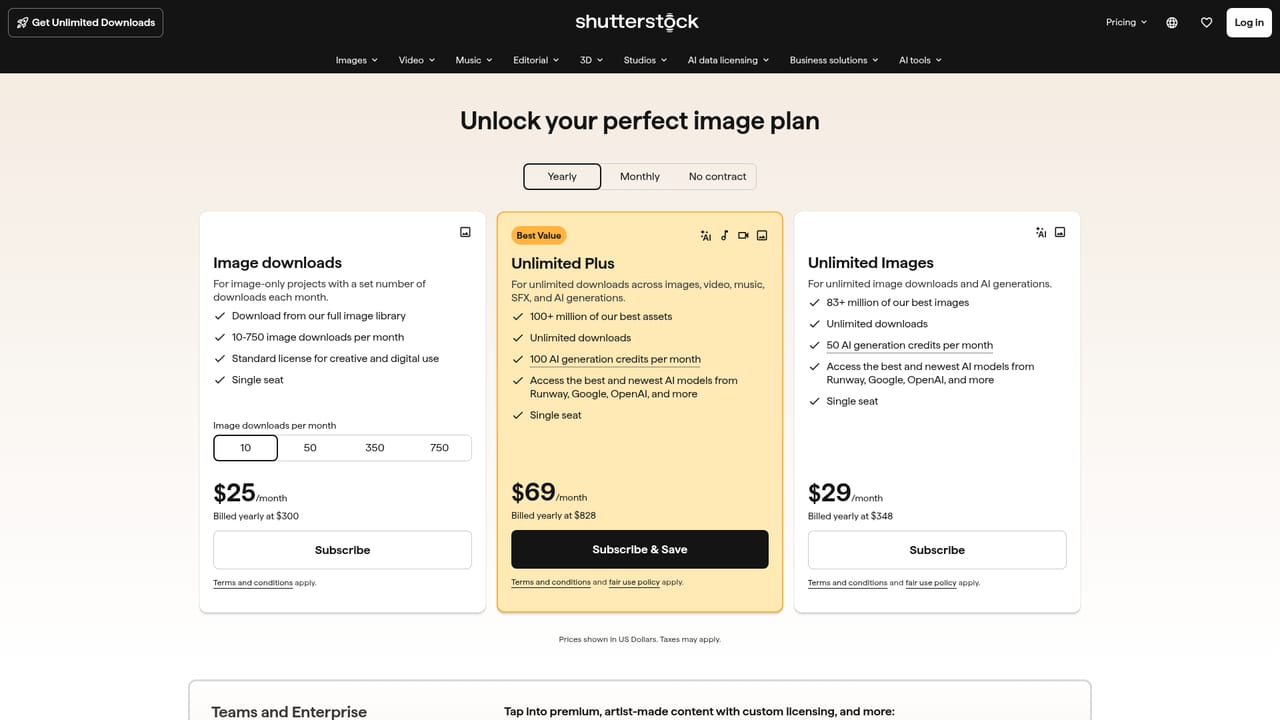
Pricing is split between creator plans and team plans, with credits, flexible generation volume and no seat restrictions on team tiers. Exact figures are not listed on the homepage, so check the pricing page for current rates.
Learn moreDedicated support is listed as an enterprise feature, described as a real team available from onboarding through day-to-day use.
Stock library of images, video, music, editorial and sound effects, plus AI generation and editing using multiple model providers (Google, OpenAI, Runway and Shutterstock's own). Includes Model Match for automatic engine selection, legal indemnification on commercial AI output, admin control over GenAI access, flexible credits and parallel generations.
Learn more AI Angels400+ customizable AI girlfriends for NSFW chat, voice calls, and roleplay
 Candy AIExperience the future of companionship with AI friends who chat, role-play, and connect with you on a human level.
 ourdream.aiA vast AI roleplay platform with millions of characters for chat, images, video and voiceAI Angels400+ customizable AI girlfriends for NSFW chat, voice calls, and roleplayCandy AIExperience the future of companionship with AI friends who chat, role-play, and connect with you on a human level.ourdream.aiA vast AI roleplay platform with millions of characters for chat, images, video and voice


