Khroma

Train a neural network on the colors you like, then generate palettes endlessly.

Beginner
Screenshot of Khroma, Train a neural network on the colors you like, then generate palettes endlessly

What is Khroma?

Khroma is an aesthetic discovery tool. A browser-based color tool that trains a neural network on colors you pick, then generates palettes you can preview as typography, gradients or custom images, filter by hue and hex, and save with hex, RGB, CSS and WCAG contrast details.

Khroma is a browser-based color tool built around a single idea: instead of browsing other people's palettes, you teach an algorithm what you find attractive and it produces combinations tuned to that taste. The training step asks you to pick a set of colors you respond to. That selection feeds a neural network powered algorithm that then generates palettes in your preferred range while suppressing the colors you rejected. The claim is that Khroma has absorbed thousands of popular human-made palettes from across the internet, so the output leans on combinations that already work rather than pure randomness. The generator is where most of the work happens. Palettes can be previewed as typography, as a gradient, as a flat palette, or applied to a custom image, which makes it easier to judge how a scheme behaves on a real layout instead of as isolated swatches. A search layer lets you filter results by hue, tint, value and color, and you can also query by hex or RGB value when you already have a specific shade in mind. That combination of training plus filtering is the practical core of the tool. Useful results go into a personal collection. Khroma keeps an unlimited library of saved combos and, for each pair, surfaces color names, hex codes, RGB values, CSS code and a WCAG accessibility rating. Those details are what make the library usable after the fact: you can pull the CSS straight into a build and check contrast before shipping. The audience is designers and front-end developers who pick colors often and want a faster starting point than a generic palette site. It sits somewhere between a palette browser and a preference-trained generator. Anyone who needs full design tooling, asset export pipelines or team libraries will still finish the job elsewhere, and the tool does not replace a contrast checker for complex accessibility audits. Where it fits best is early exploration and building a reusable, personal color reference.

How do you use Khroma?

  1. 1Train the algorithm on colors you like
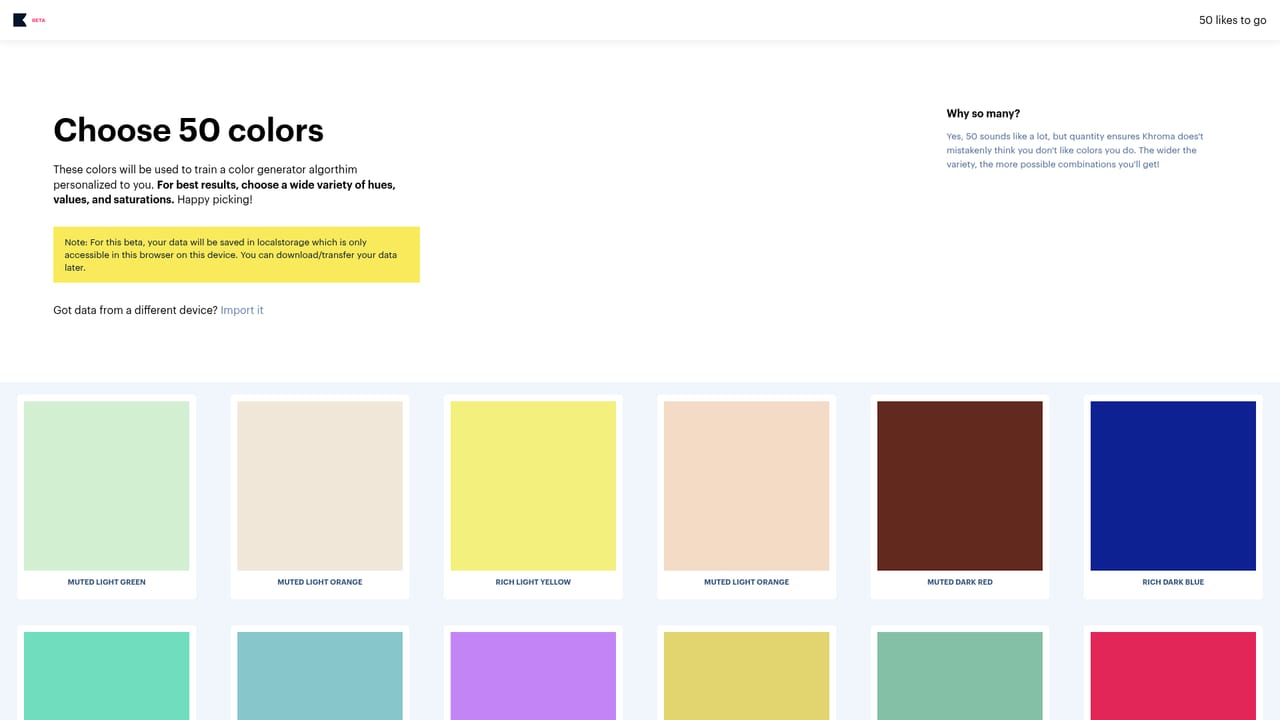
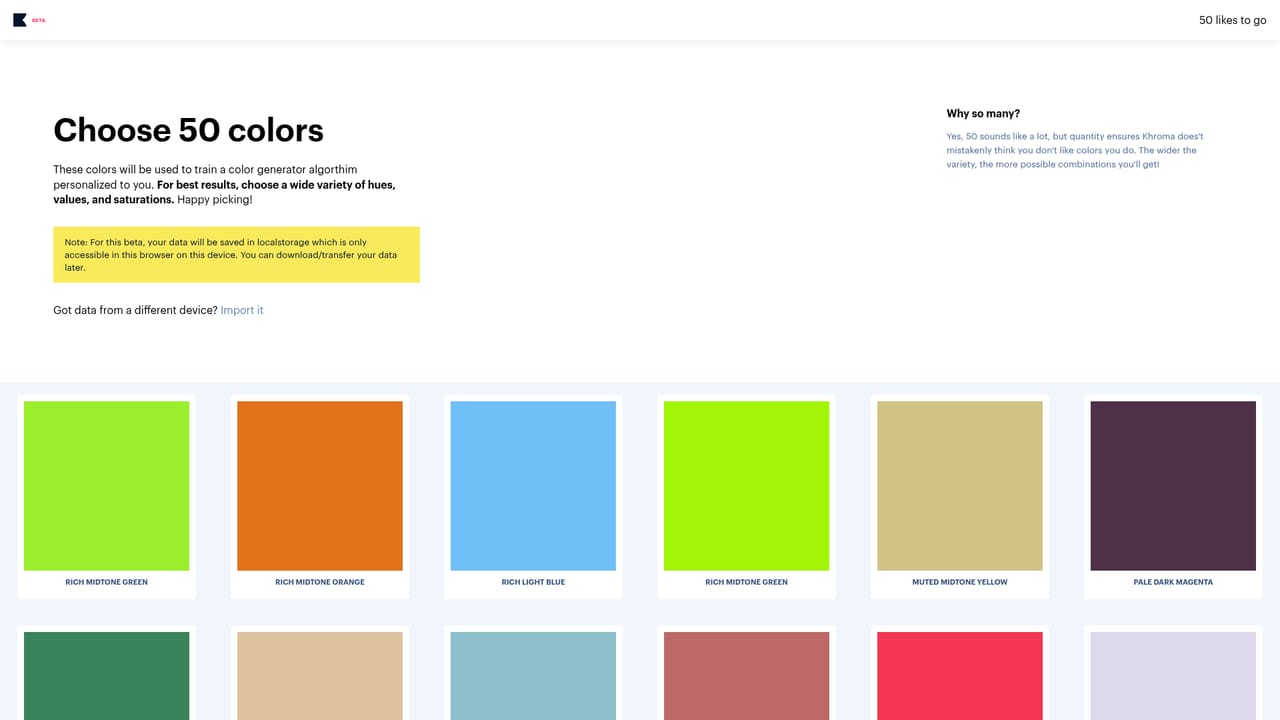
    Open the training page and select a set of colors that appeal to you. That selection teaches the neural network which shades to favor and which to suppress.
    Khroma — Train the algorithm on colors you like
  2. 2Generate your first palettes
    Move to the generator, where the trained model produces combinations. Browse a few before deciding whether the output matches your taste.
    Khroma — Generate your first palettes
  3. 3Change the preview mode
    Switch between typography, gradient, palette and custom image views. Applying a scheme to an image or type sample shows how it reads in a real layout.
  4. 4Filter by hue, value or hex
    Use search to narrow results by hue, tint, value or color, or enter a hex or RGB value if you already have a shade in mind.
  5. 5Save combos and read the specs
    Add strong pairs to your collection, then open a saved item to get the color names, hex codes, RGB values, CSS code and WCAG rating.

Pros and cons

Pros

  • Training step adapts output to your taste instead of serving a generic popular palette feedAI
  • Palettes can be previewed as typography, gradient, palette or a custom image, which shows how they behave in contextAI
  • Search and filter work by hue, tint, value, color and hex or RGB values, so specific shades are easy to chaseAI
  • Saved combos include color names, hex, RGB, CSS code and a WCAG accessibility ratingAI
  • Runs in the browser with an unlimited personal collection, no export step needed to read the valuesAI

Cons

  • No published pricing, plan tiers or account limits on the homepage, so cost and commercial terms need direct checkingAI
  • Only available as a web app; no mobile apps, desktop client or design tool plugin is mentionedAI
  • WCAG ratings cover contrast between a color pair only, not a full audit of a live interfaceAI
  • Saving and training live inside the product, and the homepage does not describe any team sharing or collaboration featuresAI
  • Value depends on the initial training choices, and the homepage does not explain how to retrain or correct a bad resultAI

How much does Khroma cost?

Features

A preference-trained neural network generates palettes based on colors you choose. Output can be viewed as typography, gradient, palette or a custom image. Search filters results by hue, tint, value, color, hex and RGB. Saved combos come with color names, hex codes, RGB values, CSS code and WCAG accessibility ratings, held in an unlimited personal library.

Frequently asked questions about Khroma

  • How do you use Khroma?
    The walkthrough on this page covers 5 steps: 1. Train the algorithm on colors you like 2. Generate your first palettes 3. Change the preview mode 4. Filter by hue, value or hex 5. Save combos and read the specs.
  • What platforms does Khroma support?
    Khroma is available on Web App.
  • What are the limitations of Khroma?
    No published pricing, plan tiers or account limits on the homepage, so cost and commercial terms need direct checking. Only available as a web app; no mobile apps, desktop client or design tool plugin is mentioned. WCAG ratings cover contrast between a color pair only, not a full audit of a live interface.

Status

StatusActive
Views0
Outbound clicks0
Added10/21/2026

Platforms

Web App

Pricing

Free