Free trial
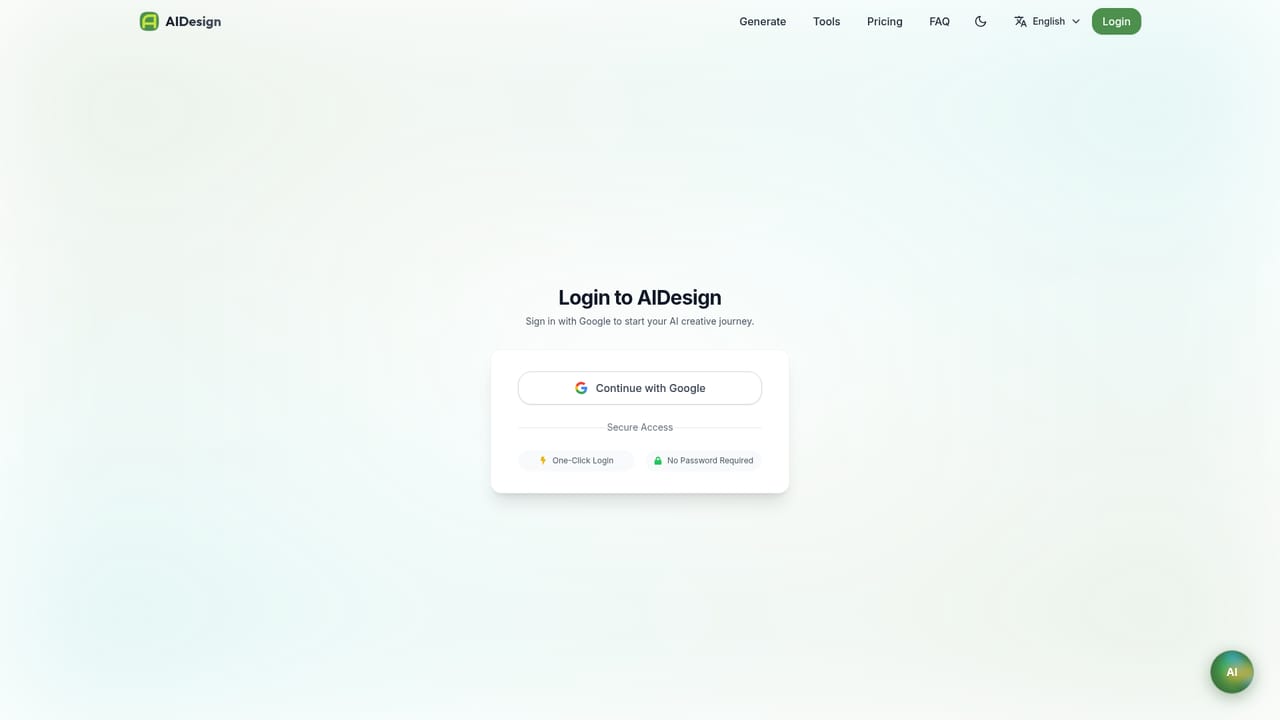
Generating is free from the start: the homepage says new users get free credits and no credit card is needed. The size of that credit allowance is not stated on the homepage.
Learn moreA free text to image generator with about 35 preset design tools

AIDesign is a free, browser based AI image generator built around roughly thirty five task specific tools, from logos and product photos to tattoo sketches, comic panels and seamless patterns. Users type a prompt, pick a style and an aspect ratio, and get flat images in seconds, with free credits for new accounts.
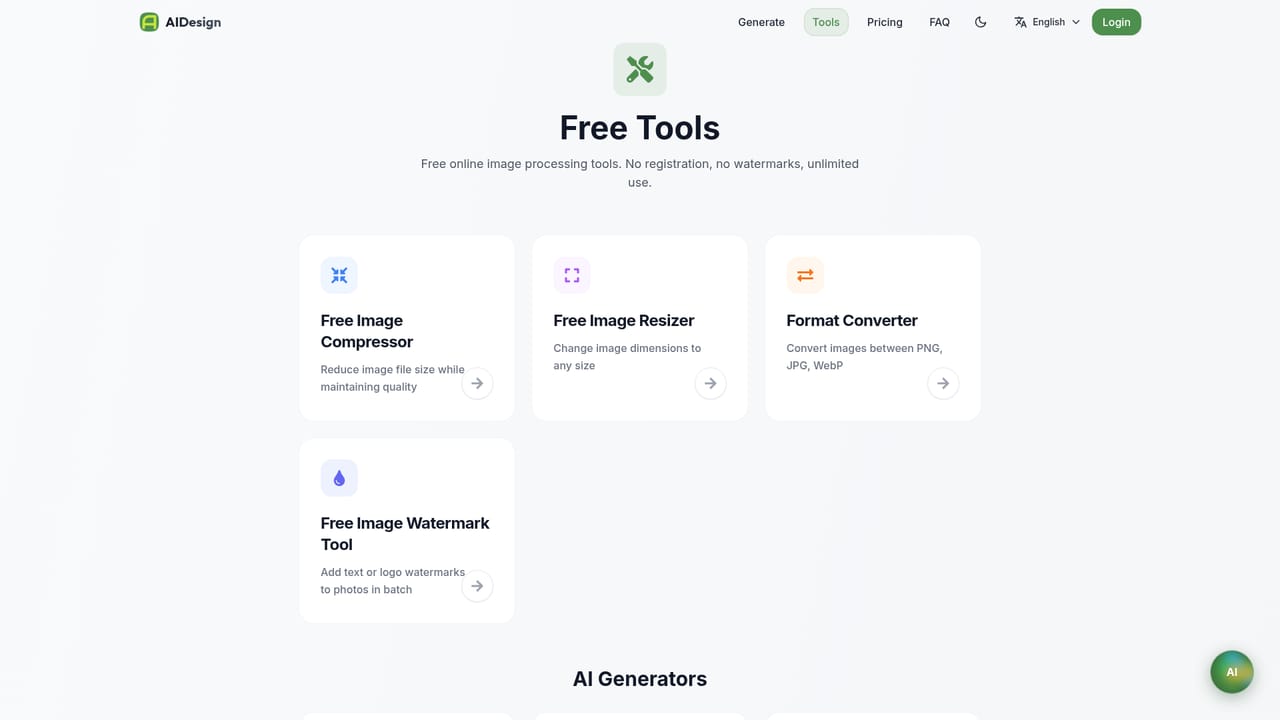
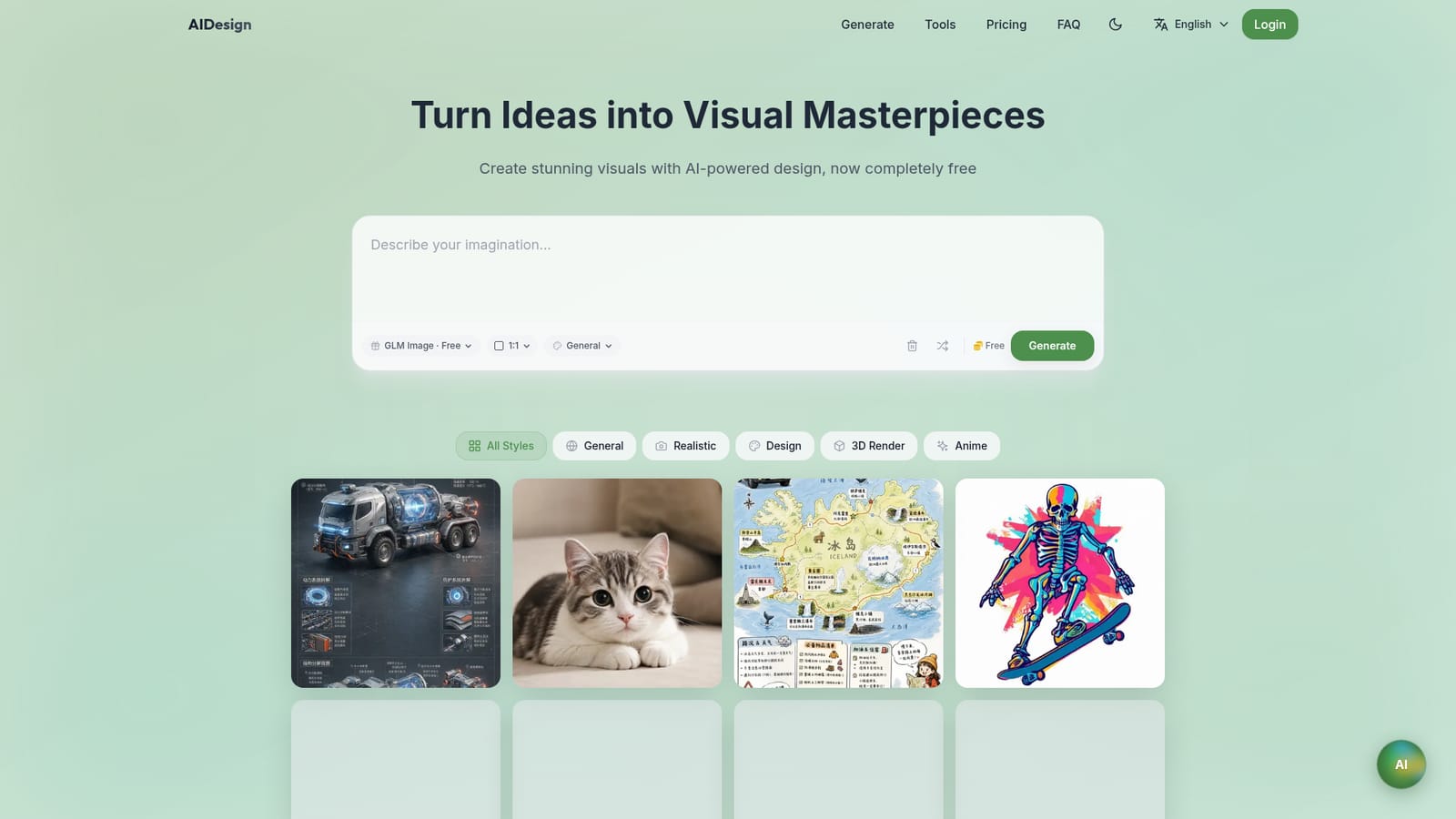
AIDesign is a browser based AI image generator that turns a written prompt into a finished picture in seconds. The homepage presents itself as a free tool, with the default model listed as GLM Image and no sign up wall in front of the first generation. Output is organised by style presets (General, Realistic, Design, 3D Render, Anime) and by aspect ratio, so a prompt can be aimed at a square social post or a wide banner without extra editing software. The more interesting part is the catalogue. Rather than stopping at a generic prompt box, AIDesign ships separate generator pages for roughly thirty five specific jobs: logos, avatars, professional headshots, interior concepts, t shirt graphics, wallpapers, tattoos, coloring pages, product photos, posters, stickers, anime art, YouTube thumbnails, book covers, album covers, pixel art, seamless patterns, greeting cards, illustrations, cartoons, photoreal images, icons, backgrounds, comic panels, sketches, mockups, invitations, banners, memes, packaging, fashion, game assets, jewellery, landscape plans and furniture concepts. Each page suggests the details that matter for that format, such as materials and lighting for an interior, or palette and silhouette for a fashion sketch. In practice this means a small business owner can draft a logo, then reuse the same account to produce a poster and a product shot, without learning prompt engineering from scratch. It suits solo founders, marketers, Etsy style sellers, teachers, streamers and hobbyists who need placeholder or concept imagery quickly and cheaply. It is less suited to anyone who needs layered source files, brand kits, vector output or precise text rendering; the homepage makes no claim about those, and raster generators generally struggle with legible typography and exact revisions. Compared with Midjourney or Adobe Firefly, AIDesign bets on breadth of task templates and a zero price of entry rather than model fidelity or a deep editing suite. Think of it as a rapid concepting surface: useful for exploring directions and producing serviceable flat images, not a replacement for a designer's final files.
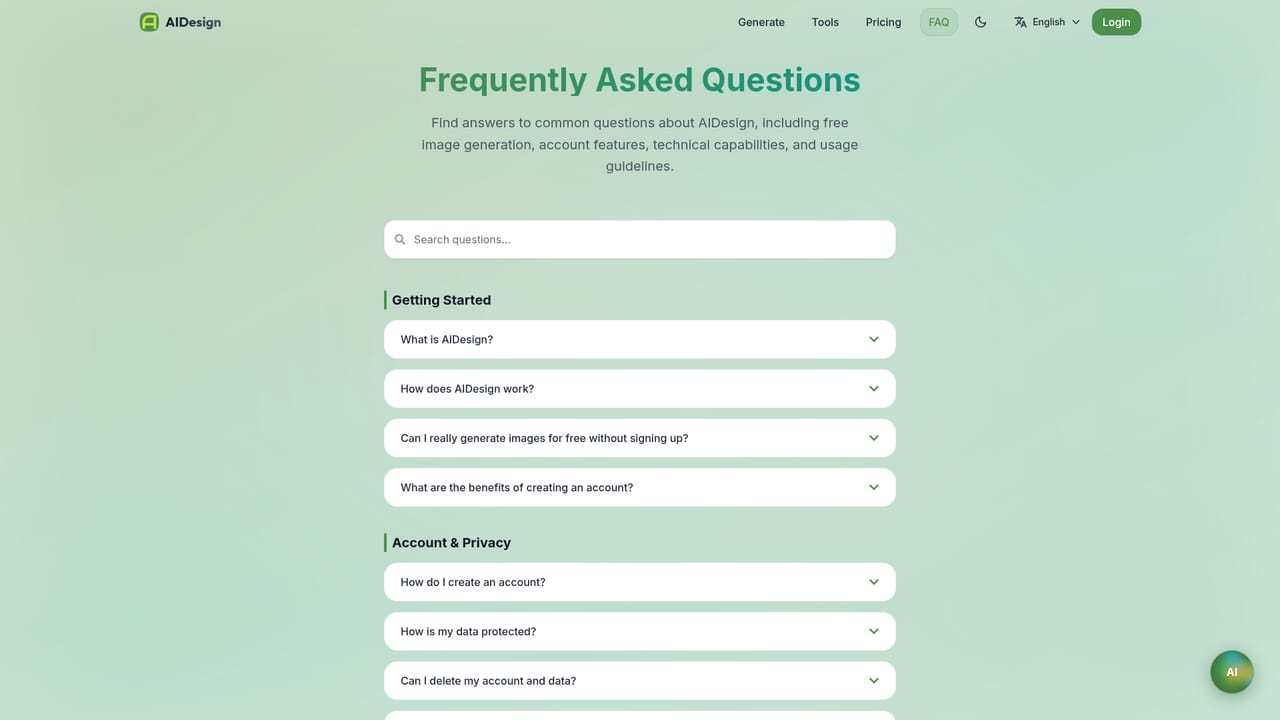
Generating is free from the start: the homepage says new users get free credits and no credit card is needed. The size of that credit allowance is not stated on the homepage.
Learn moreThe homepage only states that the service is free and that new users receive free credits with no credit card required. A separate pricing page exists, but the homepage does not list plan tiers, credit volumes or paid rates.
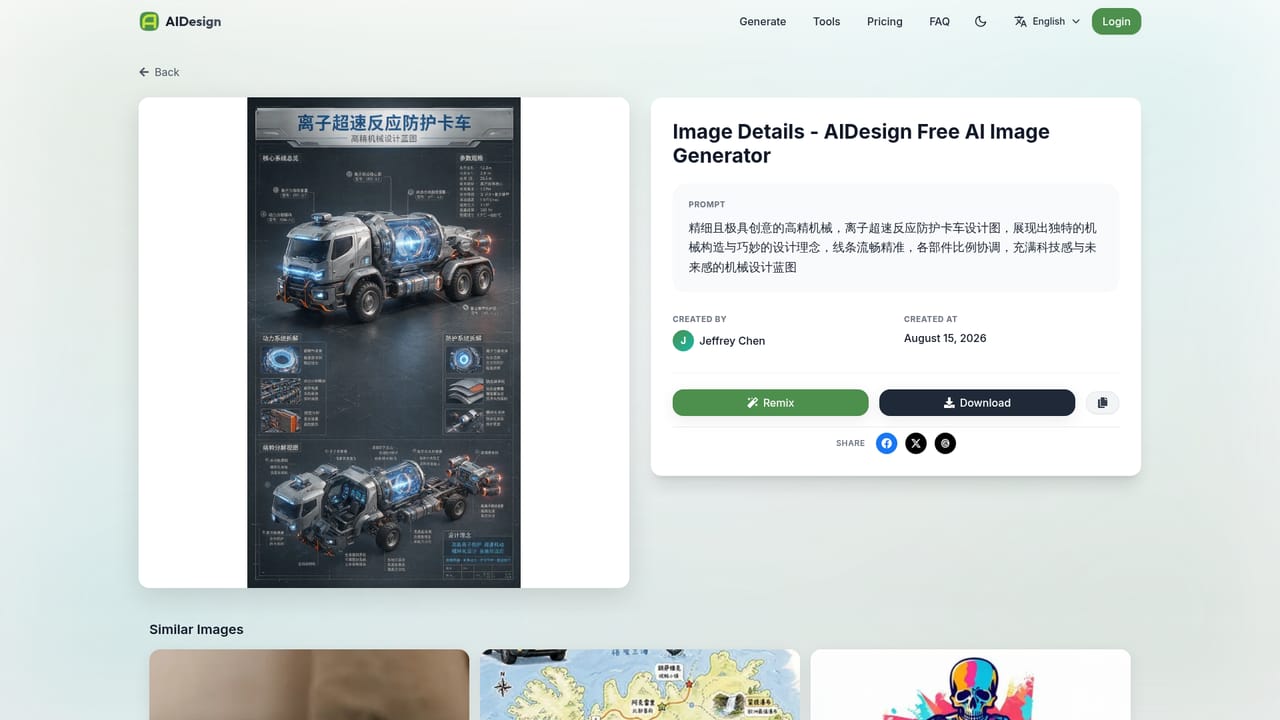
Learn moreA FAQ page and a public gallery of prompts are available on the site. No email, chat or documentation channel for technical support is described on the homepage.
Learn moreText to image generation with style presets (General, Realistic, Design, 3D Render, Anime) and selectable aspect ratios, powered by the listed GLM Image model. A toolbox of around thirty five task specific generators covers logos, avatars, headshots, interiors, t shirt designs, wallpapers, tattoos, coloring pages, product photos, posters, stickers, thumbnails, book and album covers, pixel art, patterns, icons, mockups, packaging, fashion, game assets and more.
Learn more AI Angels400+ customizable AI girlfriends for NSFW chat, voice calls, and roleplay
 Candy AIExperience the future of companionship with AI friends who chat, role-play, and connect with you on a human level.
 ourdream.aiA vast AI roleplay platform with millions of characters for chat, images, video and voiceAI Angels400+ customizable AI girlfriends for NSFW chat, voice calls, and roleplayCandy AIExperience the future of companionship with AI friends who chat, role-play, and connect with you on a human level.ourdream.aiA vast AI roleplay platform with millions of characters for chat, images, video and voice


