Integrations
The homepage references social and newsletter metrics and direct API platform coverage but does not list named integrations.
The commercial layer that turns partnership results into renewals

Breadcrumb is an analytics tool. Breadcrumb connects partnership content, sponsor results, and campaign reporting in one place, helping sports, media, and event teams pitch with evidence, catch underdelivery, and close deals with an auto-drafted recap story.
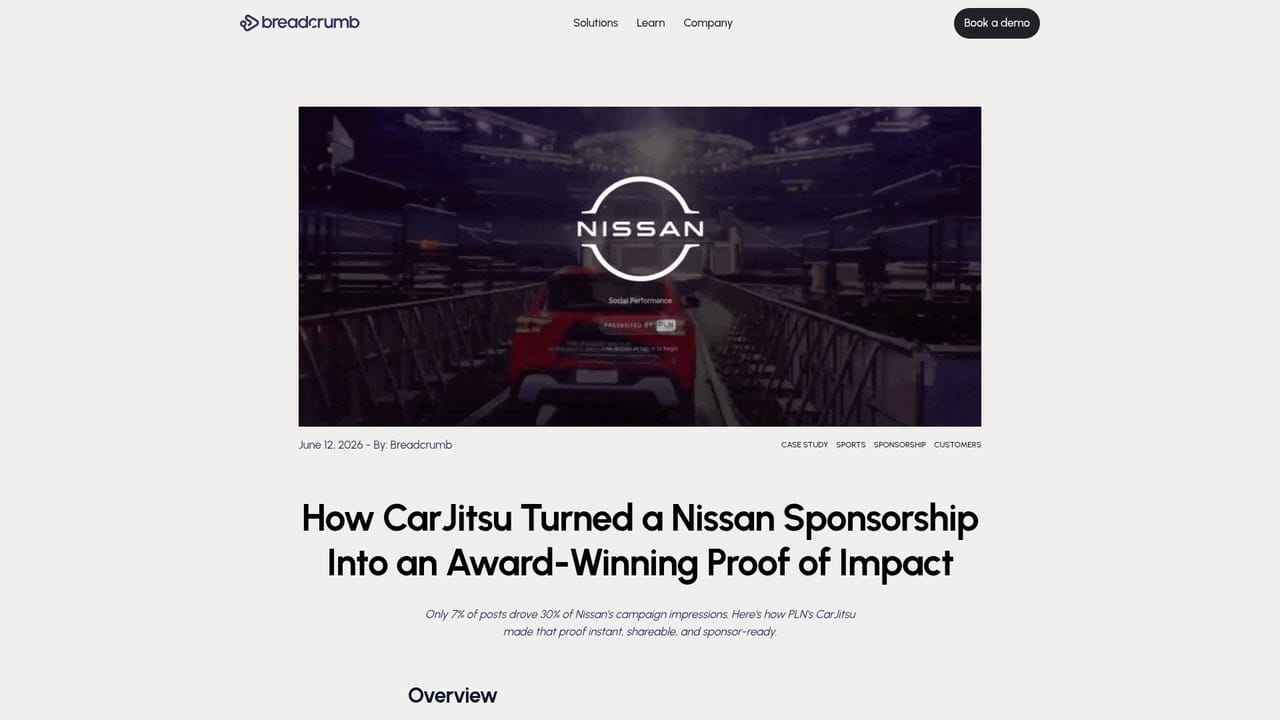
Breadcrumb is a reporting and revenue platform for organizations that sell an audience: sports teams and leagues, broadcasters, event promoters, and the agencies that represent them. Its job is to sit between the content a partnership produces and the story a sponsor needs to see. Instead of pulling screenshots from each social platform at the end of a campaign, teams use Breadcrumb to aggregate impressions, engagement, posts, and newsletter metrics across every channel and partner into one live view, then turn that view into recap decks, renewal briefs, and pitch material. In practice the product is organized around the full deal cycle. On the sell side, it surfaces what comparable partners, talent, and content formats have actually delivered so a pitch opens with evidence rather than a rate card. During a campaign, a partner board tracks each sponsor's results, flags contracted posts that are behind, and marks upsell windows while inventory still exists. When the deal closes, Breadcrumb drafts the wrap narrative from the numbers, so the recap is ready before the partner asks for it. The homepage also shows an AI question layer, where a partner can ask the data a question and get an answer back inside a live report. The pitch is strongest for properties that already run many sponsors at once and lose hours to manual reporting. Pro League Network reports weekly prep dropping from four to six hours to under thirty minutes, and CarJitsu used a Breadcrumb wrap tied to an award win. Breadcrumb is not a general BI tool or a standalone social scheduler; it assumes you are managing sponsor obligations and need defensible proof of delivery. Pricing is not published, so buyers should expect a demo-led sales process and a contract sized to the number of partners and properties tracked.
The homepage references social and newsletter metrics and direct API platform coverage but does not list named integrations.
Campaign scorecards across posts, impressions, engagement, and media value; a partner board that tracks results, flags shortfalls, and marks upsell and renewal windows; AI question answering inside live reports; auto-drafted recap stories and renewal briefs; live share of voice and trend comparisons by content format; support for selling, planning, tracking, and growing partnerships in one place.
 AI Angels400+ customizable AI girlfriends for NSFW chat, voice calls, and roleplay
 Candy AIExperience the future of companionship with AI friends who chat, role-play, and connect with you on a human level.
 ourdream.aiA vast AI roleplay platform with millions of characters for chat, images, video and voiceAI Angels400+ customizable AI girlfriends for NSFW chat, voice calls, and roleplayCandy AIExperience the future of companionship with AI friends who chat, role-play, and connect with you on a human level.ourdream.aiA vast AI roleplay platform with millions of characters for chat, images, video and voice


