Free trial
Sign up is advertised as free with no credit card required, which suggests a free entry tier. The homepage does not state whether a time limited trial of paid features exists.
Learn moreAn AI data scientist that turns a prompt into charts, answers and notebooks

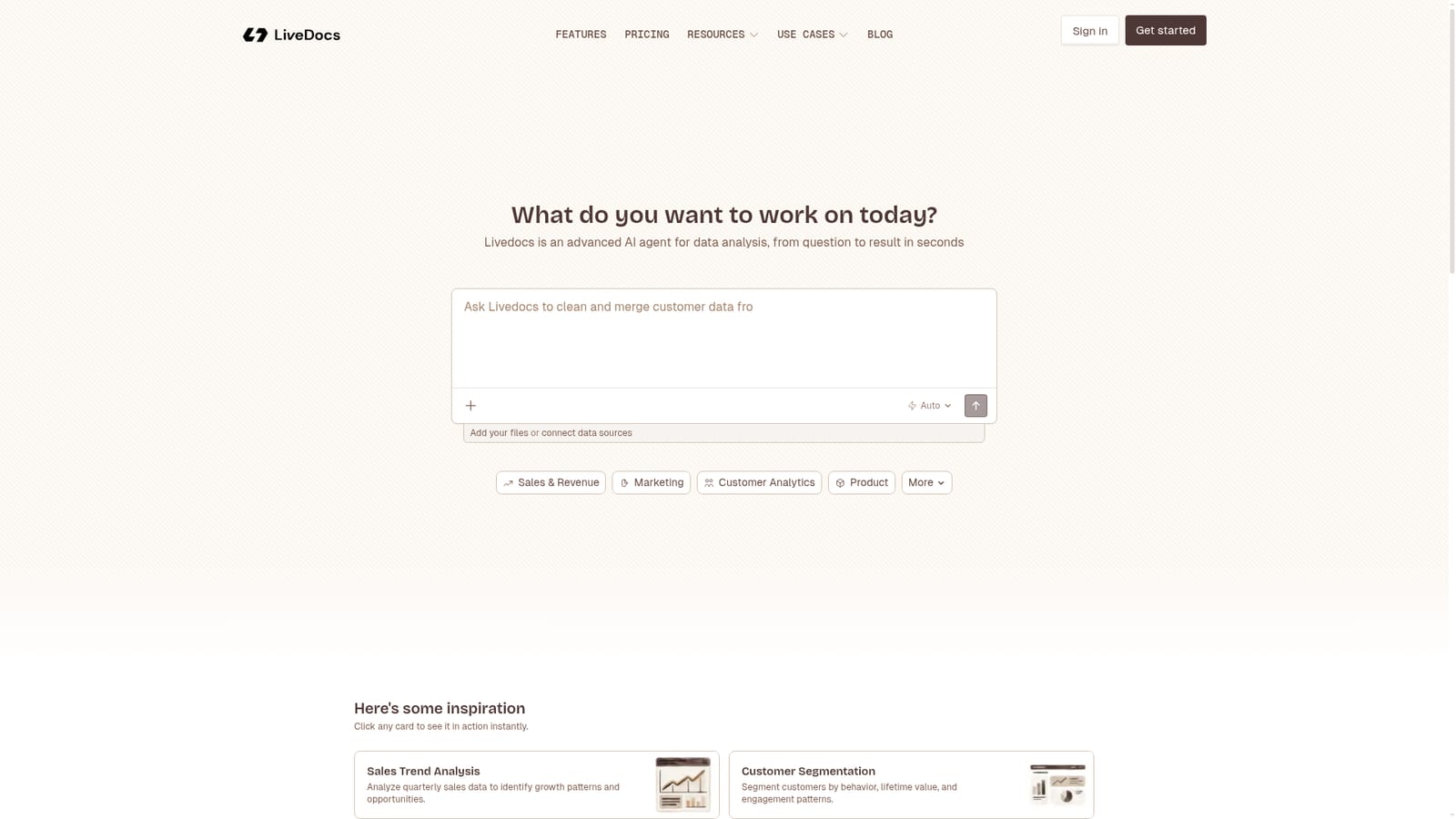
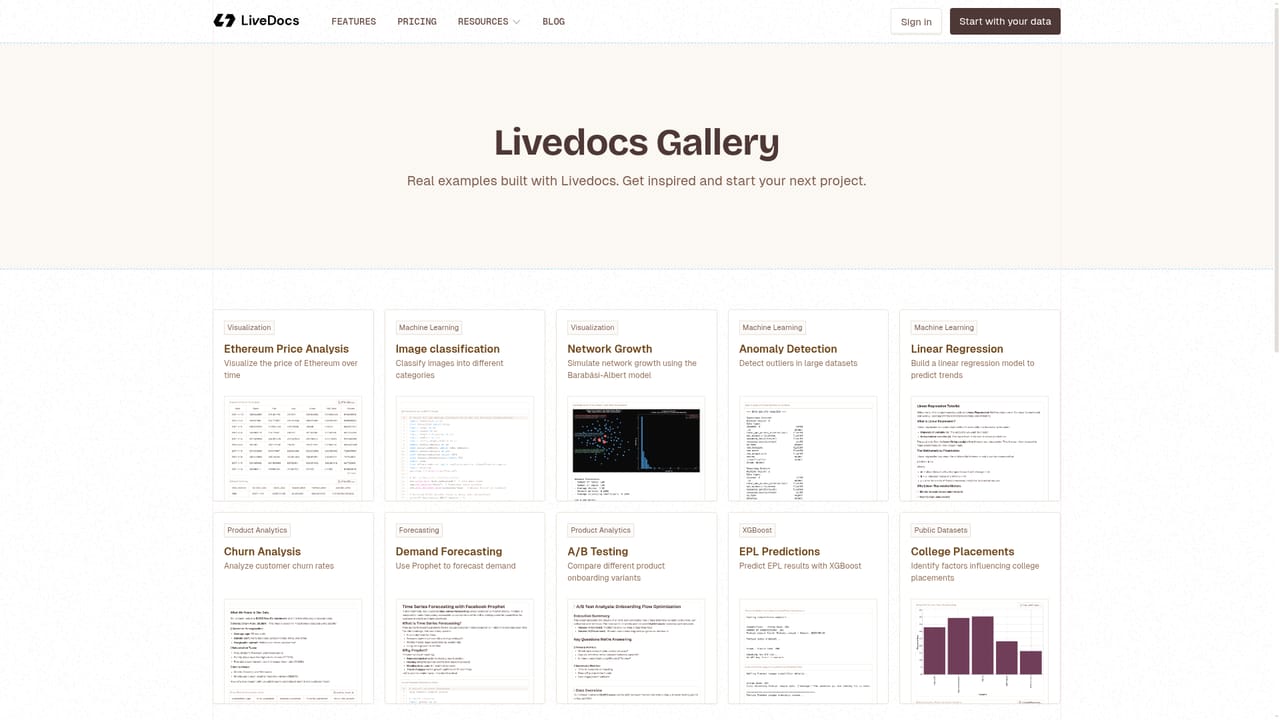
Livedocs is an AI data analysis agent that pairs a notebook workspace with an app builder, letting users ask questions in plain language, attach files or data sources, and get charts, answers and insights. A gallery of ready made use cases covers forecasting, segmentation, churn, A/B testing and dashboarding.
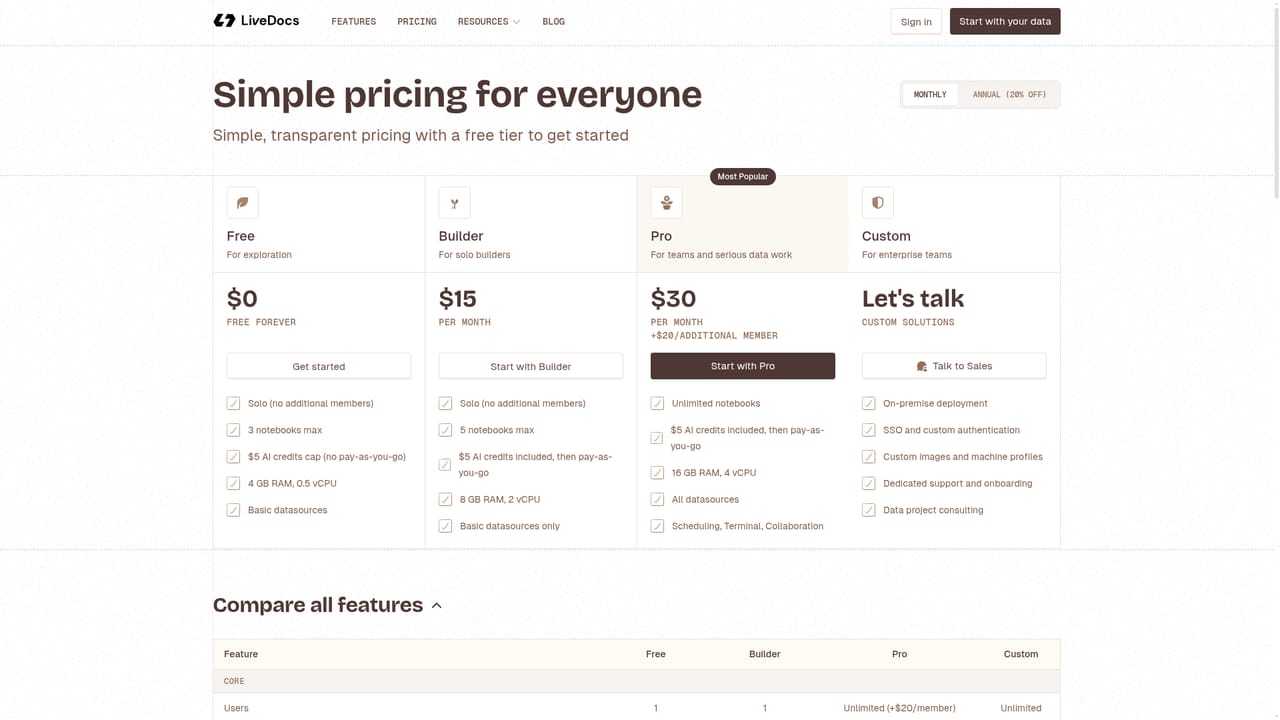
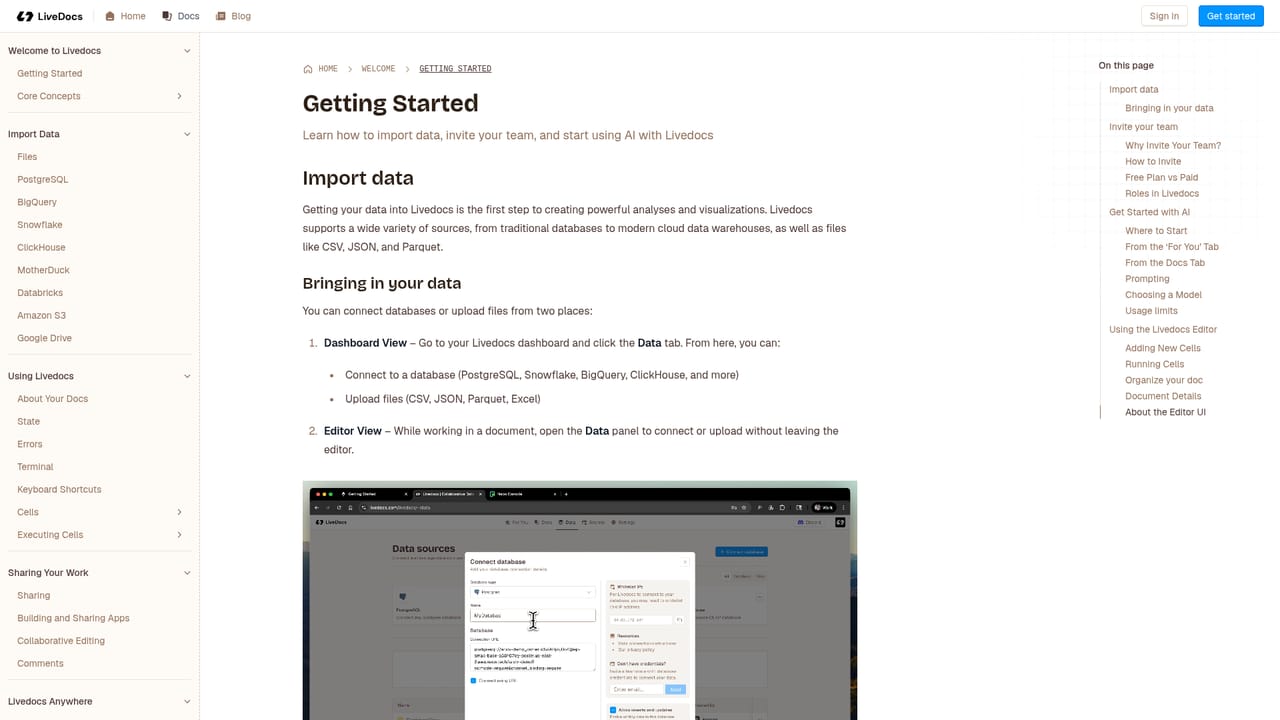
Livedocs is a general purpose AI agent built for data analysis. It presents itself as an AI data scientist, and the product combines two things that are usually separate: a notebook environment for running analysis and a lightweight app builder for turning that analysis into something other people can read. A user describes the question in plain language, points the agent at files or connected data sources, and gets back charts, answers and written insights rather than a blank kernel and an empty cell. The workflow starts from an open prompt box on the homepage. You can ask something like which sales trends are worth chasing this quarter, attach your files or hook up a data source, then let the agent work. Behind the prompt sits a model selector, so the same question can be routed to different models depending on the task. The homepage also ships a gallery of ready made use cases that open instantly: sales trend analysis, customer segmentation, revenue forecasting, churn prediction, A/B test analysis, cohort analysis, anomaly detection, time series work, marketing ROI, inventory optimization, customer lifetime value, price elasticity, financial ratios, supply chain analytics and website traffic analysis. These double as templates, which is the fastest way to see how the agent reasons about a dataset before trusting it with your own. In practice the tool suits analysts who want to skip boilerplate, and operators or marketers who have data but not a notebook habit. The niche it occupies sits between chat based data assistants and full BI platforms: more structure than a chatbot, far less setup than a warehouse dashboard tool, with the notebook and app builder doing the work of both the scratchpad and the shareable report. Pricing numbers and plan limits are not stated on the homepage, so buyers should check the pricing page before committing. Sign up is advertised as free with no credit card, which suggests a usable entry tier. The homepage does not list named data source integrations or a published support policy beyond an email address and a Discord community.
Sign up is advertised as free with no credit card required, which suggests a free entry tier. The homepage does not state whether a time limited trial of paid features exists.
Learn moreSupport is offered through an email address and a Discord community linked in the footer. No response times or service levels are stated on the homepage.
Learn moreNatural language data analysis from question to charts and insights, with a model selector on the prompt box. Uploads and data source connections feed the agent. The workspace combines notebooks with an app builder for dashboards and KPIs. Around twenty gallery use cases cover sales trends, segmentation, forecasting, churn, A/B tests, cohorts, anomalies, time series, marketing ROI, inventory, CLV, pricing elasticity, financial ratios and supply chain analytics.
Learn more AI Angels400+ customizable AI girlfriends for NSFW chat, voice calls, and roleplay
 Candy AIExperience the future of companionship with AI friends who chat, role-play, and connect with you on a human level.
 ourdream.aiA vast AI roleplay platform with millions of characters for chat, images, video and voiceAI Angels400+ customizable AI girlfriends for NSFW chat, voice calls, and roleplayCandy AIExperience the future of companionship with AI friends who chat, role-play, and connect with you on a human level.ourdream.aiA vast AI roleplay platform with millions of characters for chat, images, video and voice


