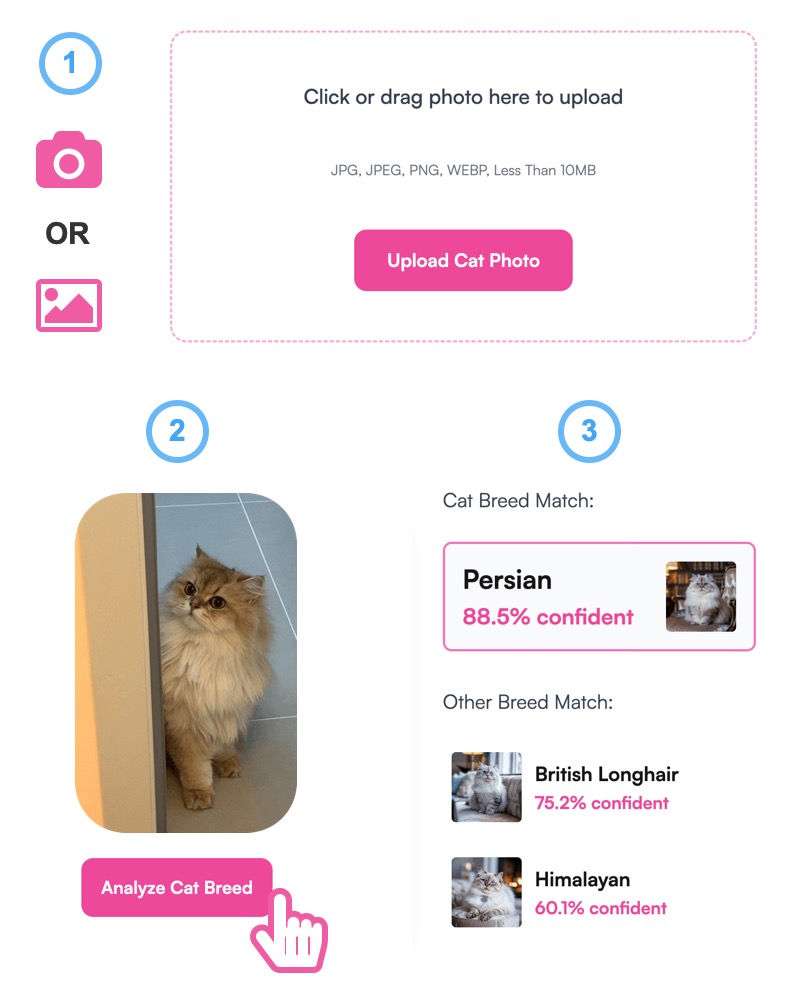
Pricing
The site states the dog breed identifier is completely free: no subscription, no account and no hidden fees. Upload a photo and view results without paying.
Learn moreFree AI dog breed identification from a single photo.

Breed.dog is a cat breed identification tool. Breed.dog identifies a dog's breed from an uploaded photo, returning the top three matches from over 360 breeds with personality, grooming and health notes. Free, no sign-up, and you can download the report as an image or PDF.
Breed.dog is a free, browser based dog breed identifier. You upload a photo (JPG, JPEG, PNG, BMP or WEBP) and the AI returns the top three breed matches drawn from a database of more than 360 breeds sourced from over 100 countries. Each match comes with a short profile covering personality traits, grooming needs and health notes, so the result is a starting point for understanding a dog rather than a single label. In practice the workflow is three steps: upload a photo, submit it, view the identified results. The site asks for a clear shot showing the face and body, good lighting and no filters. Preset images are available if you want to test the tool before using your own picture. Once results appear you can download the breed report as an image or PDF, which is handy for printing and taking to a vet appointment. It is aimed at new dog owners, people who have just adopted from a shelter, families playing a guessing game and pet professionals such as groomers, trainers and veterinary staff who want a quick visual read on an unknown dog. The site is candid about the limits of the method: a University of Florida study it cites found vets and shelter staff misjudged breeds nearly 75% of the time by eye, and the tool positions visual identification as a fast first step ahead of paid DNA testing, which it acknowledges is the more precise option. The site claims over 95% accuracy and says photos are not stored and no personal information is requested, with processing happening in the browser. The same site hosts adjacent tools including a dog name generator, random breed generator, age calculator, calorie calculator, weight calculator and a guess the breed game. There is no account, no download and no learning curve, which makes it a low commitment alternative to DNA kits, though results are visual estimates and should be treated as such.
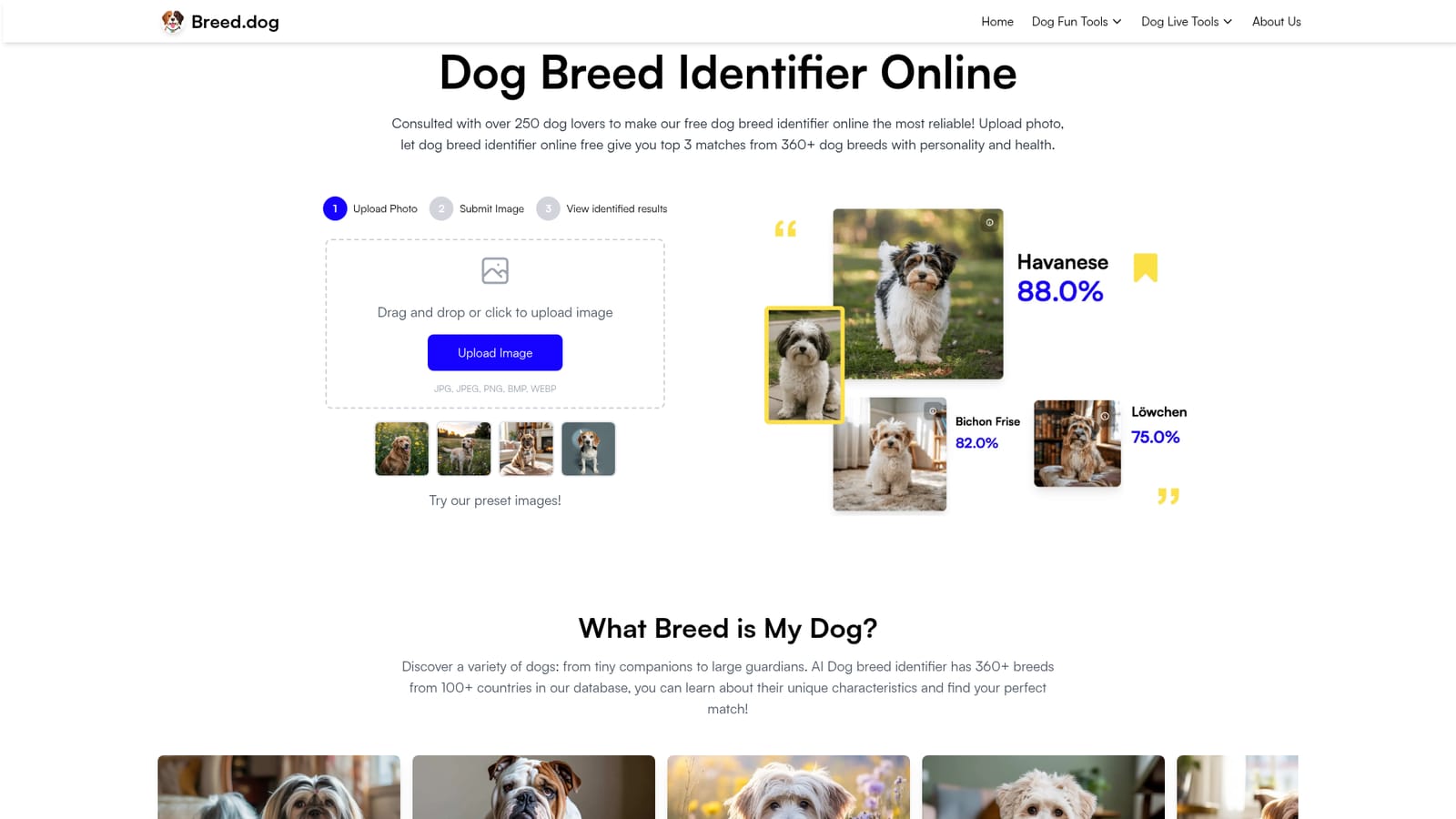
The site states the dog breed identifier is completely free: no subscription, no account and no hidden fees. Upload a photo and view results without paying.
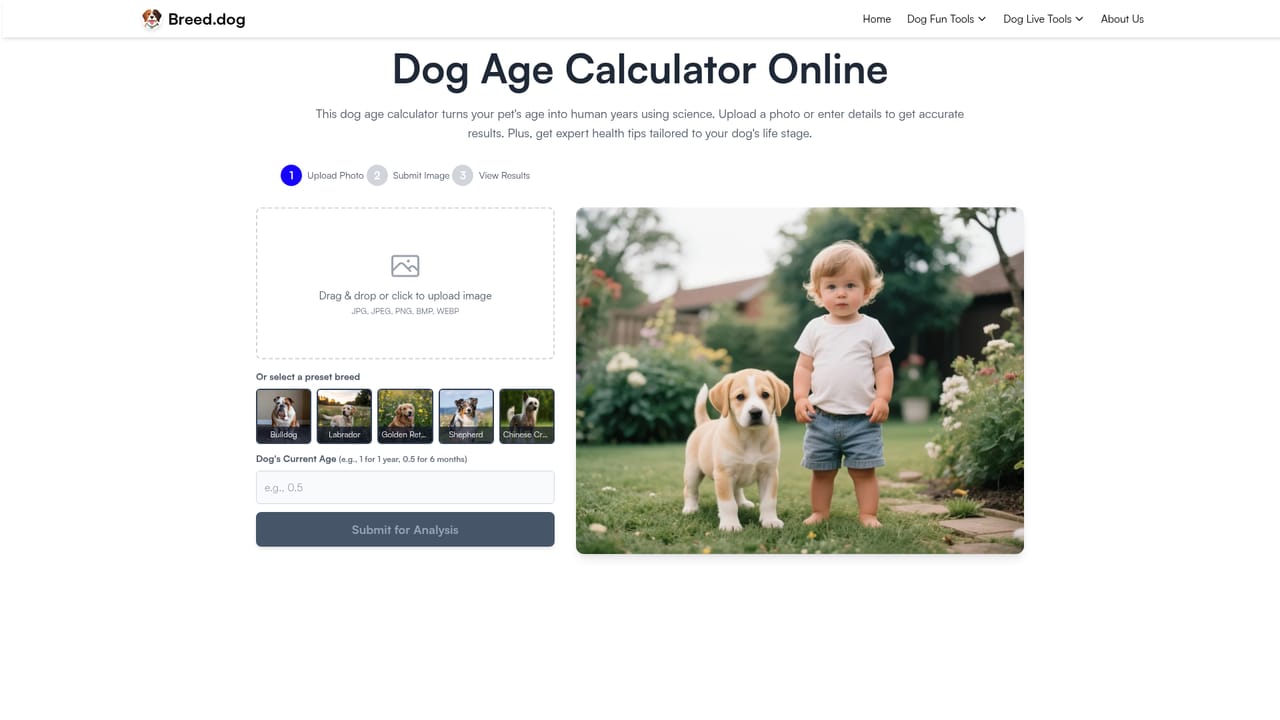
Learn morePhoto-based breed identification returning the top three matches from over 360 breeds, each with personality, grooming and health notes. Uploads accept JPG, JPEG, PNG, BMP and WEBP, preset sample images are provided, and reports can be downloaded as an image or PDF. Companion tools include a dog name generator, random breed generator, age calculator, calorie calculator, weight calculator and a guess the breed game.
 AI Angels400+ customizable AI girlfriends for NSFW chat, voice calls, and roleplay
 Candy AIExperience the future of companionship with AI friends who chat, role-play, and connect with you on a human level.
 ourdream.aiA vast AI roleplay platform with millions of characters for chat, images, video and voiceAI Angels400+ customizable AI girlfriends for NSFW chat, voice calls, and roleplayCandy AIExperience the future of companionship with AI friends who chat, role-play, and connect with you on a human level.ourdream.aiA vast AI roleplay platform with millions of characters for chat, images, video and voice