Free trial
Free generation is advertised with no sign-up required, though the homepage does not state a duration or usage cap for a formal trial.
Learn moreText to royalty-free tracks, plus vocal removal and lyrics videos

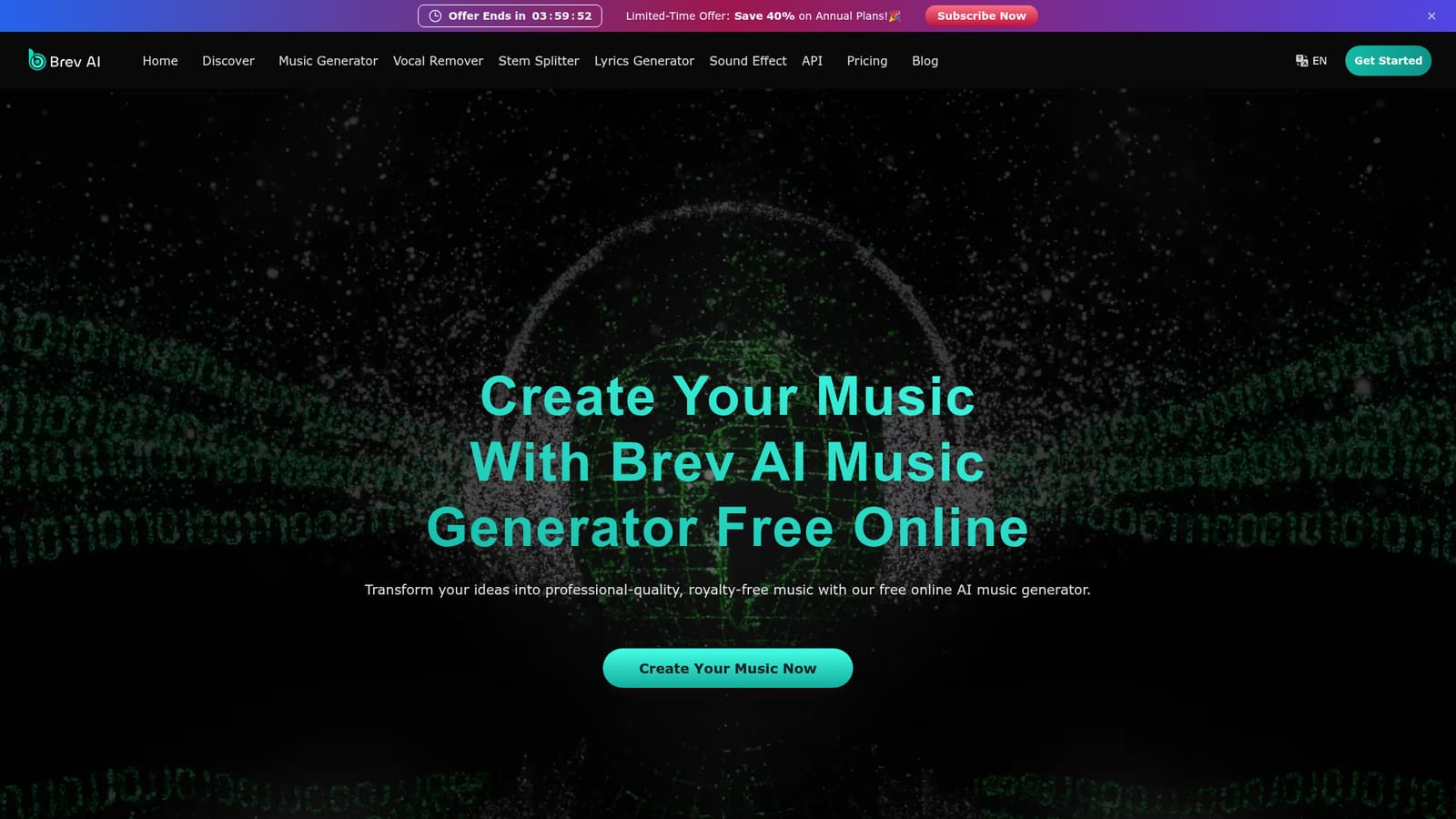
Brev AI converts text prompts and lyrics into royalty-free songs in the browser, and bundles a vocal remover, lyrics generator, sound effects tool and MP4 lyric video maker. No sign-up is needed to start; commercial licensing comes with paid plans.
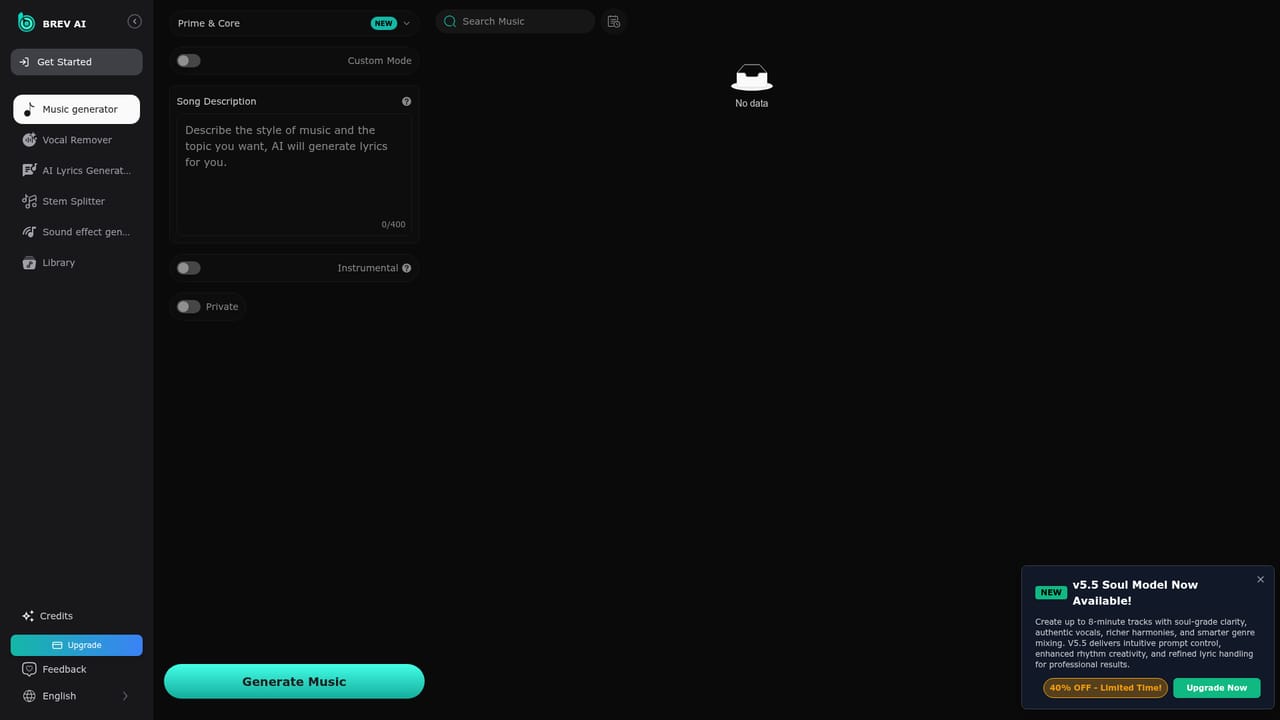
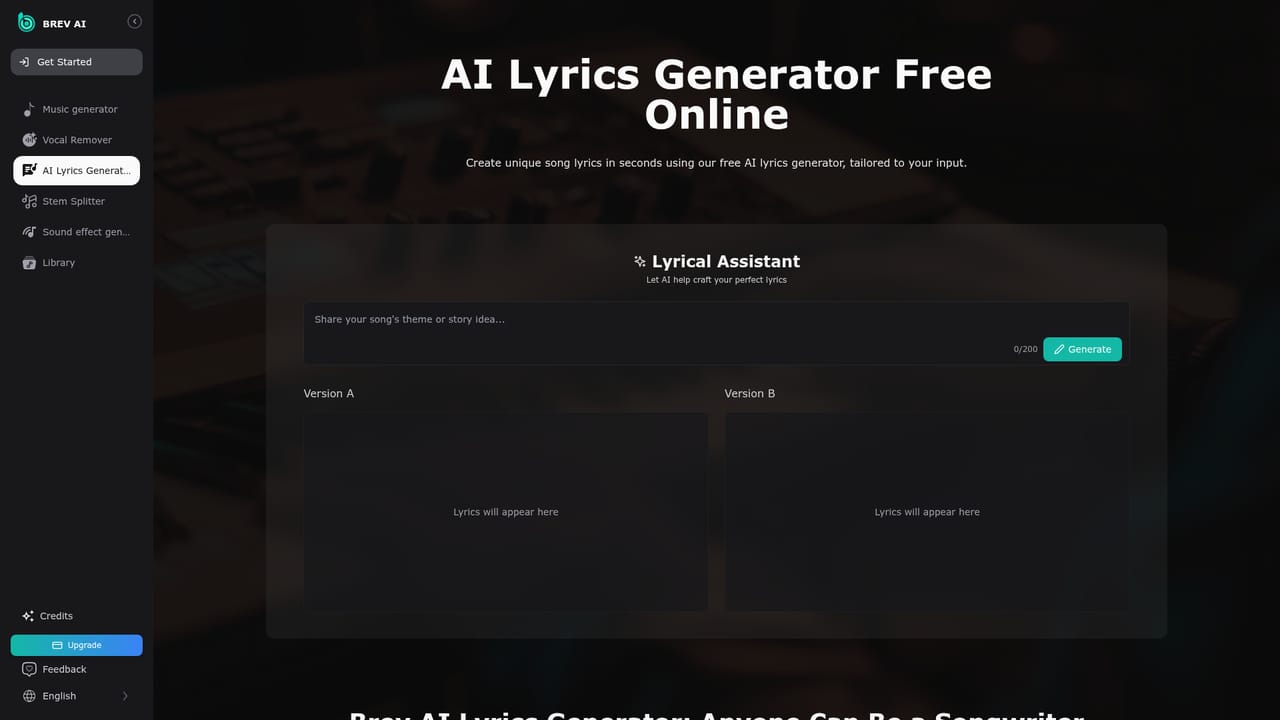
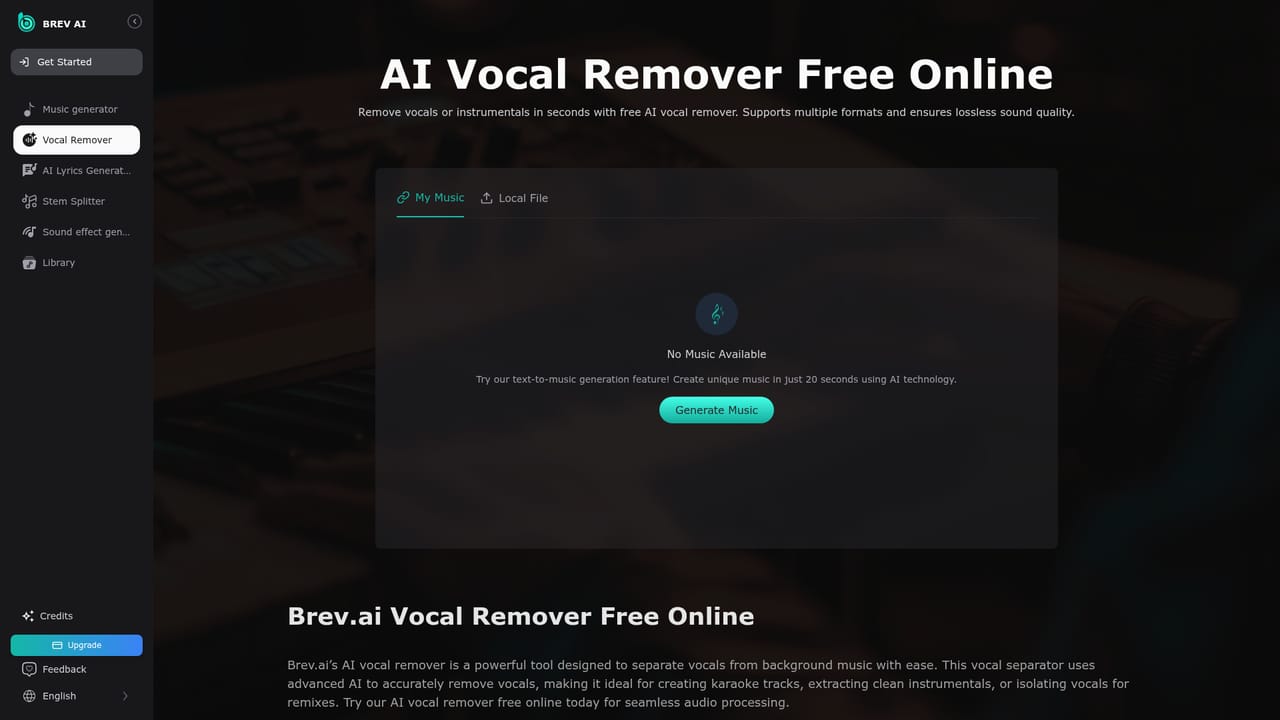
Brev AI is a browser-based music generator that turns written descriptions and lyrics into finished songs. You type a prompt that names a genre, mood, tempo range and instrumentation, and the service returns a produced track with vocals. Demo tracks on the site show the level of control the prompt field accepts: for example a country ballad described as soft and reflective with female vocals at 80 to 90 BPM and acoustic guitar, or a progressive house cut at 128 BPM with synth leads and a drum machine. That prompt-first approach makes it usable by people with no production background. The product goes past generation. A vocal remover splits a track into vocals and instrumental, which serves karaoke, remix and sampling work. A lyrics generator supplies words when a song idea stalls. A sound effects generator covers short audio assets. An MP4 music video generator turns lyrics into shareable lyric videos for YouTube, TikTok and similar channels, and paid subscribers can download a music license document to document commercial rights. Practically, the workflow is short: open the app, describe the song or paste lyrics, generate, then download or push the result into the vocal remover or video tool. The site states that no sign-up is required to start, and it positions the tool around royalty-free output for creators. Independent musicians, YouTubers, podcasters and songwriters are the obvious audience, and the testimonials on the page map to those groups. The competitive picture is the crowded text-to-music field, where Suno and Udio are the usual reference points. Brev AI competes on breadth instead of a single model: vocal isolation, lyric writing, sound effects, license downloads and lyric videos sit under one roof, which suits people who want a lightweight production stack rather than the strongest possible single generator. Commercial use is tied to a paid subscription and its licence download, so anyone publishing for money should confirm terms before building a catalogue on it.
Free generation is advertised with no sign-up required, though the homepage does not state a duration or usage cap for a formal trial.
Learn moreThe homepage promotes annual plans at 40 percent off during a limited-time offer and ties commercial licensing to a paid subscription, but it does not list plan prices or credit allowances. Free generation without sign-up is advertised.
Learn moreText to music generation with control over genre, mood, tempo, instrumentation and vocal type; an AI vocal remover for karaoke and instrumental extraction; a lyrics generator; a sound effects generator; an MP4 music video maker built from lyrics; and a downloadable AI music license for paid subscribers.
Learn more AI Angels400+ customizable AI girlfriends for NSFW chat, voice calls, and roleplay
 Candy AIExperience the future of companionship with AI friends who chat, role-play, and connect with you on a human level.
 ourdream.aiA vast AI roleplay platform with millions of characters for chat, images, video and voiceAI Angels400+ customizable AI girlfriends for NSFW chat, voice calls, and roleplayCandy AIExperience the future of companionship with AI friends who chat, role-play, and connect with you on a human level.ourdream.aiA vast AI roleplay platform with millions of characters for chat, images, video and voice


