Support
Support is routed through a demo request page for talking to the team directly; no help centre or documentation was listed on the homepage.
Learn moreAI agents that triage, scope and route creative requests inside your work tools

Briefly is an AI task generator tool. Briefly deploys AI agents inside your existing work management stack to triage creative requests, check briefs against your rules, chase missing details, enrich jobs with context, and route work to the right person.
Briefly is a set of purpose-built AI agents for creative operations, aimed at the gap between a work management tool that records requests and the human effort of actually interpreting them. The homepage makes the argument directly: your project tracker logs a ticket, but it does not read the brief, spot the missing details, chase the requester, judge scope, or protect the studio from a bad handoff. Briefly positions its agents as the layer that performs that operational work while the team stays in control. The product runs inside tools teams already use, with Monday.com, Workfront, Asana, ClickUp and Jira shown on the site. The triage agent reads an incoming request on arrival, checks it against the team's rules, asks for what is missing, enriches the job with context pulled from sources like Google Drive and Figma, and escalates only the requests that genuinely need human judgement. A routing layer then assesses complexity, dependencies and risk and sends the job to the right queue, producer or reviewer. The site illustrates this with an $85k multi-channel marathon activation being flagged for review while two lighter briefs are assigned automatically. The operating model is the differentiating idea. Teams write rules in plain language, such as requiring key messages and reasons to believe to be prioritised, asking requesters for reference work they like or dislike, or demanding named retailers and non-standard formats for retail assets. Those rules become the standard every request is reviewed against, which is how the agent behaviour stays aligned to a studio's real intake discipline rather than a generic checklist. Briefly suits creative operations leads, in-house studio managers, and marketing production teams at larger organisations, including the enterprise brands shown on the site. It is not a design tool and does not make the work itself; it clears the path so creative work can start. Buyers comparing it to generic automation builders should weigh its narrow creative-ops focus as either the main advantage or the main constraint.
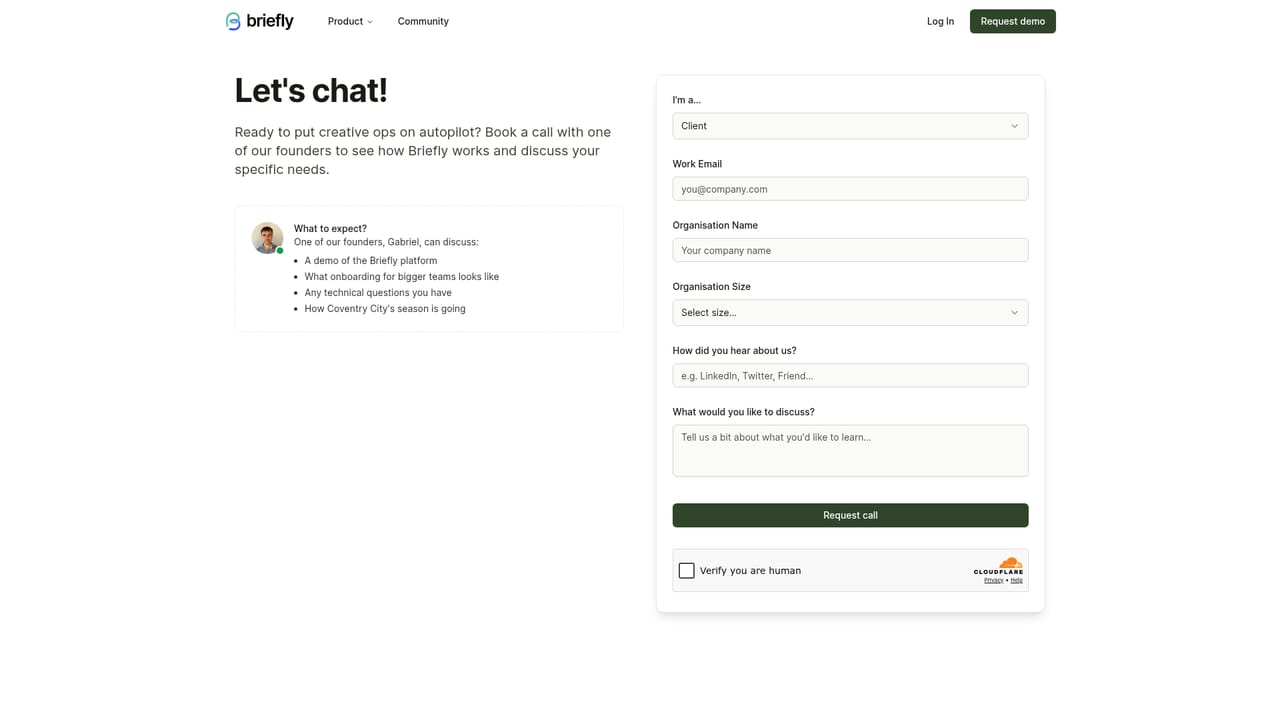
Support is routed through a demo request page for talking to the team directly; no help centre or documentation was listed on the homepage.
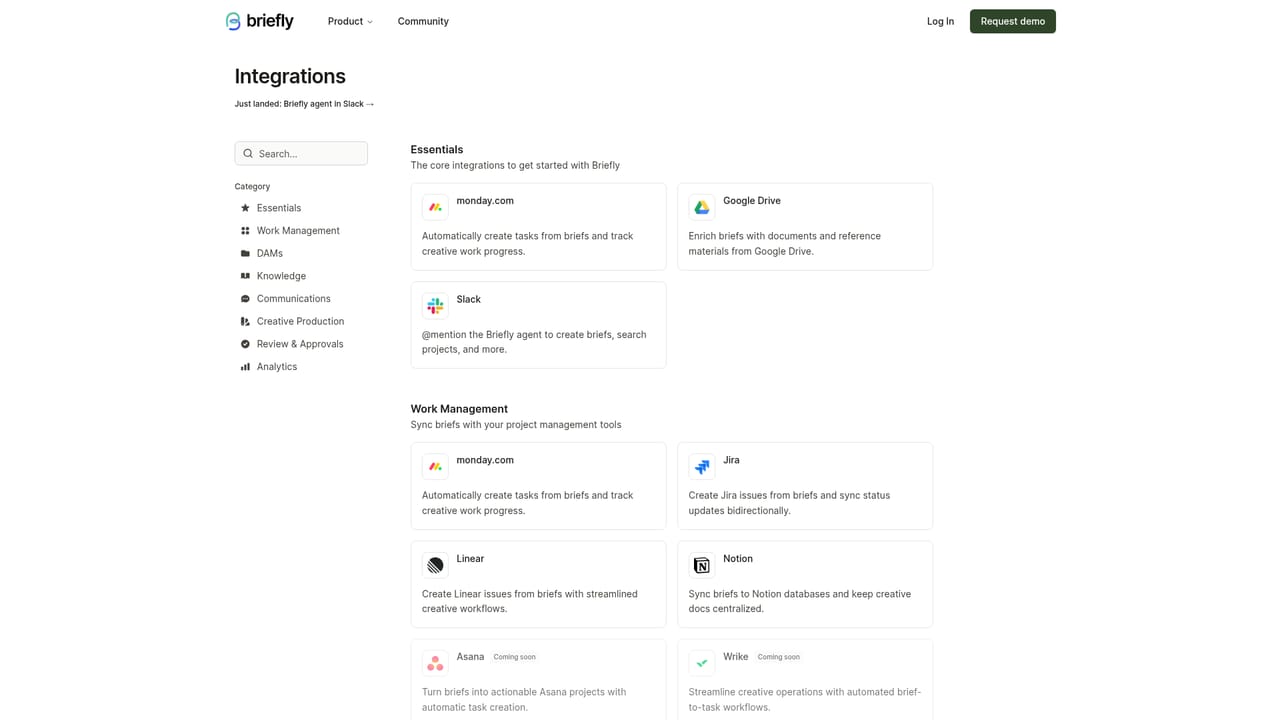
Learn moreWorks inside Monday.com, Workfront, Asana, ClickUp and Jira, with enrichment pulling guidelines and assets from Google Drive and Figma.
Learn moreAgents read incoming creative requests, check them against your intake rules, request missing details, and enrich jobs with context from sources like Google Drive and Figma. Routing logic assesses complexity, dependencies and risk before assigning a queue, producer or reviewer, and escalation sends only judgement-heavy requests to a human. Teams configure the operating model as written rules covering brief standards, reference examples and format requirements.
 AI Angels400+ customizable AI girlfriends for NSFW chat, voice calls, and roleplay
 Candy AIExperience the future of companionship with AI friends who chat, role-play, and connect with you on a human level.
 ourdream.aiA vast AI roleplay platform with millions of characters for chat, images, video and voiceAI Angels400+ customizable AI girlfriends for NSFW chat, voice calls, and roleplayCandy AIExperience the future of companionship with AI friends who chat, role-play, and connect with you on a human level.ourdream.aiA vast AI roleplay platform with millions of characters for chat, images, video and voice


