Free trial
The site invites visitors to request free access through its get started page. Terms, duration and any usage caps are not stated on the homepage.
Learn moreVoice agents that answer calls, qualify leads and book meetings
Own Brightcall.AI? Verify ownership to get a dofollow link

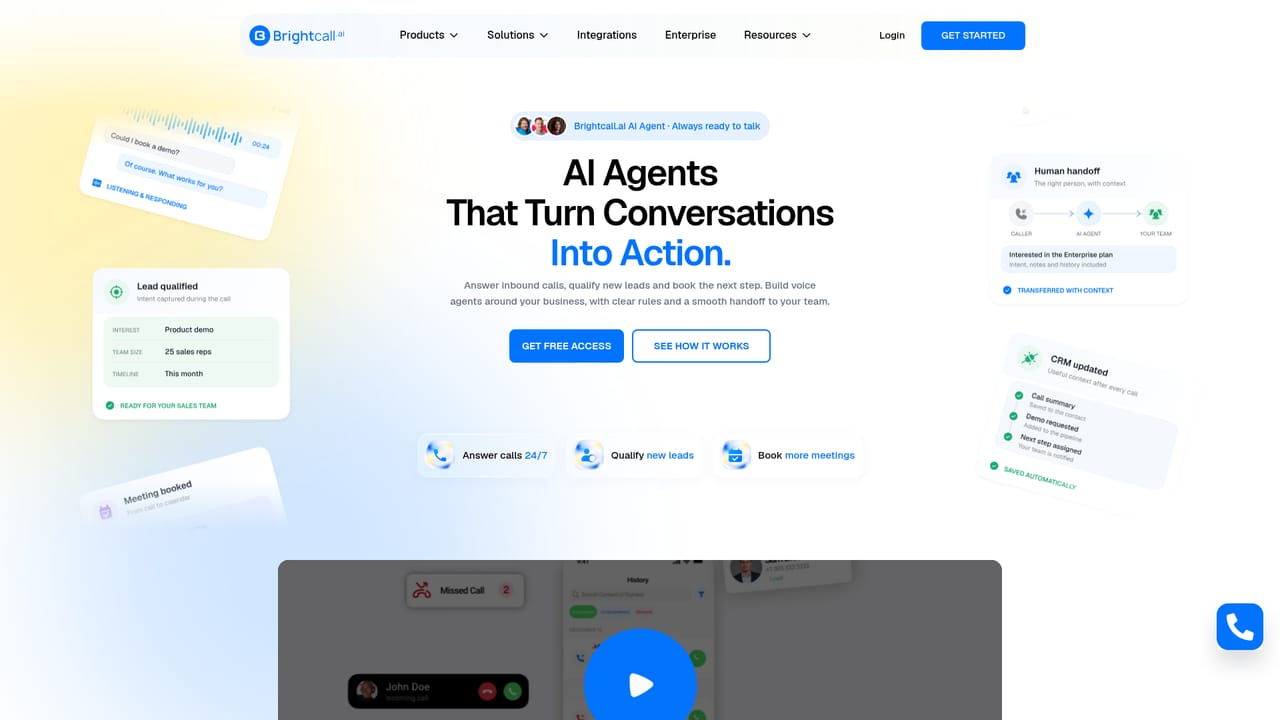
Brightcall.AI is an AI calls tool. Brightcall.AI runs AI voice agents that answer inbound calls 24/7, qualify leads, answer product questions from a knowledge base, book meetings and hand calls to staff with context, then sync notes to a connected CRM.
Brightcall.AI is a voice agent platform built for inbound phone conversations. Instead of routing every caller to a queue or a voicemail box, businesses configure an AI agent that picks up around the clock, holds a natural spoken exchange with the caller and pushes the outcome somewhere useful. The homepage frames the product around three jobs: answering calls at any hour, qualifying new leads and booking the next step on a calendar. The agent is configured around a specific business rather than dropped in as a generic chatbot. Teams define the knowledge base the agent draws on for product questions, the rules it should follow during a conversation and the point at which a human should take over. In practice a call can start with a demo request, move into questions about the product, capture details such as interest, team size and buying timeline, and finish with a meeting placed on the calendar. If the conversation needs a person, the agent transfers the call along with the caller's intent, notes and history so the handoff does not restart from zero. A CRM sync closes the loop: call notes, lead outcomes and next steps are written back to the connected system, which matters for sales and marketing teams that live inside a CRM. The customer logos on the page span real estate, automotive, education, finance and industrial brands, suggesting the fit is broad rather than tied to one vertical. This puts Brightcall.AI in the same territory as other AI receptionist and voice agent tools, where the differentiators tend to be call quality, how much control you get over agent rules and how clean the handoff to staff is. There is no published price on the homepage, so budget conversations have to happen with the vendor. Buyers who need outbound dialing at scale or deep telephony customization should confirm scope before committing.
The site invites visitors to request free access through its get started page. Terms, duration and any usage caps are not stated on the homepage.
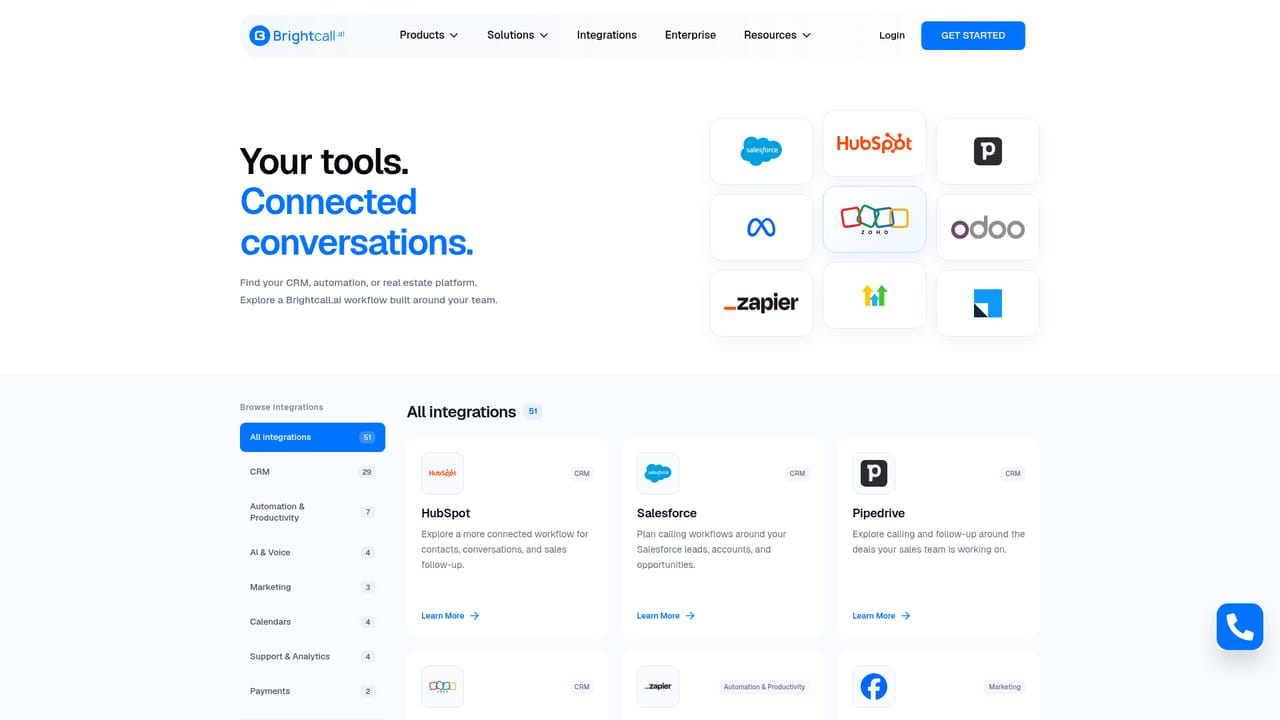
Learn moreThe homepage shows CRM sync and calendar booking as part of the call flow, and a dedicated integrations page exists. Specific supported systems are not named in the homepage content.
Learn moreCore capabilities include 24/7 inbound call answering, lead qualification with captured interest, team size and buying timeline, calendar booking during the call, knowledge base answers to product questions, human handoff with intent and notes, and CRM sync of call outcomes and next steps.
Learn more AI Angels400+ customizable AI girlfriends for NSFW chat, voice calls, and roleplay
 Candy AIExperience the future of companionship with AI friends who chat, role-play, and connect with you on a human level.
 ourdream.aiA vast AI roleplay platform with millions of characters for chat, images, video and voiceAI Angels400+ customizable AI girlfriends for NSFW chat, voice calls, and roleplayCandy AIExperience the future of companionship with AI friends who chat, role-play, and connect with you on a human level.ourdream.aiA vast AI roleplay platform with millions of characters for chat, images, video and voice


