Free trial
The homepage notes that no credit card is required to start, but it does not describe a formal trial or free tier limits.
Learn moreTurn stories into illustrated books, comics and trailers with consistent characters

C2Story is a story creation tool that turns stories into illustrated books, comics and trailers with consistent characters. C2Story is a web AI story studio that turns ideas, stories and novels into illustrated books, comics, manga, posters and movie-style trailers, keeping characters, places and props consistent across every page and video.
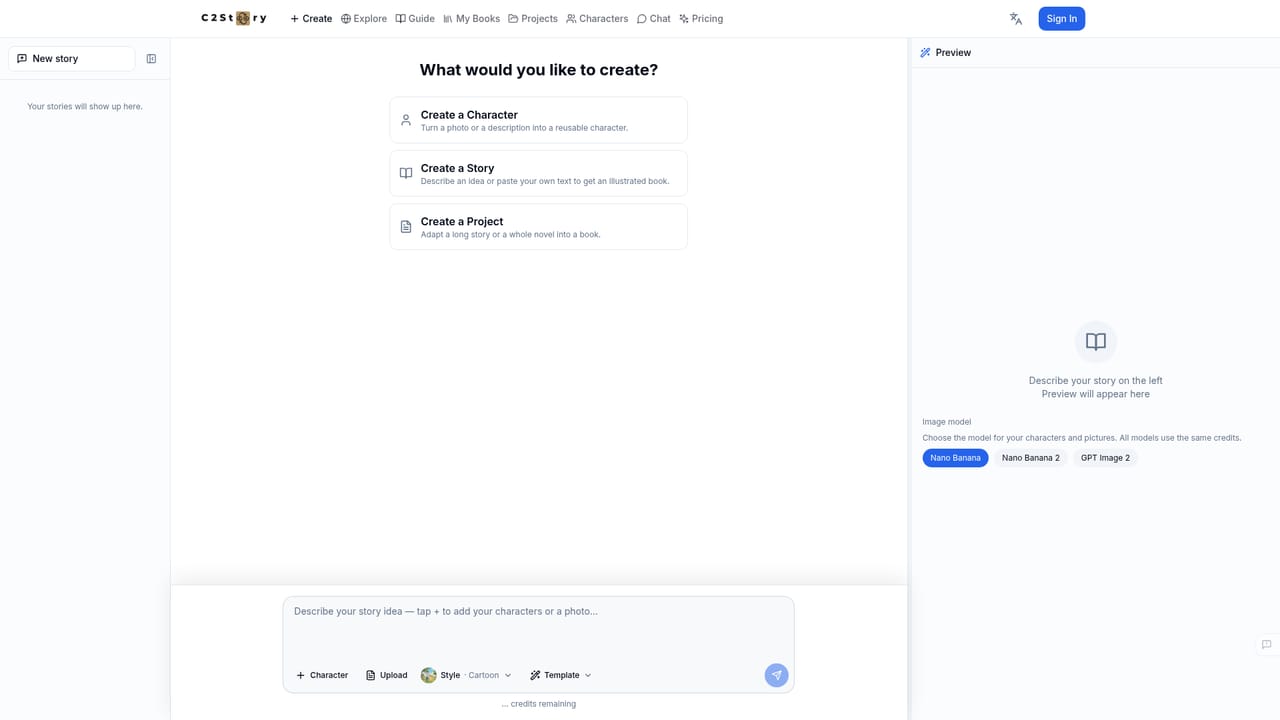
C2Story is a web-based story studio that converts written material into visual formats. Users can feed it an idea, a short story, a set of characters or a full novel, and it produces illustrated picture books, comics, manga, story posters, standard trailers and cinematic movie-style videos. Its central claim is continuity: characters, locations and props are meant to keep the same look from the first page to the last frame, which is the weak point of most one-off image generators. The tool offers two ways of working. An automatic route takes a manuscript and carries it through to a finished book, poster or trailer without design input. A studio route hands control to the user, with separate handling of characters, locations, storyboard, illustrations and pages for people who want to direct the result. More than 50 art styles are available, including watercolor, cartoon, anime, cinematic and storybook looks, so the same story can be restyled without being rewritten. Beyond generation, C2Story treats a finished story as a persistent world. A library holds books, comics and multi-chapter series, a story-to-video section produces trailers with voiceover and music, an explore area lets users remix public stories into their own versions, and a chat feature lets readers talk to the characters. The site also states that stories can be downloaded and printed, and that multiple languages are supported, though the homepage does not list them. The audience is broad: parents and children making simple picture books, hobby authors extending a novel into a visual series, and creators who want a trailer or poster to promote a story. Compared with general image generators or single-purpose picture book makers, C2Story is narrower in scope but better suited to long-form projects where visual consistency across chapters matters. Writers who need heavy layout control, print-production tooling or pricing certainty should check the site's details before committing, since the homepage gives no plan figures.
The homepage notes that no credit card is required to start, but it does not describe a formal trial or free tier limits.
Learn moreGenerates illustrated books, comics, manga, posters, trailers and movie-style videos from a story. Keeps characters, places and props consistent, offers 50+ art styles, an auto-make mode and a full studio, plus a library, remixing of public stories and character chat.
Learn more


