Zapters

AI studio for directing serialized vertical microdrama episodes

Beginner
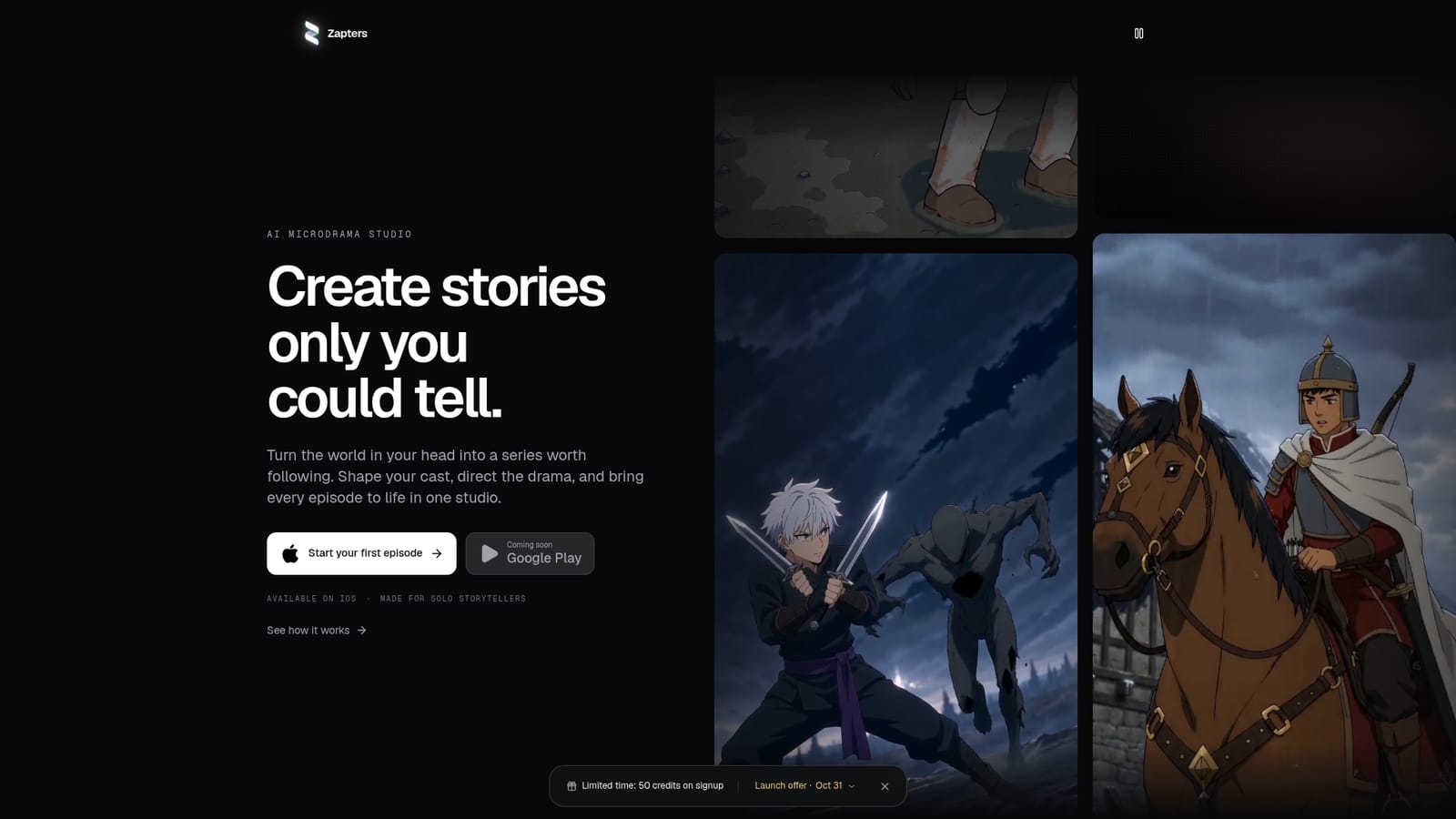
Screenshot of Zapters, AI studio for directing serialized vertical microdrama episodes

What is Zapters?

Zapters is an iOS-first AI studio where solo storytellers build a cast, world and series bible, then direct and export finished vertical animated microdrama episodes. It is in private beta and uses many third-party AI models.

Zapters is an animation-first studio for making short serialized stories, which it calls microdramas. Each finished piece is a "Zapter": a vertical episode built around a cast, a world and a hook that gives viewers a reason to return. The app pulls image, video, writing, music, voice and mastering into a single workflow, so one person can move from a loose idea to a postable episode without juggling separate generators. The process starts with Storymode. A creator picks a visual style (the site lists modern anime, 3D animation, western animation, whacky cartoon and painterly 3D), then either starts from a template or builds a premise through a chat. Templates cover genres such as fantasy, romance, horror, revenge and workplace comedy. As the conversation continues, the studio keeps a rewritten series bible, drafts an episode script with timed shots, and creates character design sheets and location images that share the project's look. Credits are consumed for steps such as script drafting. From there the creator directs each episode: writing dialogue, framing shots, refining individual takes, then cutting them together, adding voices and music, and exporting a vertical video. Cast, locations and the bible stay attached to the project, which is what lets a single idea grow into a recurring show. The studio says it draws on more than 30 models from ten labs, including Seedance 2.0, GPT Image 2, Lyria 3 Pro and ElevenLabs voice design, and adds new ones without disturbing existing projects. The target user is a solo storyteller rather than a production team. Compared with general text-to-video generators, Zapters spends its effort on continuity and story structure instead of one-off clips. It is currently in private beta, launching first on iOS, with content kept private to the account by default and prompts and media sent to AI providers during generation.
How do you use Zapters?

  1. 1Request beta access and install the app
    Zapters is in private beta and launches first on iOS. Request access, then install the app from the App Store link on the homepage.
    Zapters — Request beta access and install the app
  2. 2Pick a visual style
    Choose the animation look that every character, location and shot in the project will use, such as action anime or painterly 3D.
  3. 3Choose a template or start from scratch
    Select a story template in a genre like fantasy, romance or horror, or build your own premise in the chat. The studio maintains a series bible as you answer its questions.
  4. 4Create your cast and locations
    Generate character design sheets and location images from the bible, then open them to edit the picture or request changes.
  5. 5Draft the script and direct each Zapter
    Have the studio draft an episode script, then refine dialogue, shot framing and individual takes with your cast close at hand.
  6. 6Add voices and music, then export
    Cut your takes, add voices and music, and export a finished vertical video to share with your audience.

Pros and cons

Pros

  • Keeps cast, design sheets, locations and a series bible together so characters stay consistent across episodesAI
  • Storymode templates and a chat-based setup let users start without a finished scriptAI
  • Combines image, video, writing, music, voice and mastering in one workflow instead of several toolsAI
  • Draws on 30+ models from ten labs, with new ones added without breaking existing projectsAI
  • Exports finished vertical videos that are ready to post to a feedAI

Cons

  • Still in private beta with access by request, so most people cannot use it yetAI
  • Initial release is iOS only; Android is listed as coming soon and no web or desktop app is mentionedAI
  • Animation-first: the site lists only animated styles, with no live-action or photoreal lookAI
  • Features consume credits, but the homepage gives no pricing or credit allowancesAI
  • Prompts and media are sent to third-party AI providers during generation, which may concern privacy-minded creatorsAI

How much does Zapters cost?

Pricing

The homepage does not state prices. It mentions credits (for example, about 3 credits to draft a script) but gives no plan details.

Learn more

Integrations

Draws on models from ten labs, including ByteDance Seedance 2.0, OpenAI GPT Image 2, Google Nano Banana and Lyria 3 Pro, ElevenLabs Voice Design, Stable Audio 2.5 and Topaz. No external app integrations are listed.

Features

Style picker, story templates, chat-built series bible, script drafting with timed shots, character design sheets, location images, per-take refinement, voices, music, mastering and vertical video export, powered by 30+ models.

Frequently asked questions about Zapters

  • How much does Zapters cost?
    The homepage does not state prices. It mentions credits (for example, about 3 credits to draft a script) but gives no plan details.
  • How do you use Zapters?
    The walkthrough on this page covers 6 steps: 1. Request beta access and install the app 2. Pick a visual style 3. Choose a template or start from scratch 4. Create your cast and locations 5. Draft the script and direct each Zapter 6. Add voices and music, then export.
  • What platforms does Zapters support?
    Zapters is available on iOS.
  • What does Zapters integrate with?
    Draws on models from ten labs, including ByteDance Seedance 2.0, OpenAI GPT Image 2, Google Nano Banana and Lyria 3 Pro, ElevenLabs Voice Design, Stable Audio 2.5 and Topaz. No external app integrations are listed.
  • What are the limitations of Zapters?
    Still in private beta with access by request, so most people cannot use it yet. Initial release is iOS only; Android is listed as coming soon and no web or desktop app is mentioned. Animation-first: the site lists only animated styles, with no live-action or photoreal look.

Status

StatusActive
Views0
Outbound clicks0
Added10/18/2026

Platforms

iOS

Pricing

Paid