Calldesk

AI voice agents for enterprise customer service calls

Intermediate API
Screenshot of Calldesk, AI voice agents for enterprise customer service calls

What is Calldesk?

Calldesk designs, deploys and runs AI voice agents for enterprise contact centers. A four week engagement starts with an AI call analysis, then moves to use case selection, a production pilot and scale-up. Agents handle qualification, identity checks, FAQs, ticketing and agent transfers in 80+ languages, built in a no-code studio with CRM and telephony integrations.

Calldesk builds and deploys AI voice agents that answer inbound and outbound customer service calls. The company positions itself as an end-to-end partner rather than a self-serve tool: it handles discovery, design, deployment and ongoing operation of the agents, with the stated goal of reaching a production-ready callbot within 30 days. The agents run around the clock, speak more than 80 languages, and are tuned to match the tone and dialects a business specifies. Calldesk reports handling over 30 million calls per year for enterprise clients. The workflow is deliberately staged. A Scanbot first connects to the existing call system and uses a pre-trained LLM to analyze inbound calls, surfacing patterns, pain points and automation-ready use cases. Those findings feed an executive report used to prioritize which use cases to automate. A custom LLM callbot is then designed and piloted in the production environment, and if results hold up, automation expands to further use cases identified in the scan. Typical jobs include caller qualification and routing, identity checks against CRM records, FAQ and selfcare handling, ticket creation with email handoff, and transfers to human agents with a summary attached. The platform itself is no-code. Workflows are configured in the collaborative Calldesk Studio app through a visual builder, and integrations are deployed without needing access to the codebase. Calldesk describes itself as telephony-agnostic, so agents can sit inside any contact center environment, and it allows connections to any API-first data source or to different LLM models behind secure guardrails. Full call recordings support audit and compliance review, and the vendor cites roughly one second of latency with automatic scaling. Calldesk suits mid-size and large contact centers in retail, logistics, insurance, energy, banking, travel, ecommerce and auto leasing, particularly teams with high volumes of repetitive calls and existing CRM or ticketing infrastructure such as Salesforce and Zendesk. Buyers should compare it against self-serve voice agent builders and against traditional contact center AI add-ons. Calldesk leans heavily on its managed service layer, which is an advantage for organizations without in-house voice AI expertise and less appealing to teams that want to configure everything themselves.

How do you use Calldesk?

  1. 1Review the platform and use cases
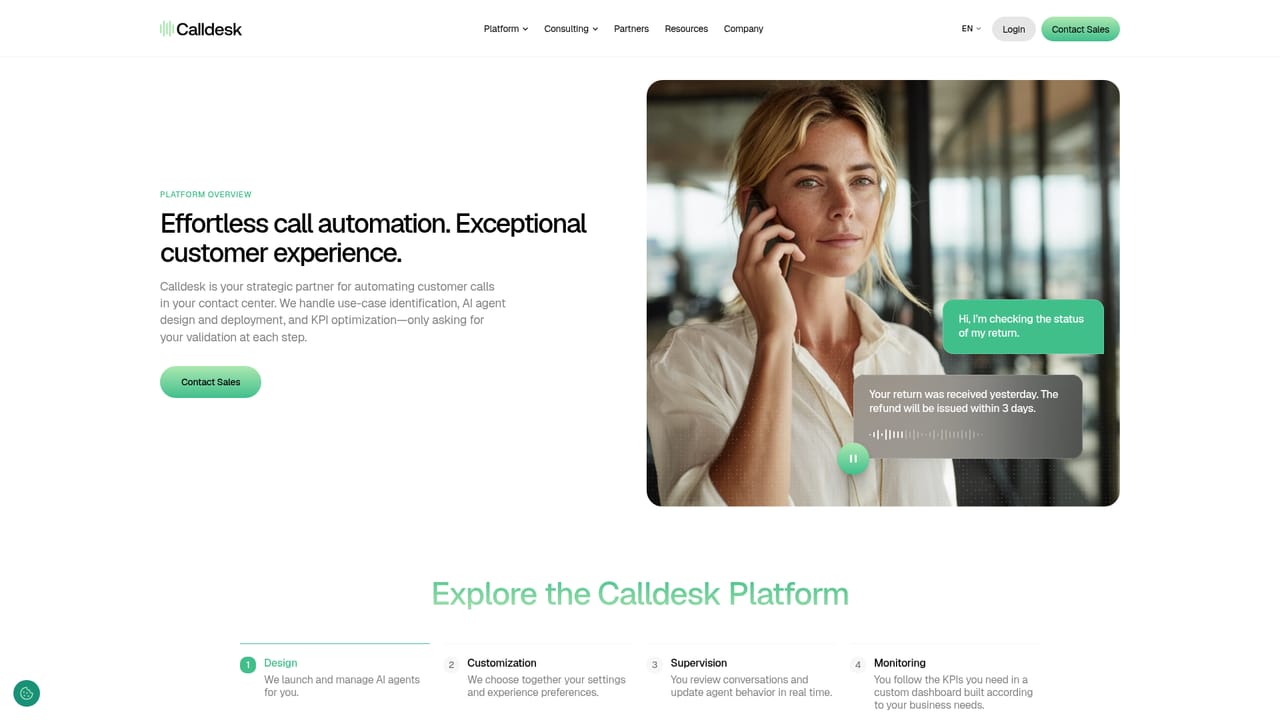
    Look through the platform overview and the industry examples (retail, logistics, insurance, energy, banking, travel, ecommerce) to see which call scenarios resemble your own. Each category has a demo you can listen to before talking to sales.
    Calldesk — Review the platform and use cases
  2. 2Check the onboarding roadmap
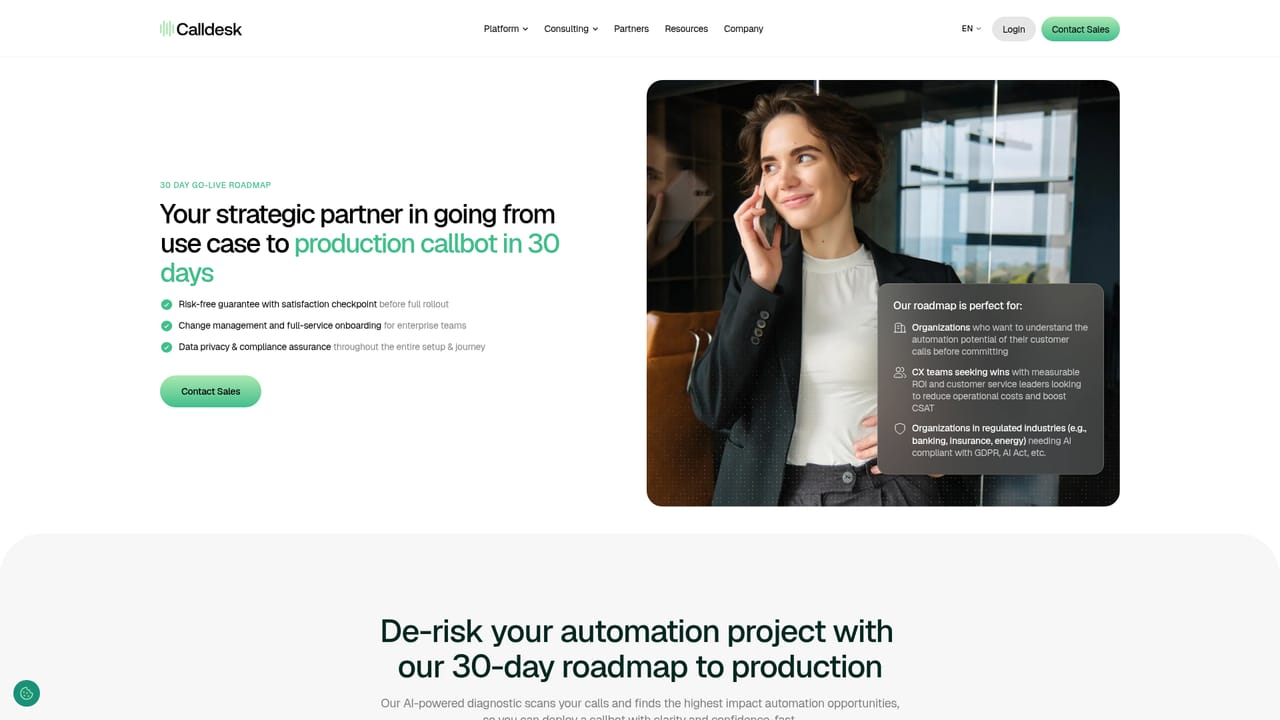
    Read the full roadmap to production so you understand the four week sequence: call analysis, collaborative use case selection, pilot launch and scale. Confirm the internal stakeholders you will need for each stage.
    Calldesk — Check the onboarding roadmap
  3. 3Estimate the return
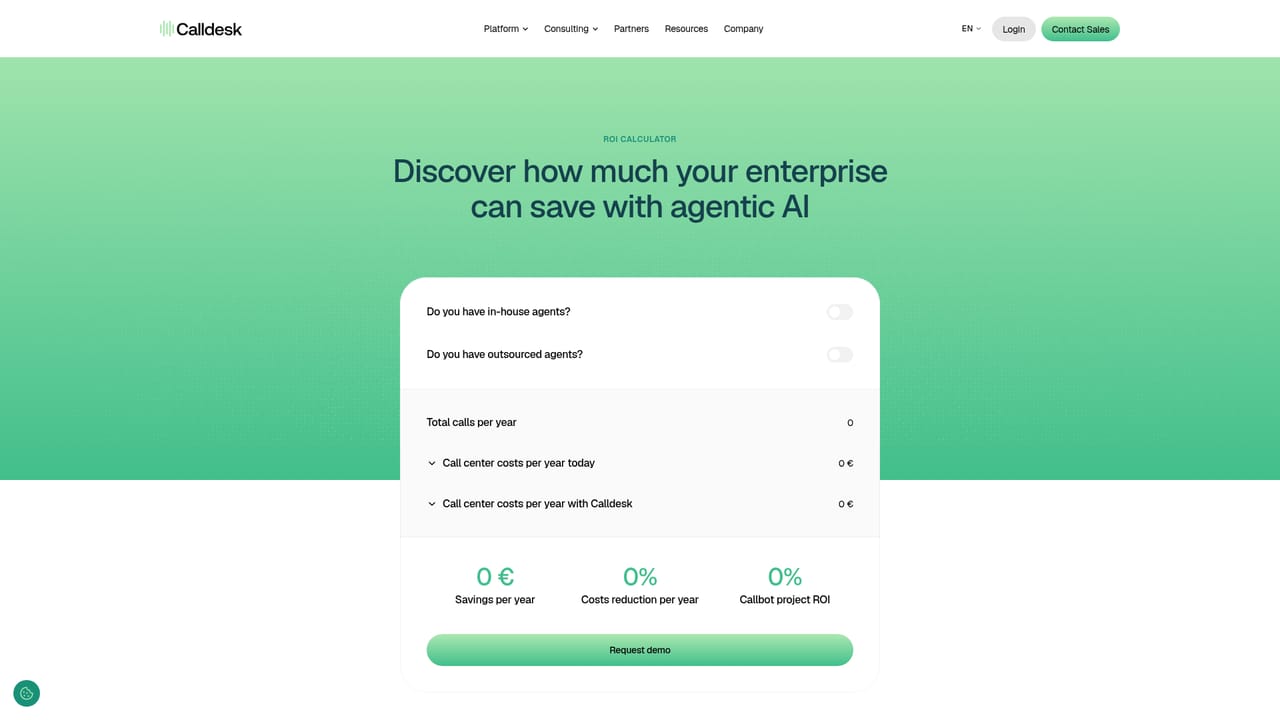
    Use the ROI calculator to model cost reduction and resolution targets against your current call volume. This gives you an internal number to justify the assessment phase.
    Calldesk — Estimate the return
  4. 4Talk to the team
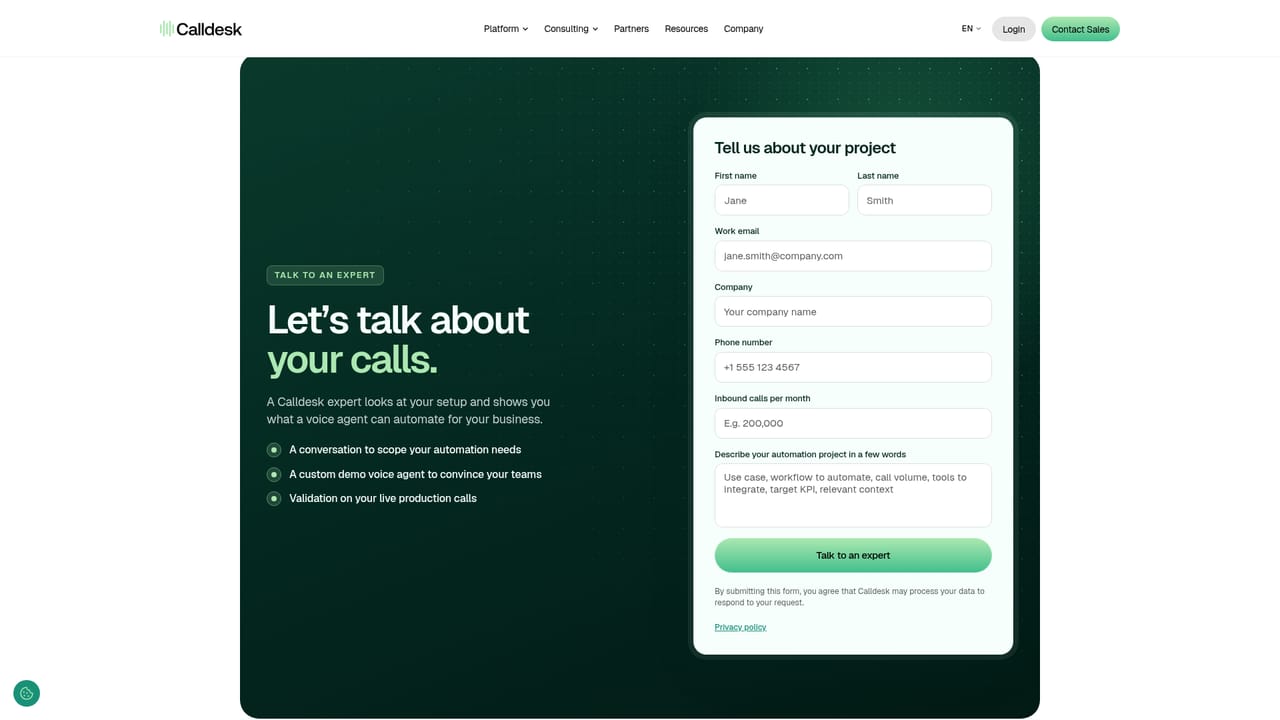
    Contact Calldesk to scope the Scanbot assessment against your call system. Expect questions about your telephony setup, CRM and the call types you want automated.
    Calldesk — Talk to the team
  5. 5Run the analysis and select use cases
    Once connected, the Scanbot analyzes inbound calls and produces an executive report. Your team then picks the highest-impact use cases with Calldesk, prioritizing customer experience and ROI.
  6. 6Pilot and expand
    Review how the callbot performs against the pilot use cases. If the results hold, extend automation to the additional use cases the scan surfaced.

Pros and cons

Pros

  • End-to-end managed service covers call analysis, use case selection, pilot and scale, which removes the burden of building a voice agent in-houseAI
  • Structured four week path to a production callbot gives buyers a clear timeline instead of an open-ended buildAI
  • No-code Studio lets operations teams adjust workflows and integrations without touching a codebaseAI
  • Telephony-agnostic design and named Salesforce and Zendesk integrations reduce lock-in and fit existing stacksAI
  • Full call recordings and audit trails support compliance review and performance trackingAI

Cons

  • No public pricing, so budgets cannot be scoped without going through a sales conversation firstAI
  • The 30 day deployment claim depends on a formal assessment phase and vendor involvement, not self-serve signupAI
  • Voice quality, latency and language coverage cannot be verified from the site alone and need a live pilotAI
  • Smaller teams with low call volumes may find a managed enterprise engagement disproportionate to their needsAI
  • Details on security certifications and data residency are thin on the homepage, requiring due diligenceAI

How much does Calldesk cost?

Integrations

Salesforce and Zendesk are named as support platform integrations, and Calldesk describes itself as telephony-agnostic with custom integrations available. Any API-first data source can be connected, and any LLM model can be attached behind secure guardrails.

Learn more

Features

AI voice agents handle inbound and outbound calls 24/7 in more than 80 languages with configurable tone and dialects. Core use cases include caller qualification and routing, identity validation against CRM data, FAQ and selfcare answers, ticket creation with email handoff, and transfers to human agents with a summary. Workflows are built in the no-code Calldesk Studio, with full call recordings for audit and roughly one second latency at scale.

Learn more

Frequently asked questions about Calldesk

  • Does Calldesk have an API?
    Yes, Calldesk offers an API.
  • How do you use Calldesk?
    The walkthrough on this page covers 6 steps: 1. Review the platform and use cases 2. Check the onboarding roadmap 3. Estimate the return 4. Talk to the team 5. Run the analysis and select use cases 6. Pilot and expand.
  • What platforms does Calldesk support?
    Calldesk is available on Web App.
  • What does Calldesk integrate with?
    Salesforce and Zendesk are named as support platform integrations, and Calldesk describes itself as telephony-agnostic with custom integrations available. Any API-first data source can be connected, and any LLM model can be attached behind secure guardrails.
  • What are the limitations of Calldesk?
    No public pricing, so budgets cannot be scoped without going through a sales conversation first. The 30 day deployment claim depends on a formal assessment phase and vendor involvement, not self-serve signup. Voice quality, latency and language coverage cannot be verified from the site alone and need a live pilot.

Status

StatusActive
Views0
Outbound clicks0
Added10/21/2026

Platforms

Web App

Pricing

Paid