Support
Support is handled by email, with a demo request form routed to info@calypsocopilot.com for prospective users.
AI research workspace for public equities, built on cited sources

Calypso is an AI research workspace for public equities that links live price action, earnings evidence, bull and bear thesis changes, and 13F fund positioning back to primary sources.
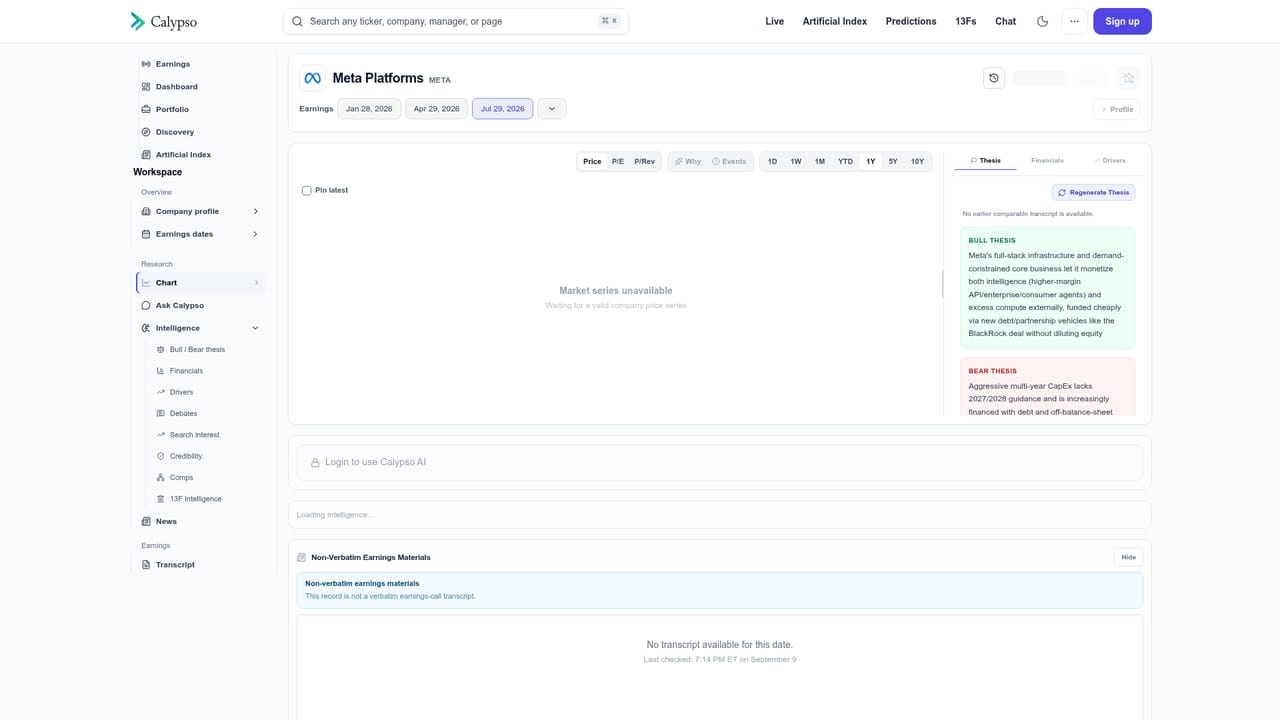
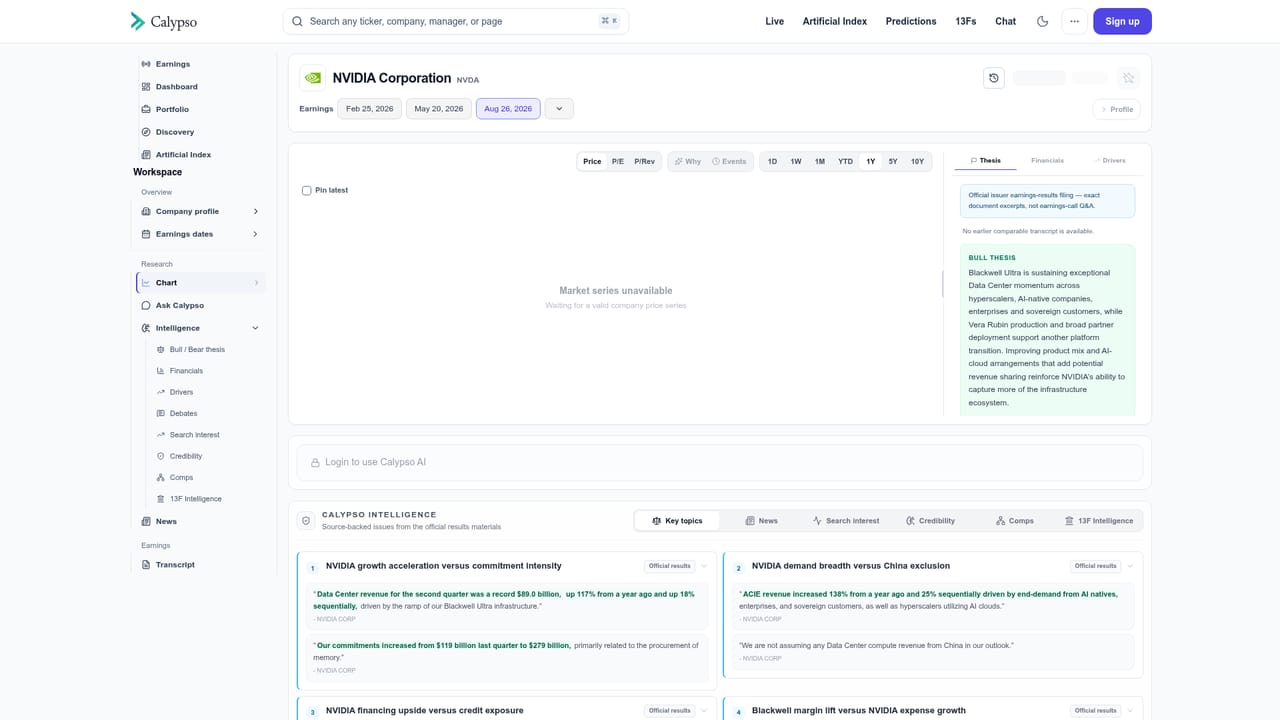
Calypso is a research workspace for public equities that organizes market data and company disclosures into a single, source linked view. The product is built around four connected layers: a live tape of watchlist price action and overnight moves, a company level evidence file, a running bull and bear debate, and reported fund positioning drawn from 13F filings. Rather than presenting a black box answer, every claim in the interface carries an attached source, whether that is a primary filing, a company release, or an earnings call transcript. The workflow starts on the live dashboard, where a watchlist shows intraday and overnight performance alongside the company events behind each move. Selecting a ticker opens a company workspace with quarterly review charts, management history tracked across quarters, comparable businesses, and a Q&A panel that answers questions about recent results while pointing to the excerpt those answers came from. A separate debate view splits the same evidence into bull and bear cases and flags each point as new, stronger, or weaker relative to prior quarters, which makes thesis drift visible instead of buried in a transcript. The 13F module adds a positioning layer. It aggregates reported manager holdings by security, ranks the most widely held names, and estimates quarterly net additions and reductions across funds such as Coatue, Tiger Global, and Appaloosa. Calypso states plainly that this data is delayed and that short interest is displayed separately, so the timing caveat is part of the product rather than a footnote. The tool suits equity analysts, portfolio managers, and serious individual investors who already read filings and want the monitoring work compressed. It is not a screener, a brokerage, or a signal service, and it does not make recommendations. The closer comparison is a research terminal or a filings aggregator, with Calypso leaning on sourced summaries and thesis tracking rather than on raw data breadth. Pricing is not published on the homepage; access is arranged through a demo request.
Support is handled by email, with a demo request form routed to info@calypsocopilot.com for prospective users.
The workspace combines a live watchlist tape with company events and primary sources, a per company evidence file covering cited news, earnings transcripts and management history, a bull versus bear debate tracker that labels each point as new, stronger or weaker, a Q&A panel that returns the source excerpt behind each answer, comparable business views, and 13F intelligence showing reported manager holdings with estimated quarterly net buying and selling.
 AI Angels400+ customizable AI girlfriends for NSFW chat, voice calls, and roleplay
 Candy AIExperience the future of companionship with AI friends who chat, role-play, and connect with you on a human level.
 ourdream.aiA vast AI roleplay platform with millions of characters for chat, images, video and voiceAI Angels400+ customizable AI girlfriends for NSFW chat, voice calls, and roleplayCandy AIExperience the future of companionship with AI friends who chat, role-play, and connect with you on a human level.ourdream.aiA vast AI roleplay platform with millions of characters for chat, images, video and voice


