What caricature makers do
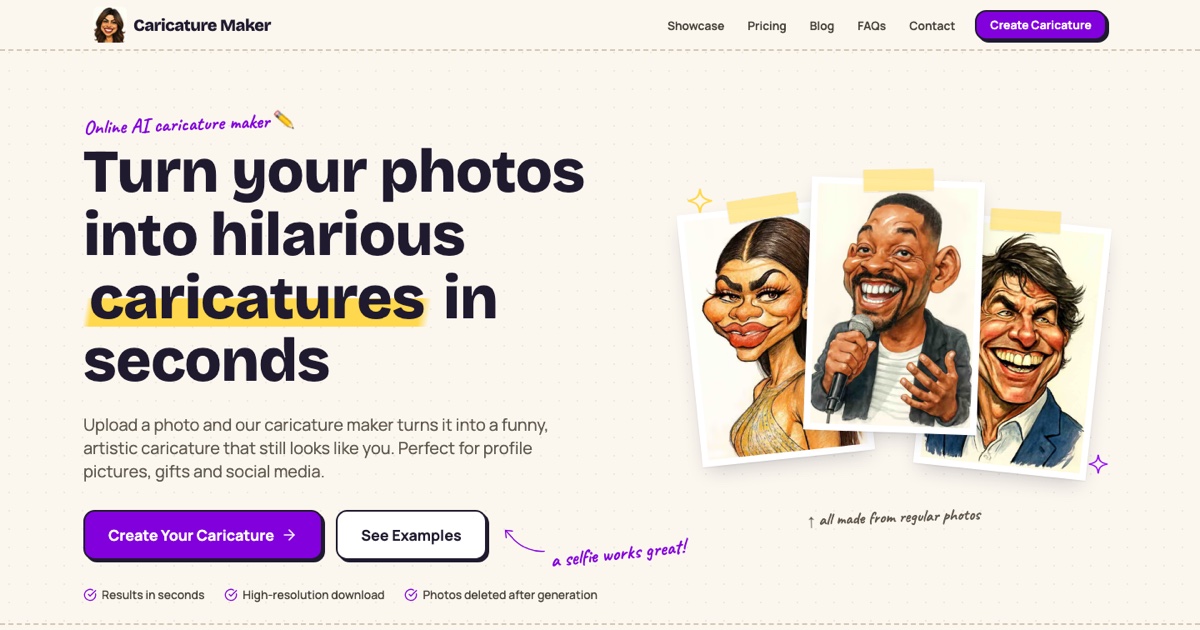
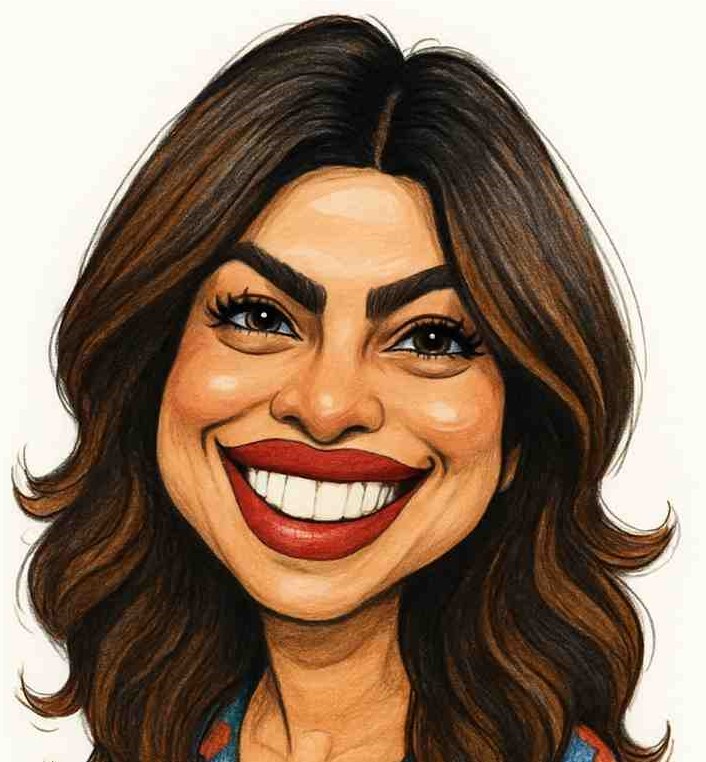
A caricature maker takes an ordinary photo, usually a selfie or portrait, and returns an illustrated version that exaggerates the face: a bigger smile, a sharper jaw, a stretched feature or two. The result is meant to be funny, flattering or both. These tools replace two older routes: paying a street or freelance artist for a custom drawing, and fiddling with manual filters in photo editors until the proportions look right.
The audience is broad. People use them for gifts, birthday cards, profile pictures and social posts. Creators and small teams use them for avatars, team pages and light marketing art. Because the input is a single photo, no drawing skill is needed.
How to choose a caricature maker
Start with price, since many readers arrive wanting a free caricature maker. Check whether a tool is fully paid, freemium or limited to a trial, and what the free tier actually gives you: a watermark, a lower resolution or a cap on how many images you can make. Test with one photo before committing to anything.
Next, look at the style. Some tools lean toward a hand-drawn look, others toward cartoon or anime rendering, and some offer several art styles from one upload. Decide whether you want a true exaggerated caricature or a simply cartoonized portrait, because the two are different results.
Also consider input and platform. All the tools here run in the browser as web apps, so nothing needs installing, but a clear, front-facing, well-lit photo will give better output than a group shot or a blurry one. Finally, think about the use: a private joke gift needs less polish than an avatar you plan to use publicly.
Notable caricature makers
GPT Caricature turns a single photo into an exaggerated caricature in eight art styles, and it is listed as freemium or paid, so it is a natural place to try a free run first.
Caricature Studio converts one selfie into a hand-drawn style caricature in minutes. It is a paid web app, suited to readers who want the illustrated look and are willing to pay for it.
ImageToCartoon uses AI to convert a person's face into an anime or cartoon-style image. It fits readers who want a cartoon or anime portrait more than a heavily exaggerated caricature.
Common questions
Is there a free caricature maker?
Yes, with limits. GPT Caricature is listed as freemium, which means some use is available without paying, though the exact allowance is set by the tool. Caricature Studio is listed as paid, so it is not the starting point if free is the requirement.
What photo works best?
A single person, facing the camera, in even light with the face fully visible. Busy backgrounds, heavy filters and small faces in group shots tend to weaken any face-based conversion.
Is a cartoon converter the same as a caricature maker?
Not exactly. A caricature exaggerates features for effect, while a cartoon converter restyles the face as an animated or anime portrait. ImageToCartoon sits on the cartoon side, and GPT Caricature and Caricature Studio are aimed at caricatures.
When to look elsewhere
For stylized characters rather than exaggerated portraits, the Anime Generator category is a closer fit. For turning a rough sketch or hand drawing into a finished picture, see Drawing to Image.