Pricing
Toolblip is described as 100% free with no signup, no paywall, and no account required to use any of its 492 tools.
Learn more492 free browser-based developer, SEO, text and color tools with no signup required.

Toolblip is a free directory of 492 browser-based utilities for developers, writers, SEO practitioners and designers, covering JSON, text, color, encoding and SEO tasks with no signup or server uploads.
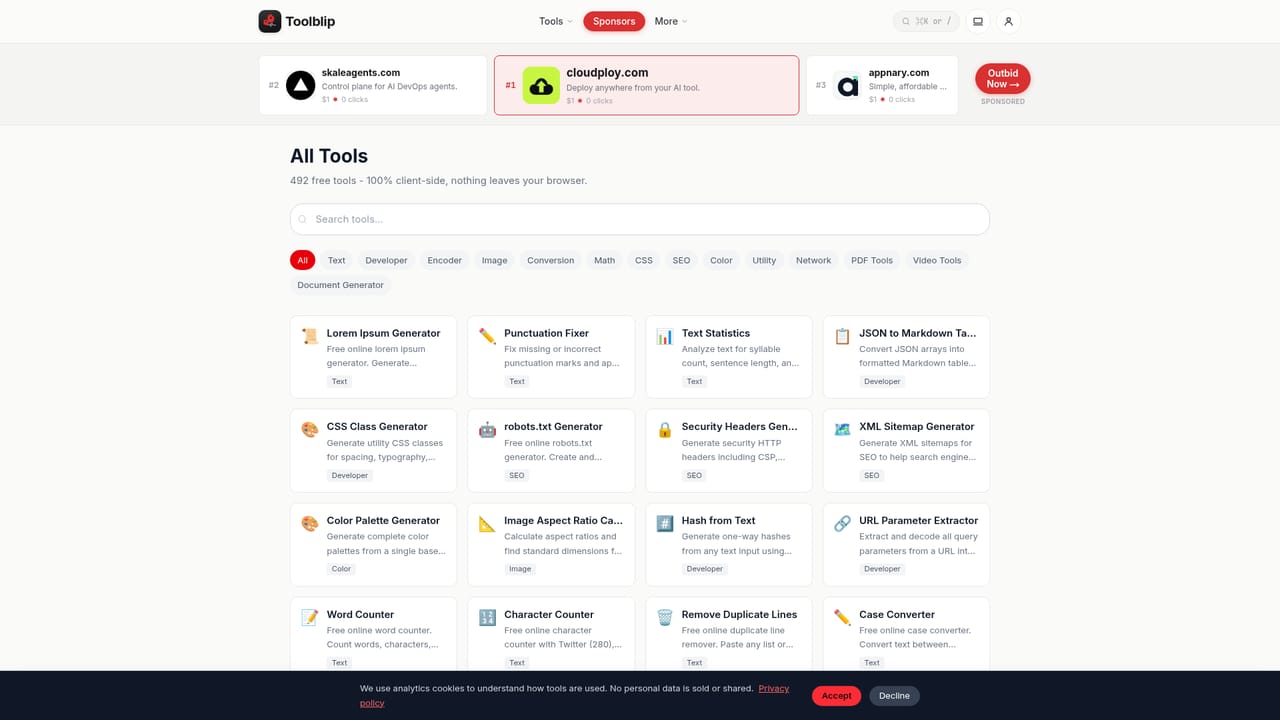
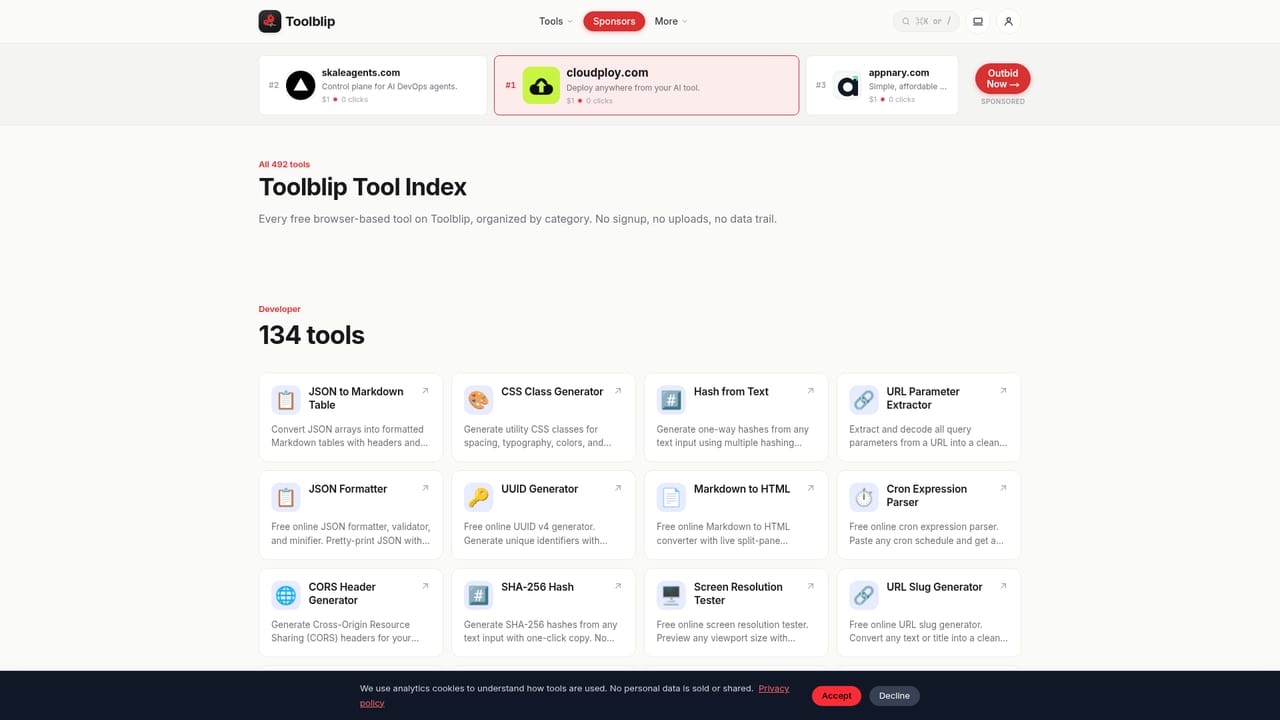
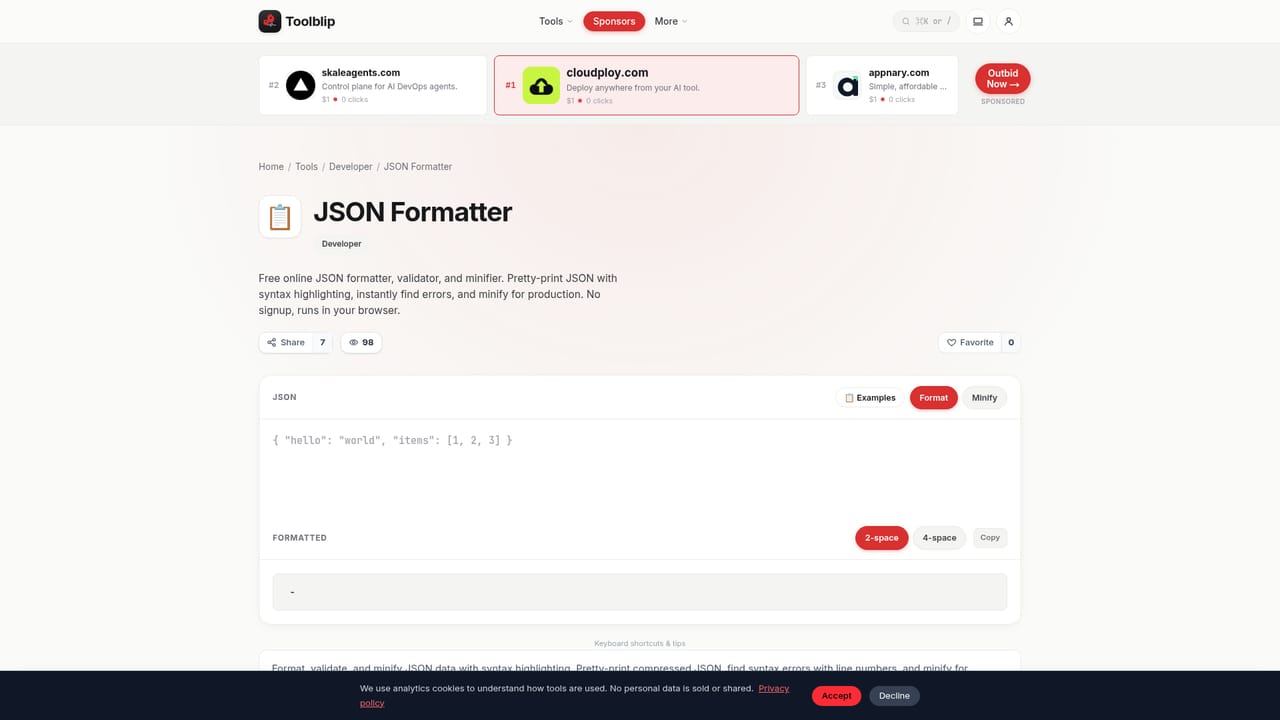
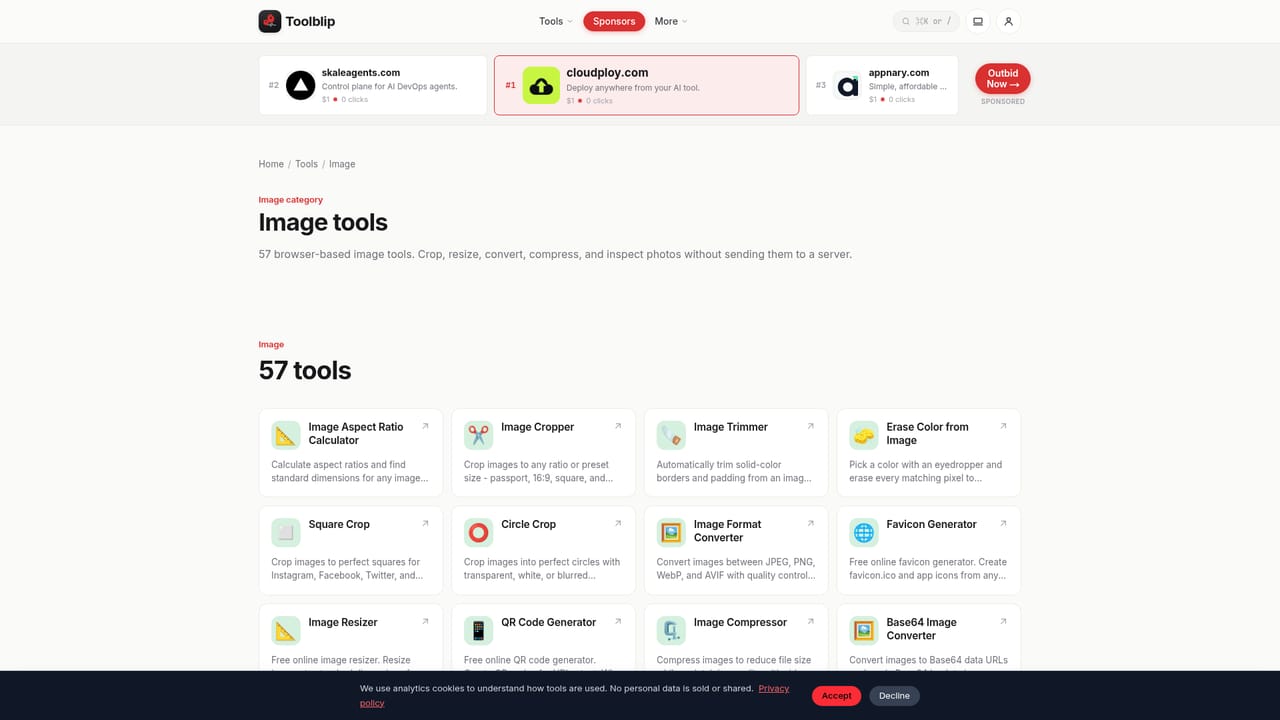
Toolblip is a directory of small, single-purpose utilities that run entirely inside the browser tab. The homepage lists 492 tools spread across 14 categories, including developer utilities such as JSON formatting and UUID generation, text tools like word and character counters, SEO generators for robots.txt, sitemaps and meta tags, plus color, encoding, image and PDF utilities. Rather than bundling everything into one heavy application, each tool is built around a single task that can be completed in a few seconds. The audience is broad but practical: developers who need to validate JSON or hash a string, writers checking word counts or fixing punctuation, SEO practitioners generating structured data or sitemap files, and designers pulling color palettes or checking contrast ratios. Anyone who repeatedly reaches for a quick formatting or conversion task without wanting to install software or create an account fits the use case. In practice, using Toolblip means opening a tool page, pasting or typing content directly into the interface, and reading the result immediately. According to the homepage, processing happens client-side, so pasted text, JSON, or files are not uploaded to a server or stored anywhere. There is no account wall, trial modal, or usage limit blocking the output, and the layout groups tools by category so related utilities are easy to find from any starting point. Within the crowded space of online converter and formatter sites, Toolblip's positioning rests on volume, focus and a stated no-tracking, no-upload architecture rather than on advanced automation or collaboration features. It reads as a reference toolkit to bookmark for recurring small tasks rather than a platform to build a workflow around, which distinguishes it from heavier SaaS suites that combine analytics, storage and team features around similar utilities.
Toolblip is described as 100% free with no signup, no paywall, and no account required to use any of its 492 tools.
Learn more492 client-side tools across 14 categories (Developer, Text, Conversion, Image, SEO, Utility, Color, PDF, CSS, Math, Network, Document Generator, Encoder, Video), all running locally in the browser with no uploads or tracking.
Learn more AI Angels400+ customizable AI girlfriends for NSFW chat, voice calls, and roleplay
 Candy AIExperience the future of companionship with AI friends who chat, role-play, and connect with you on a human level.
 ourdream.aiA vast AI roleplay platform with millions of characters for chat, images, video and voiceAI Angels400+ customizable AI girlfriends for NSFW chat, voice calls, and roleplayCandy AIExperience the future of companionship with AI friends who chat, role-play, and connect with you on a human level.ourdream.aiA vast AI roleplay platform with millions of characters for chat, images, video and voice


