Pricing
All tools and guides on LiteralKit are free to use with no paid plan or account required.
Learn moreFree browser-based tools for superscript, symbols, fancy text, and notation conversion.

LiteralKit is a text tool. LiteralKit offers free, no-signup browser tools for superscript, fancy text, symbol lookup, and notation conversion, each page explaining its own limits and running conversions locally.
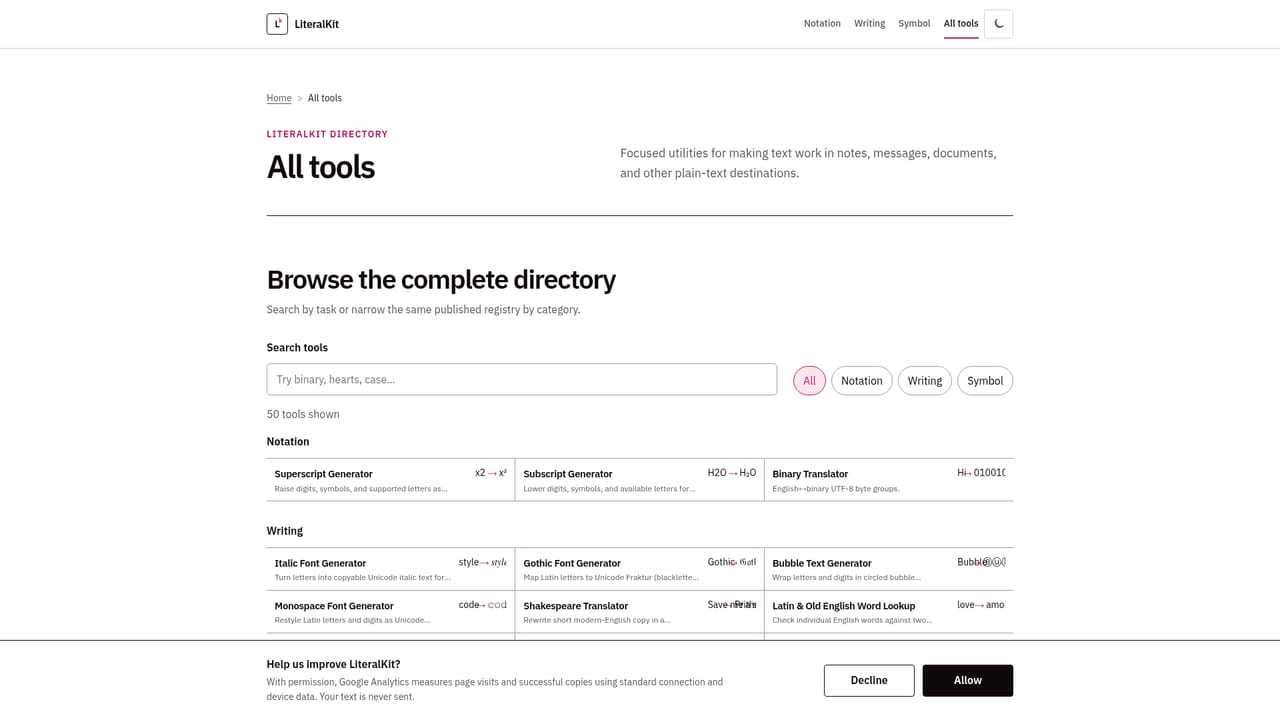
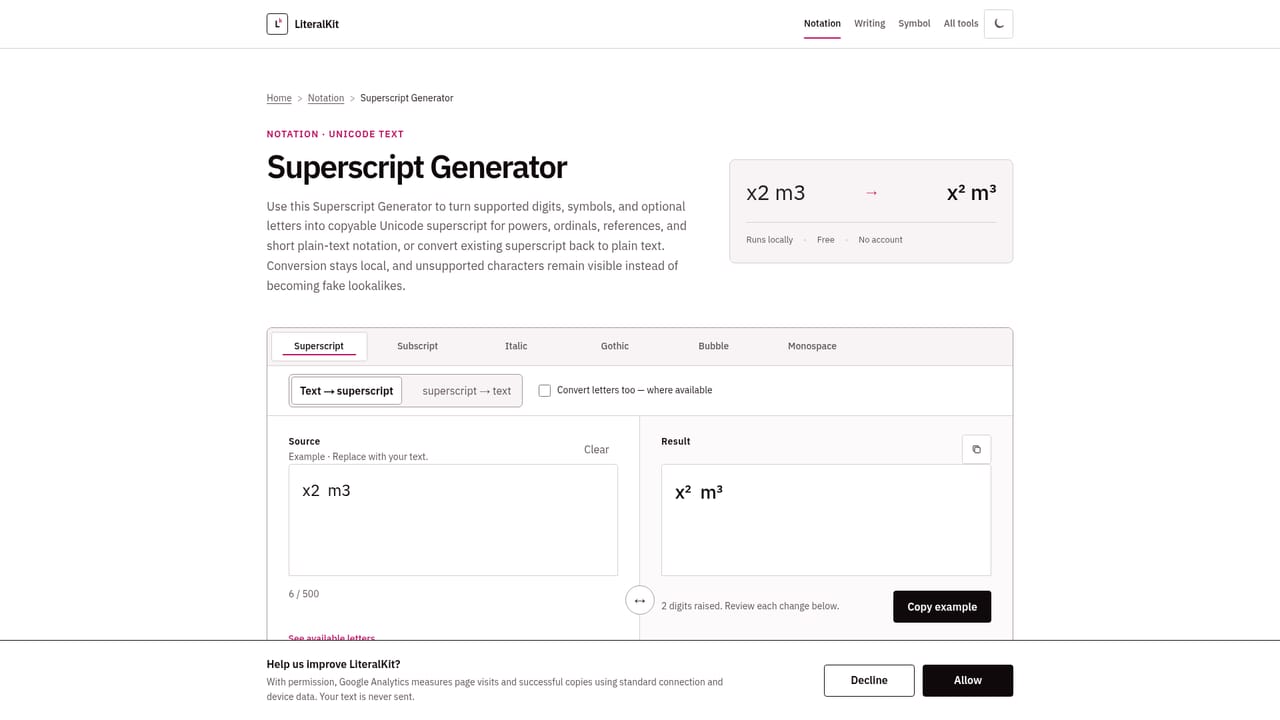
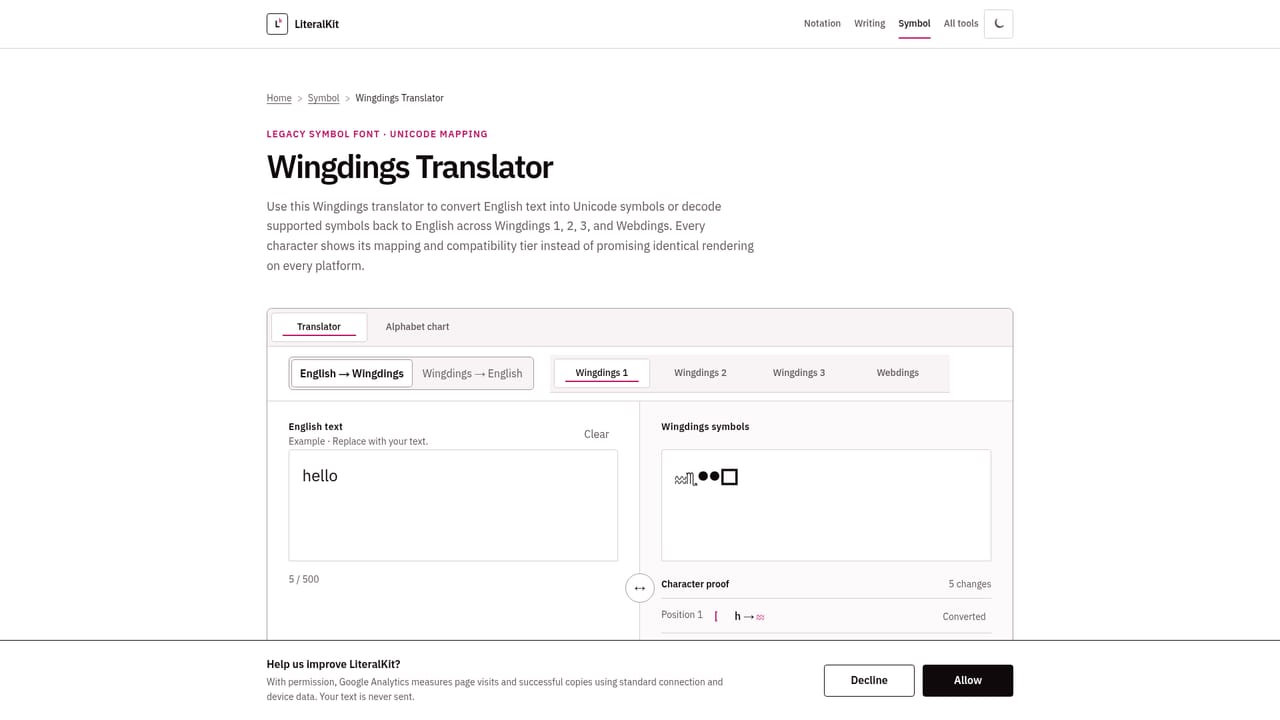
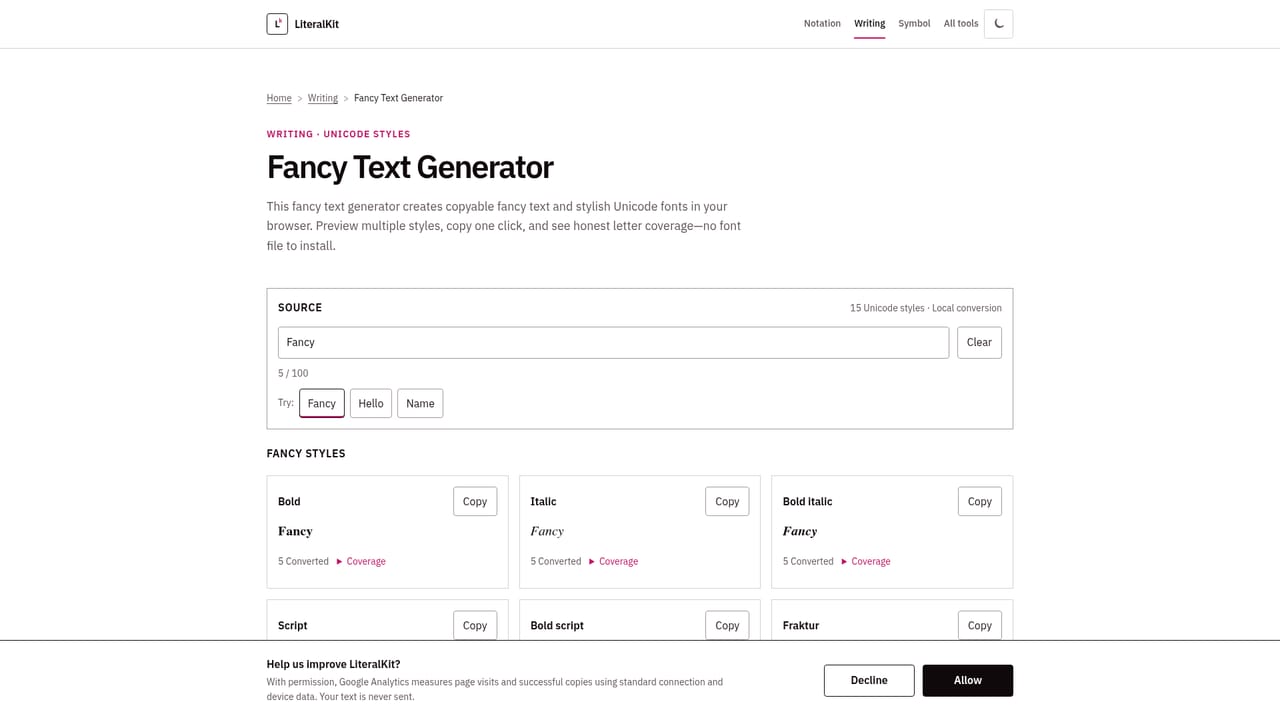
LiteralKit is a collection of small, single-purpose web tools for converting and generating text: superscript and subscript characters, fancy Unicode styles, case conversion, backwards text, Wingdings translation, Morse code, binary, Pig Latin, and symbol lookup. Instead of one large editor, the site offers roughly ten focused converters plus reference guides on topics like math symbols, heart symbols, and the limits of text translators. The tool is aimed at anyone who needs a quick, copyable piece of styled or converted text: social media users styling bios and usernames, students checking a symbol's meaning or a word's Latin/Old English root, writers who want an em dash explained, or anyone curious what a string of Wingdings or Morse code says. It is not built for professional publishing workflows or bulk text processing, but for one-off, low-stakes conversions done in a browser tab. In practice, a visitor picks a tool from the homepage or category menu (Notation, Writing, Symbol, or Guides), types or pastes text into a small input box, and gets an instant, locally computed result next to a copy button. Conversions run in the browser rather than being sent to a server, and each page states its known limitations, for example that Unicode superscript only supports certain characters, that Wingdings compatibility varies by character, or that a playful translator like Pig Latin is not a linguistic authority. This upfront honesty about coverage and failure cases is the site's main differentiator from generic online converters. Among alternatives, most competing symbol and text-converter sites bundle dozens of tools with heavier ad load and vaguer claims about accuracy. LiteralKit's narrower scope, absence of account requirements, and explicit disclosure of what each tool can and cannot do make it suited to quick, low-friction lookups rather than sustained content production.
All tools and guides on LiteralKit are free to use with no paid plan or account required.
Learn moreSupport is handled through a contact page; the site also publishes guides and a stated correction method for factual updates to tool pages.
Learn moreSuperscript and subscript generation, fancy Unicode text styling, case conversion, backwards text, Wingdings and Morse code translation, binary and Pig Latin conversion, symbol identification, heart symbols, moon phase emoji lookup, and Latin/Old English word lookup, all running locally in the browser.
Learn more AI Angels400+ customizable AI girlfriends for NSFW chat, voice calls, and roleplay
 Candy AIExperience the future of companionship with AI friends who chat, role-play, and connect with you on a human level.
 ourdream.aiA vast AI roleplay platform with millions of characters for chat, images, video and voiceAI Angels400+ customizable AI girlfriends for NSFW chat, voice calls, and roleplayCandy AIExperience the future of companionship with AI friends who chat, role-play, and connect with you on a human level.ourdream.aiA vast AI roleplay platform with millions of characters for chat, images, video and voice


