What these tools do
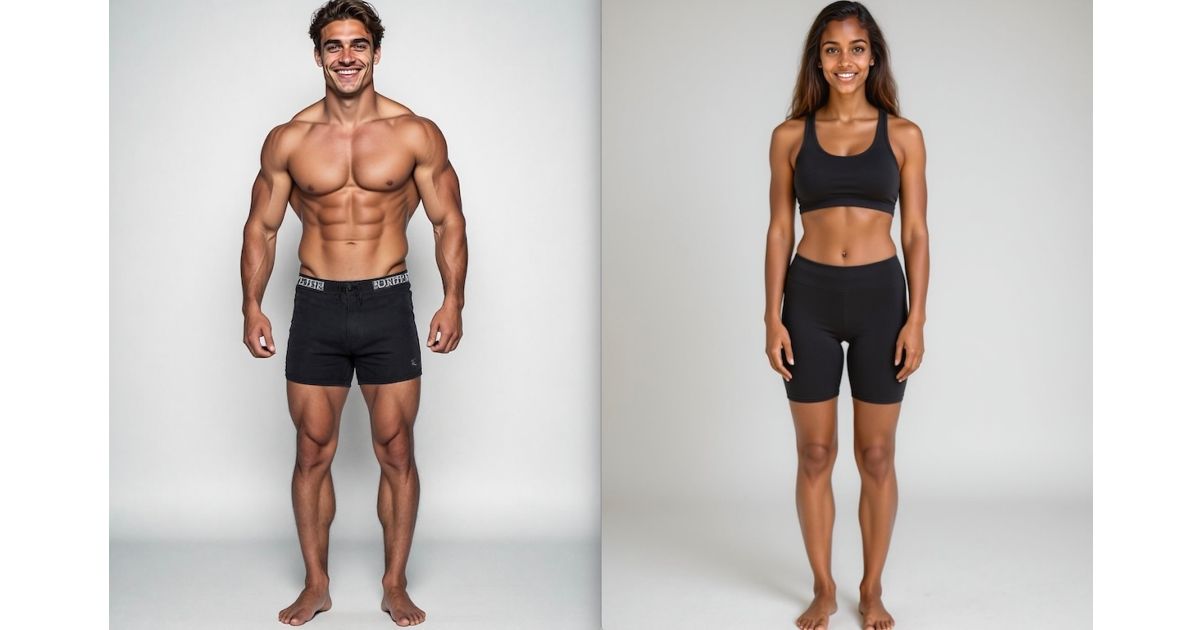
Weight loss preview tools take a photo and generate a visual estimate of how you might look after losing weight. They are aimed at people who want a concrete image of their future self before committing to a diet or training plan, and at anyone curious about how their face and body might change. These tools replace the guesswork of trying to imagine the result, and they sit alongside workout and nutrition apps as a motivational preview rather than a medical assessment. The output is a forecast, not a guarantee, and it should be treated as a rough guide.
How to choose one
Start with the input the tool needs. Most weight loss preview tools ask for a single photo, so check that you have a clear, well lit shot and that the app explains how it uses the image. Look at what the tool actually produces: a still image, a short video, or a muscle focused filter. If you want to see a transformation over time, a video based tool may suit you better than a single frame. Consider the platform: iOS and Android apps are convenient for quick checks, while web apps work on any device. Pricing matters too. Some tools offer a free trial, others are freemium with paid upgrades, and a few are free. Read what the free tier includes before you commit. Finally, think about the scope. Some tools focus on fat loss, others on muscle definition, and some add coaching for cravings. Match the tool to the change you want to preview.
Notable tools
GigaBody AI Muscle Filter is a mobile AI filter that previews muscle and body changes from one photo. It is available on iOS and Android with a freemium subscription model, and it leans toward muscle definition rather than overall weight loss.
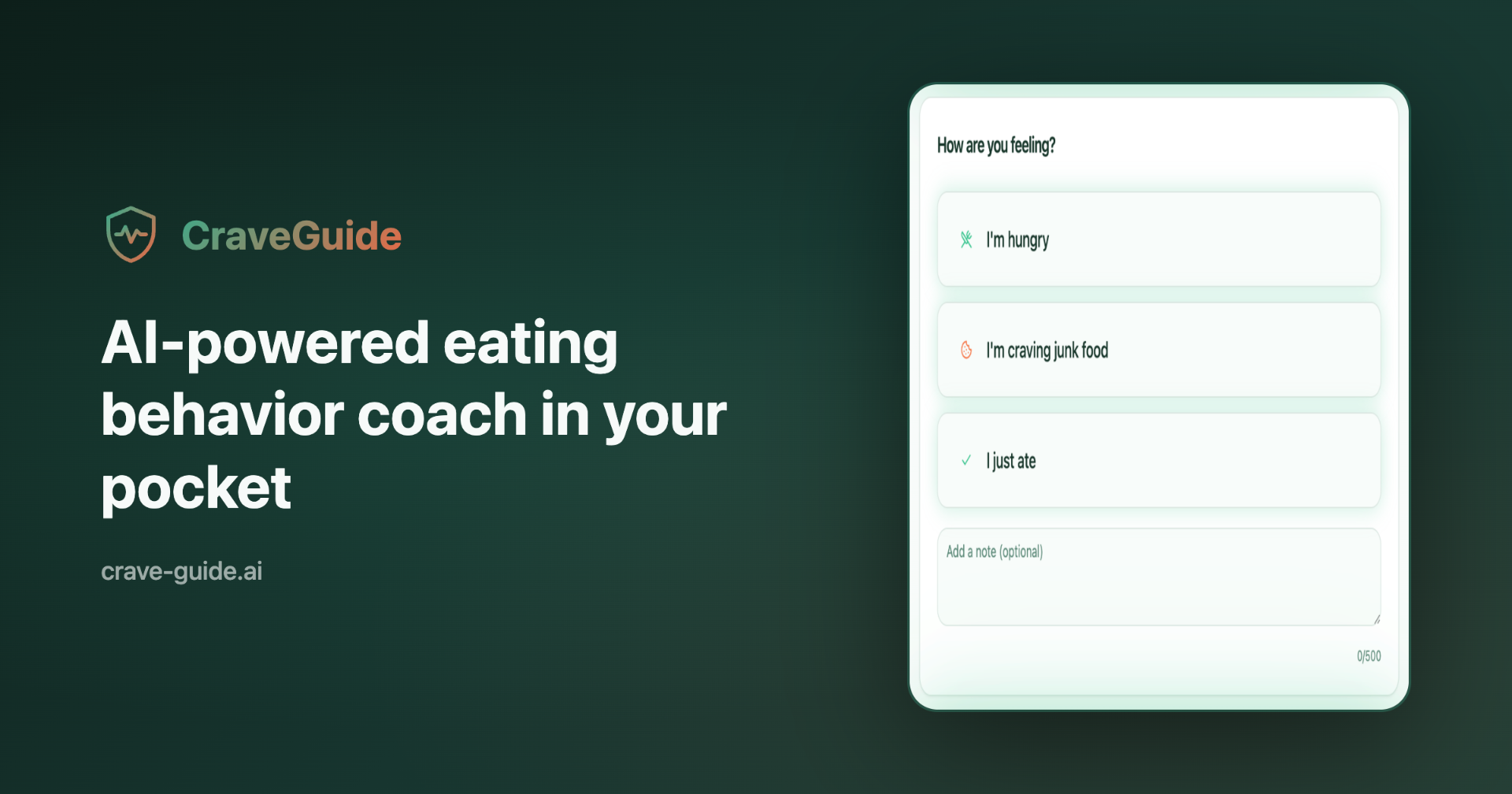
Crave-Guide.Ai is an AI coach that steps in when cravings hit, not after. It is a freemium web app, so it complements a weight loss preview by helping with the moment to moment decisions that affect progress.
Lose Fat With AI lets you see your future self with AI transformation videos of your weight loss journey. It is a web app with a free trial and paid plans, and it focuses on video based previews rather than still images.
Common questions
Can AI show what I will look like when I lose weight?
Yes, several tools generate a preview from a photo. The result is an estimate based on patterns, not a medical prediction, so treat it as motivation rather than a promise. Accuracy depends on the photo quality and the tool's model, and no preview can account for how your body will actually respond.
How accurate are weight loss preview tools?
They are not clinically accurate. They use image generation to approximate changes and can be useful for setting expectations, but they should not replace advice from a doctor or dietitian. Use them as a visual aid and keep your plan grounded in realistic habits.
Do I need a subscription to preview my weight loss?
It depends on the tool. Some offer a free trial or a freemium tier with limited previews, while others require a subscription for full access. Check what the free version includes before paying, and compare that with how often you plan to use it.
What is the best way to use a weight loss preview?
Use it once at the start to set a motivating image, then focus on daily habits. Pairing a preview with a coaching tool like Crave-Guide.Ai can help you stay on track when cravings hit. Revisit the preview occasionally rather than obsessing over it.
When to look elsewhere
If your goal is muscle gain rather than fat loss, the Weight Gain AI category covers tools built for that. For a broader view of body composition and measurements, the Body Analyzer category may be more useful than a visual preview.