Free trial
The homepage FAQ asks whether you can try for free, and the meta description mentions trying free today. Exact trial limits are not stated on the homepage, so confirm terms on the pricing page.
Learn moreSee your future self with AI transformation videos of your weight loss journey.
Own Lose Fat With AI? Verify ownership to get a dofollow link
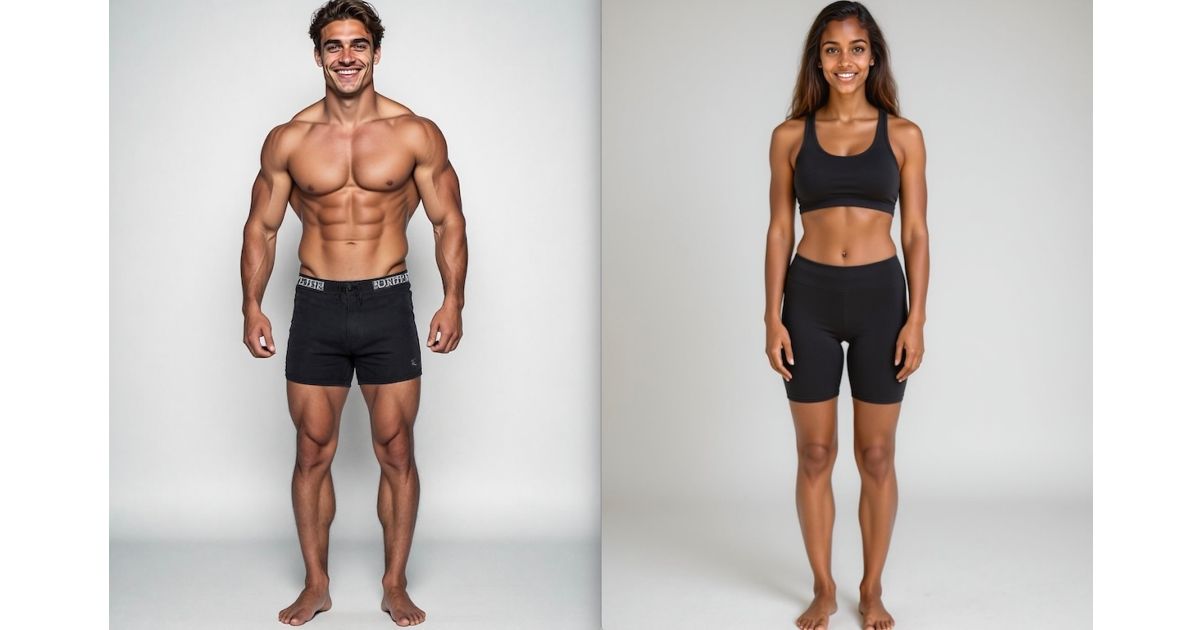
Lose Fat With AI turns four or more photos of you into a short transformation video that previews a slimmer future self. It targets motivation rather than tracking, with a one to three hour email delivery and a free trial path.
Lose Fat With AI is a web app that generates a short video showing a visual estimate of your body after weight loss. You supply at least four photos of yourself, the model processes them for one to three hours, and you get an emailed link to a transformation clip. The product leans on visualization research, claiming that seeing a future self can support motivation and adherence to a weight loss plan. The workflow is deliberately narrow. There is no app to learn and no editing timeline. You upload front facing images with one person in frame, no glasses and no hats, then wait for an email. That makes it approachable for people who want a motivational artifact rather than a creative tool. It is not a medical device, and it does not track calories, activity or weight. Think of it as a niche generative video service for fitness motivation, closer to a personalized visualisation than to a workout or nutrition tracker. The output is a video, not a still image, which separates it from AI photo filter apps. It also differs from general video generators because the input is your own photos and the goal is a specific body transformation preview. If you already use a calorie tracker or a personal trainer, this could sit alongside those as a mental rehearsal tool rather than a replacement. The site markets a science backed angle and a free trial path, but the detailed mechanics of the model and the exact resolution of exports are not spelled out on the homepage. Anyone comparing options should weigh the multi hour turnaround and the photo requirements against the simplicity of the result.
The homepage FAQ asks whether you can try for free, and the meta description mentions trying free today. Exact trial limits are not stated on the homepage, so confirm terms on the pricing page.
Learn moreUpload four or more front facing photos, then receive an AI generated transformation video by email after one to three hours. The product is built around visualization for weight loss motivation, with a simple three step flow and a video output rather than a still image.
 AI Angels400+ customizable AI girlfriends for NSFW chat, voice calls, and roleplay
 Candy AIExperience the future of companionship with AI friends who chat, role-play, and connect with you on a human level.
 ourdream.aiA vast AI roleplay platform with millions of characters for chat, images, video and voiceAI Angels400+ customizable AI girlfriends for NSFW chat, voice calls, and roleplayCandy AIExperience the future of companionship with AI friends who chat, role-play, and connect with you on a human level.ourdream.aiA vast AI roleplay platform with millions of characters for chat, images, video and voice