Free trial
A free tier is offered with 100 credits and PDF export, and the signup page states no credit card is required. PowerPoint export and watermark removal need a paid plan.
Learn moreTurn documents, notes, and ideas into decks, narrated videos, and posters
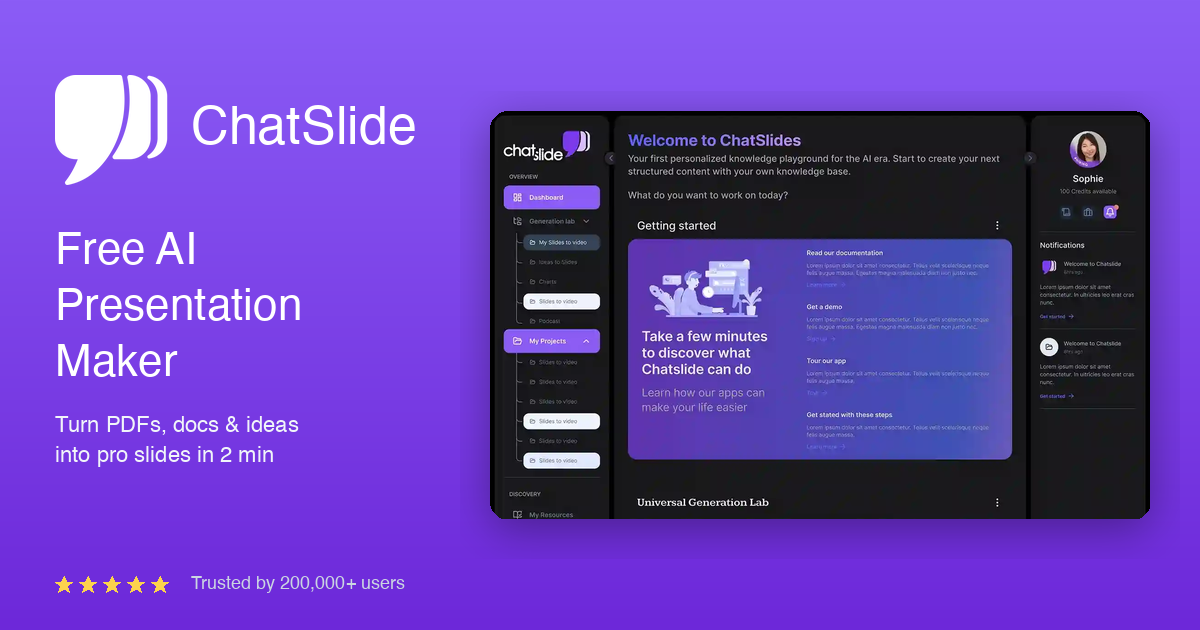
Chat Slide is an avatar presentation tool that turns documents, notes, and ideas into decks, narrated videos, and posters. ChatSlide converts PDFs, docs, videos, links, and notes into editable presentations, then extends them with charts, posters, AI image models, and talking-head avatar videos.
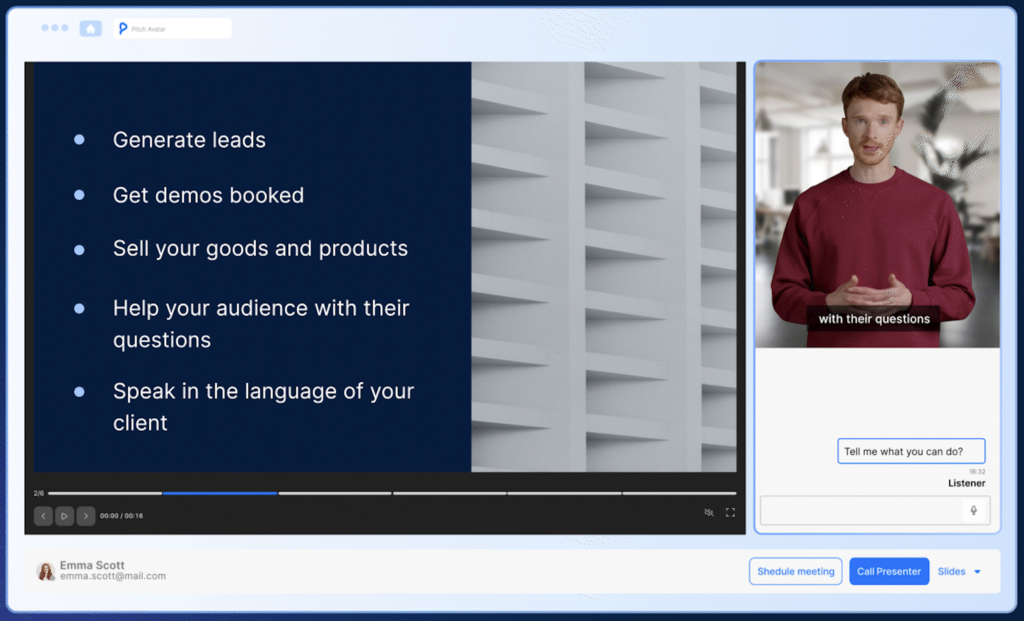
ChatSlide is an AI presentation platform that converts source material into finished decks, narrated videos, posters, and other visual assets. The starting point is whatever the user already has: a PDF, a document, a video, a link, a brief, a transcript, a PubMed paper, or a rough set of notes. ChatSlide reads that input, proposes an outline, and builds a slide set around it that can then be edited, branded, and exported to PowerPoint. The vendor reports 290,000+ users, 165,000+ presentations created, use at 750+ universities, and coverage of 15+ languages. The workflow is built around a generate then refine loop. An outline step produces a structure with domain insight and user-controlled customization, a design step applies layout and styling, and a chat bot handles follow-up changes in natural language (for example asking it to make a growth figure the highlight of a slide). Beyond slides, ChatSlide generates data charts, marketing posters, and talking-head presenter videos using a library of 500+ avatars with lip-sync and 28+ voice languages. Voice cloning works from a 30 second sample. Slide visuals can be produced with more than 25 image models from OpenAI, Google, ByteDance, Black Forest Labs, xAI, Alibaba, Tencent, and Kuaishou inside the same subscription, with no separate API keys. Education is the strongest fit. Course creators and trainers can drop in notes or a PDF and get a workshop deck, a course module intro, or a lead magnet carousel, and narrated avatar videos suit explainers and training material. Clinical and research teams are also targeted directly, with workflows that turn guidelines, case notes, and papers into CME or grand rounds decks. Agencies and consultants use it to turn briefs and reports into client-ready decks quickly. Among AI slide tools, ChatSlide differentiates on breadth rather than minimalism. It bundles presentation generation, avatar video, image model access, and PDF and PowerPoint conversion utilities in one place, which reduces tool switching. It competes with deck-focused generators on the slide side and with standalone avatar video tools on the video side, so buyers should weigh whether they want one broad subscription or best-in-class separate tools.
A free tier is offered with 100 credits and PDF export, and the signup page states no credit card is required. PowerPoint export and watermark removal need a paid plan.
Learn moreFreemium model. The free tier includes 100 credits and PDF export; PowerPoint export and watermark removal require a paid plan. Three model tiers appear on the homepage (Luna, Terra, Astra) mapped to free, Plus, and Ultimate, but no prices are published in the homepage content.
Learn moreDocument to deck generation, outline generation with domain insight, chat-based editing, dynamic charts, posters, 25+ AI image models (GPT Image, Imagen 4, DALL-E 3, Flux, Seedream, Nano Banana, Grok, Kling, Wan, Hunyuan), 500+ talking-head avatars with lip-sync, voice cloning from a 30 second sample, 28+ voice languages, PowerPoint and video export, and utility tools for PDF and PPT conversion.
Learn more AI Angels400+ customizable AI girlfriends for NSFW chat, voice calls, and roleplay
 Candy AIExperience the future of companionship with AI friends who chat, role-play, and connect with you on a human level.
 ourdream.aiA vast AI roleplay platform with millions of characters for chat, images, video and voiceAI Angels400+ customizable AI girlfriends for NSFW chat, voice calls, and roleplayCandy AIExperience the future of companionship with AI friends who chat, role-play, and connect with you on a human level.ourdream.aiA vast AI roleplay platform with millions of characters for chat, images, video and voice