Integrations
AI services are available through APIs so the query generation can be embedded in your own application. Databases connect directly, including MySQL, PostgreSQL, MongoDB, Redis, Snowflake, BigQuery, ClickHouse and others.
An AI SQL client that turns plain questions into working queries across 30+ databases.

Chat2DB is an AI SQL client that converts natural language into queries, manages 30+ relational and non relational databases, and adds dashboards, migration and schema aware chat in one toolkit.
Chat2DB is an AI powered SQL client that blends a traditional database GUI with a natural language layer. You connect to a data source, describe what you want in plain language, and the tool drafts SQL that you can run, edit or debug. It supports more than 30 engines, spanning relational systems such as MySQL, PostgreSQL, SQL Server, Oracle and DB2 as well as non relational stores like MongoDB, Redis, Cassandra, Neo4j and Elasticsearch. A desktop client keeps local and cloud databases in one place so analysts stop switching between separate tools. The product is aimed at a wide audience rather than pure engineers. Developers get an editor, schema driven code generation and one click fixes for broken SQL. Data analysts and business managers can ask questions and receive auto generated charts and BI dashboards without writing joins by hand. The AI side is grounded in the schema: the tool reads table structures and lets teams add business terms in column comments so the model understands what a field like revenue actually means. A context aware chatbot keeps the conversation going, and a choice of 10+ language models is offered. Beyond querying, Chat2DB covers the routine database admin work: viewing and editing rows, smart sorting, advanced filters, ER diagrams, import and export of CSV, XLSX, XLS and SQL files, structure synchronization and migration handling millions of rows. Dashboards and charts can be shared with teammates through links, and the AI service is exposed through APIs for embedding in your own application. Security messaging centers on local query processing, schema only exposure to models, AES and RSA encryption, SSH tunneling, two factor login and SQL audit for administrators. The project is open source under Apache 2.0. It sits between classic SQL IDEs such as DBeaver and newer chat based analytics tools. Compared with a plain GUI client it adds text to SQL, dashboards and migration in one package; compared with a pure chatbot it keeps a full editor and admin surface. Teams that need tightly governed, audited access to many heterogeneous databases are the clearest fit.
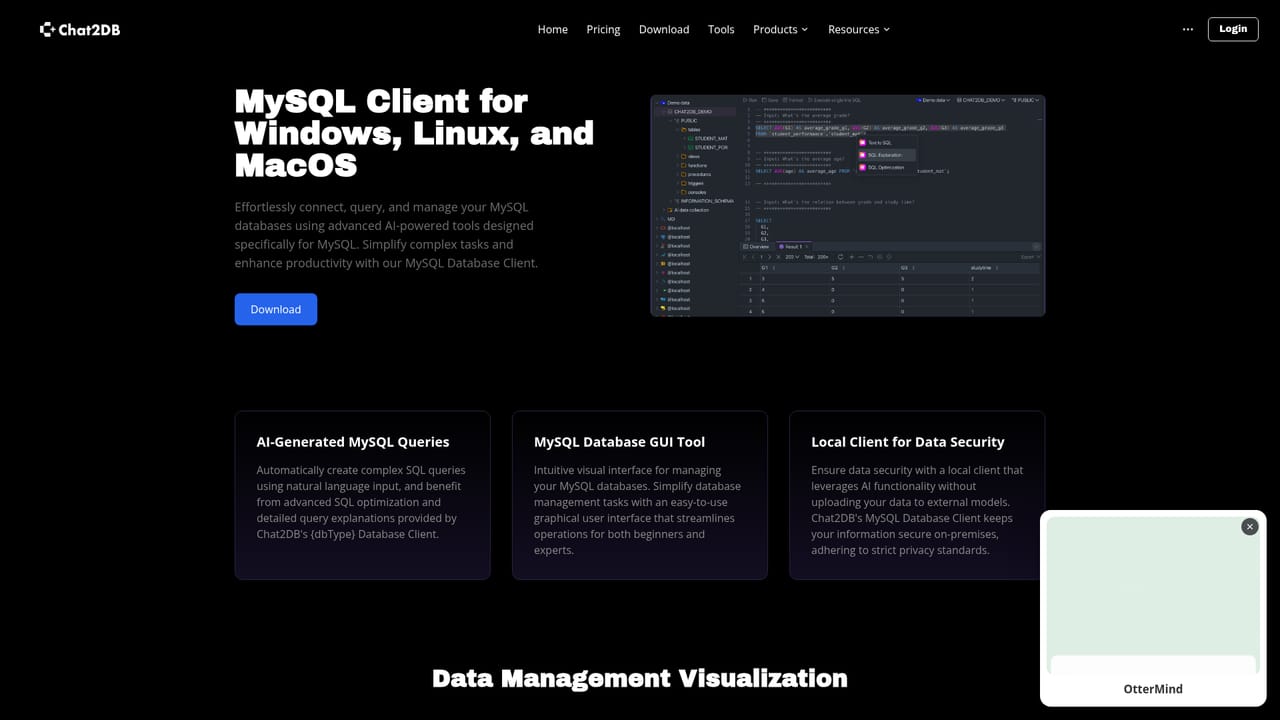
AI services are available through APIs so the query generation can be embedded in your own application. Databases connect directly, including MySQL, PostgreSQL, MongoDB, Redis, Snowflake, BigQuery, ClickHouse and others.
Text to SQL, a context aware AI chatbot with a choice of 10+ LLMs, schema based code generation and one click SQL error fixes. The GUI adds data viewing and editing, ER diagrams, filtering, sorting, import and export of CSV, XLSX, XLS and SQL files, structure synchronization and migration at millions of rows. AI analysis produces charts and BI dashboards that can be shared by link, and an API exposes the AI services to your own app.
 AI Angels400+ customizable AI girlfriends for NSFW chat, voice calls, and roleplay
 Candy AIExperience the future of companionship with AI friends who chat, role-play, and connect with you on a human level.
 ourdream.aiA vast AI roleplay platform with millions of characters for chat, images, video and voiceAI Angels400+ customizable AI girlfriends for NSFW chat, voice calls, and roleplayCandy AIExperience the future of companionship with AI friends who chat, role-play, and connect with you on a human level.ourdream.aiA vast AI roleplay platform with millions of characters for chat, images, video and voice


