Support
No help centre or support page is listed on the homepage. The visible support route is the public GitHub repository for the project.
A browser based ChatGPT workspace built with programmers in mind

ChatCraft is an open source, browser based AI chat client for developers, with an editable system prompt, saved and shareable chats, and support for custom functions that models can call.
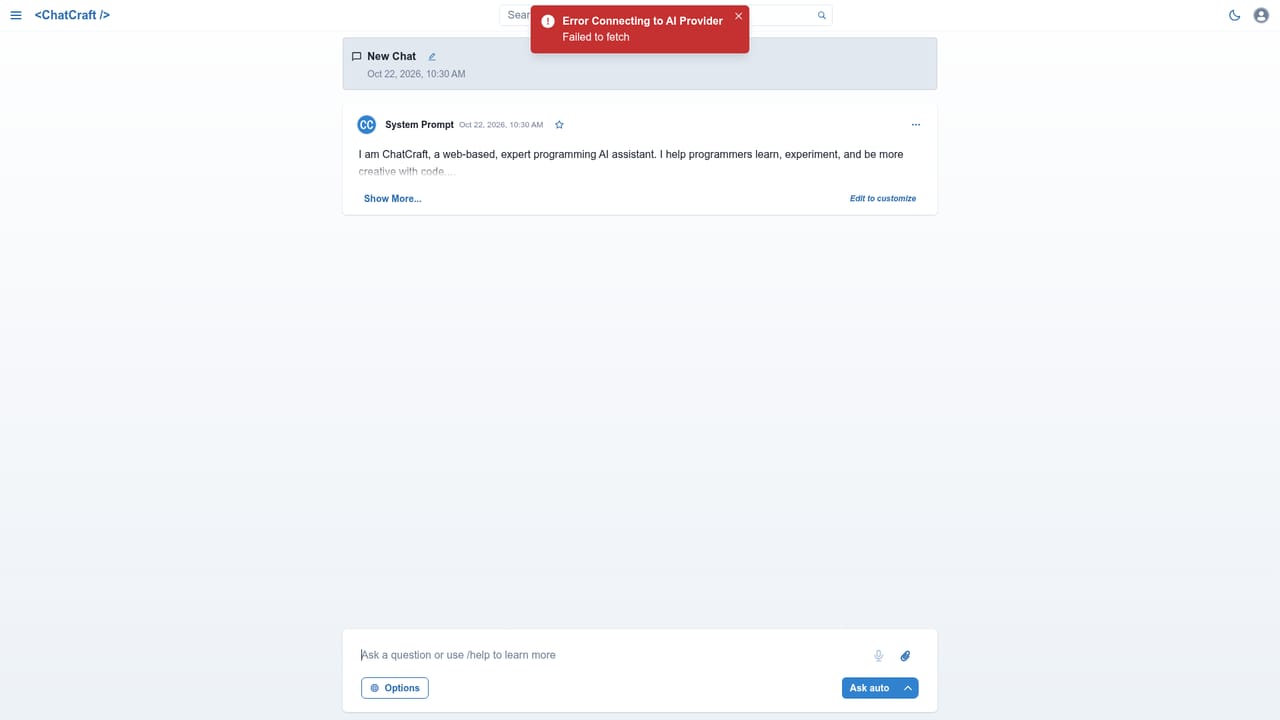
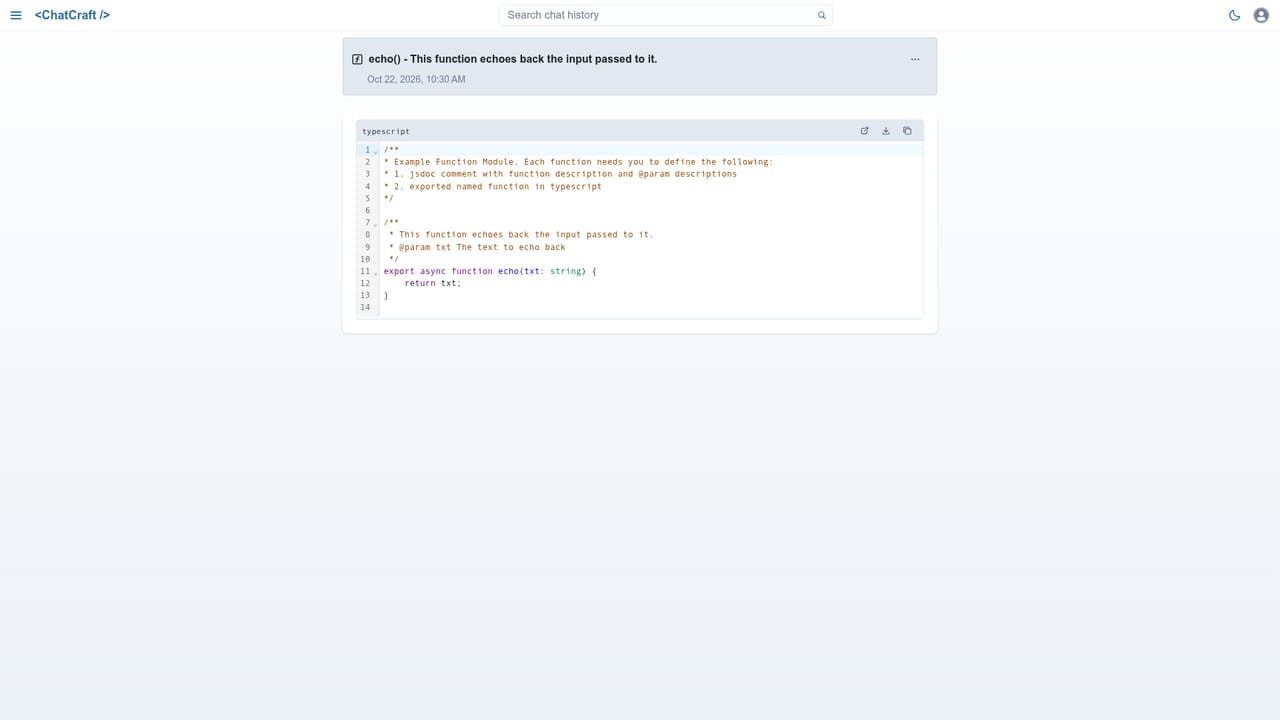
ChatCraft is a web based AI assistant aimed at software developers. It opens to a chat interface with a prewritten system prompt that frames the assistant as an expert programming helper whose job is to help programmers learn, experiment, and be more creative with code. That prompt is visible and editable, so the tone and behavior of the assistant can be adjusted before a conversation starts rather than being locked behind a settings screen. The product is organized around saved conversations. A sidebar lists saved chats under Today and similar groupings, and the New button starts a fresh chat from a dedicated page. Chats can be shared through a Share Chat menu option in the chat header, and anyone holding the resulting URL can read or duplicate the conversation. That makes ChatCraft useful for passing a debugging session or a code explanation to a colleague without retyping context. A second building block is Functions. The interface describes them as capabilities that some models can call to perform tasks, and a Create a function page exists for defining them. This puts ChatCraft closer to an extensible assistant than a plain chat wrapper, since the behavior available in a conversation depends partly on what has been wired up. A model selector and an Ask auto option appear in the message area, alongside a provider connection state that surfaces errors such as Failed to fetch when a request does not go through. Sign in with GitHub and Sign in with Google are the visible identity options, and the project is open source with a public repository. The most direct comparisons are the ChatGPT web client and developer oriented chat front ends. ChatCraft differentiates on editable prompts, shareable transcripts, and function hooks, while leaning on external AI providers for the underlying models. Beginners can use it like ordinary ChatGPT, and developers who want their own function definitions get more room to work.
No help centre or support page is listed on the homepage. The visible support route is the public GitHub repository for the project.
Sign in with GitHub and Sign in with Google. Model access comes from an external AI provider, and the tool reports provider connection errors in the chat view.
Editable system prompt with a programming focused default, saved chats in a sidebar, shareable chat URLs that others can read or duplicate, and user defined functions that some models can call to perform tasks.
 AI Angels400+ customizable AI girlfriends for NSFW chat, voice calls, and roleplay
 Candy AIExperience the future of companionship with AI friends who chat, role-play, and connect with you on a human level.
 ourdream.aiA vast AI roleplay platform with millions of characters for chat, images, video and voiceAI Angels400+ customizable AI girlfriends for NSFW chat, voice calls, and roleplayCandy AIExperience the future of companionship with AI friends who chat, role-play, and connect with you on a human level.ourdream.aiA vast AI roleplay platform with millions of characters for chat, images, video and voice


