Free trial
No trial is needed because the core document chat is offered free of charge with no sign-up.
Learn moreDrop in a document, ask it questions, get answers in seconds.

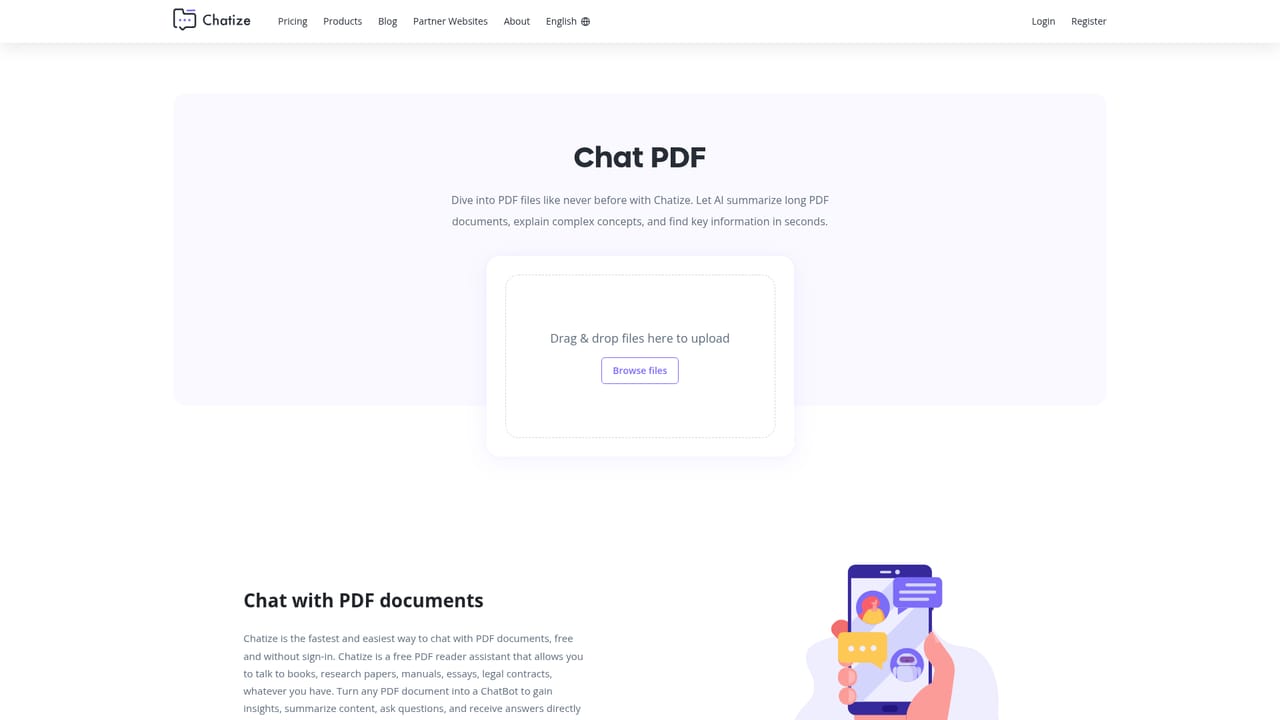
Chatize is a powerpoint summarizer tool. A free, no-signup tool that lets you chat with a document: upload a PDF, Word, Excel, PowerPoint, EPUB or markdown file, then ask questions and get answers drawn from its contents. Chat links can be shared publicly and expire after 24 hours.
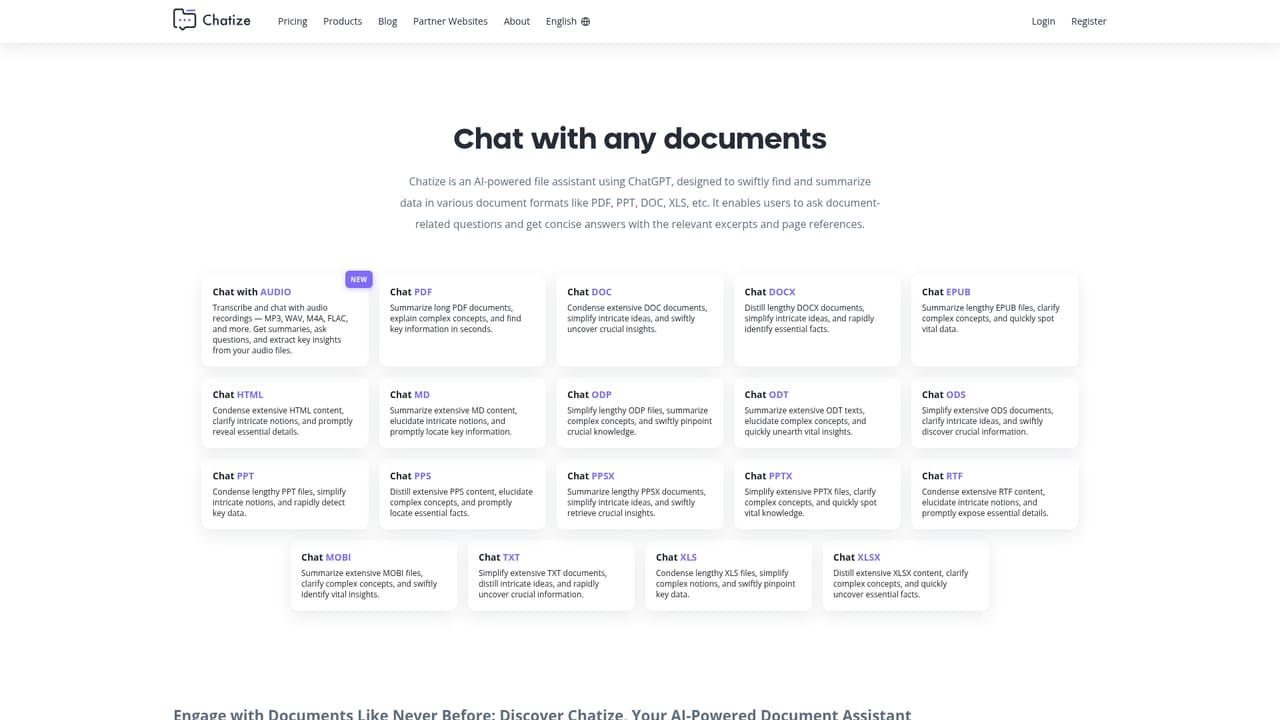
Chatize is a browser based document reader that turns a static file into something you can interrogate. You drag and drop a PDF, Word file, spreadsheet, slide deck, ebook or markdown file, and the service builds a private chat link for that document. From there you type questions in plain language and the assistant pulls relevant passages out and answers them. It is not a general chatbot with no context: the answers are scoped to the file you uploaded. The tool accepts a wide spread of formats, which is its main draw. PDF, DOCX, DOC, XLS, XLSX, PPT, PPTX, EPUB, MOBI, RTF, TXT, HTML and ODT all have their own dedicated entry point, and the homepage also mentions scanned files and web page URLs. Under the hood it runs on ChatGPT 3.5 and 4, with the newer model offered for harder language understanding, and it handles input in many languages, aimed at a global audience. The site lists teachers and students, business teams reviewing contracts and financial reports, and scholars working through religious texts as typical users. In practice the workflow is two steps. Upload the file, then ask something specific. The quality of the answer tracks the quality of the question, which the documentation states directly. Each upload gets a unique link that can be shared with other people, so a group can chat with the same document without anyone re-uploading it. Files sit in encrypted cloud storage on Amazon Web Services, and both the chat link and the file expire after 24 hours. Where it fits: Chatize is a lightweight, no-account alternative to full document intelligence suites. There is nothing to install and no sign-up wall before the first question. The trade-off is depth. There is no persistent workspace, no long-term document library, and no integrations with email, drives or chat apps. For a one-off read of a long report or a textbook chapter, that is a fair trade. For ongoing document management, it is not a substitute for a dedicated platform.
No trial is needed because the core document chat is offered free of charge with no sign-up.
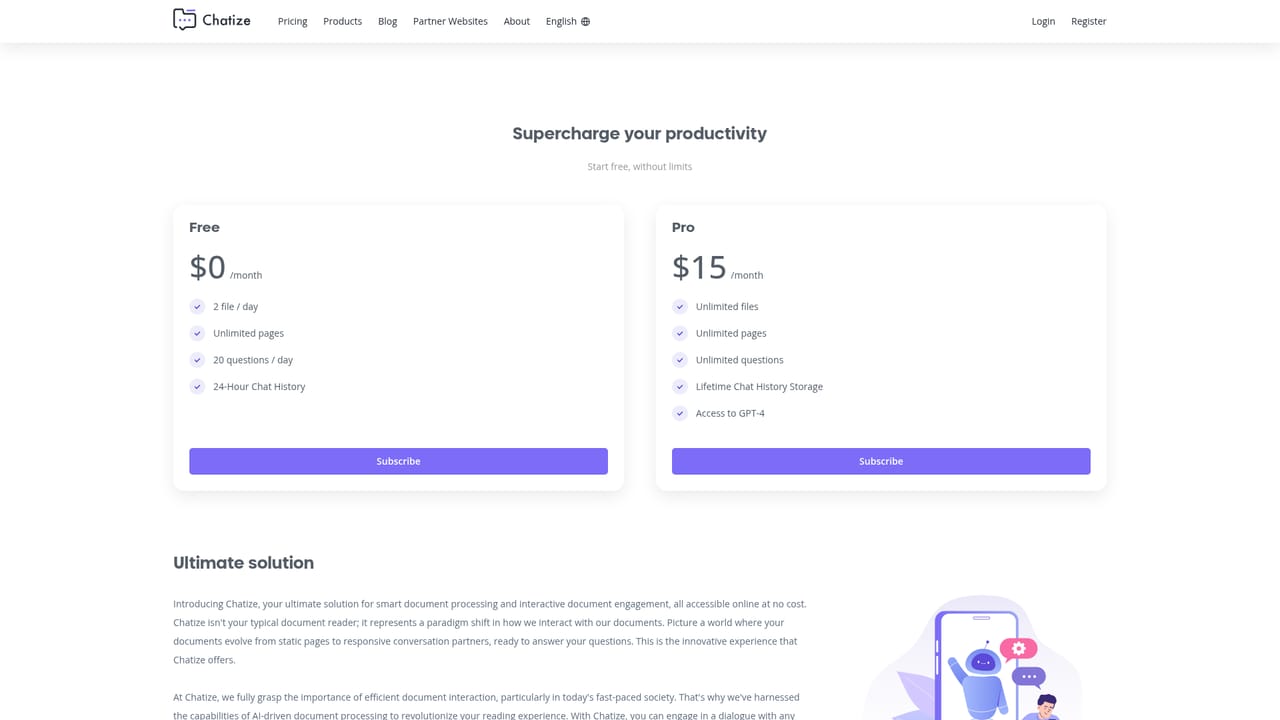
Learn moreThe homepage states that chatting with documents is free and requires no registration or payment. A separate pricing page exists, but the homepage gives no plan names, prices or usage limits.
Learn moreFiles are held in encrypted cloud storage on Amazon Web Services, accessible only via the unique chat link and deleted after 24 hours. Users retain ownership and can delete files themselves.
Learn moreUpload PDF, DOCX, XLS, PPT, EPUB, MD, TXT, CSV and other formats, then ask questions and get instant answers scoped to the file. Each upload generates a shareable unique link, and conversations run on ChatGPT 3.5 or 4 with multilingual support.
Learn more AI Angels400+ customizable AI girlfriends for NSFW chat, voice calls, and roleplay
 Candy AIExperience the future of companionship with AI friends who chat, role-play, and connect with you on a human level.
 ourdream.aiA vast AI roleplay platform with millions of characters for chat, images, video and voiceAI Angels400+ customizable AI girlfriends for NSFW chat, voice calls, and roleplayCandy AIExperience the future of companionship with AI friends who chat, role-play, and connect with you on a human level.ourdream.aiA vast AI roleplay platform with millions of characters for chat, images, video and voice


