Free trial
A $0 trial gives full feature access so the tool can be evaluated before upgrading. It includes GPT4 and Claude access and file, photo and link upload, and starts from the login page.
Learn moreTurn long PDFs, videos, and lectures into fast, chat-backed study material

Saya is an AI summarizer tool that turns long PDFs, videos, and lectures into fast, chat-backed study material. Saya is an AI study assistant that summarizes PDFs, Word documents, audio files, and YouTube videos, then lets you chat with the material.
Saya is a web based study assistant that condenses long source material into summaries you can question. The core workflow is narrow and clear: you bring a PDF, a Word document, an audio file, or a YouTube link, Saya reads or listens to it, and returns the key points. From there you can ask follow up questions about the content instead of scrolling back through a 300 page book or a two hour lecture recording. The product runs on GPT4 and Claude, so the summarization and answering layer sits on top of established models rather than a proprietary one. The study side of Saya is organized around collections. Rather than treating each upload as an isolated task, you group related files (a semester of slides, a set of papers, a run of podcast episodes) and then chat against that collection. Over time the library becomes a personal knowledge repository that reflects what you have already worked through. The marketing describes it as a memory assistant, and the collection model is what makes that claim concrete: answers draw on your uploaded material, and web search can pull in outside sources to round them out. Saya also ships a research search layer aimed at academic and news content. It claims access to more than 200 million research and medical papers from arXiv, PubMed, NIH and similar indexes, plus real time news search and monitoring. That puts it in the same conversation as dedicated paper discovery tools, though Saya's angle is that search results and your own uploads feed the same chat. The audience is students, self directed learners, and knowledge workers who consume a lot of long form material. Anyone who wants a single place to summarize, organize and interrogate sources will find the fit natural. Against single purpose summarizers, Saya's advantage is the collection and chat model; against full research suites, its advantage is the low setup cost.
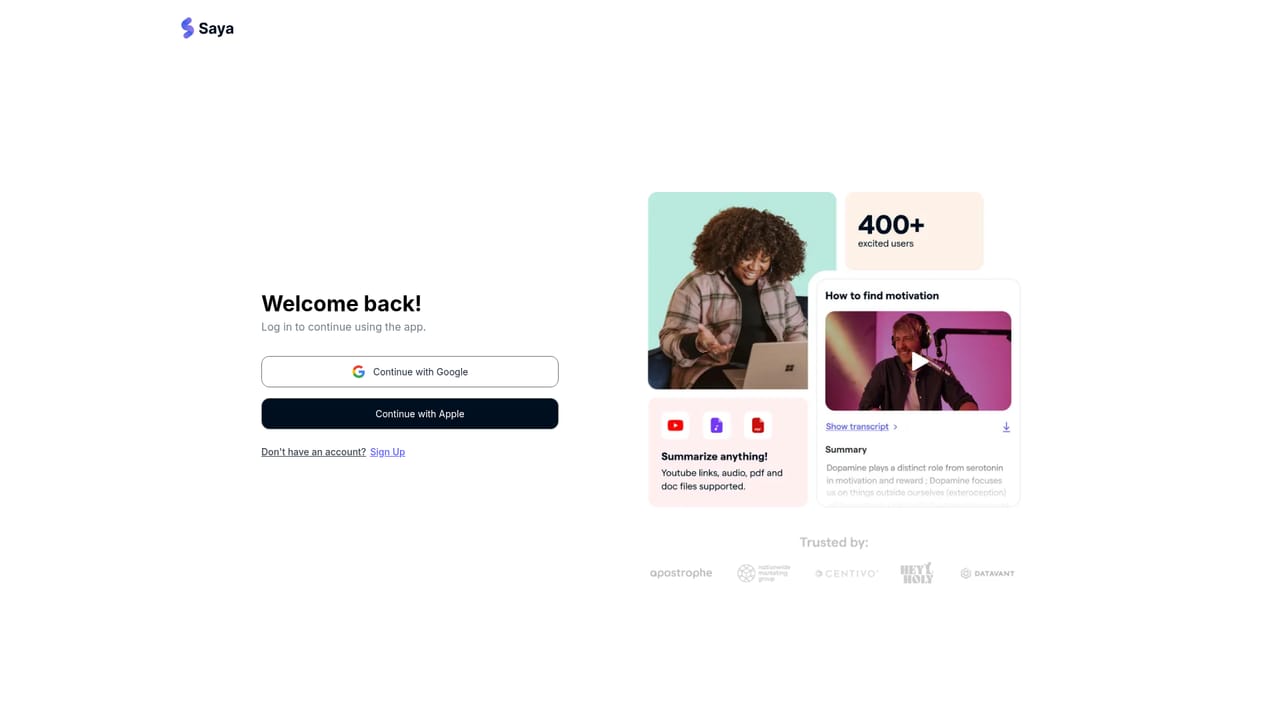
A $0 trial gives full feature access so the tool can be evaluated before upgrading. It includes GPT4 and Claude access and file, photo and link upload, and starts from the login page.
Learn moreTwo tiers are listed. The free trial costs $0 and includes GPT4 and Claude access plus file, photo and link upload. Pro is $19.99 per month and adds unlimited AI question and answering and unlimited AI summaries and notes on top of the trial features. Monthly and annual billing are both offered, and the site says plans can be changed or cancelled at any time.
Learn moreSupport runs through the FAQ section on the homepage, which covers how the tool works, file formats, accuracy, organization and data security, plus a Contact Us link in the footer.
Summarization covers PDFs (including long books), Word documents, audio such as podcasts and lectures, and YouTube videos. Collections organize uploads into a chat-ready knowledge base. A search layer reaches academic and medical indexes such as arXiv, PubMed and NIH, plus real time news monitoring and web search. Answers run on GPT4 and Claude.
 AI Angels400+ customizable AI girlfriends for NSFW chat, voice calls, and roleplay
 Candy AIExperience the future of companionship with AI friends who chat, role-play, and connect with you on a human level.
 ourdream.aiA vast AI roleplay platform with millions of characters for chat, images, video and voiceAI Angels400+ customizable AI girlfriends for NSFW chat, voice calls, and roleplayCandy AIExperience the future of companionship with AI friends who chat, role-play, and connect with you on a human level.ourdream.aiA vast AI roleplay platform with millions of characters for chat, images, video and voice


