Free trial
A free study session is offered from the homepage, and the site invites visitors to try the tool free. No trial length or credit limits are stated.
Learn moreTurn any lecture, PDF, or video into notes, flashcards, and quizzes

Mindgrasp is an exam preparation tool that turns any lecture, PDF, or video into notes, flashcards, and quizzes. Mindgrasp builds a complete study session from a lecture recording, PDF, slide deck, video, or book: auto notes, a summary, flashcards, a quiz, and a 24/7 AI tutor.
Mindgrasp is an AI study workspace that converts raw course material into a structured learning kit. A student records a live lecture in class or uploads a PDF, slide deck, audio file, book, paper, web link, or YouTube video, and the platform generates notes, a condensed summary, flashcards, a practice quiz, and a chat-based tutor from that single source. The pitch is consolidation: instead of juggling Google Docs, Notion, and scattered handouts, each lecture, chapter, or exam topic gets its own study session that holds every artifact in one place. The workflow is organized around sessions rather than one-off prompts. A session is created per topic, material is added by recording or uploading, and Mindgrasp processes it into the full set of outputs. Progress tracking then shows which pieces of a session exist and which are still missing, so a half-finished chapter is visible rather than forgotten. The feature set maps to established study methods: flashcards for active recall, quizzes for practice testing, notes for spaced review, and the AI tutor for self-explanation when a concept does not land. Mindgrasp is aimed primarily at students, from high school through graduate school, plus exam candidates, self-directed learners working through online courses, and educators who want to convert their own materials quickly. The site claims adoption across 5 million students and lists universities including Princeton, Stanford, MIT, Cambridge, Yale, and Toronto, which signals a campus-oriented positioning rather than a general writing assistant. Its natural comparisons are flashcard apps such as Quizlet and Anki, AI summarizers, and note tools like Notion. Mindgrasp competes on breadth of input formats and on bundling generation and practice into one session, not on depth in any single function. Study material can be processed in more than 20 languages, and the product is available through the web app, an iOS app, and a Chrome extension that pulls content from Canvas, Blackboard, Panopto, or any web page.
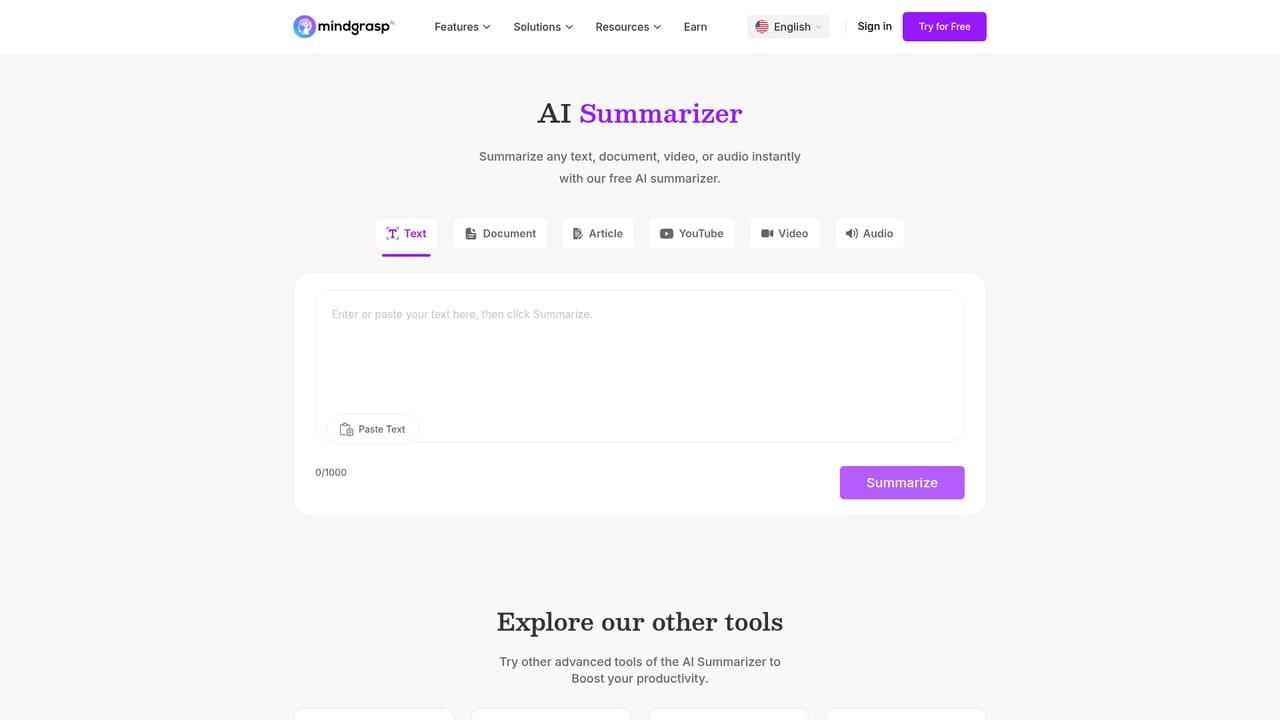
A free study session is offered from the homepage, and the site invites visitors to try the tool free. No trial length or credit limits are stated.
Learn moreA Chrome extension pulls content from Canvas, Blackboard, Panopto, and any website. No other third-party integrations are listed on the homepage.
Generates AI notes, summaries, flashcards, quizzes, and a 24/7 AI tutor from a single source. Accepts live lecture recording, PDFs, PowerPoint, audio, text, books, papers, notes, documents, web links, and YouTube videos. Adds per-session progress tracking, a session checklist, and resume-where-you-left-off behavior, with output available in more than 20 languages.
Learn more AI Angels400+ customizable AI girlfriends for NSFW chat, voice calls, and roleplay
 Candy AIExperience the future of companionship with AI friends who chat, role-play, and connect with you on a human level.
 ourdream.aiA vast AI roleplay platform with millions of characters for chat, images, video and voiceAI Angels400+ customizable AI girlfriends for NSFW chat, voice calls, and roleplayCandy AIExperience the future of companionship with AI friends who chat, role-play, and connect with you on a human level.ourdream.aiA vast AI roleplay platform with millions of characters for chat, images, video and voice


