Free trial
Free trial credits let you translate one hour of video and test every Checksub feature as long as credits remain. No card details are mentioned on the homepage.
Learn moreAI subtitles, translation and voice-cloned dubbing for video teams

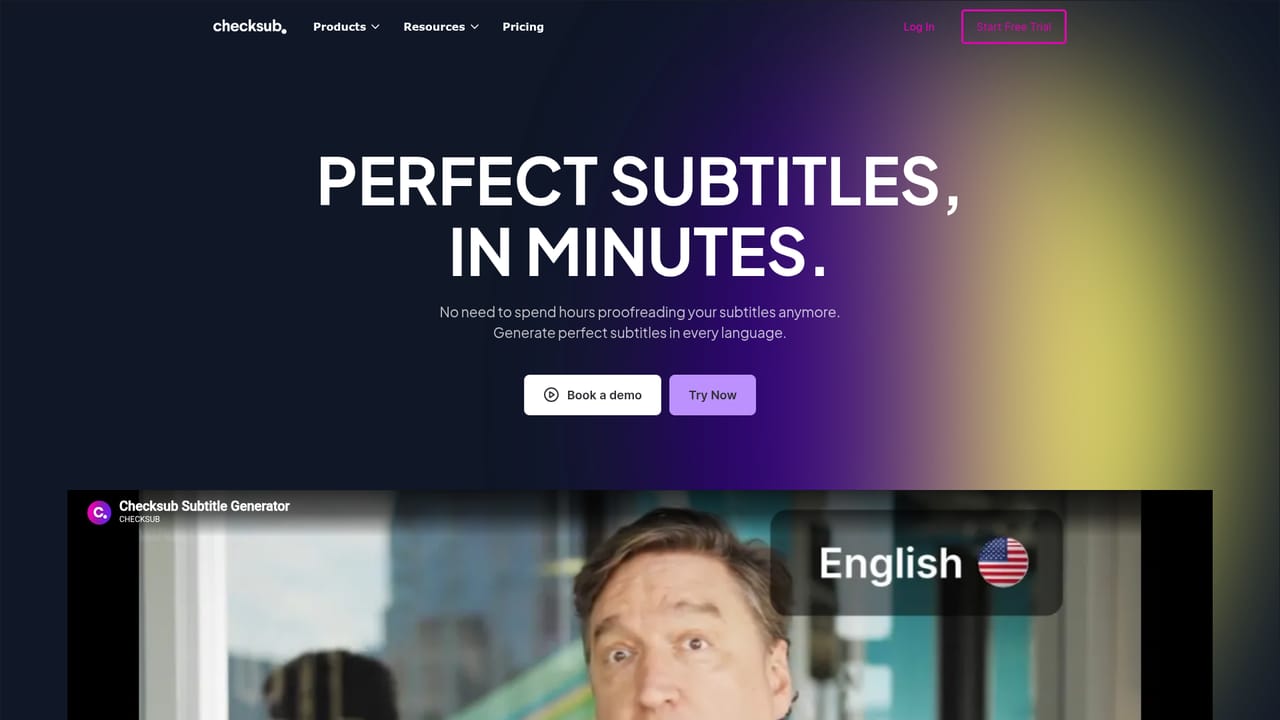
Checksub generates AI subtitles, translates them into around 200 languages and dubs video with cloned voices while preserving original background audio. A browser editor handles styling, karaoke animations, burn-in export and per-sentence regeneration, aimed at training, social media and YouTube localization.
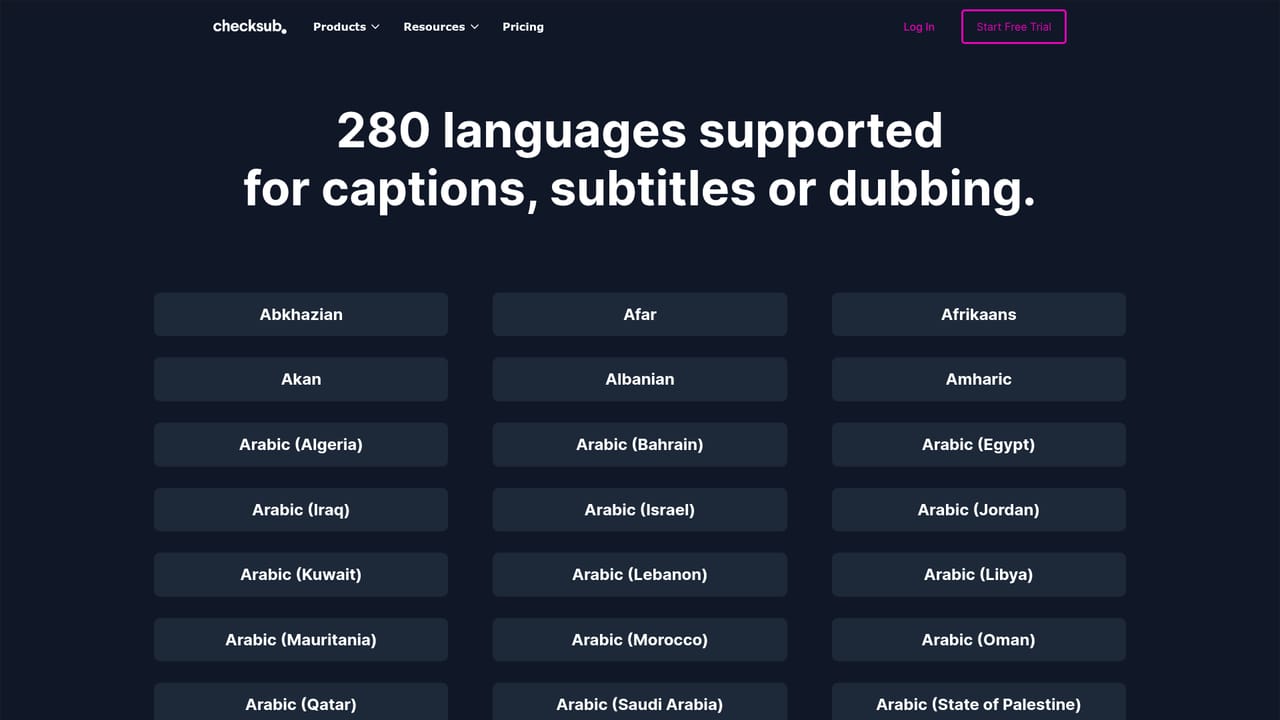
Checksub is a browser-based platform for subtitling, translating and dubbing video with AI. It handles the whole multilingual pipeline in one place: transcription in the source language, machine translation into target languages, styling and burn-in of captions, and voice-replaced dubbing that keeps the original music and background atmosphere intact. The vendor has spent six years refining the workflow specifically around subtitling and audiovisual translation rather than bolting captions onto a general transcription service. The dubbing engine clones each speaker's voice and swaps it into the target track, with voice cloning offered in 30 languages. Voice isolation separates music and noise from speech so that only the spoken layer is replaced. On the caption side, the tool auto-generates subtitles, converts existing scripts into synchronized subtitles (removing most proofreading), and pushes translations through a workflow built for subtitle line breaks and timing. Translation reaches roughly 200 languages including Spanish, Chinese and French. The editor is where most of the actual work happens. After AI generation, any sentence can be edited and regenerated, and there are dozens of style and animation settings, including one-click karaoke animation and pre-built templates. Output can be a burned-in video or a standalone subtitle file. Typical buyers are training and e-learning teams localizing internal videos, social media managers adding styled captions at volume, and YouTube creators running multi-language channels to lift reach and search visibility. Competitively, Checksub sits between pure caption tools and full localization studios: more of a finished multilingual product than a raw transcription API, but without the human review layer a translation agency provides. The vendor publishes no API or third-party integration details on its homepage, and its own publishing features are the main route to distribution. The platform reports 153,434+ videos processed and counts 400+ companies among its users.
Free trial credits let you translate one hour of video and test every Checksub feature as long as credits remain. No card details are mentioned on the homepage.
Learn moreSupport is mentioned positively in customer reviews and the site offers a sales contact route, but no help centre or documentation page is published.
Auto subtitles, script to subtitle conversion, subtitle translation in around 200 languages, AI dubbing with voice cloning in 30 languages, voice isolation to keep background audio, an editor for sentence-level edits and regeneration, styling with templates and karaoke animation, and burn-in or subtitle file export.
Learn more AI Angels400+ customizable AI girlfriends for NSFW chat, voice calls, and roleplay
 Candy AIExperience the future of companionship with AI friends who chat, role-play, and connect with you on a human level.
 ourdream.aiA vast AI roleplay platform with millions of characters for chat, images, video and voiceAI Angels400+ customizable AI girlfriends for NSFW chat, voice calls, and roleplayCandy AIExperience the future of companionship with AI friends who chat, role-play, and connect with you on a human level.ourdream.aiA vast AI roleplay platform with millions of characters for chat, images, video and voice


