Free trial
Three transcripts are free every day with no credit card required, which functions as a standing free tier rather than a time-limited trial.
Learn moreAI transcription, subtitles and translation in 100+ languages

SubEasy.ai transcribes audio and video, generates styled and animated subtitles, translates content into more than 100 languages with context-aware output, and adds AI dubbing plus transcript summaries. A free daily allowance of three transcripts lets creators test the workflow before subscribing.
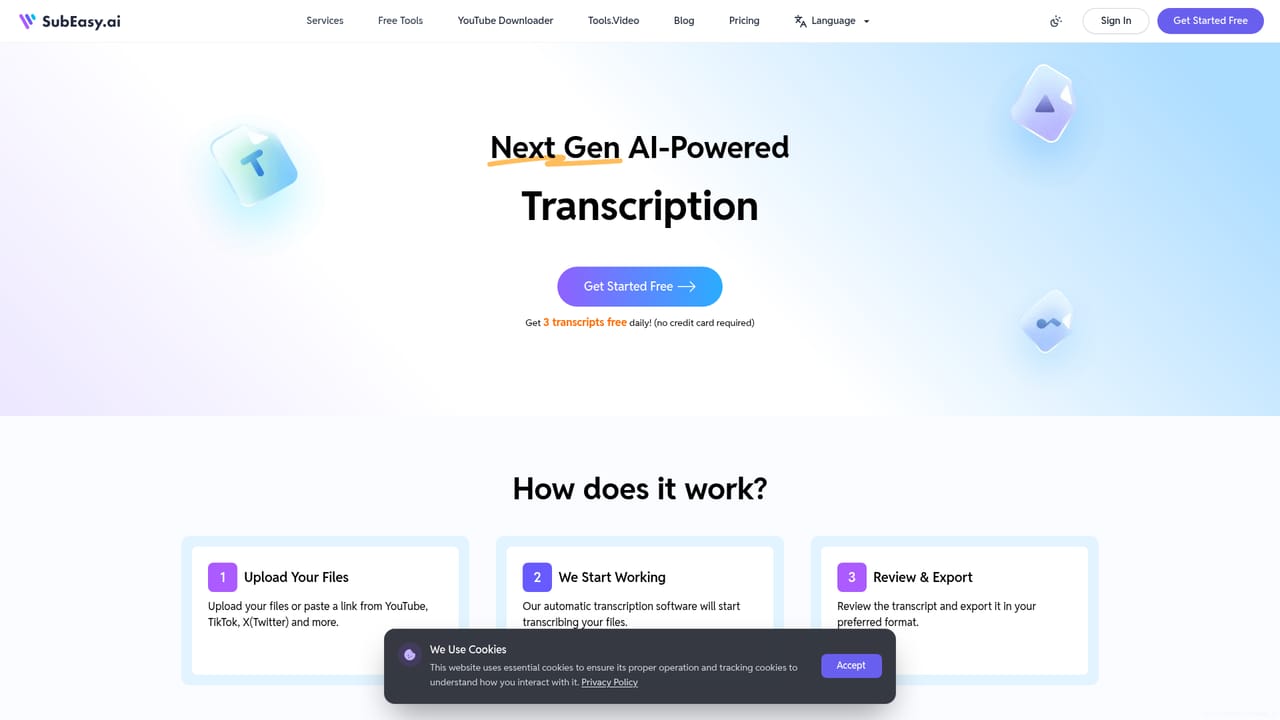
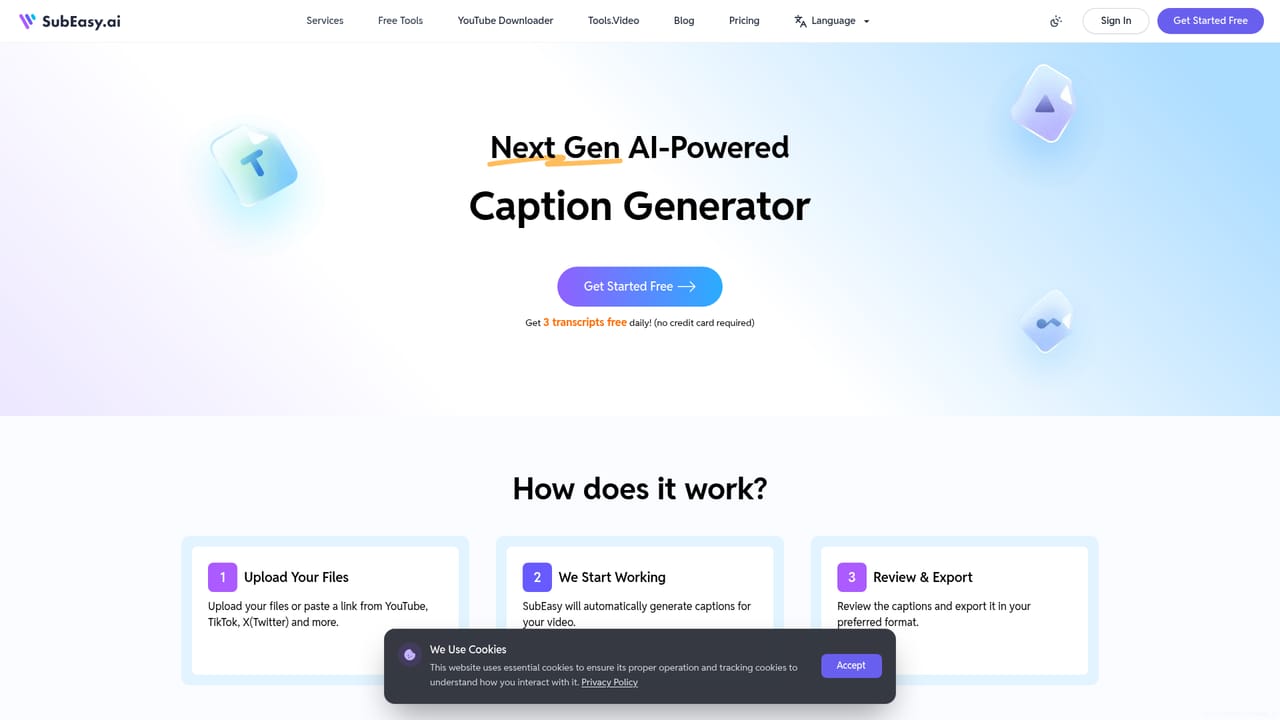
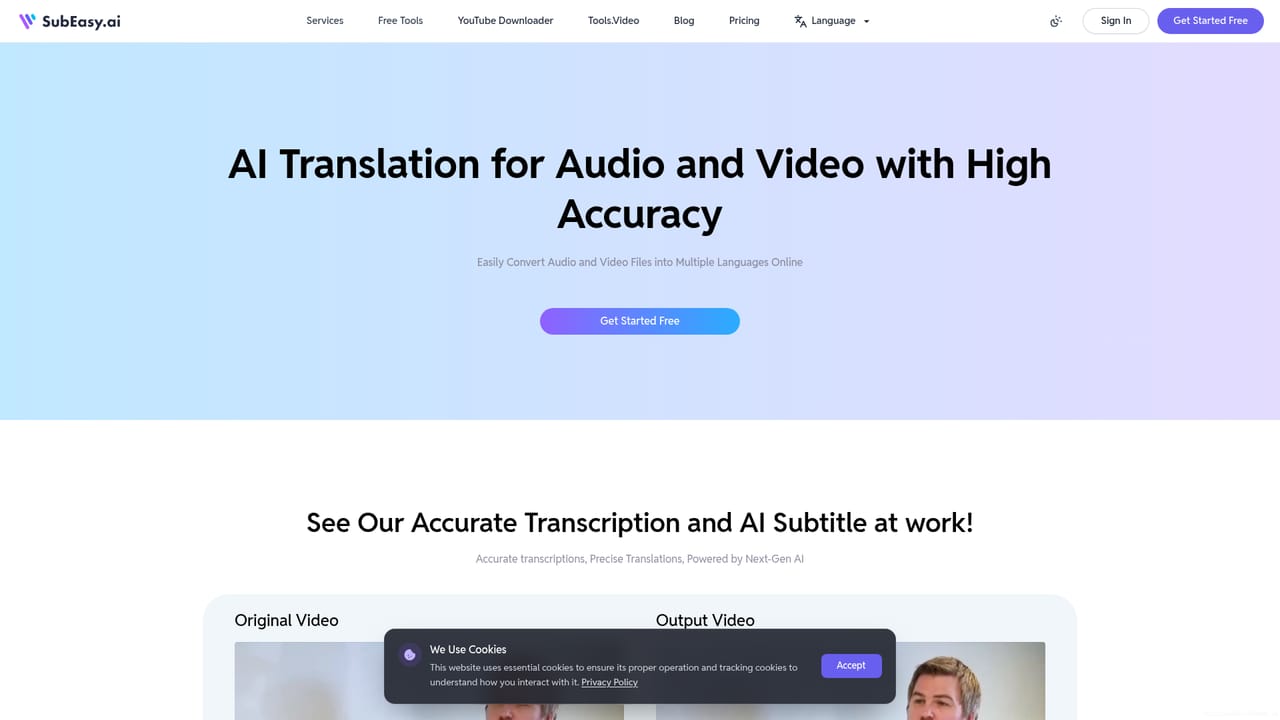
SubEasy.ai is a web based workspace for turning audio and video into accurate transcripts and subtitles, then translating or dubbing that material for other markets. The platform advertises transcription accuracy of up to 99%, support for more than 100 languages, and a workflow that keeps subtitle timing and transcript text in sync so a single edit pass serves both deliverables. English, Spanish, French, German, Italian, Japanese, Korean and Chinese each have dedicated landing pages with regional variants, which suggests the team treats locale nuance as a core selling point rather than an afterthought. The practical loop is simple. Users upload a file or paste a video link, let the engine produce a timed transcript, clean it up in the subtitle view, and copy the corrections across to transcript view. Styling options cover animated captions with fades, bounces and beat-synced highlights for social formats, while the translation layer is pitched on context awareness: the site shows a Spanish example where a word meaning both bench and bank is resolved from surrounding sentences, something literal machine translation tends to get wrong. Dubbing adds voice swap for replacing original dialogue with synthetic voices, voice over generated from existing subtitles, and full video translation with natural-sounding output. Beyond the raw conversion, an AI companion repurposes finished transcripts into summaries, notes, blog posts and meeting minutes, and a chat prompt answers questions about the content. A hard-subtitle extractor and a script matching service round out the toolkit for people working with existing footage. Subtitle editors, podcasters, course creators, localization teams and social media producers are the obvious audience, since the same file can yield burned-in captions, a clean transcript and a translated voice track. Compared with general transcription services, SubEasy leans harder into caption styling and multilingual dubbing; compared with manual subtitle editors, it trades fine-grained control for speed. The daily free allowance makes it easy to test on real footage before committing to a plan.
Three transcripts are free every day with no credit card required, which functions as a standing free tier rather than a time-limited trial.
Learn moreThe homepage advertises a single price covering unlimited transcription, video captioning and video export, and points to a pricing page for tiers. No figures, usage caps or per-minute limits are shown on the homepage itself.
Learn moreSupport details are not described on the homepage; the only signal is a Trustpilot rating of 4.8 out of 5 shown near the top of the page.
Transcription with accuracy quoted up to 99%, subtitle generation with animated caption styles, context-aware translation across more than 100 languages, AI dubbing (voice swap, voice over, video translation), an AI companion for summaries and notes, a hard-subtitle extractor and script matching.
Learn more AI Angels400+ customizable AI girlfriends for NSFW chat, voice calls, and roleplay
 Candy AIExperience the future of companionship with AI friends who chat, role-play, and connect with you on a human level.
 ourdream.aiA vast AI roleplay platform with millions of characters for chat, images, video and voiceAI Angels400+ customizable AI girlfriends for NSFW chat, voice calls, and roleplayCandy AIExperience the future of companionship with AI friends who chat, role-play, and connect with you on a human level.ourdream.aiA vast AI roleplay platform with millions of characters for chat, images, video and voice


