Support
Contact runs through a booked call scheduled via Calendly with Ed Collins; no other support channels are listed on the homepage.
AI-assisted audio and video ad production for brands and agencies
Own FirebayStudios? Verify ownership to get a dofollow link

FirebayStudios is an audio editing tool. Firebay Studios is an AI-assisted ad production service that blends human creative work with proprietary voice cloning, music generation and automated editing to deliver audio and video ads, including voice work in 32 languages.
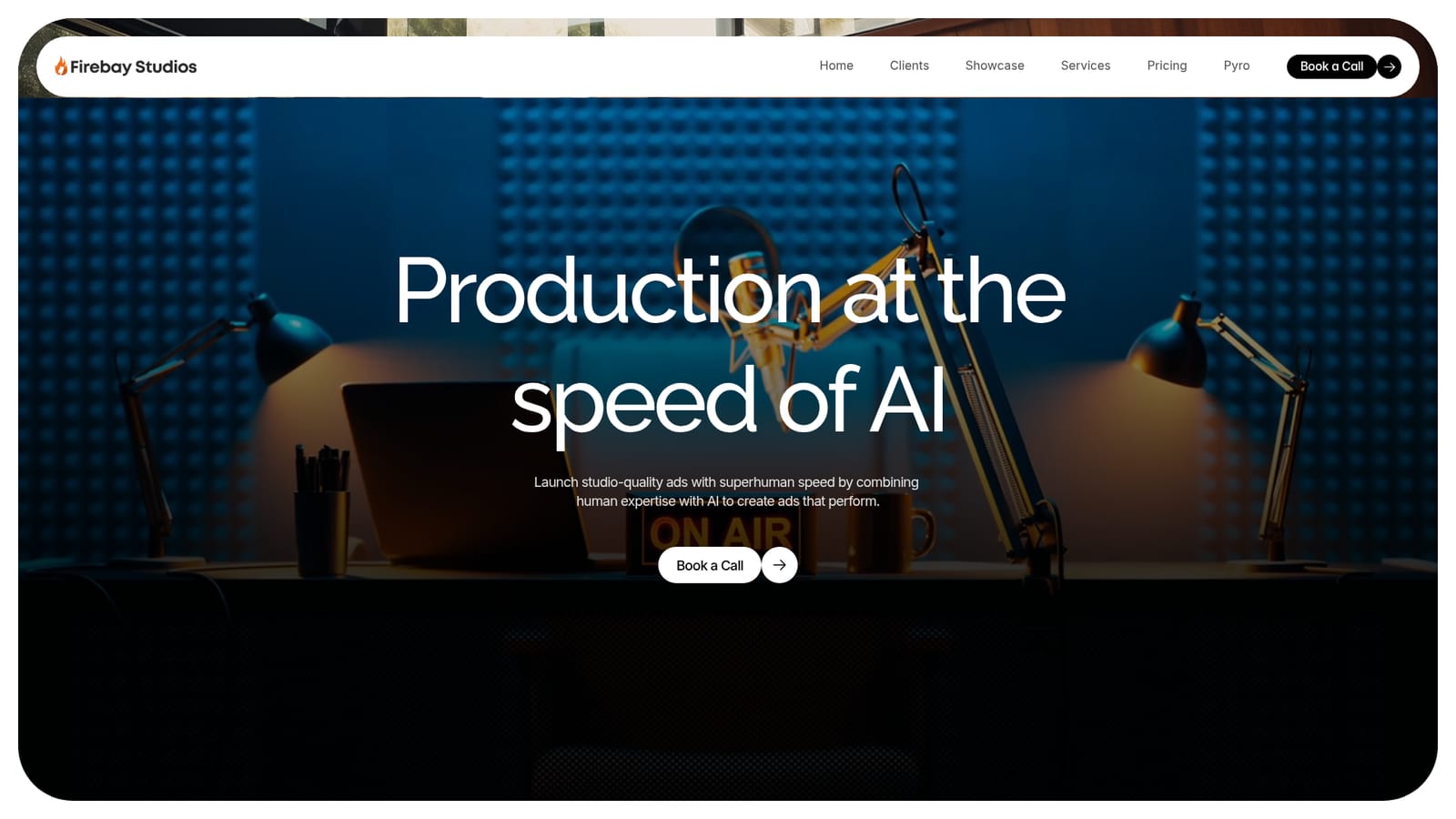
Firebay Studios is an AI production company that makes audio and video advertisements, positioning itself as a hybrid of a human creative team and proprietary AI tooling. The pitch is speed: the site claims it can launch studio-quality ads in seconds rather than weeks, combining automation with the expertise of people who have worked on real campaigns. The company reports 63 years of combined experience, 44 customers and more than 500 successful ads, numbers that suggest a service business built on top of a toolset rather than a pure self-serve app. The offering splits into three parts. First, full ad production, which covers the creative build from concept to a finished spot. Second, creative and media strategy, aimed at brands that need planning and placement thinking alongside the assets. Third, AI voice technology, including voice cloning and automated tagging, with output supported in 32 languages. The 32-language figure is notable for advertisers who want one campaign localized into several markets without hiring separate voice talent per region. The practical workflow is concierge-style rather than plug-and-play. Prospects book a call with the team, scope the ad, and production proceeds as a managed engagement. That model suits agencies and in-house marketing teams that want finished broadcast-ready content but do not want to assemble voice actors, composers, editors and media buyers themselves. It is less suited to someone looking for a cheap subscription where they drag sliders and export files alone. Among alternatives, Firebay sits closer to a creative studio with AI accelerants than to a standalone generative audio or video tool. Tools that generate voiceovers or clips are typically commodity subscriptions; Firebay bundles generation with human production and strategy. Buyers should weigh that against the lack of published pricing.
Contact runs through a booked call scheduled via Calendly with Ed Collins; no other support channels are listed on the homepage.
Firebay Studios describes three service pillars: full ad production, creative and media strategy, and AI voice technology. The AI side includes voice cloning, music generation, automated editing and automated tagging, with voice output in 32 languages. The site also cites 63 years of combined experience, 44 customers and over 500 ads produced.
 AI Angels400+ customizable AI girlfriends for NSFW chat, voice calls, and roleplay
 Candy AIExperience the future of companionship with AI friends who chat, role-play, and connect with you on a human level.
 ourdream.aiA vast AI roleplay platform with millions of characters for chat, images, video and voiceAI Angels400+ customizable AI girlfriends for NSFW chat, voice calls, and roleplayCandy AIExperience the future of companionship with AI friends who chat, role-play, and connect with you on a human level.ourdream.aiA vast AI roleplay platform with millions of characters for chat, images, video and voice


