Free trial
The homepage states no credit card is required to start creating, allowing users to try generation before subscribing to a paid plan.
Learn moreOne platform for Chinese and global AI image and video generation

ChinaAI is a web platform that combines Chinese and global AI image and video models (Seedream, Kling, Wan, GPT Image, Veo and others) for text-to-image, image-to-image, text-to-video and image-to-video generation from one interface.
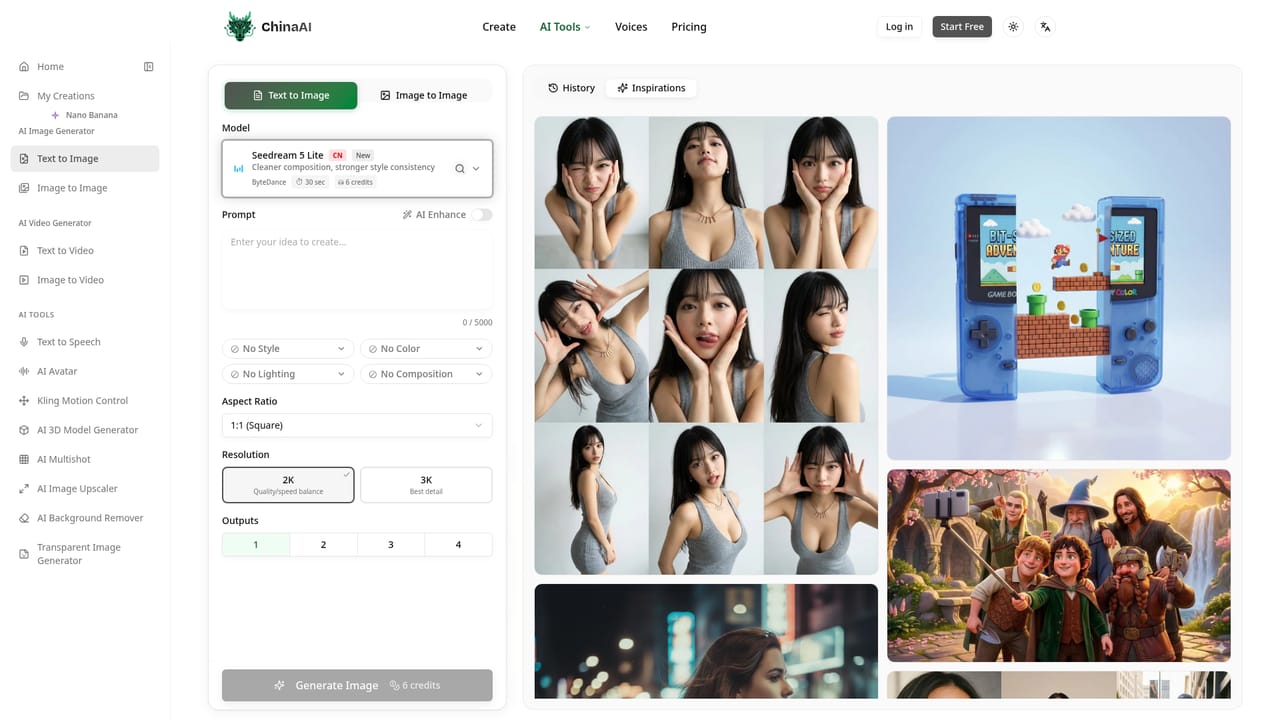
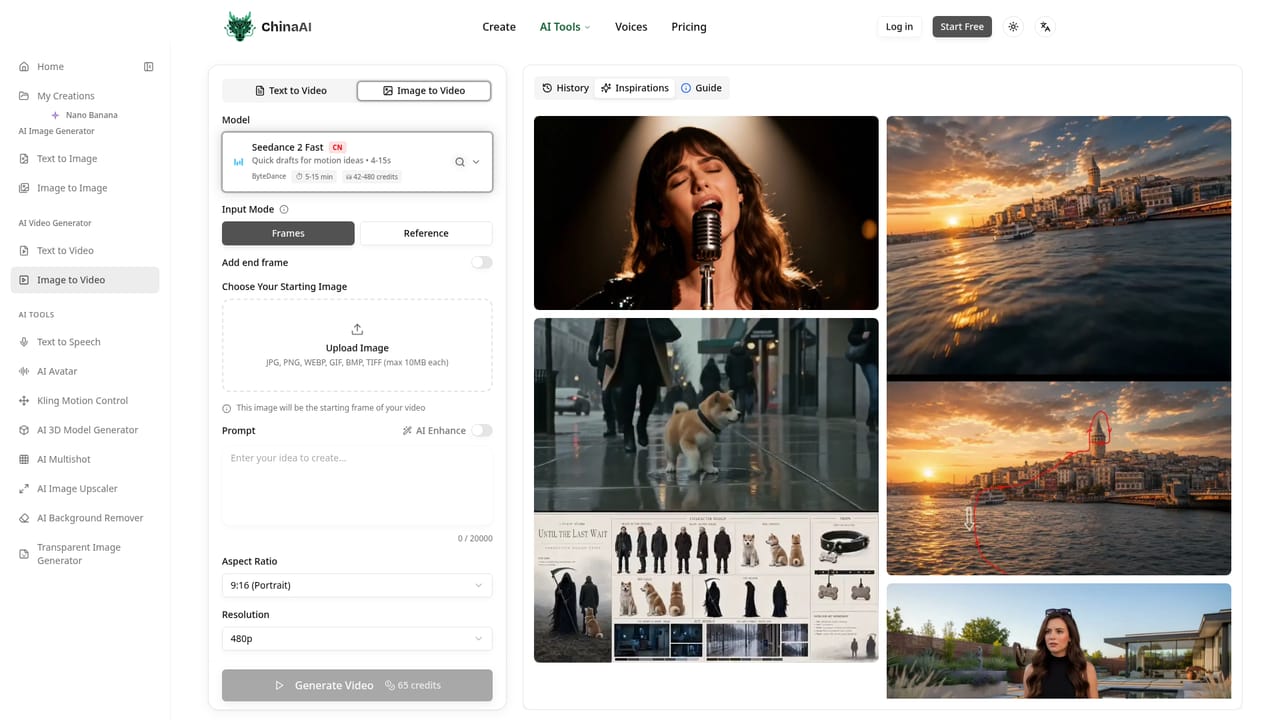
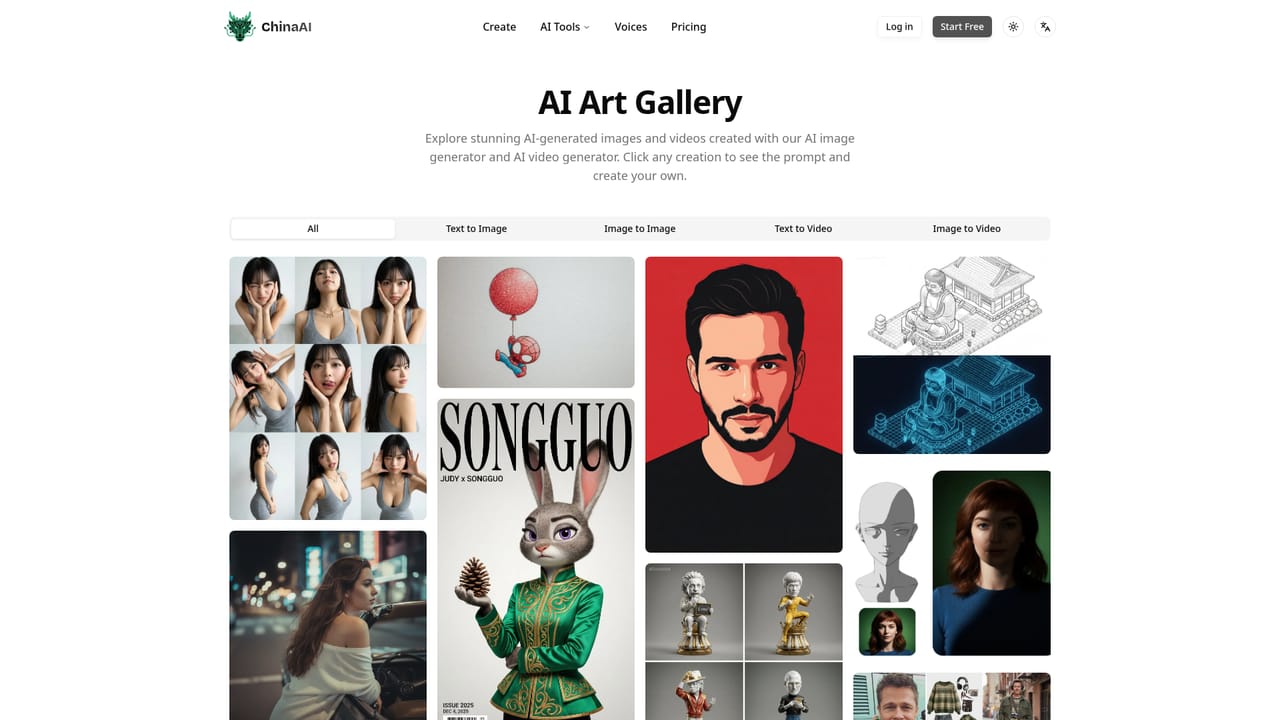
ChinaAI is a web-based generation platform that bundles a range of image and video models, both Chinese and Western, into a single workspace. Rather than building its own foundation models, it acts as a front end for tools like Seedream, Seedance, Wan, Kling, Z-Image and HappyHorse alongside Nano Banana, Veo and GPT Image, letting a user switch between them without leaving the interface. The core workflows are text-to-image, image-to-image, text-to-video and image-to-video. A user types a prompt, optionally uploads reference images, picks a model and aspect ratio, and receives generated visuals in seconds, with images available up to 4K resolution and videos in HD. Style, color, lighting and composition can be nudged through prompt controls, and an inspirations gallery of community creations doubles as a prompt-reuse feature for people who are not sure how to phrase a request. The platform targets creators, marketers and anyone who needs quick visual content without commissioning original photography or video production. Generation is metered through a credit system, with image generation costing fewer credits than video, and paid plans include a commercial license for the output. Because it aggregates third-party models rather than training its own, ChinaAI competes less on unique image quality and more on convenience: one login, one credit pool and one interface instead of juggling separate accounts for each underlying model provider. It sits in the broader category of multi-model AI creation suites. Buyers who already have a preferred single-model tool (a dedicated Kling or Midjourney subscription, for instance) may find less value here, but those who want to compare several models on the same prompt without maintaining multiple subscriptions get a practical shortcut.
The homepage states no credit card is required to start creating, allowing users to try generation before subscribing to a paid plan.
Learn moreGeneration runs on a credit system: images use roughly 1 to 24 credits and videos 6 to 315 credits depending on model, quality and duration. Users subscribe for monthly credits or buy credit packs; exact prices are on the pricing page.
Learn moreSupport is available by email at support@chinaai.app; the homepage also references an FAQ section covering common usage and account questions.
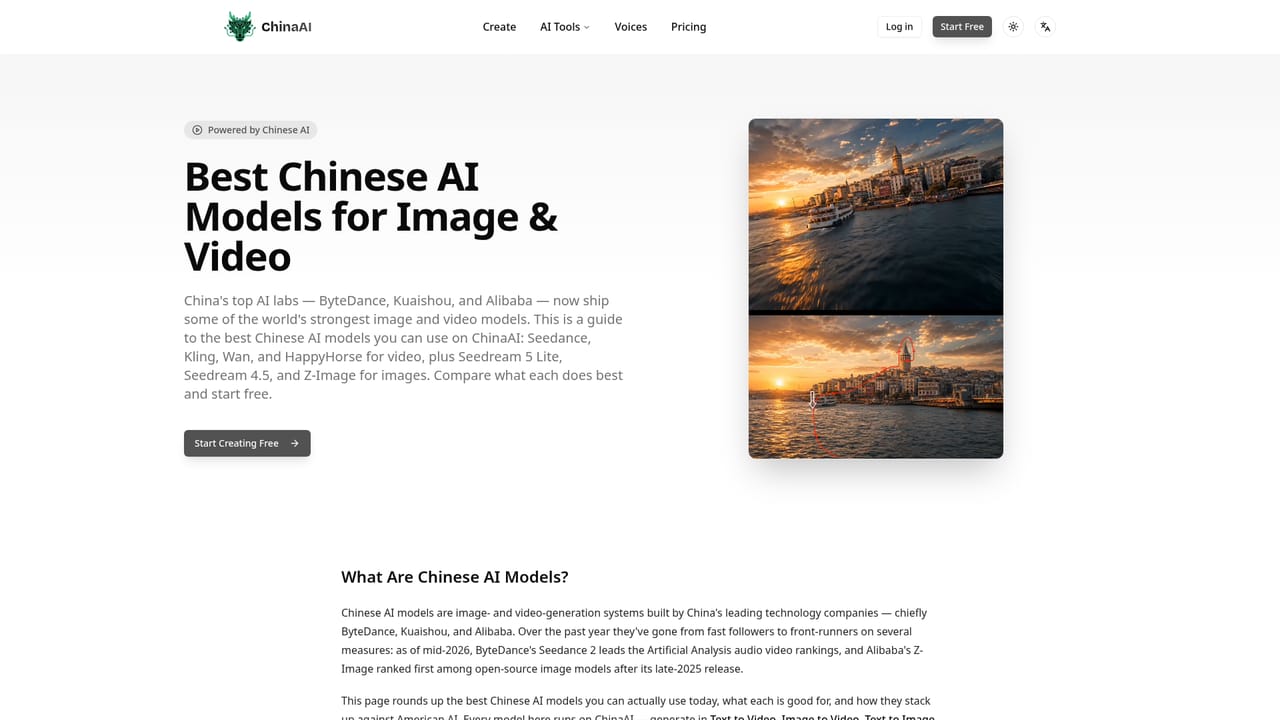
ChinaAI integrates leading Chinese models (Seedream and Seedance from ByteDance, Wan from Alibaba, Kling from Kuaishou, Z-Image) alongside global models Nano Banana and Veo from Google and GPT Image from OpenAI.
Learn moreText-to-image, image-to-image, text-to-video and image-to-video generation using models including Seedream, Seedance, Wan, Kling, Z-Image, HappyHorse, Nano Banana, Veo and GPT Image, plus tools like AI avatar, motion control, 3D model generation, upscaling and background removal.
 AI Angels400+ customizable AI girlfriends for NSFW chat, voice calls, and roleplay
 Candy AIExperience the future of companionship with AI friends who chat, role-play, and connect with you on a human level.
 ourdream.aiA vast AI roleplay platform with millions of characters for chat, images, video and voiceAI Angels400+ customizable AI girlfriends for NSFW chat, voice calls, and roleplayCandy AIExperience the future of companionship with AI friends who chat, role-play, and connect with you on a human level.ourdream.aiA vast AI roleplay platform with millions of characters for chat, images, video and voice


