Cimba.ai

Proactive AI agents that watch business data and hand teams the next best action

Advanced
Screenshot of Cimba.ai, Proactive AI agents that watch business data and hand teams the next best action

What is Cimba.ai?

Cimba.ai is a pattern recognition tool. Cimba is an enterprise AI platform for business operations that continuously monitors connected systems, investigates anomalies, and recommends a Next Best Action for a human to approve. It targets operations, customer success, finance and analytics teams, with SOC 2 Type II governance and SaaS or in-VPC deployment.

Cimba is an enterprise AI platform built around a simple premise: most operational software waits to be asked a question, and most teams find out about problems too late. Cimba instead monitors connected business systems continuously, decides when a signal is worth attention, investigates the cause, and pushes a single recommended step to the person who can approve it. The company frames this as a Next Best Action loop that runs from signal to approved action, with each run logged. The product is aimed at four desks: operations (SLA breaches, delivery slippage, supply monitoring), customer success (account health scored continuously so churn risk appears before renewal), finance and FP&A (flux analysis, variance, reconciliation during close), and data and analytics teams that want governed workflows instead of one-off analyst requests. Reference customers named on the site include Swiggy, KPMG, Grubhub, Wonder, SoundHound AI and others, with Swiggy cited as a multi business unit rollout under three months. In practice a run looks like this: Cimba notices pickup times drifting past target in a delivery zone, compares performance zone by zone, traces the cause to courier supply running under forecast, recommends reassigning couriers before a peak, and routes that recommendation to a city ops lead for approval from Slack. Once approved, the action executes and the outcome is logged against it, so the reported return is tied to a measurable result rather than a satisfaction survey. Where it fits: Cimba positions itself against three neighbours. BI tools and AI assistants show data or answer a question and stop. Generic co-worker assistants require each user to wire up their own integrations and only suggest actions inside a conversation. Workflow tools handle human-in-the-loop steps but only pre-scripted ones. Cimba's claim is the combination: a shared connection layer, continuous monitoring, proactive recommendations, execution with human approval, and governance by design. It is SOC 2 Type II certified, described as SOX aligned, and deploys either as SaaS or inside a customer VPC. Buyers should treat it as enterprise infrastructure rather than a self-serve utility: the homepage offers a demo booking as the entry point, not a signup button.

How do you use Cimba.ai?

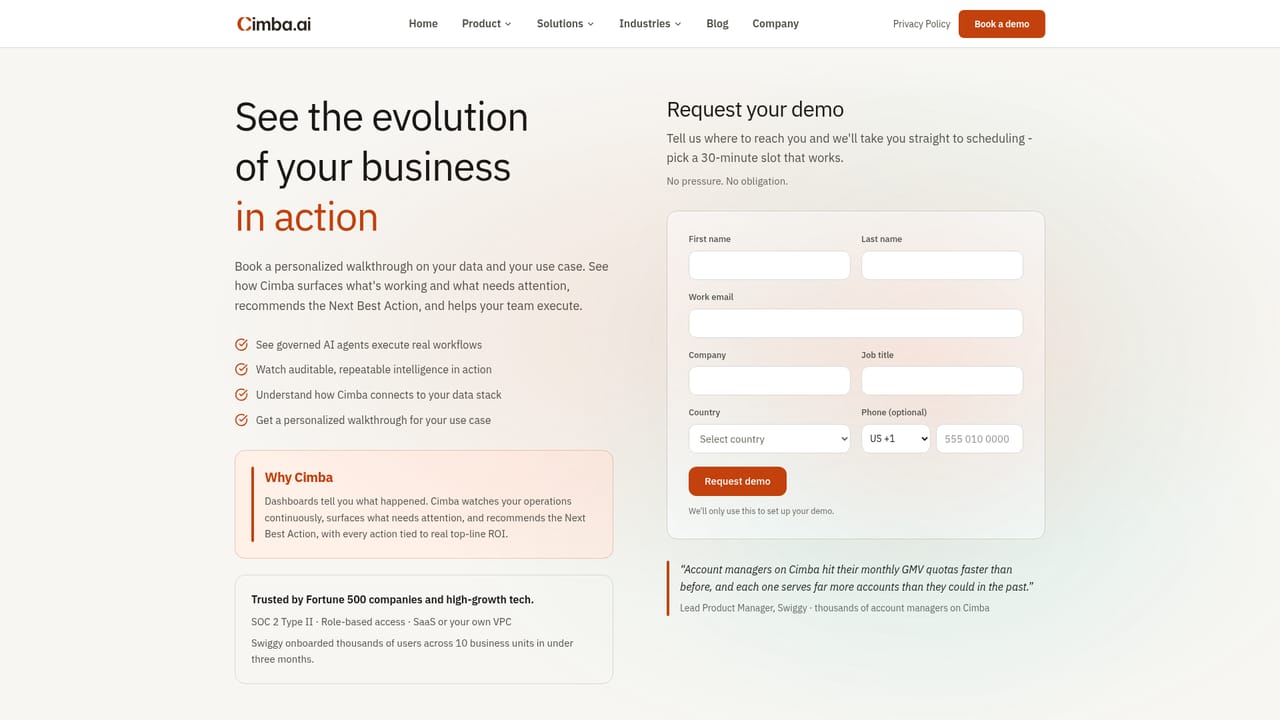
  1. 1Book a demo and scope your first use case
    Cimba is sold through a guided demo rather than self-serve signup. Come with one concrete workflow in mind, such as SLA monitoring or the month-end flux run, so the walkthrough maps to real work.
    Cimba.ai — Book a demo and scope your first use case
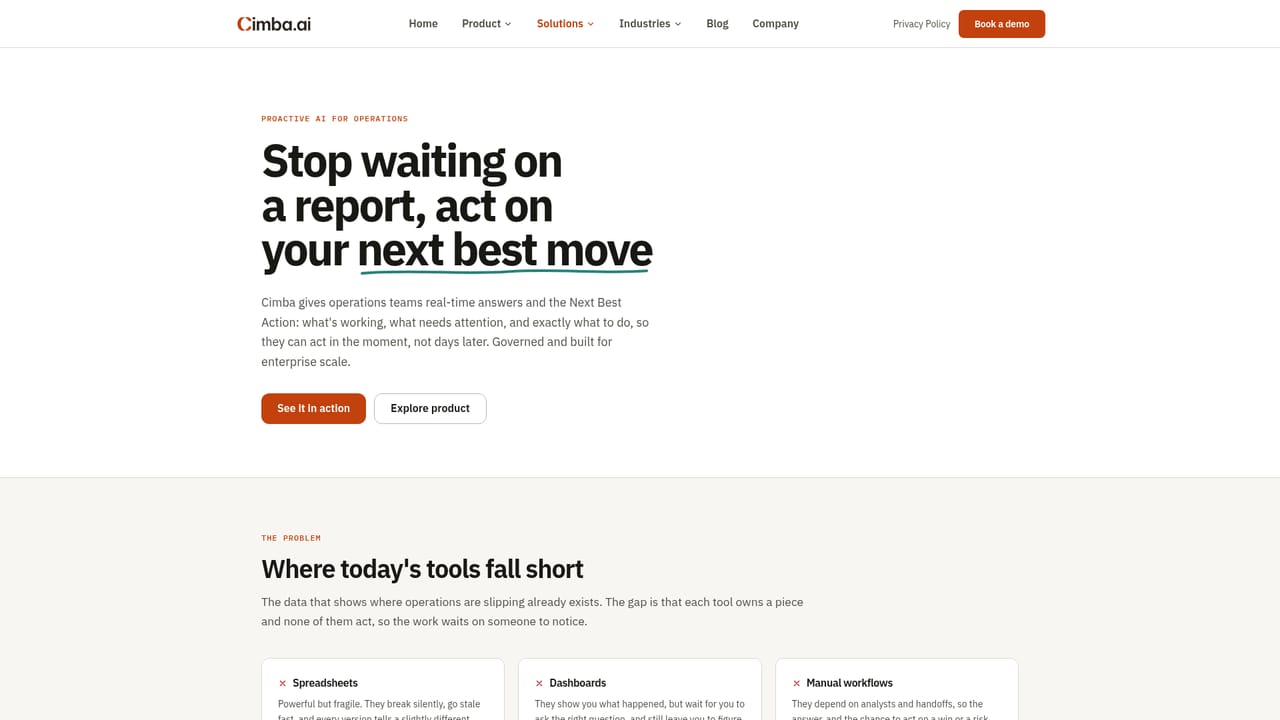
  2. 2Read up on the solution for your team
    The site splits guidance by desk: business operations, customer success and financial services. Pick the closest match to see the signals and actions Cimba targets for that team.
    Cimba.ai — Read up on the solution for your team
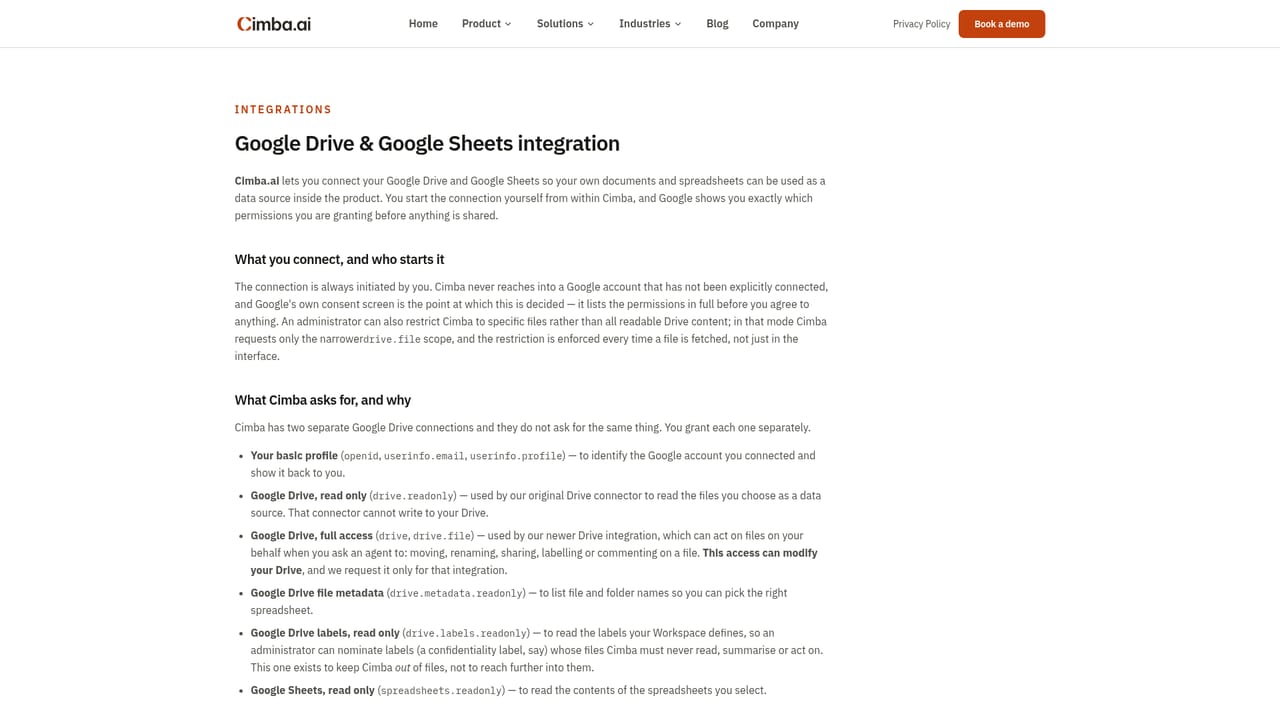
  3. 3Connect your data sources
    Cimba reads from the systems you already run. Google Drive and Google Sheets are documented as sources, and the Google page explains what permissions are requested before anything is shared.
    Cimba.ai — Connect your data sources
  4. 4Define what counts as a signal
    Agree the thresholds and rules that separate noise from something worth escalating, for example delivery times drifting past target or accounts whose health score is falling. This becomes the guardrail for what Cimba surfaces.
  5. 5Approve actions where you already work
    When a recommendation is routed, the owner approves it from a tool like Slack. Cimba executes the step and records the run in the audit trail.
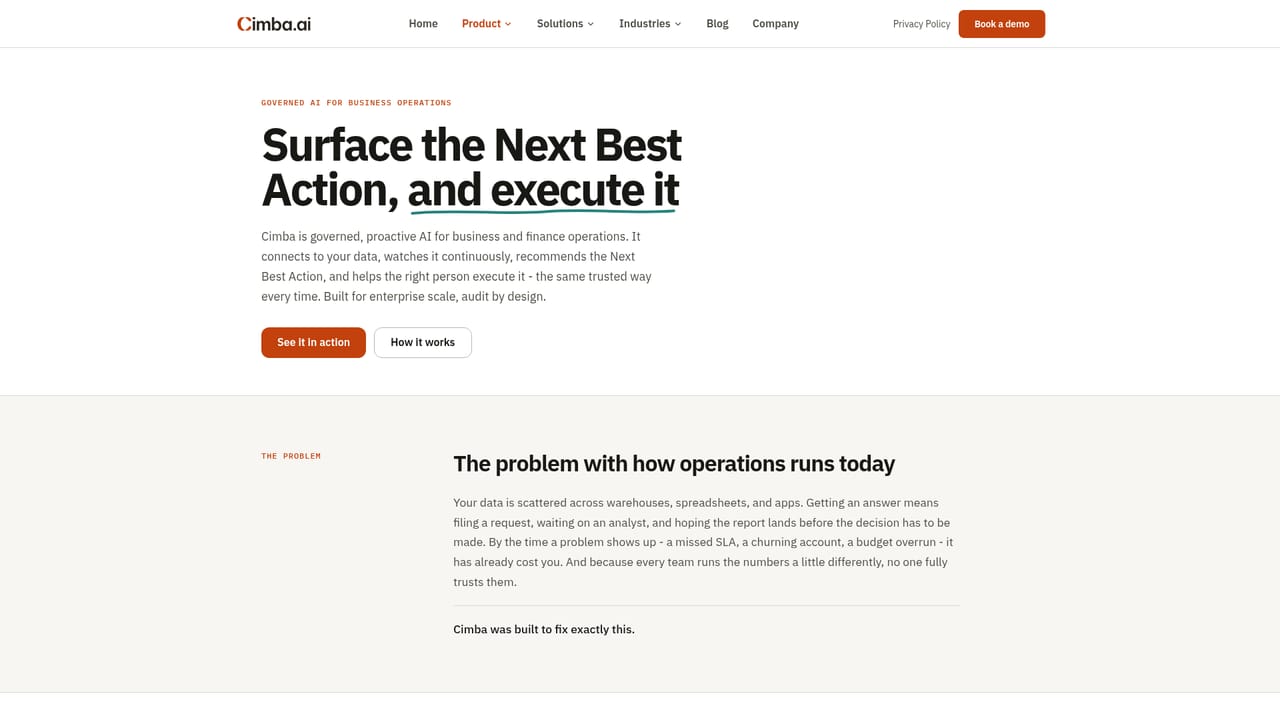
  6. 6Review the outcome ledger
    Each approved action is logged against the impact it produced. Review that ledger over the first weeks to confirm the recommendations are accurate before widening scope.
    Cimba.ai — Review the outcome ledger

Pros and cons

Pros

  • Continuous monitoring surfaces operational problems without anyone filing a request or building a dashboardAI
  • Recommendations arrive with root cause analysis and projected impact attached, not just an alertAI
  • Human approval and an append-only audit trail suit finance and compliance reviewAI
  • Each recommended action is tied to a measured outcome, which makes ROI claims checkableAI
  • Deploys as SaaS or inside a customer VPC, and is SOC 2 Type II certifiedAI

Cons

  • No published pricing, no self-serve signup and no public free tier; access starts with a sales demoAI
  • The site names only Google Drive and Google Sheets among integrations, so buyers must verify coverage for ERP, CRM and dispatch systemsAI
  • Outcome attribution depends on clean, well-modelled source data, which is the hardest part of most operations stacksAI
  • Continuous monitoring and agent execution are a significant governance ask for IT and security teamsAI
  • Named customer proof concentrates on marketplace and delivery operations, so fit is less evidenced for other sectorsAI

How much does Cimba.ai cost?

Integrations

Google Drive and Google Sheets are documented as data sources, with permissions shown at connection time and disconnection available at any point. Dispatch platforms, Slack, Snowflake and email appear in the site's monitoring example.

Learn more

Features

Continuous monitoring across connected business systems, root cause investigation when a signal fires, a recommended Next Best Action routed to an owner, execution after human approval, an append-only audit trail for every run, and outcome attribution tying each action to a measured result. Positioning covers operations, customer success, finance and analytics workflows, with agentic models tuned for business operations.

Learn more

Frequently asked questions about Cimba.ai

  • How do you use Cimba.ai?
    The walkthrough on this page covers 6 steps: 1. Book a demo and scope your first use case 2. Read up on the solution for your team 3. Connect your data sources 4. Define what counts as a signal 5. Approve actions where you already work 6. Review the outcome ledger.
  • What platforms does Cimba.ai support?
    Cimba.ai is available on Web App.
  • What does Cimba.ai integrate with?
    Google Drive and Google Sheets are documented as data sources, with permissions shown at connection time and disconnection available at any point. Dispatch platforms, Slack, Snowflake and email appear in the site's monitoring example.
  • What are the limitations of Cimba.ai?
    No published pricing, no self-serve signup and no public free tier; access starts with a sales demo. The site names only Google Drive and Google Sheets among integrations, so buyers must verify coverage for ERP, CRM and dispatch systems. Outcome attribution depends on clean, well-modelled source data, which is the hardest part of most operations stacks.

Status

StatusActive
Views0
Outbound clicks0
Added10/22/2026

Platforms

Web App

Pricing

Paid