Civitai

Model hub and community gallery for open generative image work

Intermediate
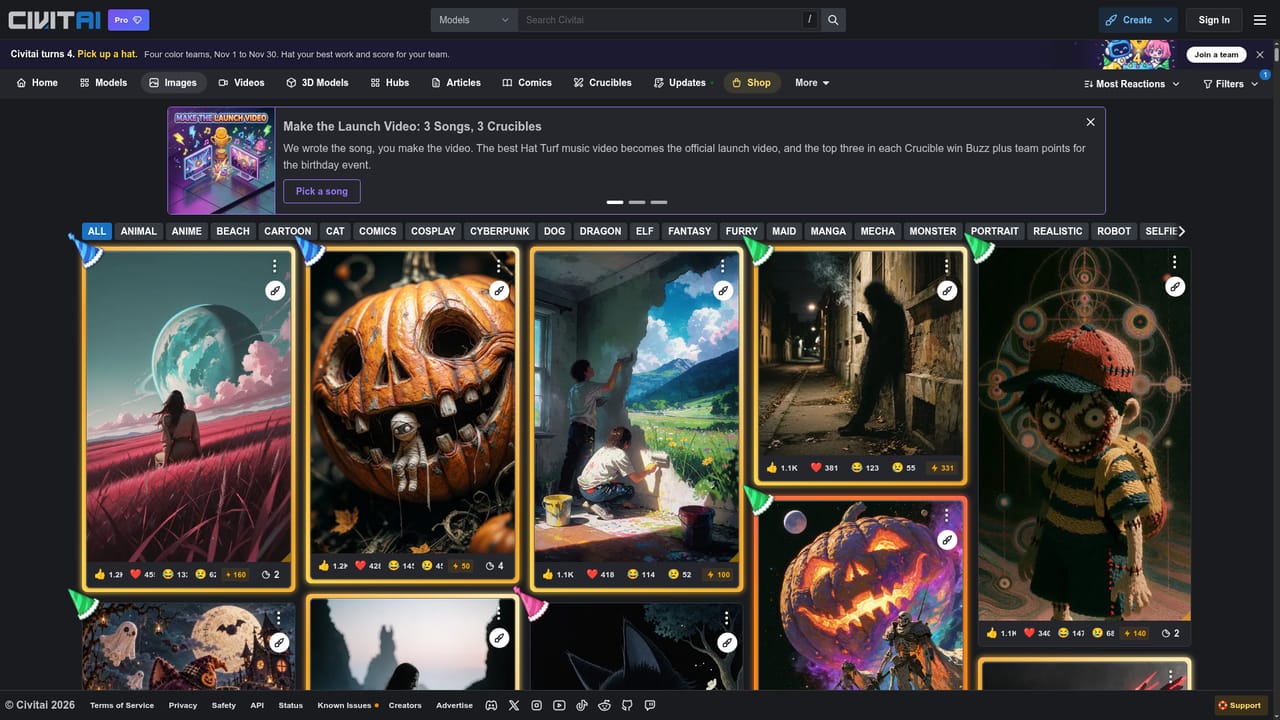
Screenshot of Civitai, Model hub and community gallery for open generative image work

What is Civitai?

Civitai is a generative art tool. Civitai hosts a large library of Stable Diffusion and Flux models alongside a public gallery of community generated images, videos and 3D assets. Prompts and settings are often visible via remix, making it a practical research and distribution hub for people running their own image generation setup.

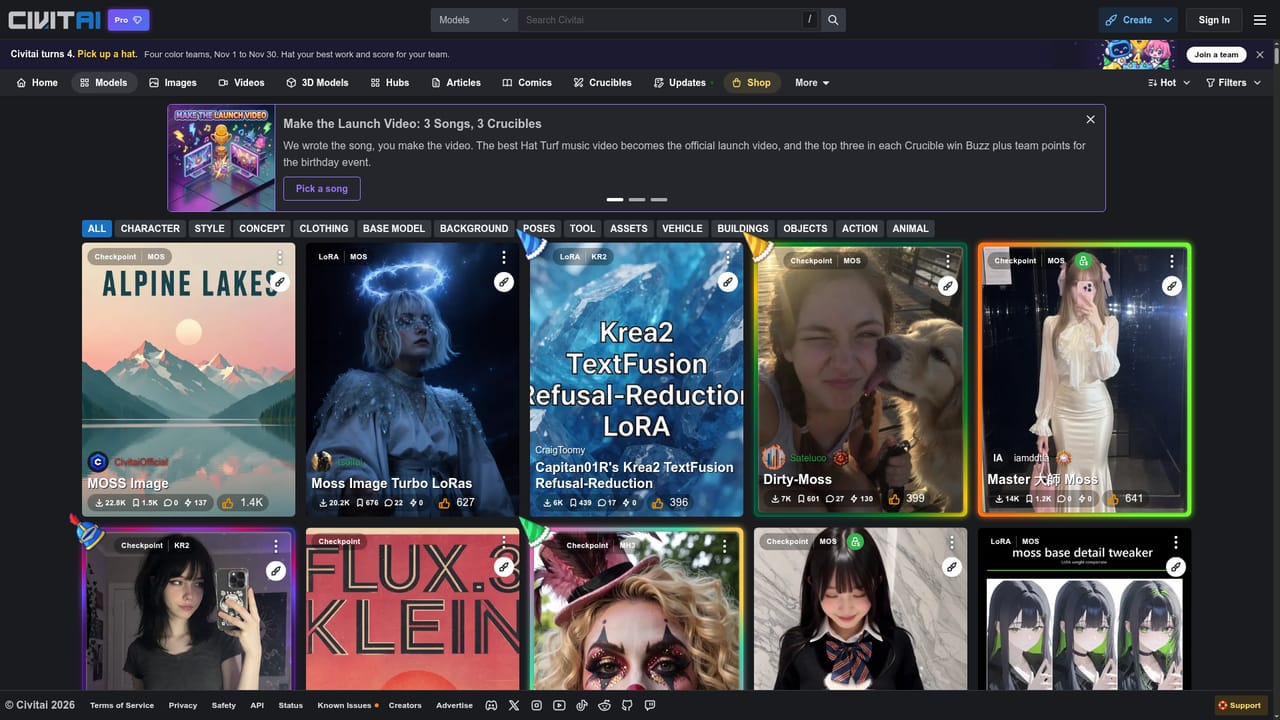
Civitai is a community platform built around open generative image models, most notably Stable Diffusion and Flux. Its core is a large library of downloadable checkpoints, style models, detailers and LoRA style packs, each with its own model page, sample outputs and creator notes. Around that library sits a public gallery where members post the images, videos and 3D assets they produce, so browsing the feed doubles as research into what a given model actually looks like in use. The platform suits two broad groups. Hobbyist and semi professional image makers come for the models and stay for the feedback loop: every gallery post carries a remix action, which exposes the prompt and settings behind a result and lets another member build on it. Teams evaluating a style, a realism checkpoint or a detailer can compare community samples before committing to a download, which is faster than testing blind. In practice a session starts on the models page, where you filter by base model and style, read the creator's guidance, then pull the file into your own local setup. From there you publish results to the images feed, attach a prompt, and collect reactions. Adjacent sections extend the same pattern to short video, 3D models, long form articles and branching comics, and the site runs periodic community events such as team based challenges with badges and cosmetic rewards. Against dedicated generation apps, Civitai is closer to a distribution and discovery layer than a one click studio. Its value depends on running your own inference stack or a compatible host, and on tolerating a feed that mixes polished work with a great deal of experimentation. Buyers who want a managed generator with predictable output quality will find the ecosystem richer but the workflow less guided.

How do you use Civitai?

  1. 1Browse the model library
    Open the models page and filter by base model and style to narrow the catalogue. Read the creator notes and sample outputs on a model page before downloading anything.
    Civitai — Browse the model library
  2. 2Run the model in your own setup
    Download the checkpoint or style file and load it in your local or hosted image generation environment. Match the base model version the creator specifies.
  3. 3Study the gallery for prompts
    Browse the images feed and use the remix action on any post to see the prompt and settings behind it. Save the ones that match the look you are after.
    Civitai — Study the gallery for prompts
  4. 4Publish your own results
    Upload finished images to the feed with the prompt attached so others can remix them. Reactions and comments give a rough signal on which styles land.
  5. 5Explore adjacent formats
    The videos and 3D models sections apply the same model plus gallery pattern to short clips and 3D assets. Use them when a still image is not the deliverable.

Pros and cons

Pros

  • Large, well organized model library spanning Stable Diffusion and Flux checkpoints, style packs and detailersAI
  • Remix exposes prompt and settings behind community images, which shortens the learning curveAI
  • Model pages include creator guidance and sample outputs, so quality can be judged before downloadAI
  • Community events, badges and reactions give creators a reason to publish and iterateAI
  • Covers images, video, 3D models, articles and branching comics under one accountAI

Cons

  • Not a self contained generator: producing images generally requires your own local or hosted inference setupAI
  • Feed quality is uneven, with heavy experimentation mixed into the featured galleryAI
  • Model pages vary widely in documentation quality, so setup details often live in commentsAI
  • Style and realism checkpoints overlap heavily, making comparison work before you can chooseAI
  • Community gamification can reward posting volume over craftAI

How much does Civitai cost?

Features

A searchable library of Stable Diffusion and Flux models, style packs and detailers, each with sample outputs and creator notes. A public gallery of images, videos and 3D models with remix to reveal prompts, plus articles, branching storylines, comics, community events and a shop.

Learn more

Frequently asked questions about Civitai

  • How do you use Civitai?
    The walkthrough on this page covers 5 steps: 1. Browse the model library 2. Run the model in your own setup 3. Study the gallery for prompts 4. Publish your own results 5. Explore adjacent formats.
  • What platforms does Civitai support?
    Civitai is available on Web App.
  • What are the limitations of Civitai?
    Not a self contained generator: producing images generally requires your own local or hosted inference setup. Feed quality is uneven, with heavy experimentation mixed into the featured gallery. Model pages vary widely in documentation quality, so setup details often live in comments.

Status

StatusActive
Views0
Outbound clicks0
Added11/3/2026

Platforms

Web App

Pricing

Freemium