Free trial
A free generator is available without signup, and the site says a first image can be made in under 30 seconds.
Learn moreReasoning-first AI image generator from Luma Labs.

UNI-1 AI is a generative art tool. Uni-1 is a reasoning-based AI image generator from Luma Labs that plans a prompt before rendering. It supports up to 9 reference images, 76+ styles and multilingual text inside images, and claims top scores on RISEBench plus lower cost than GPT Image 1.5.
Uni-1 is an AI image generation model built by Luma Labs. It launched in March 2026 and takes a different route from most image tools: instead of diffusion, it uses an autoregressive transformer that processes text and image tokens inside a single model. In plain terms, it works through the composition of a prompt before it renders pixels, which the company says leads to more accurate output on layered, multi-object scenes and on images that contain readable text. The tool is aimed at creators who need control rather than novelty. That covers designers producing marketing or social assets, illustrators building consistent characters for webtoons and story panels, and product teams placing items in staged scenes. Up to 9 reference images can be uploaded to anchor a result to a brand look, a pose, or a real face, and more than 76 art styles are available from the same model, including photorealism, manga, watercolor and webtoon. In practice the workflow is conversational. You describe subject, style, setting, camera angle, lighting and any text strings, generate a first result, then ask for targeted changes over several turns without rebuilding the scene. The vendor says visual context stays stable through those edits. Text rendering is the standout claim: English, Chinese, Arabic and Japanese are supported with near-zero typographical errors, which is where many competing models fall down. Against alternatives, Uni-1 positions itself on reasoning and price. The homepage cites a RISEBench overall score of 92 against 74 for GPT-4o and 68 for Nano Banana 2, and claims a 30 percent lower cost than GPT Image 1.5. It also publishes head to head pages against Nano Banana 2, GPT Image 1.5 and Seedream 5.0. Independent verification of those numbers is not provided on the homepage, so treat the benchmarks as vendor claims. Compared with older diffusion tools, the draw is fewer retries on complex prompts; compared with general chat models, the draw is tighter image control.
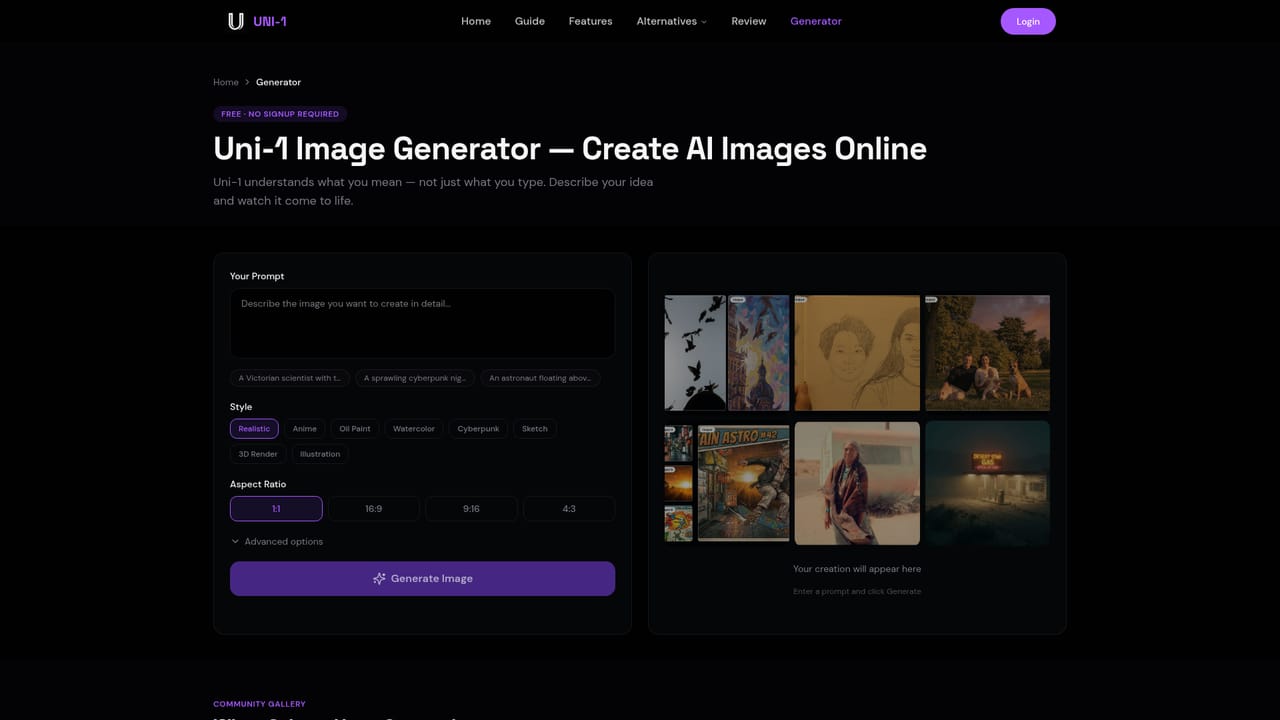
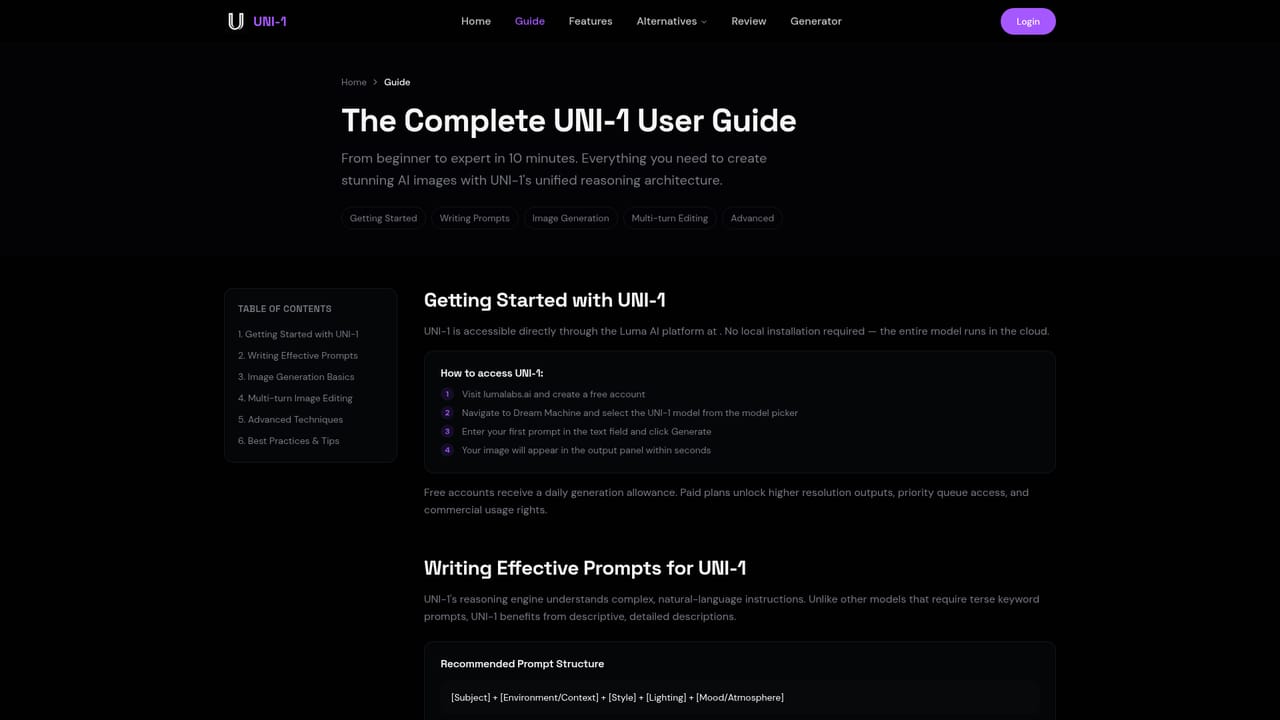
A free generator is available without signup, and the site says a first image can be made in under 30 seconds.
Learn moreThe homepage advertises free generation with no signup and claims a 30 percent lower cost than GPT Image 1.5, but does not publish tier prices or credit limits.
Learn moreReasoning engine for layered prompts, multilingual text rendering, up to 9 reference images, 76+ art styles, multi-turn editing with scene consistency, and high-resolution output for production use.
Learn more AI Angels400+ customizable AI girlfriends for NSFW chat, voice calls, and roleplay
 Candy AIExperience the future of companionship with AI friends who chat, role-play, and connect with you on a human level.
 ourdream.aiA vast AI roleplay platform with millions of characters for chat, images, video and voiceAI Angels400+ customizable AI girlfriends for NSFW chat, voice calls, and roleplayCandy AIExperience the future of companionship with AI friends who chat, role-play, and connect with you on a human level.ourdream.aiA vast AI roleplay platform with millions of characters for chat, images, video and voice


