Roblox Cube 3D

Roblox's own model turns text prompts into 3D objects inside Studio

Intermediate API
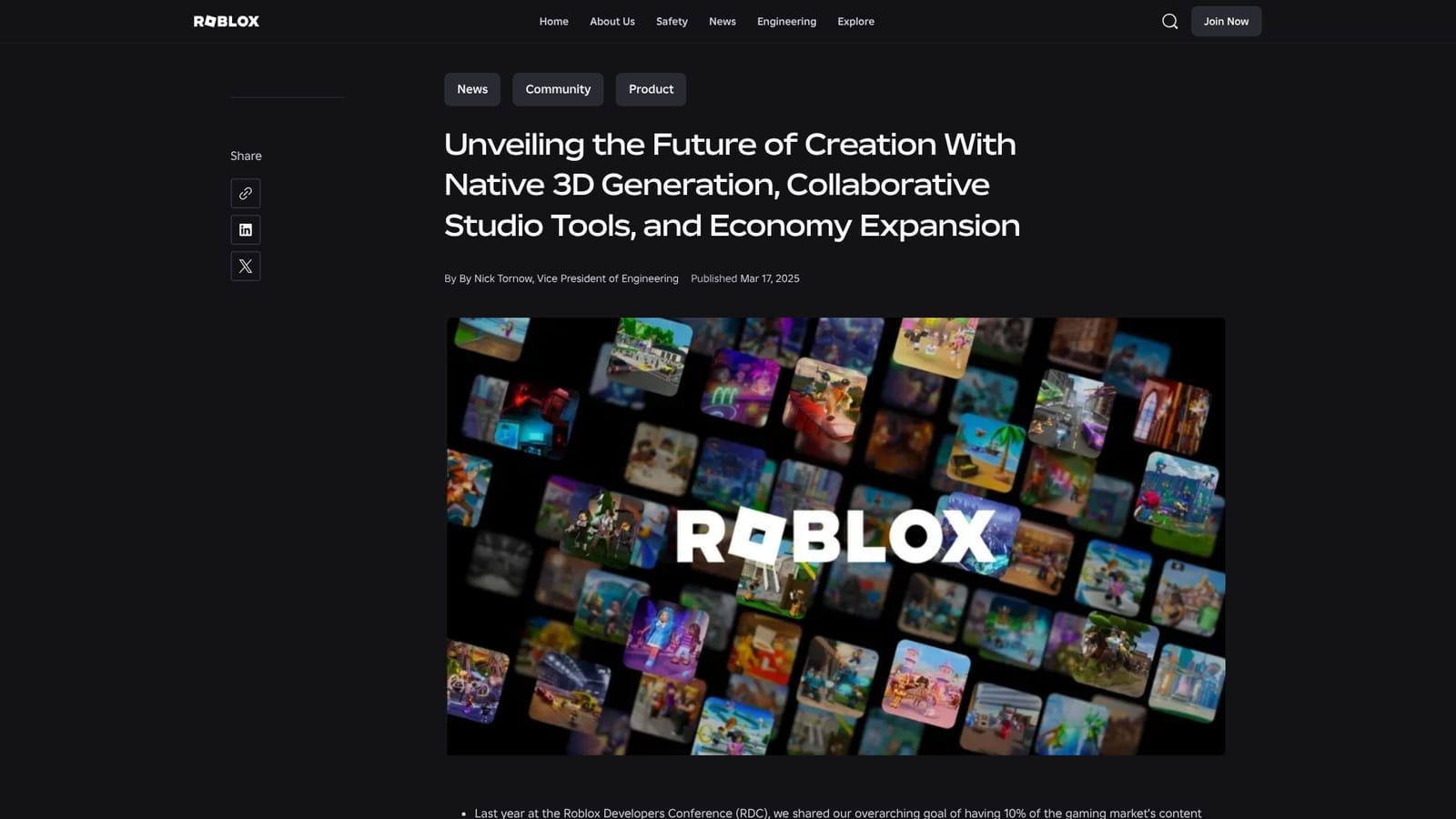
Screenshot of Roblox Cube 3D, Roblox's own model turns text prompts into 3D objects inside Studio

What is Roblox Cube 3D?

Roblox Cube 3D is the platform's in-house generative model for 3D and 4D content. Its Cube Mesh Generation API, in beta, turns text prompts into meshes inside Roblox Studio, paired with a text generation API, a translation API and collaborative Studio upgrades.

Roblox Cube 3D is the foundational model behind Roblox's native 3D generation, announced at the 2025 Game Developers Conference as the core generative AI system for 3D and 4D content on the platform. The first shipping piece is the Cube Mesh Generation API, launched in beta, which produces 3D meshes from text prompts. Rather than a standalone product, Cube lives inside the Roblox creation stack, so generated assets feed directly into the same place builders already assemble environments, props and characters. The immediate audience is Roblox creators: independent developers, small studios and hobbyists working in Roblox Studio who need meshes and prototype geometry without leaving the engine or paying for outside 3D modeling work. In practice, a creator writes a prompt describing an object, the model returns a mesh, and that mesh is refined and placed in the scene. Roblox positions this as a way to reach a rough creative direction quickly, then iterate on it, which matters for teams that treat prototyping speed as their main constraint. Cube is one piece of a wider push. The same announcement covered a text generation API for interactive in-experience content, a real-time translation API for in-experience text, a rebuilt Explorer in Luau, a customizable Studio toolbar, an upgraded Asset Manager and real-time comments and annotations for collaboration. The stated goal is to let teams of any size publish once across major devices, and to route more of the gaming market's content revenue through creators. Among generative 3D tools, Cube's differentiator is not raw output quality but distribution. Assets are generated for the platform that hosts them, with server architecture, distribution, moderation and monetization handled by Roblox, so a mesh has a direct path to a published experience and an audience of millions. The tradeoff is that it is a platform feature, not an open modeling tool: its value is tied to building on Roblox itself.

How do you use Roblox Cube 3D?

  1. 1Understand what Cube 3D covers
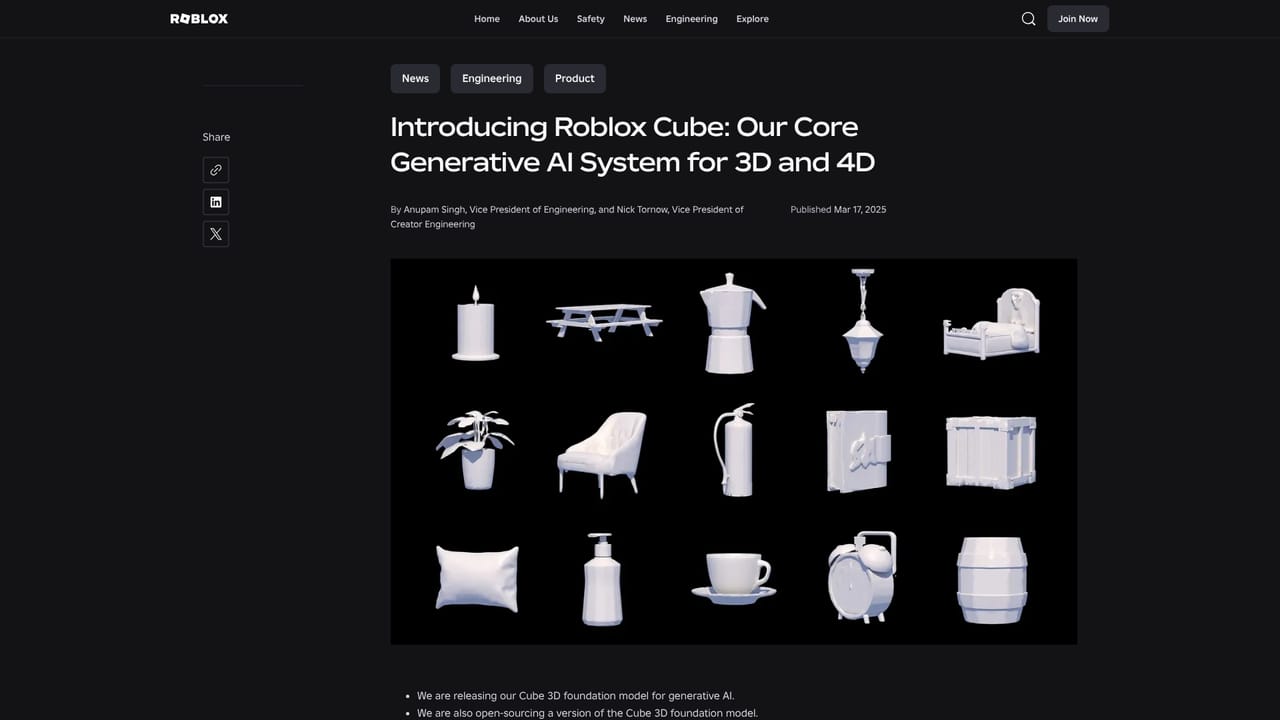
    Read the Roblox Cube introduction to see how the Cube 3D foundational model fits into the wider generative AI system for 3D and 4D content on Roblox.
    Roblox Cube 3D — Understand what Cube 3D covers
  2. 2Review the Studio and AI updates
    Go through the GDC announcement to see the beta Cube Mesh Generation API alongside the text generation API and real-time translation API, plus the Studio UI and Asset Manager changes.
    Roblox Cube 3D — Review the Studio and AI updates
  3. 3Open Roblox Studio and start a project
    Roblox Studio is the creation environment where generated meshes are used. Open it from the Creator Hub and load or create the project you want to build in.
  4. 4Generate a mesh from a text prompt
    Use the Cube Mesh Generation API to describe an object in text and receive a 3D mesh. The beta is the live entry point for testing what the model produces.
  5. 5Place, review and iterate
    Bring the generated mesh into your scene, judge how it looks in context, then rework the prompt or refine the result. Treat early output as a starting point rather than a finished asset.
  6. 6Follow platform and model updates
    Check the newsroom for changes to Cube, Studio and the economy tools, since the model and its APIs are still rolling out in stages.
    Roblox Cube 3D — Follow platform and model updates

Pros and cons

Pros

  • Generation happens inside Roblox Studio, so assets go straight into the scene without export or import stepsAI
  • Built for rapid prototyping: a text prompt yields a mesh to iterate on rather than a finished assetAI
  • Sits alongside text generation and real-time translation APIs, giving creators several AI tools in one pipelineAI
  • Distribution and backend infrastructure are handled by Roblox, so a generated asset has a clear path to publishing and an audienceAI
  • Backed by a platform that paid creators $923 million in 2024, which signals long-term investment in the creation stackAI

Cons

  • The Mesh Generation API shipped in beta, so output reliability and coverage are not yet proven at production scaleAI
  • Tied to Roblox Studio and the Roblox platform; it cannot be used as a general-purpose 3D asset tool elsewhereAI
  • The homepage gives no detail on mesh quality, polygon control, rigging or texture output, which are the specifics modelers judge firstAI
  • Creators depend on a proprietary model whose versions and limits Roblox controls, with no indication of how prompts or assets are handledAI

How much does Roblox Cube 3D cost?

Features

Core features announced around Cube 3D: the Cube 3D foundational model for 3D and 4D generation, a beta Cube Mesh Generation API that turns text prompts into meshes, a text generation API for interactive experience content, and a real-time translation API. Roblox Studio gains a rebuilt Luau Explorer, customizable toolbars, an upgraded Asset Manager and real-time comments and annotations.

Learn more

Frequently asked questions about Roblox Cube 3D

  • Does Roblox Cube 3D have an API?
    Yes, Roblox Cube 3D offers an API.
  • How do you use Roblox Cube 3D?
    The walkthrough on this page covers 6 steps: 1. Understand what Cube 3D covers 2. Review the Studio and AI updates 3. Open Roblox Studio and start a project 4. Generate a mesh from a text prompt 5. Place, review and iterate 6. Follow platform and model updates.
  • What platforms does Roblox Cube 3D support?
    Roblox Cube 3D is available on Web App, Windows and MacOS.
  • What are the limitations of Roblox Cube 3D?
    The Mesh Generation API shipped in beta, so output reliability and coverage are not yet proven at production scale. Tied to Roblox Studio and the Roblox platform; it cannot be used as a general-purpose 3D asset tool elsewhere. The homepage gives no detail on mesh quality, polygon control, rigging or texture output, which are the specifics modelers judge first.

Status

StatusActive
Views0
Outbound clicks0
Added11/3/2026

Platforms

Web AppWindowsMacOS

Pricing

Free