Free trial
Visitors can create a course free without signing up, entering a card or talking to sales, and can play free example courses.
Learn moreTurn a topic or document into a narrated, interactive course

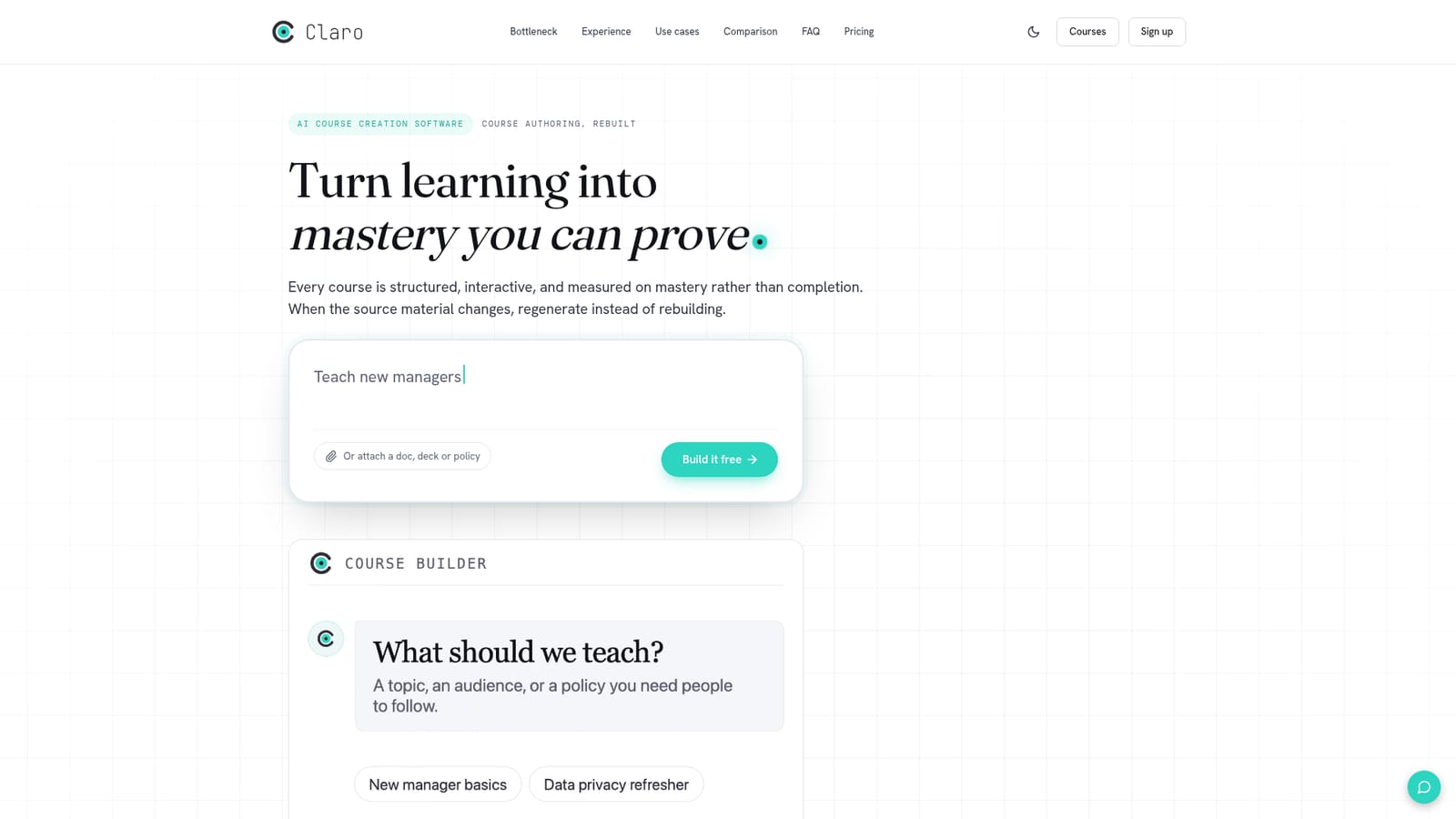
Claro AI is a content generation tool that turns a topic or document into a narrated, interactive course. Claro generates narrated, animated, interactive eLearning courses from a topic or document, with quizzes, an AI tutor, 70+ language translation and SCORM or xAPI export, so experts can build training without an instructional designer.
Claro is AI course creation software that converts a one-line subject, or an uploaded document, deck or policy, into a finished eLearning course. The output is narrated and animated, with interactive components, assessments and a dedicated mobile layout. It targets subject matter experts, managers and training teams who hold the knowledge but lack the time or instructional design resources to turn it into structured training. In practice, the workflow is organized around a team of specialized agents that each handle one stage. A collector reads connected sources such as docs, wikis, drives and Slack channels, a researcher produces a brief, and an architect drafts the module and lesson outline. Writer, producer and narrator agents then create scripts, animated slides and voiced lessons, with animation cues tied to the audio at the character level. An assessor builds quizzes, branching scenarios and rubric-graded checks, and a translator can localize the whole course into more than 70 languages. The author reviews each stage, edits inline or through a co-pilot chat, and ships the result. The site claims a full course in about 20 minutes. Learners get more than slides with a voiceover. Clickable simulated interfaces, explorable diagrams and mini-apps are walked through by the narration, and an AI tutor answers questions by voice or text mid-lesson. Five quiz types are generated from lesson content: single select, multi-select, ordering, matching and fill-in-the-blank. Because courses are built from company material, terminology and procedures follow internal sources, and affected lessons can be regenerated when a policy or product changes instead of being rebuilt by hand. Delivery options include SCORM 1.2 and 2004, xAPI, a Claro-hosted version or a shareable link, which covers LMS platforms such as Moodle, Docebo and Workday Learning. Claro also works as an MCP server, so assistants like Claude or ChatGPT can read and edit courses on paid plans. Among alternatives, it is positioned against authoring tools such as Articulate Rise and Adobe Captivate, trading manual layout control for generation speed and automation.
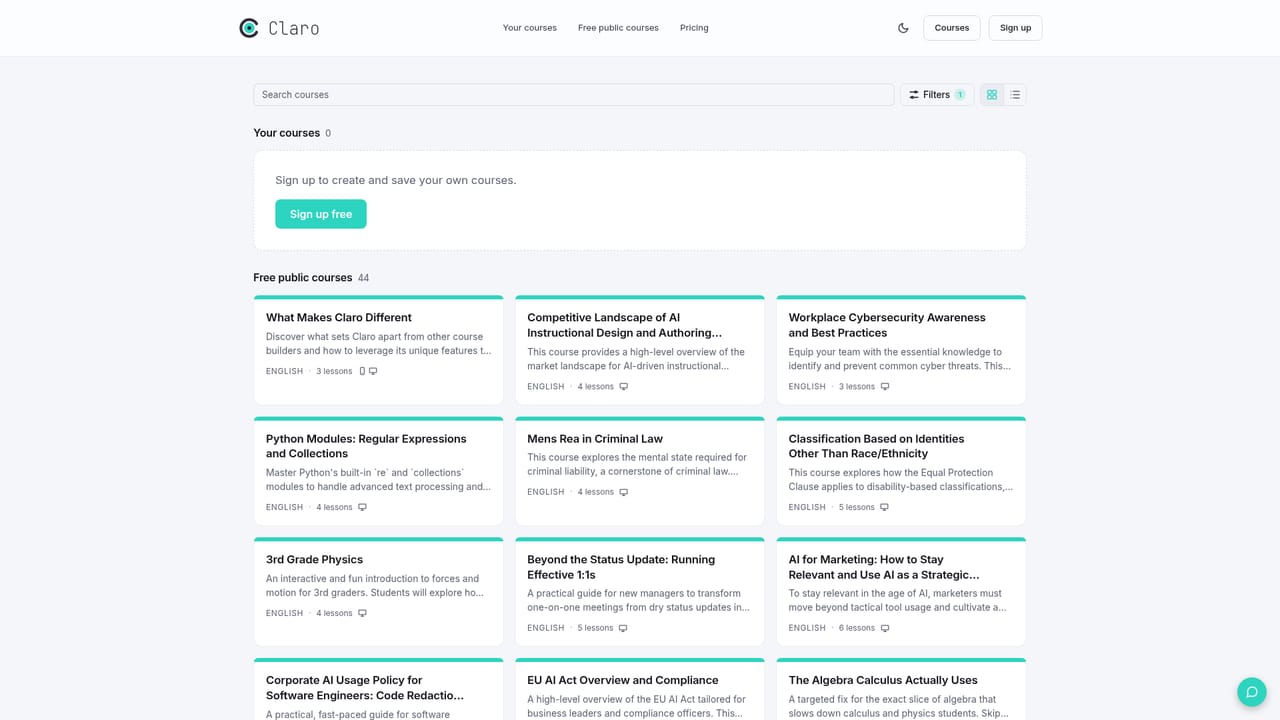
Visitors can create a course free without signing up, entering a card or talking to sales, and can play free example courses.
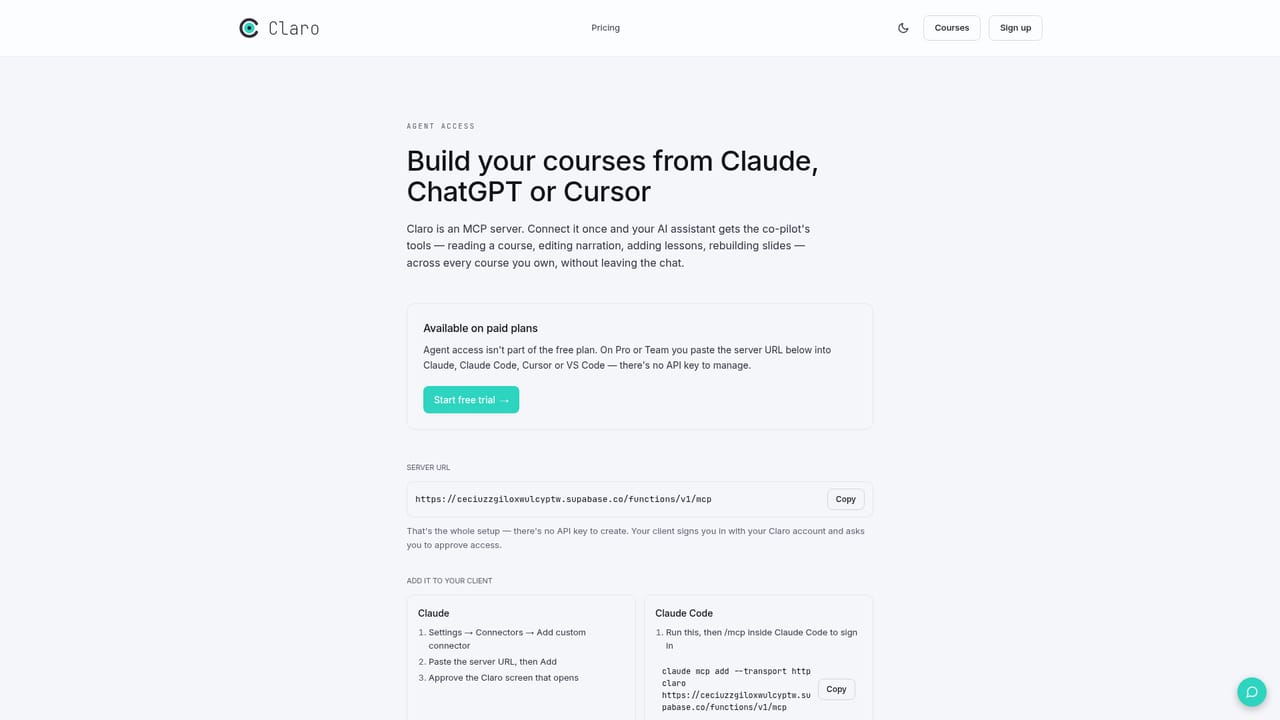
Learn moreThe homepage offers free course creation with no signup, card or sales call, and says MCP access is on paid plans. No plan names or prices are listed.
Learn moreExports SCORM 1.2/2004 and xAPI for Workday Learning, Docebo, Cornerstone, SAP SuccessFactors, Moodle or any conformant LMS. Works as an MCP server for Claude, ChatGPT, Cursor and Codex, and reads docs, Slack, wikis and drives.
Learn moreAgent-based course generation, narrated and animated lessons synced to audio, interactive simulations, AI tutor, five quiz types, branching scenarios, mobile experience, 70+ language translation, SCORM and xAPI export, and MCP access.


